 Logo Maker : AI Logo Generator
4.1


Business
Ratings
Downloads
Age
Advertisement
Advertisement
Name
Category
Price
Safety
Developer
Version
Logo Design at Your Fingertips!
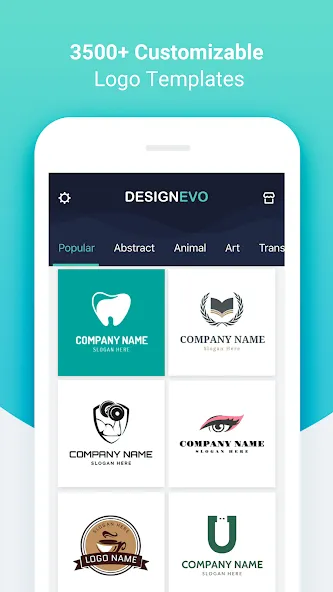
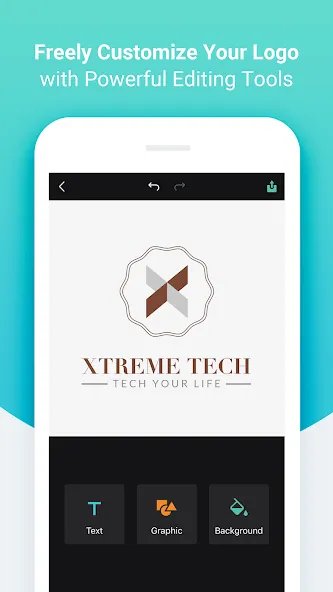
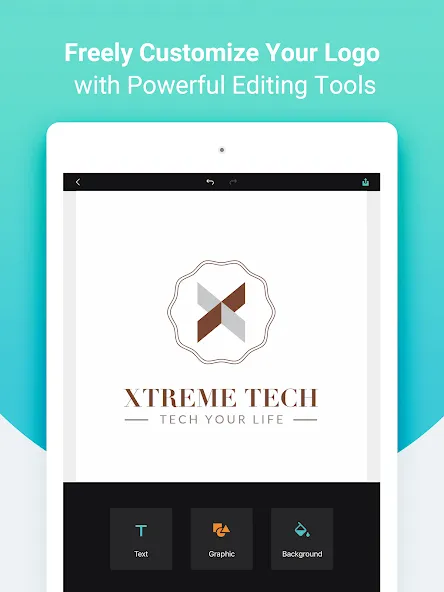
DesignEvo is an easy and fast app that lets you create stunning logos in the palm of your hand. With 3500+ customizable logo templates, 100+ fonts, lots of graphics and powerful editing tools, you can turn your ideas into a compelling and unique logo in minutes, even if you have no professional design skills.
Whether you are looking to create an amazing logo for using on your website, social media, company wall, email signature, letterhead, business card, stationery, or T-shirt, DesignEvo helps spark your inner creativity. It satisfies everyone from newbies to professionals.
-----------------------------------------------
HIGHLIGHTED FEATURES
-----------------------------------------------
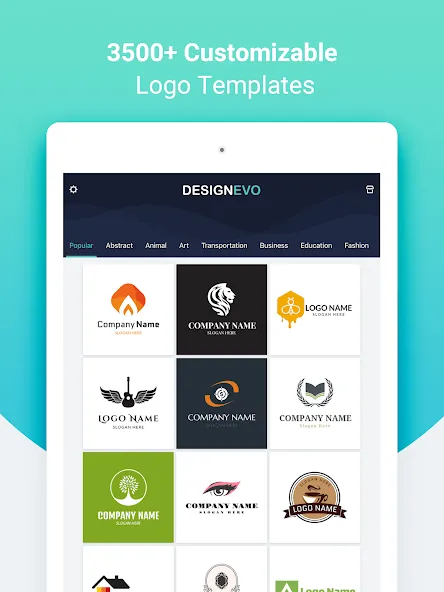
• 3500+ professionally designed logo templates in different categories such as Abstract, Animal, Business, Fashion, Letter and Technology.
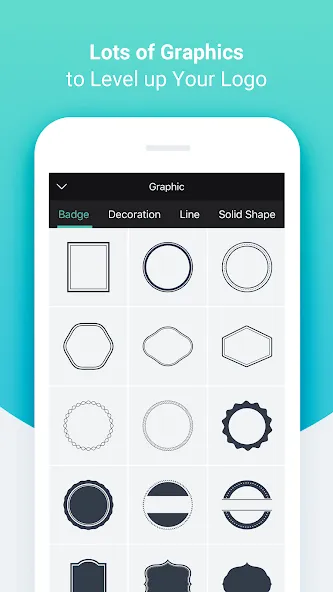
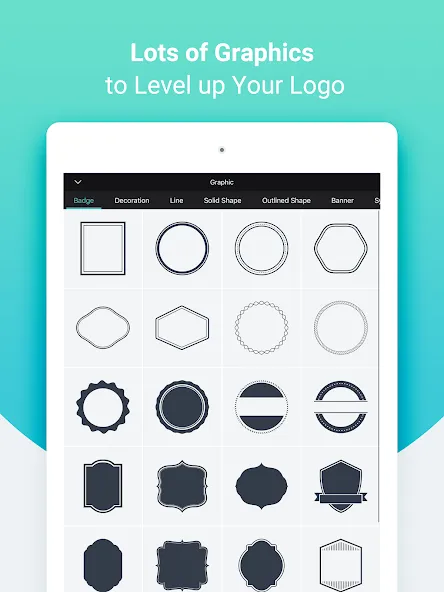
• Lots of preset graphics including Badge, Decoration, Line, Shape, Banner and Symbol.
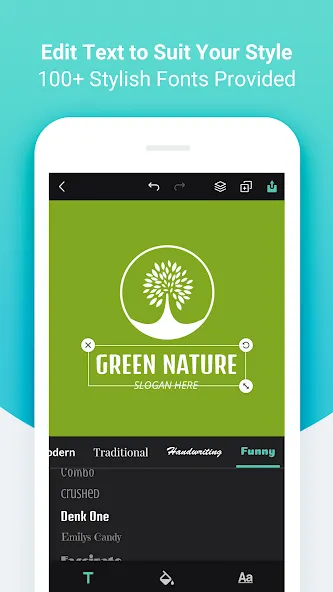
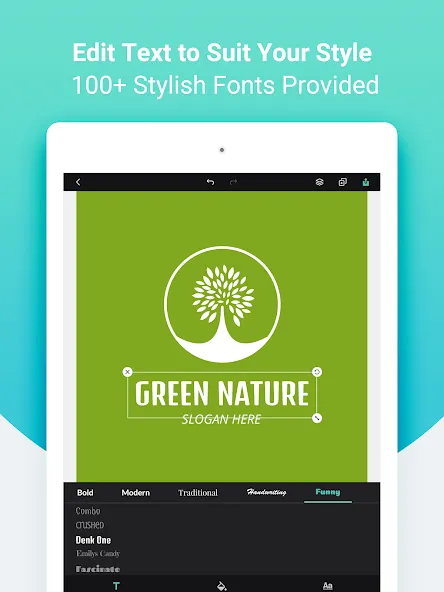
• 100+ hand-picked fonts in Bold, Modern, Traditional, Handwriting and Funny styles.
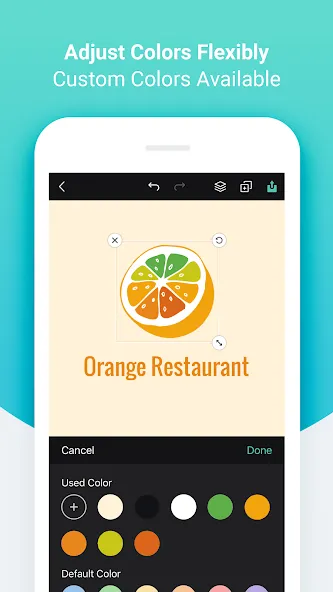
• Adjust font size, color, spacing, alignment, uppercase, opacity, curved effect and more to create unique typography artwork.
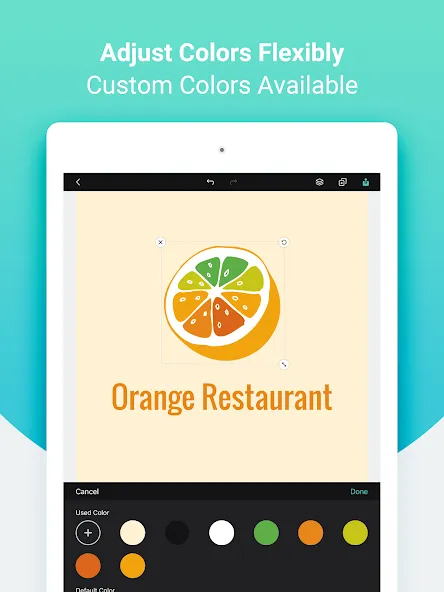
• Adjust opacity, color, flip & mirror effect for the selected graphic.
• Customize background with a preset solid color or add custom color to use.
• Undo/redo every step of your logo editing.
• Manage layers for the selected object - move it forward or backward.
• Freely move, resize and rotate any objects with your fingers.
• Duplicate or delete any objects at will.
• Save your logo as JPG, PNG or transparent PNG images.
• Share your logo via email, message or other favorite social media apps.
Advertisement