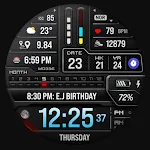
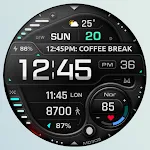
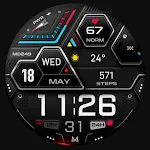
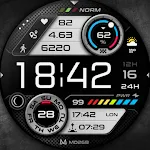
 MD308 Digital watch face
4.4

Personalization
Ratings
Downloads
Age
Advertisement

Advertisement
Name
Category
Price
Safety
Developer
Version
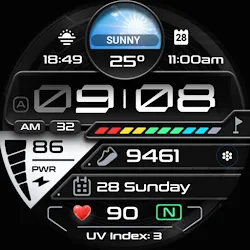
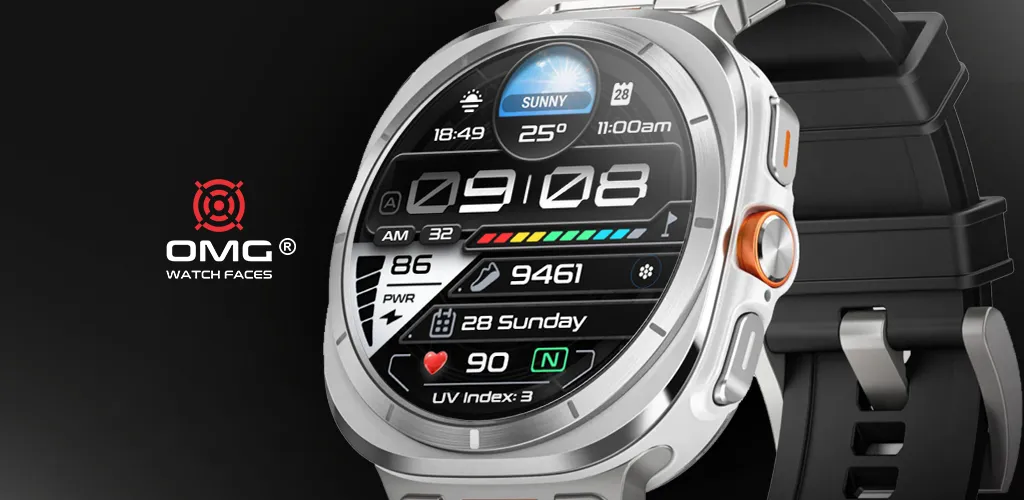
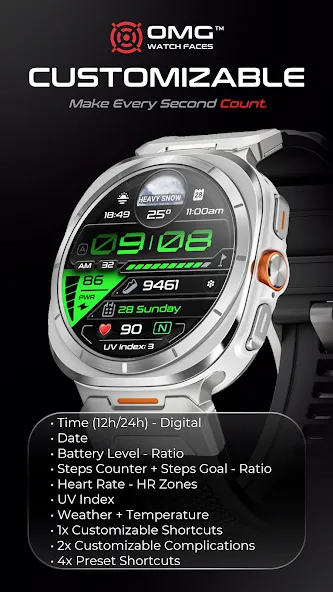
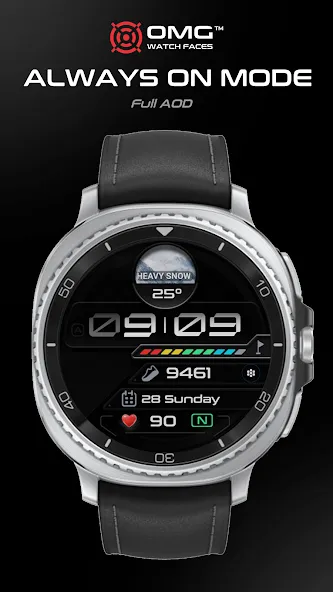
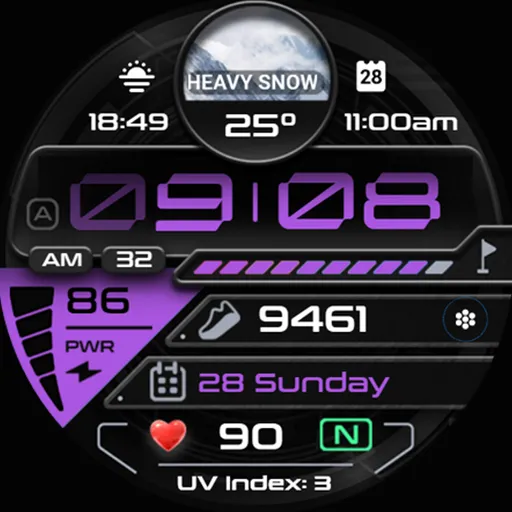
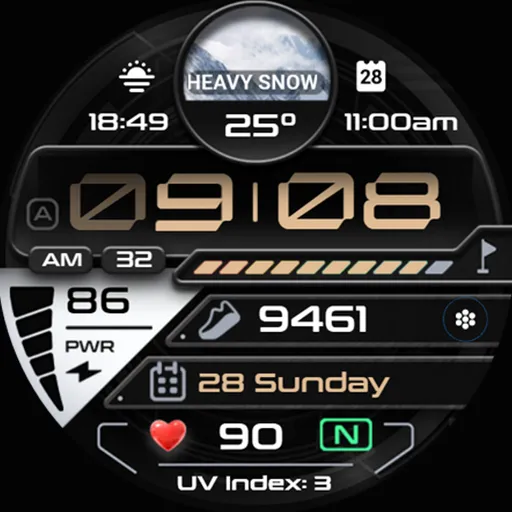
UltraTrack OMG 415 isn’t just built to tell time — it’s built to elevate every moment. Crafted for Wear OS (API 34+), it keeps you ahead of the day wherever it takes you.
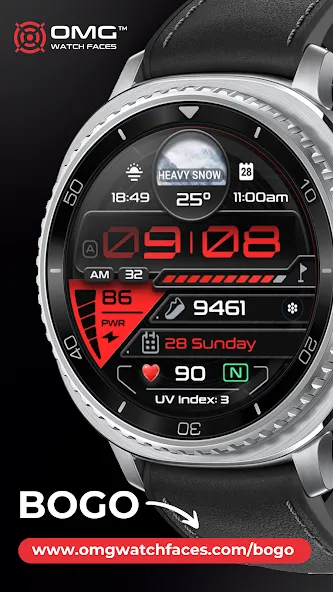
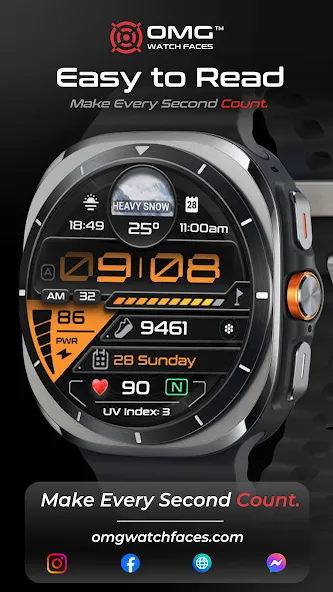
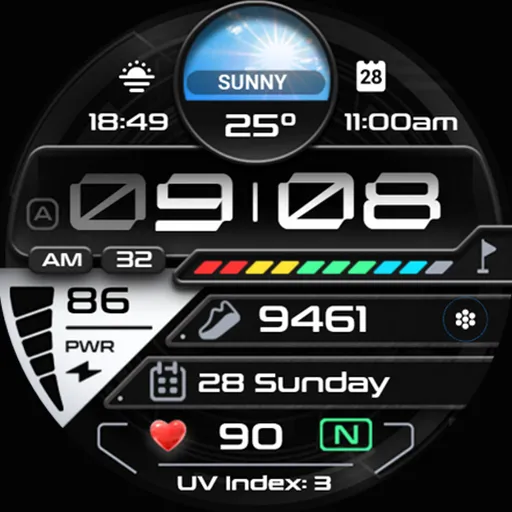
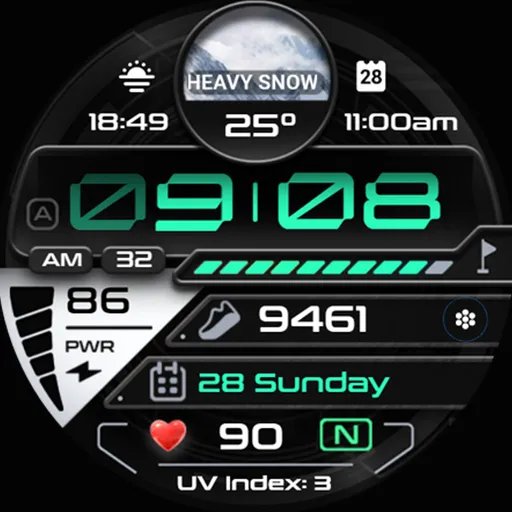
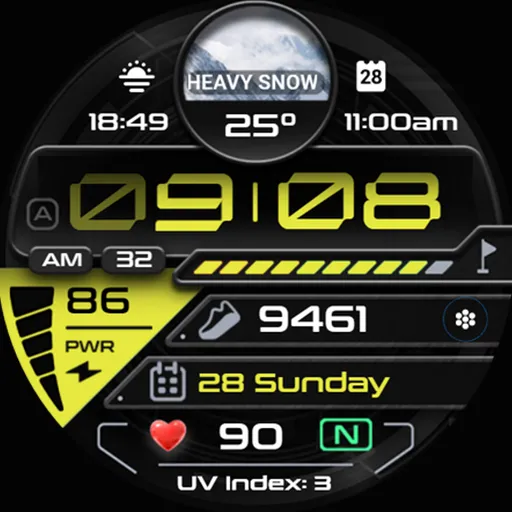
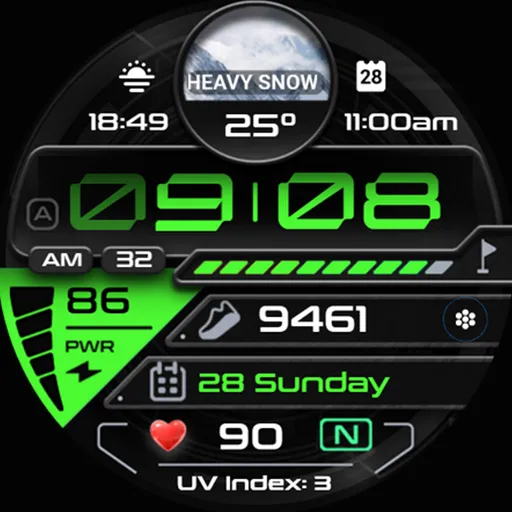
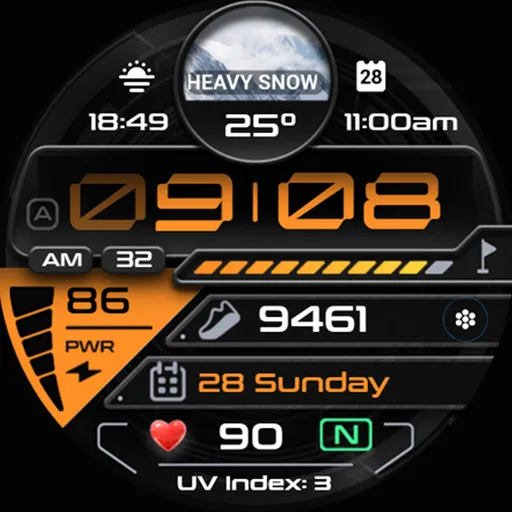
With its dynamic multi-data layout, bold accents, and precision-tuned design, UltraTrack OMG 415 brings together style and performance seamlessly. From real-time fitness stats to weather updates and heart-rate tracking, everything you need is displayed at a glance — in a watch face that looks as powerful as it performs.
BUY 1 GET 1 - https://www.omgwatchfaces.com/bogo
🚨 IMPORTANT:
If you encounter the message “Your devices are not compatible,” visit the Play Store through your browser.
🛠️ This is compatible only with Wear OS 5 (API 34+) devices, including the Samsung Galaxy Watch 7 and Samsung Galaxy Watch Ultra. Devices running Wear OS 4 or earlier are not supported.
🎯 Key Features:
• Time (12h/24h) Digital
• Date
• Battery Level - Ratio
• Steps Counter + Steps Goal - Ratio
• Heart Rate - HR Zones
• UV Index
• Weather + Temperature
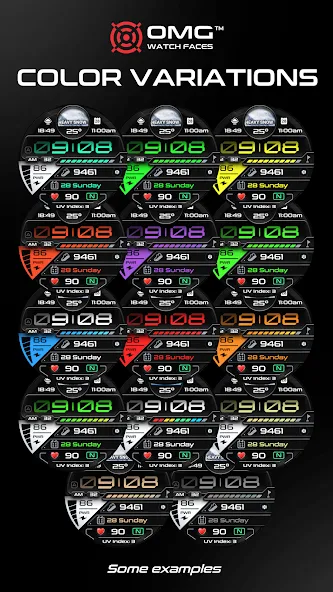
• Customizable Colors
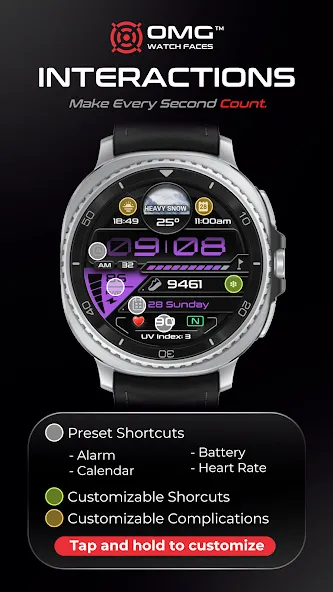
• 1x Customizable Shortcuts
• 2x Customizable Complications
• 4x Preset Shortcuts
✂️ Preset App Shortcuts:
• Alarm
• Calendar
• Baterry
• Heart Rate
❤️ To measure your heart rate:
1️⃣ Tap the heart rate display area.
2️⃣ Wait a few seconds while the watch measures.
3️⃣ The result will appear automatically.
Ensure that you allow sensor usage during installation; otherwise, switch to another watch face and return to enable the sensors. After the initial manual measurement, the watch face can automatically measure your heart rate every 10 minutes, with manual measurements remaining an option.
Feature availability may vary by device
😁 Never miss a new design—subscribe to our newsletter: https://www.omgwatchfaces.com/newsletter
Connect with us on social media:
🔵 Facebook: https://www.facebook.com/OMGWatchFaces
🔴 Instagram: https://www.instagram.com/omgwatchfaces
Advertisement