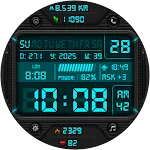
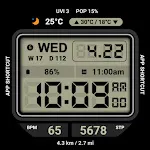
 HMK WD378
0.0

Personalization
Ratings
Downloads
Age
Advertisement
Advertisement
Name
Category
Price
Safety
Developer
Version
#Watch face installation
1. Companion App
Access the Companion app on the smartphone > Tap to Download button > Smart watch to installation
2. Install from App
Access the Play store app > Tap to ‘▼’ button > Select the Watch > Tap to price button > Buy
If the watch face cannot be installed, please install the watch face through the play Store web browser or watch.
3. Install from web browser
Access the Play store web browser > Tap to price > Select the Watch > Tap to install > Buy
4. Install from watch
Open the Play Store on the watch > Search for NW121 > Install
-----------------------------------------------------------------------------------------------------------
#SPEC
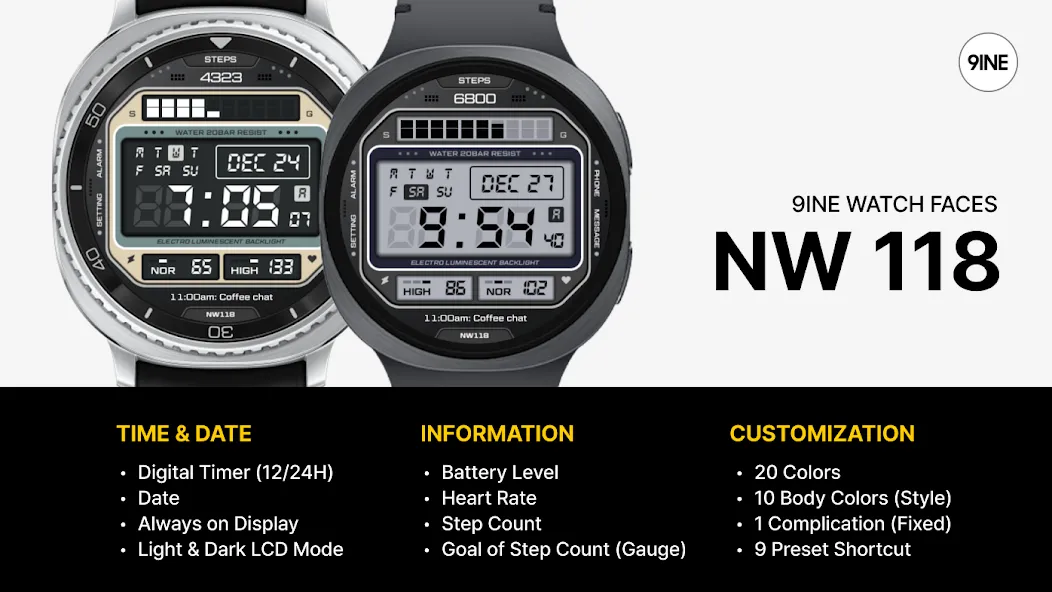
[TIME & DATE]
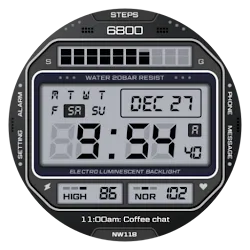
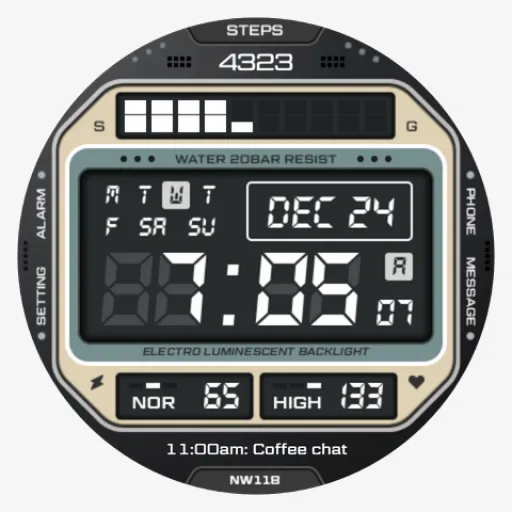
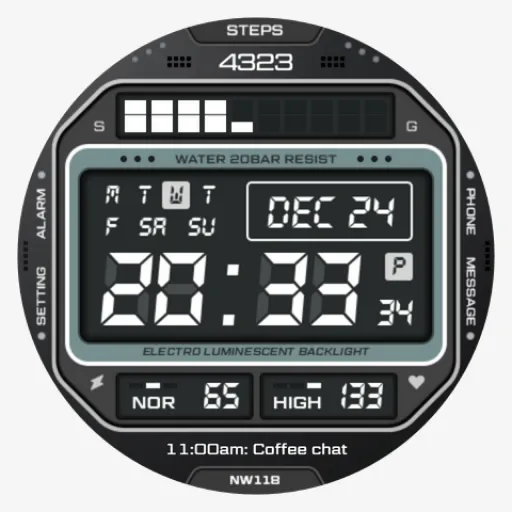
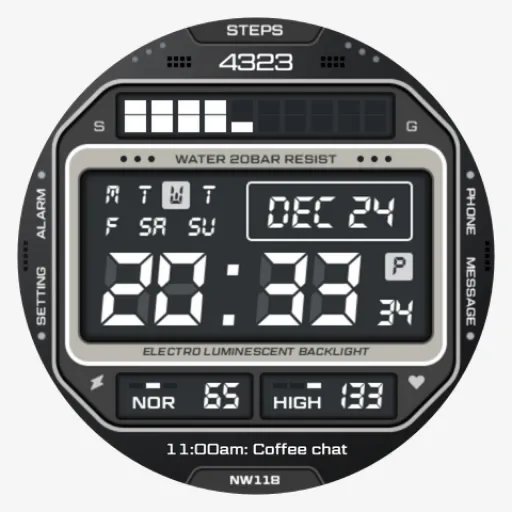
Digital Timer (12/24H)
Date
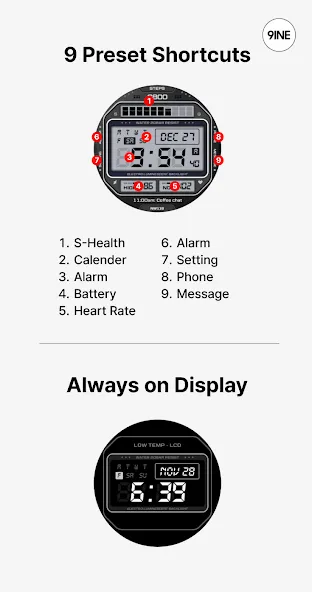
Always on Display
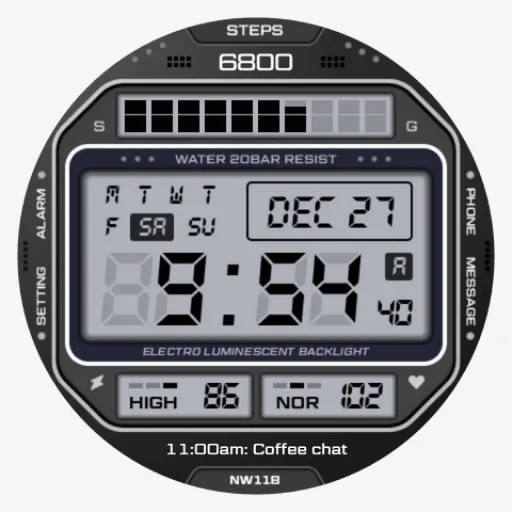
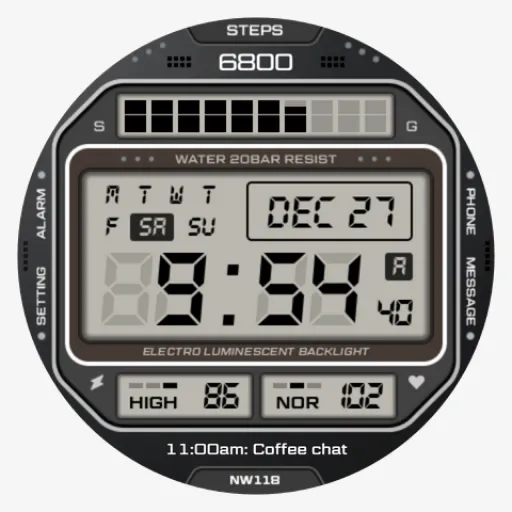
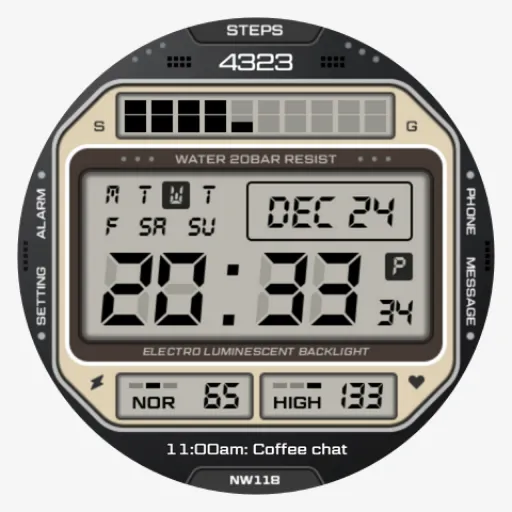
Light & Dark LCD Mode
[INFORMATION]
Battery Level
Heart Rate
Step Count
Goal of Step Count (Gauge)
[CUSTOMIZATION]
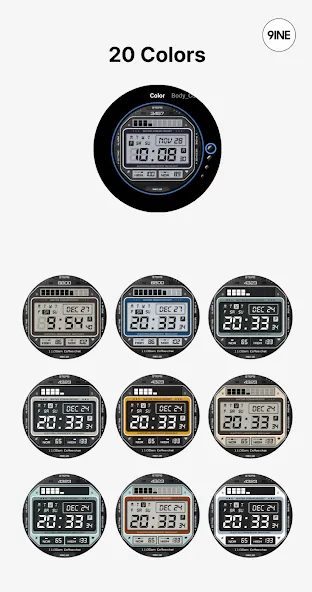
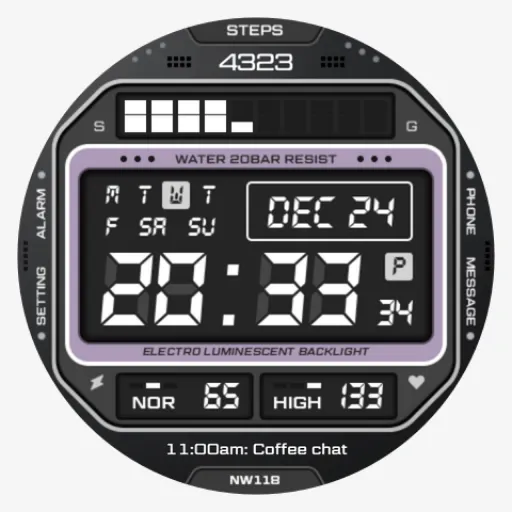
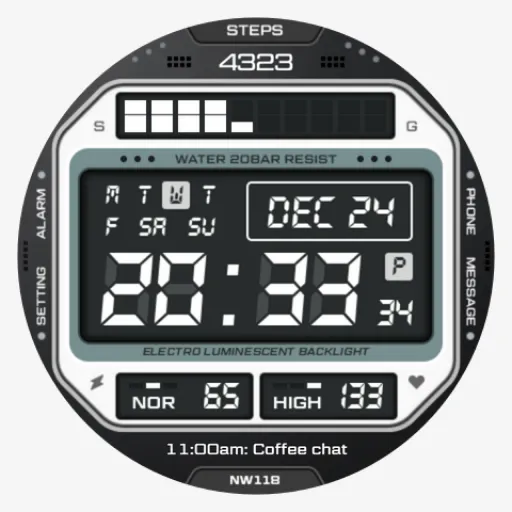
20 Colors
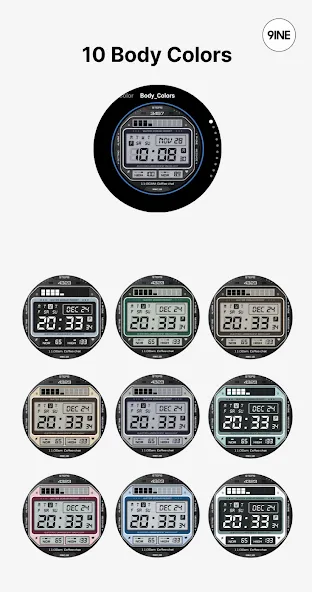
10 Body Colors (Style)
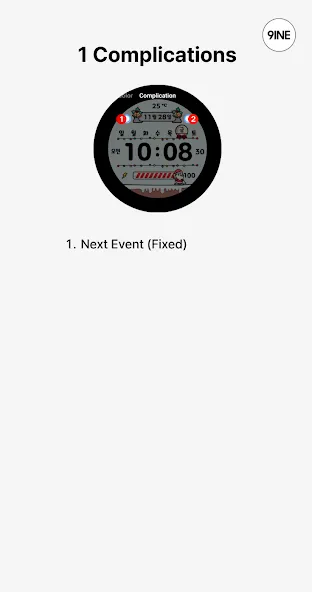
1 Complication (Fixed) - Next Event
9 Preset Shortcut
This watch face supports Wear OS devices.
This watch face supports only english.
Advertisement