 ToonMe photo cartoon maker
4.5

Photography
Ratings
Downloads
Age
Advertisement
Advertisement
Name
Category
Price
Safety
Developer
Version
*** Google Editor’s choice
120+ Million users ***
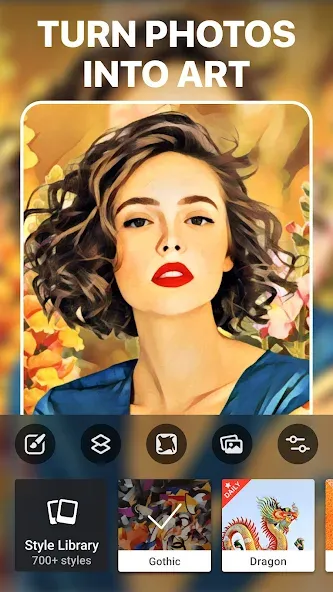
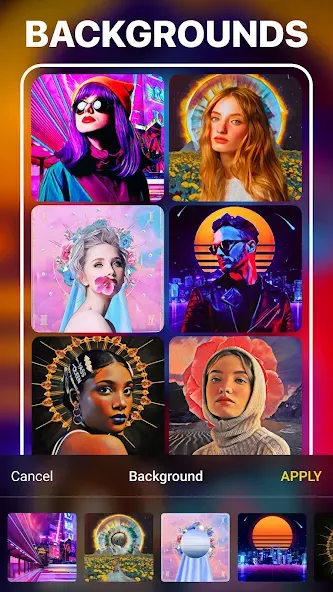
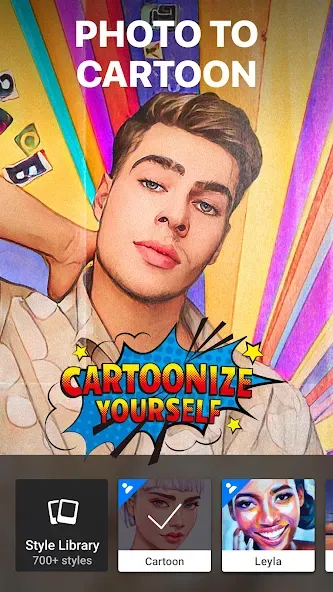
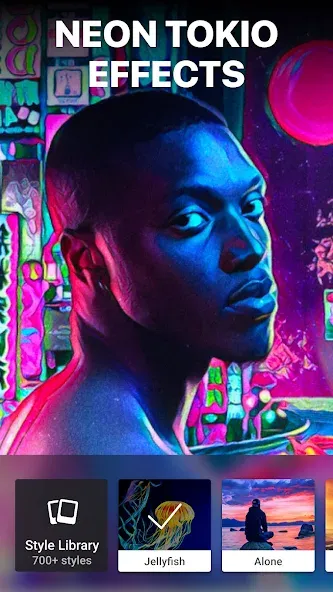
Prisma is a photo editor app that creates amazing photo effects transforming your images into paintings. Using Prisma’s art filters you can make your photo look as if Picasso, Munch, or even Salvador Dali himself painted it for you! Use this amazing photo enhancer to create a unique masterpiece.
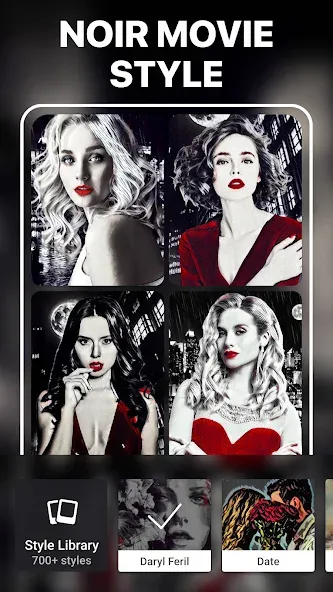
HUNDREDS OF STYLES AND ART EFFECTS
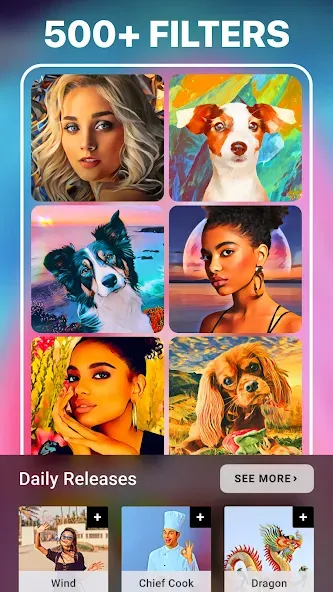
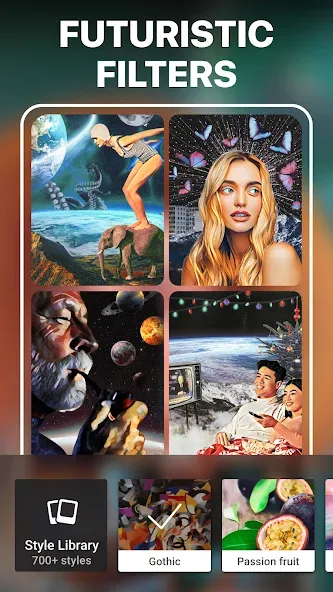
You’ll find more than 500 filters and effects for pictures in Prisma’s art filter library. Aesthetic photo editor Prisma has the largest collection of different artistic styles including blur, ornament, embroidery, and many more to choose from.
Find your favorite one!
NEW ART FILTER EVERY DAY
Prisma releases a new art filter every single day. Just open the app and you’ll be sure to find a new awesome Daily filter! We also release special styles from time to time, so you can use the app as a cartoon photo editor and apply funny effects to make your images even more fun. Don’t miss them either :)
FINE-TUNE YOUR PICTURES
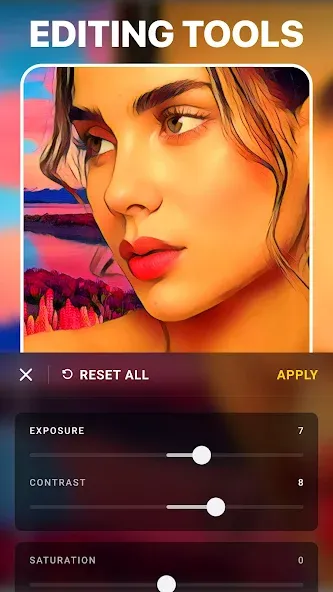
After applying art filters, enhance the results using image enhancement tools. In the photo enhancement mode, you can find a wide range of photo tools like exposure, sharpness, contrast, brightness, etc. There you can retouch and blur photos as well as apply skin editor tools to enhance the original.
Imagine that you’ve got a vintage camera and can take amazing photos of yourself, your friends, and surrounding views. That’s the reality with Prisma, click one button and retouch photos to look like surrealist or pop art paintings. For your little ones, you can use this free picture editor as a cartoon picture app!
Prisma offers multiple features to make your image a piece of art. Blur the image to make it look like an impressionist painter added his touch, apply color effects to increase saturation, upload selfie, and discover beauty photo editor functionalities.
Looking for a cool editing app? Prisma is a great choice! It combines the best features of the picture editor, blemish remover, and photo background changer. No matter if you’d like to simply edit pictures, blur photos or use it as a selfie editor - Prisma has it all!
Join our social media pages to see how others fix photo blur and apply a beauty editor for photos.
Terms of Use http://prisma-ai.com/terms
Privacy Policy http://prisma-ai.com/privacy
Advertisement