Focused Watch Face icon

Focused Watch Face

Personalization

0.0

Ratings

0 - 100

Downloads

3+

Age

DOWNLOAD

Advertisement

Screenshots

Focused Watch Face screenshot 1
Focused Watch Face screenshot 2
Focused Watch Face screenshot 3
Focused Watch Face screenshot 4
Focused Watch Face screenshot 5
Focused Watch Face screenshot 6
Focused Watch Face screenshot 7
Focused Watch Face screenshot 8
Focused Watch Face screenshot 9
Focused Watch Face screenshot 10
Focused Watch Face screenshot 11
Focused Watch Face screenshot 12
Focused Watch Face screenshot 13
Focused Watch Face screenshot 14
Focused Watch Face screenshot 15
Focused Watch Face screenshot 16
Focused Watch Face screenshot 17
Focused Watch Face screenshot 18
Focused Watch Face screenshot 19
Focused Watch Face screenshot 20
Focused Watch Face screenshot 21
Focused Watch Face screenshot 22
Focused Watch Face screenshot 23
Focused Watch Face screenshot 24
Focused Watch Face screenshot 25
Focused Watch Face screenshot 26
Focused Watch Face screenshot 27
Focused Watch Face screenshot 28
Focused Watch Face screenshot 29
Focused Watch Face screenshot 30
Focused Watch Face screenshot 31
Focused Watch Face screenshot 32
Focused Watch Face screenshot 33
Focused Watch Face screenshot 34
Focused Watch Face screenshot 35
Focused Watch Face screenshot 36
Focused Watch Face screenshot 37
Focused Watch Face screenshot 38
Focused Watch Face screenshot 39
Focused Watch Face screenshot 40
See all →
Glowtrack iconGlowtrack
0.0

Advertisement

About this app

Name

Focused Watch Face

Category

Personalization

Price

Free

Safety

100% Safe

Developer

Version

Varies with device

Description

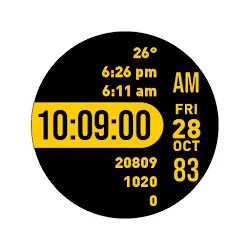
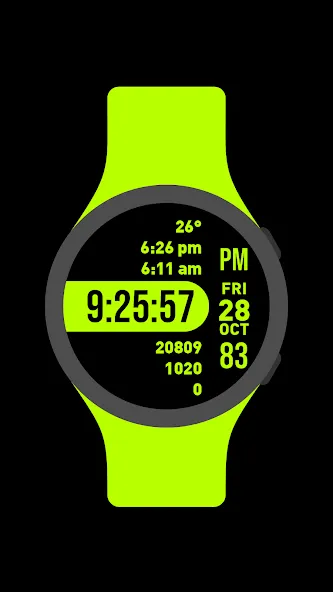
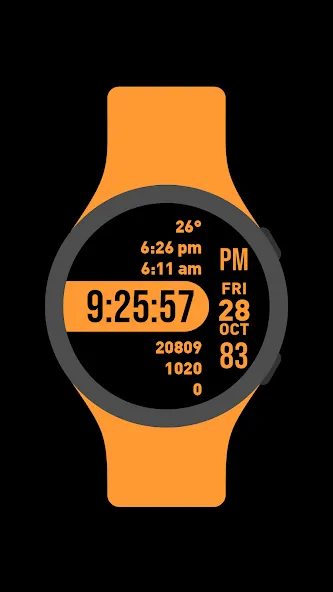
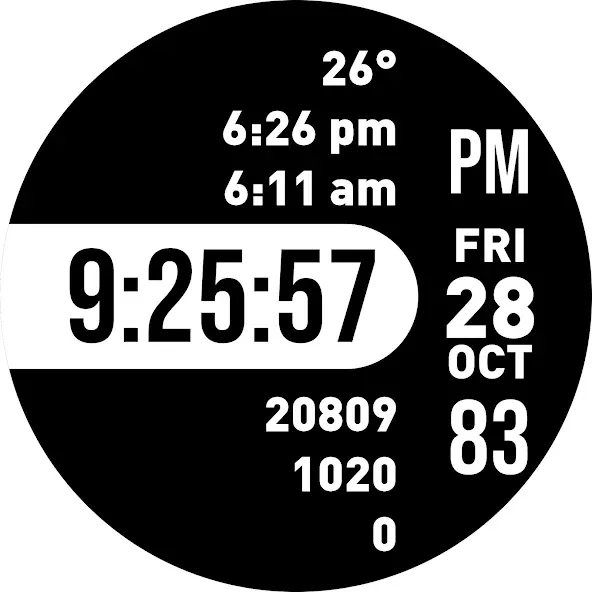
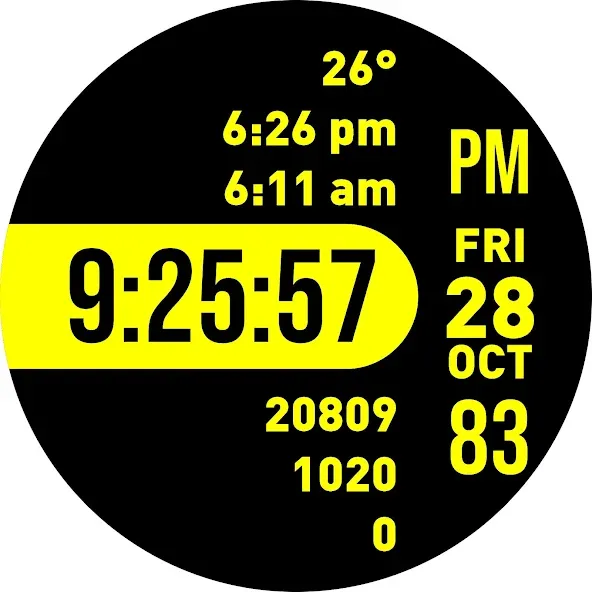
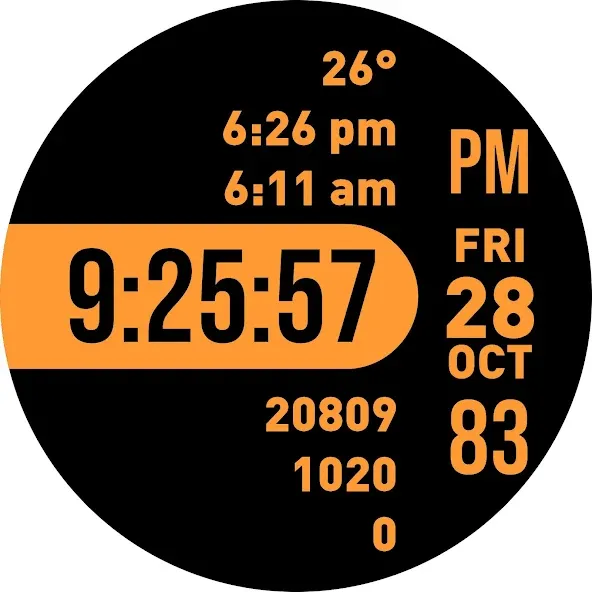
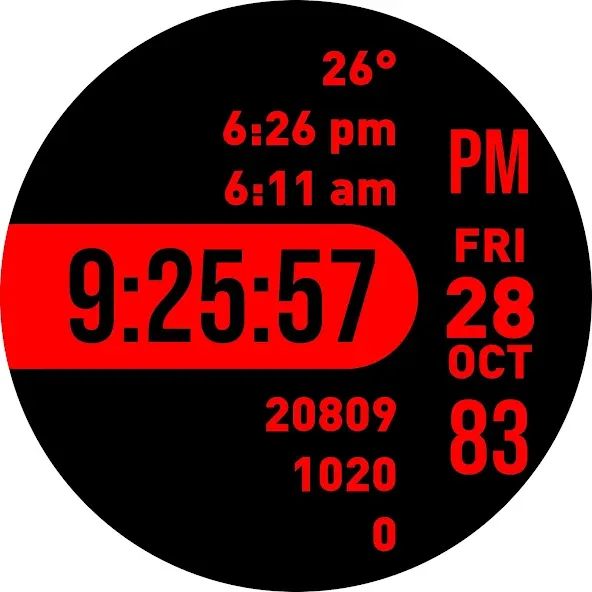
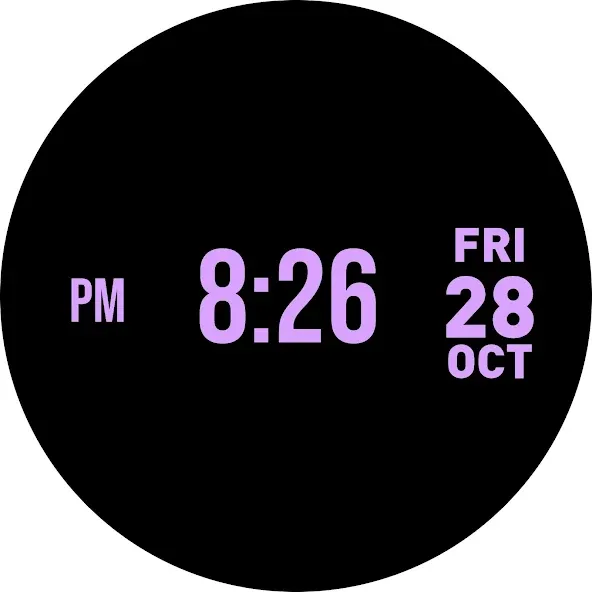
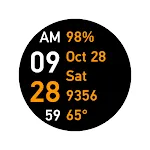
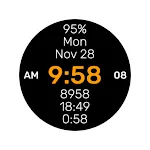
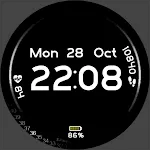
Focused watch face is a digital watch face for Wear OS smartwatches with big numbers and 18 color themes.

Features:

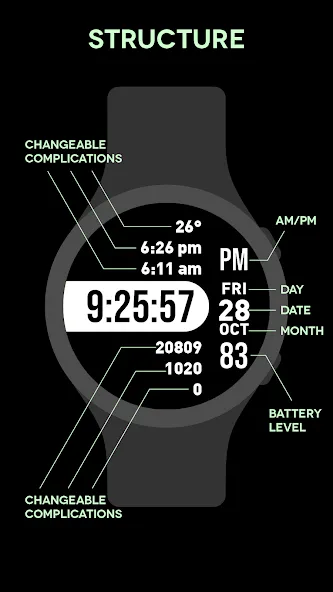
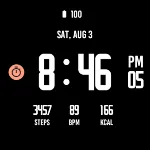
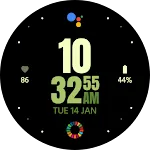
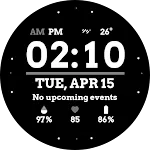
1. Six changeable complications. Three complications are located above the digital clock, and another three complications are located under the digital clock. Please press and hold on the watch face to customize the complications.

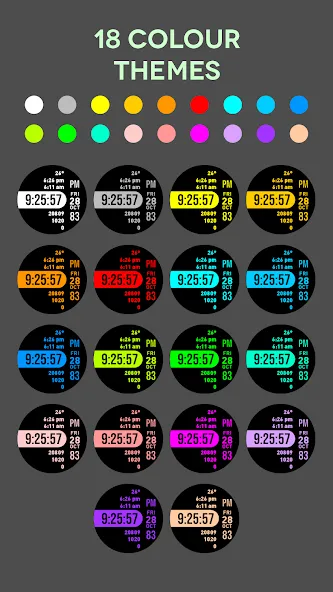
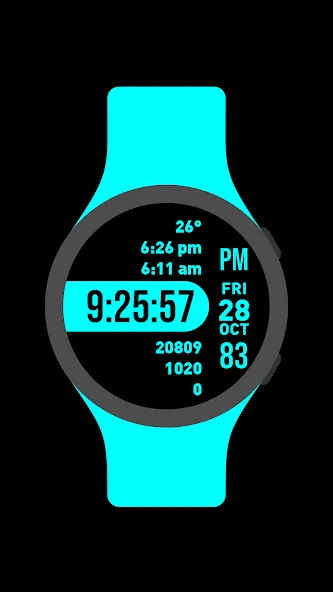
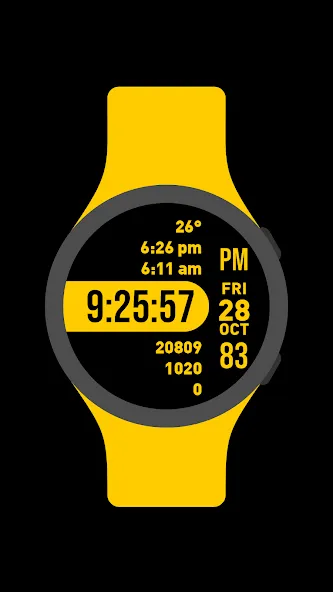
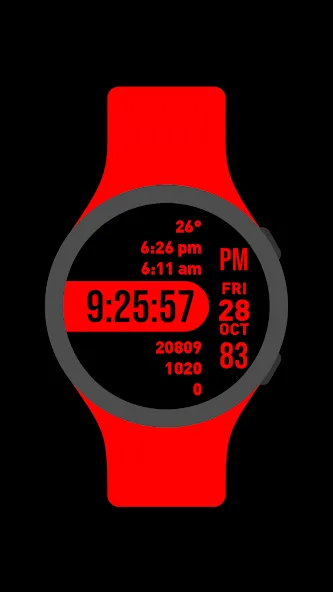
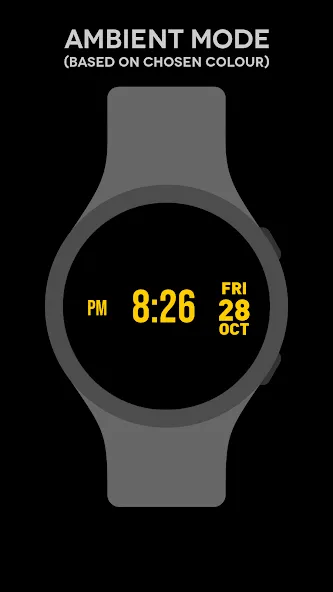
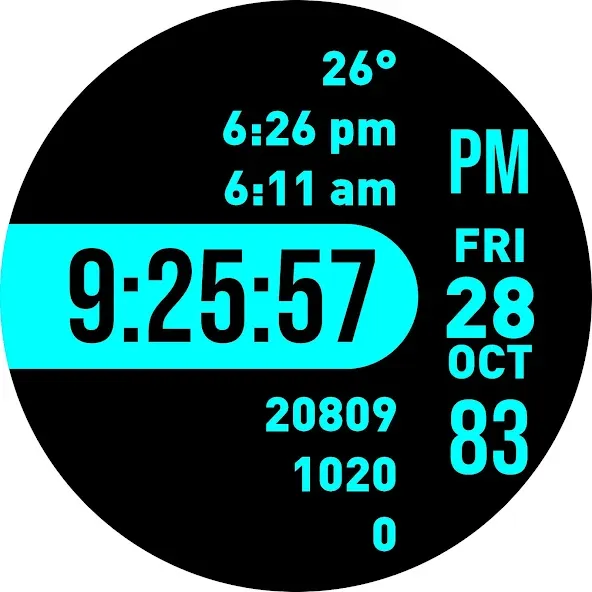
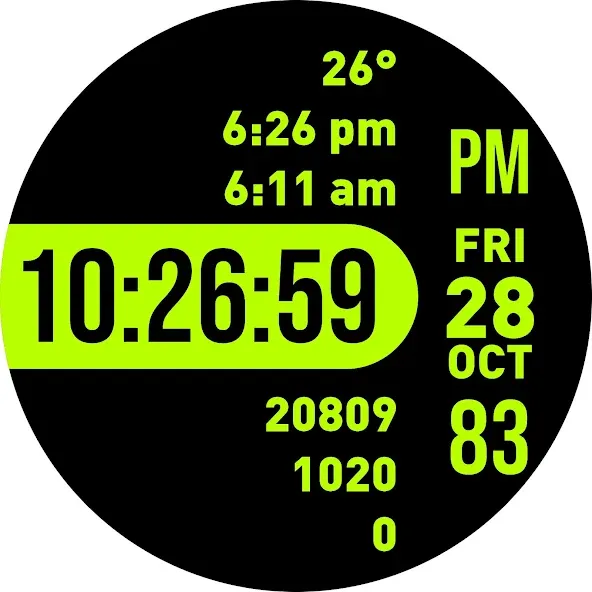
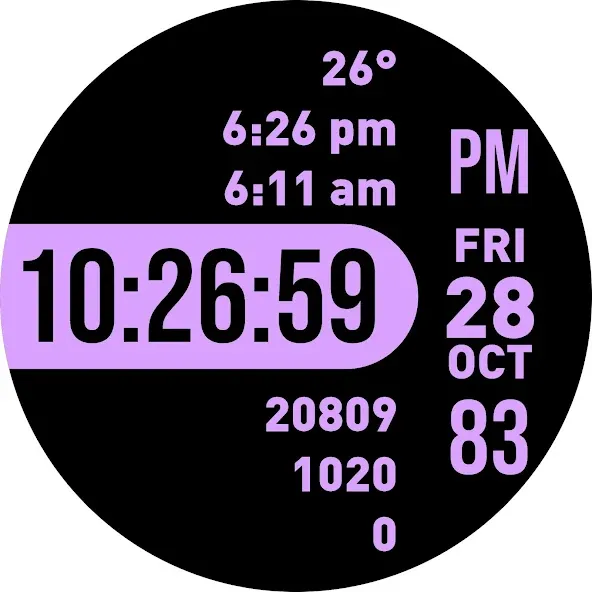
2. 18 different color choices. Please press and hold on the watch face to customize the watch face color.

3. 12-hour and 24-hour digital clock format. To choose between 12-hour and 24-hour clock format, please go to your phone’s time setting and enable or disable the 24-hour clock format.

4. Day, date and month

5. Watch’s battery level

TOP FREE APPS

See all →
Microsoft OneDrive iconMicrosoft OneDriveProductivity
4.6

TOP FREE GAMES

See all →

Advertisement

Top Downloads

See all →
  1. Files by Google icon
    Files by GoogleTools
    4.5
    GET
  2. 4