 Adobe Acrobat Reader: Edit PDF
4.5

Productivity
Ratings
Downloads
Age
Advertisement
Advertisement
Name
Category
Price
Safety
Developer
Version
MobiPDF Editor and Scanner gives you a powerful collection of expert tools to quickly and easily view, review, edit, create, and secure PDFs on your phone, wherever you are.
MobiPDF is a proud member of the PDF Association.
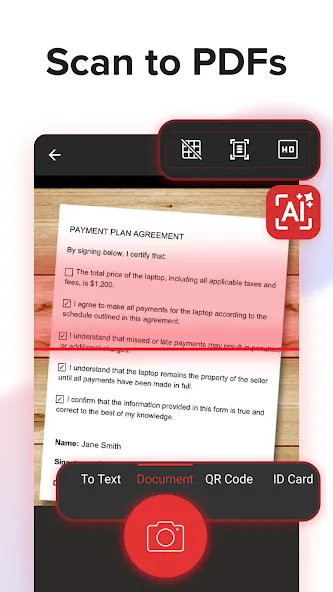
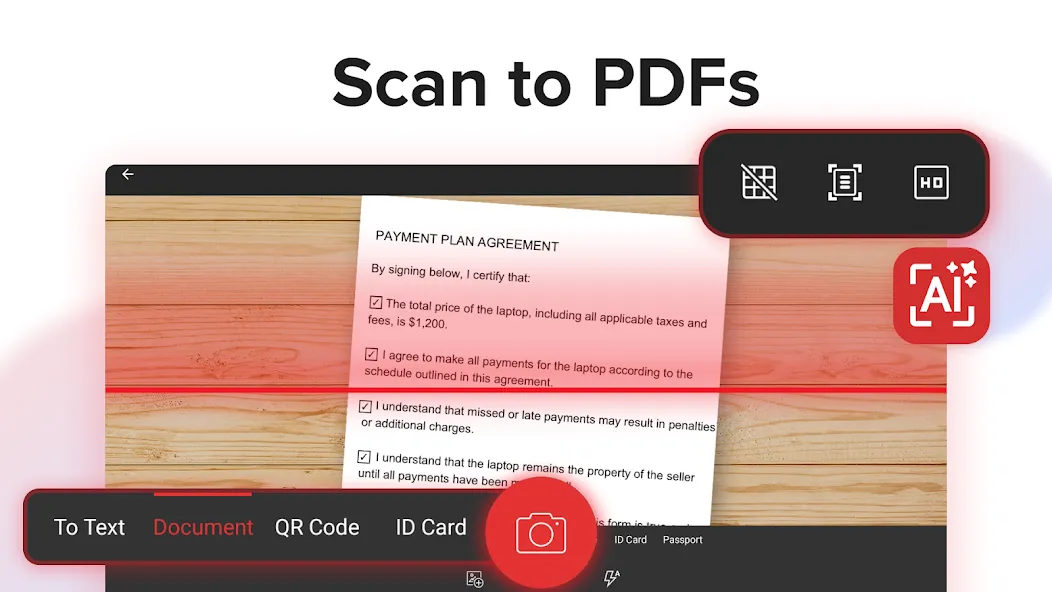
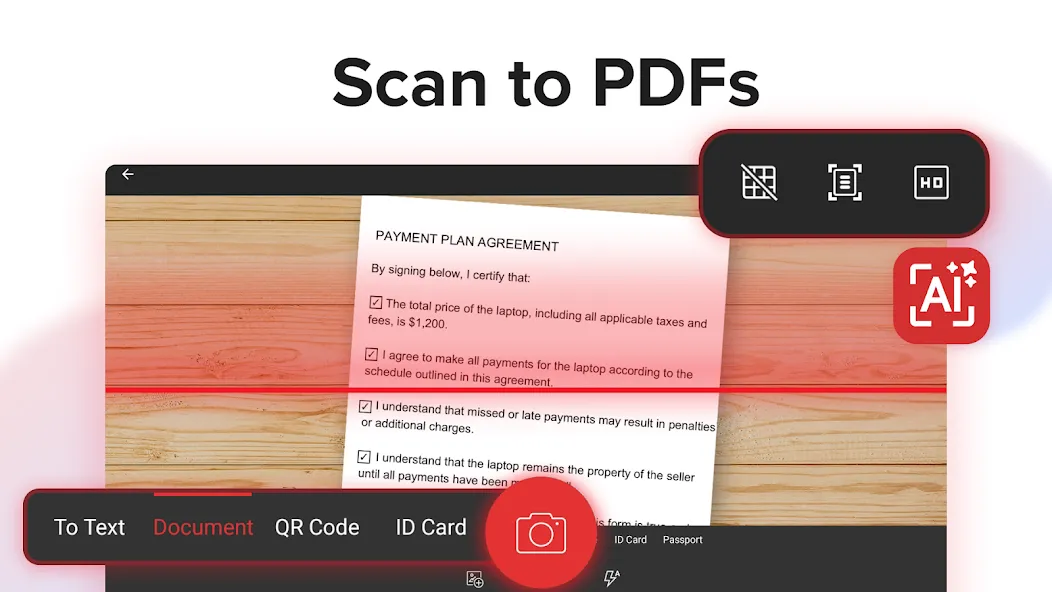
📃 AI-Powered Scan to PDF
Experience AI-powered scanning with enhanced edge detection and capture clear scans of your paper documents to convert them into editable PDF files. From receipts and contracts to invoices, notes, certificates, reports, IDs, and passports, MobiPDF delivers fast and reliable scanning.
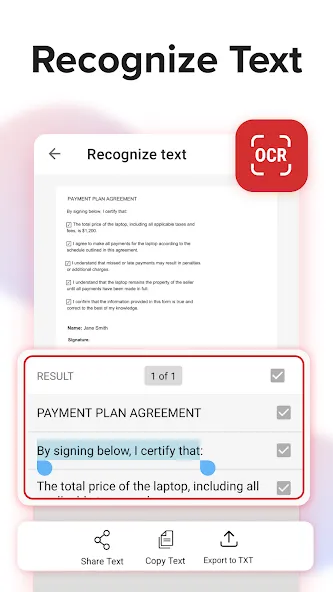
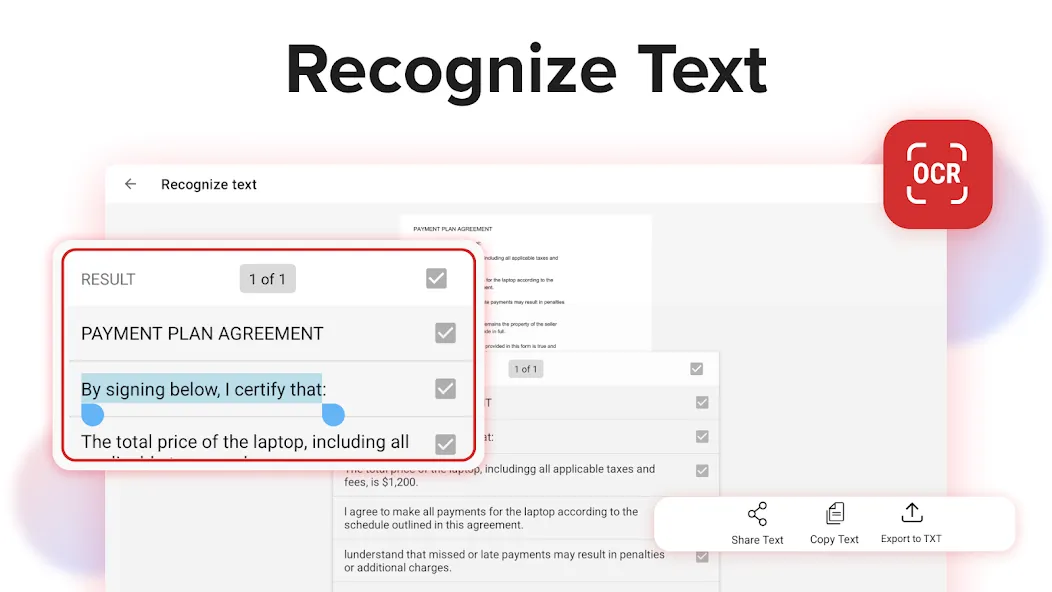
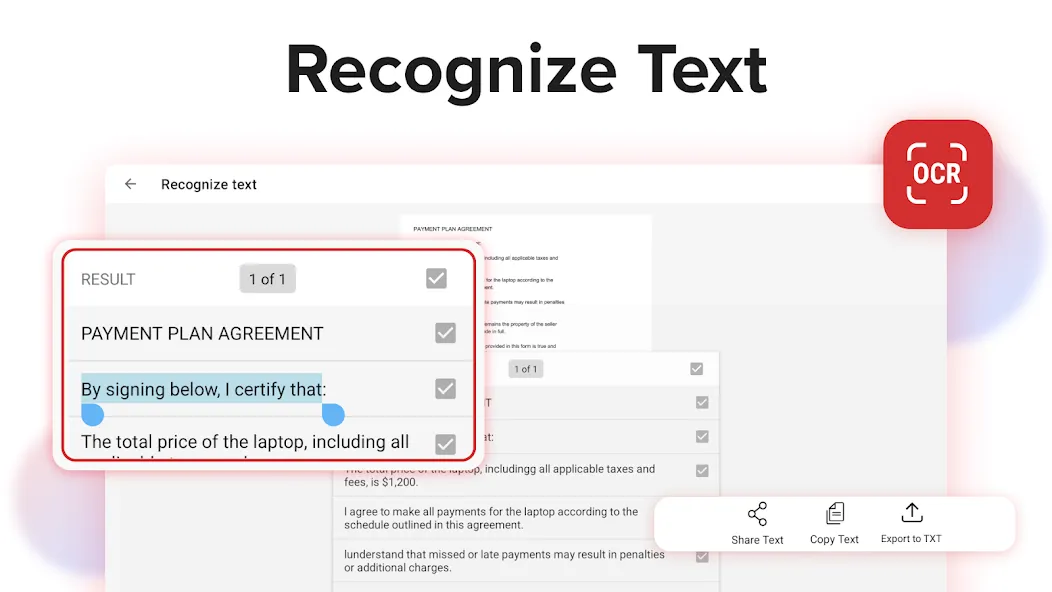
👁️ Recognize text (OCR)
Utilize OCR technology to recognize text from scans and images and easily share the recognized text by email, messaging apps, or upload it to the cloud.
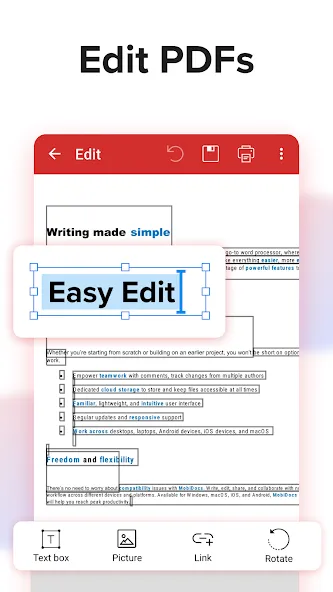
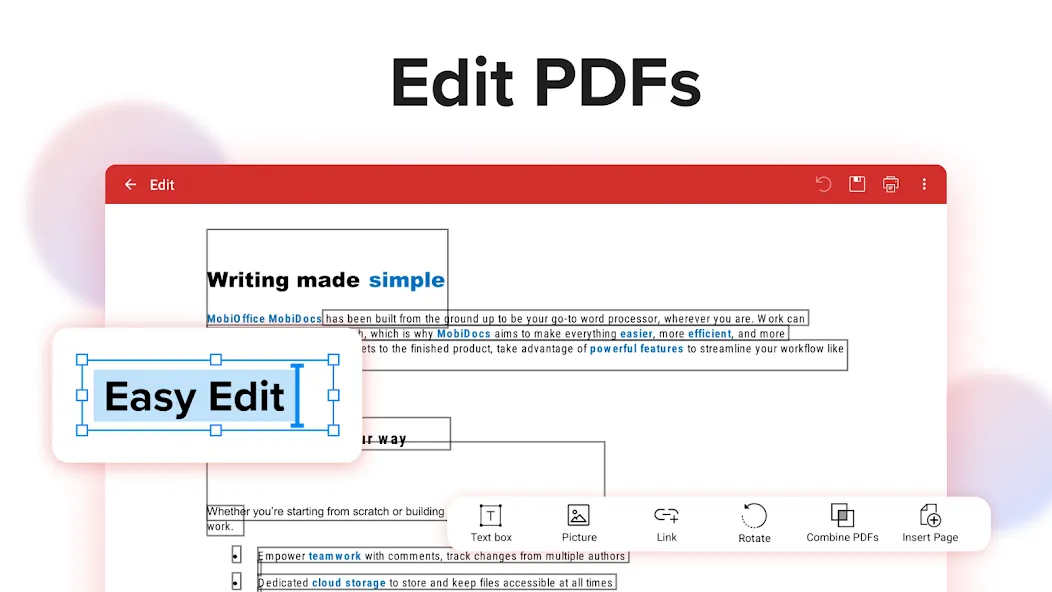
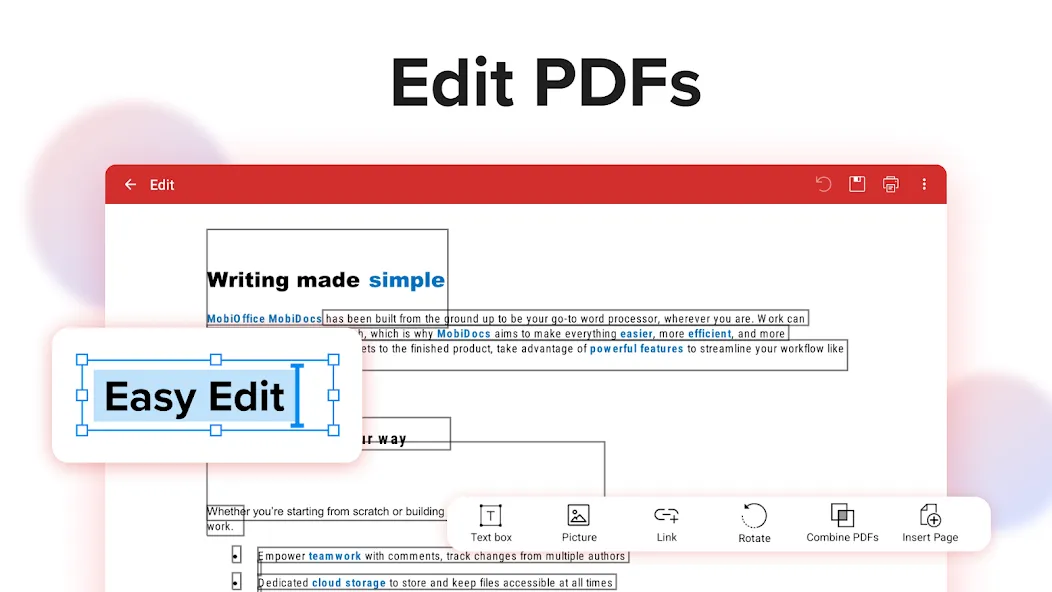
✏️ Edit PDF files
Access one of the most advanced mobile PDF editors on the market and edit PDFs, create blank PDFs, and insert, remove, or modify various document aspects including text, pictures, signatures, comments, drawings, certificates, and more.
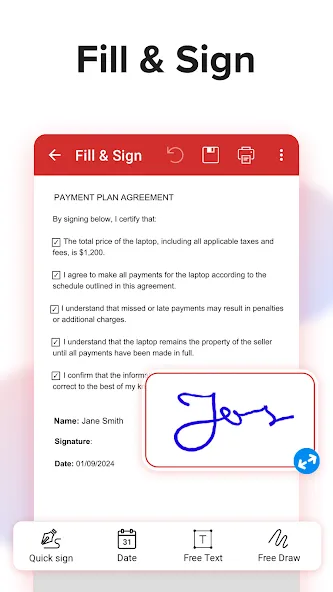
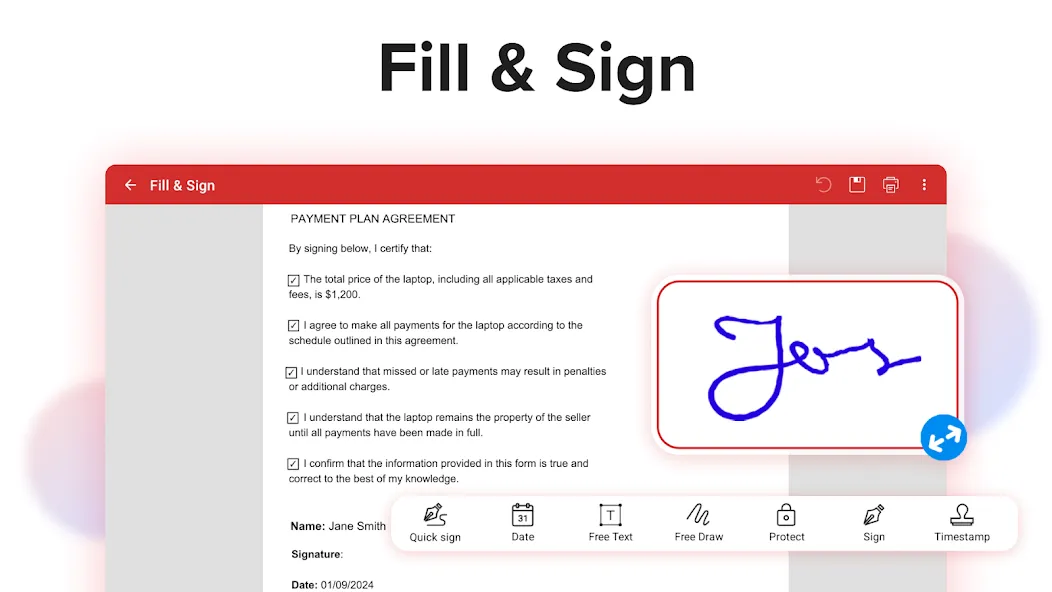
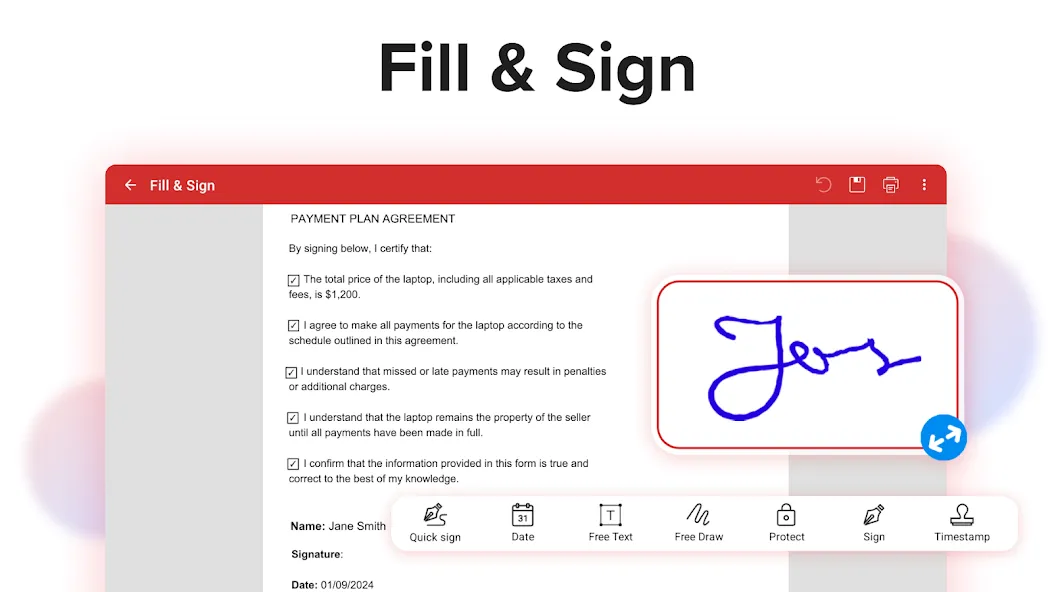
✒️ Fill and Sign
Fill out and share forms and sign documents on the go with advanced support for fillable PDFs, enabling you to draw your signature directly on documents or reuse saved electronic signatures while making all the changes you need.
🖨️ Print PDFs
Print PDF documents wirelessly straight from your phone.
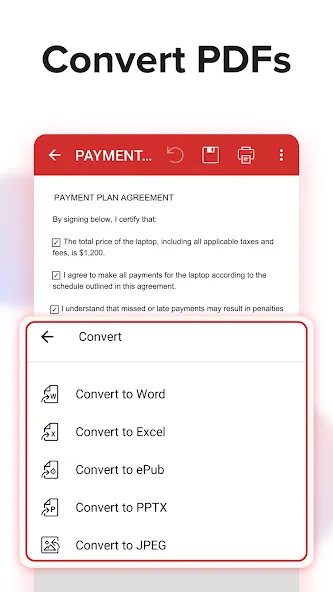
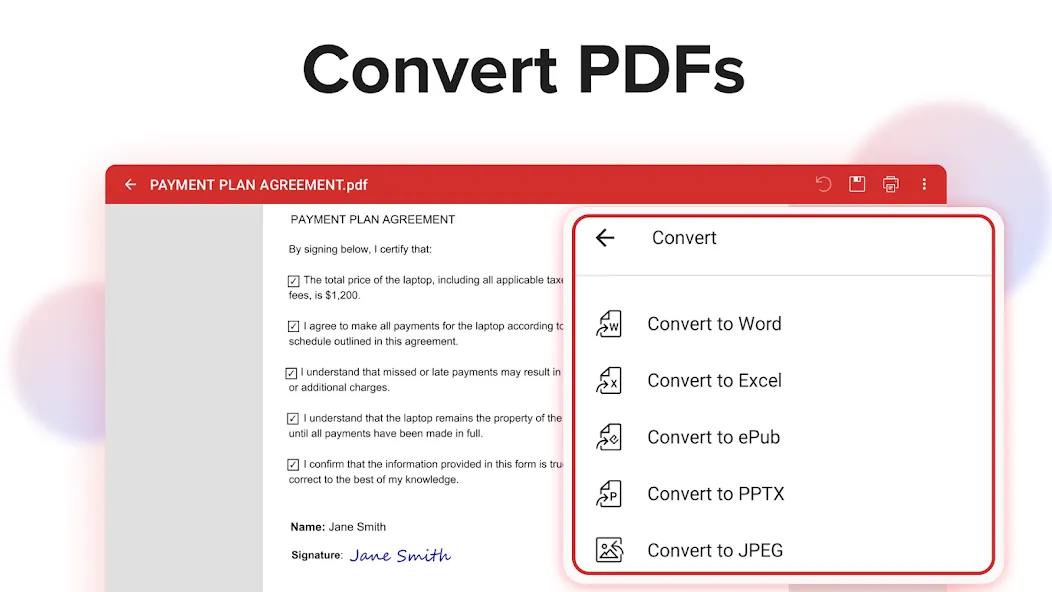
➕ Convert PDFs
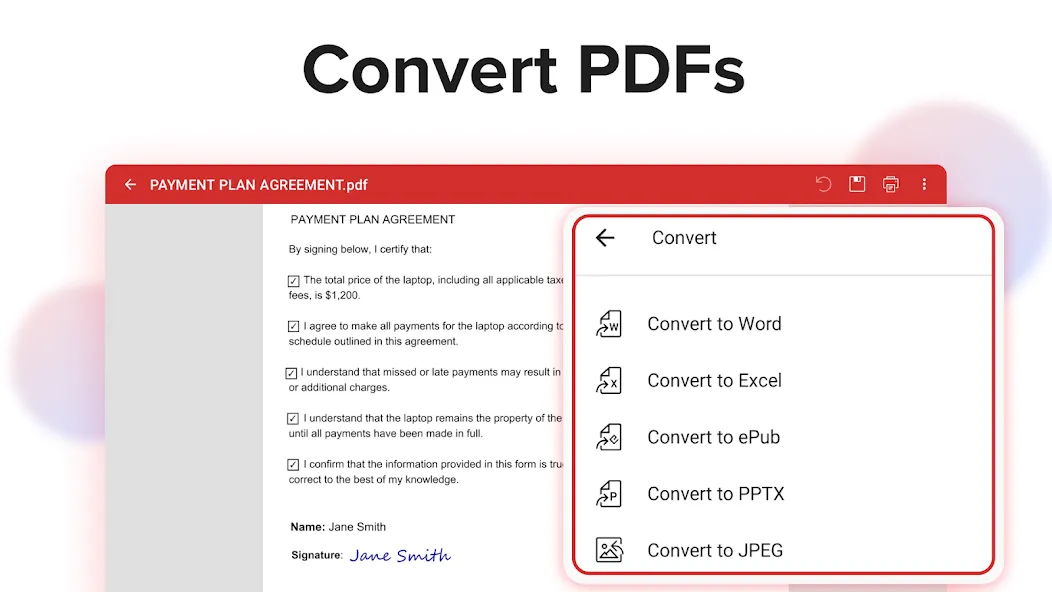
Convert PDFs to Word, Excel, PowerPoint, or ePub formats while preserving the original layout and formatting, and save Word, Excel, PowerPoint, and ePub files as PDFs for easy sharing. Enjoy reliable conversion of PNG and JPEG images into editable PDF files or use the free PNG and JPEG converter within MobiPDF to easily turn PDF documents into images.
🔐 Protect PDFs
Protect your sensitive documents with passwords to lock, encrypt, and restrict user access and utilize digital certificates for authenticity validation.
☁️ Back-up your scans and PDFs
Log into your account to access 5GB of free cloud storage on MobiDrive. Upgrade to MobiPDF Premium for an additional 50GB of storage.
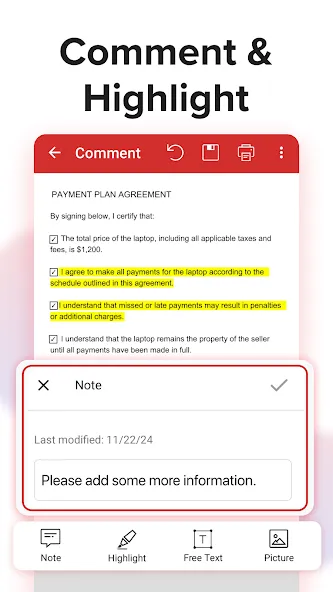
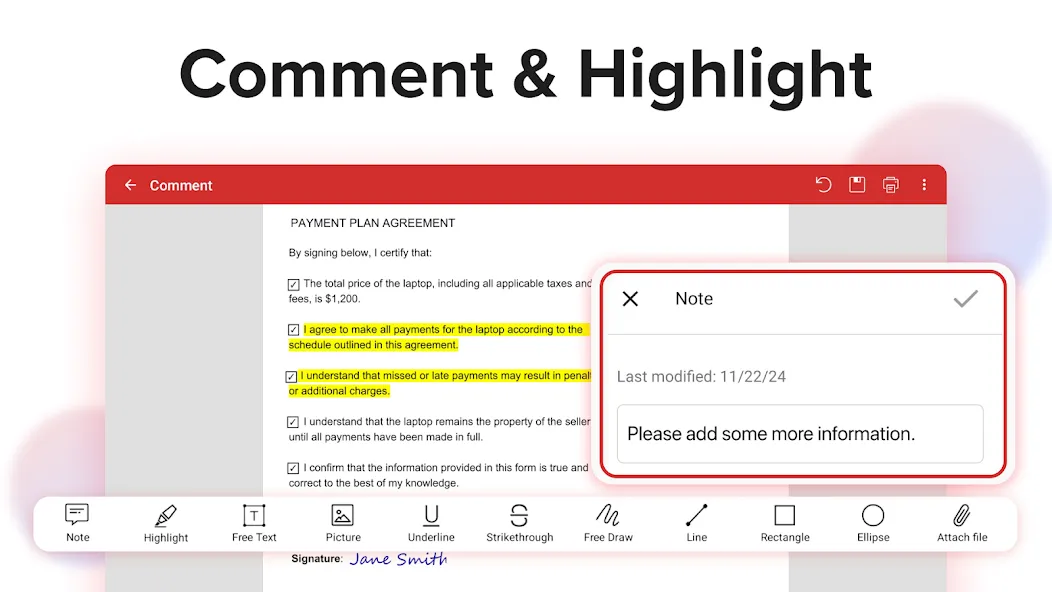
🗨️ View and Comment
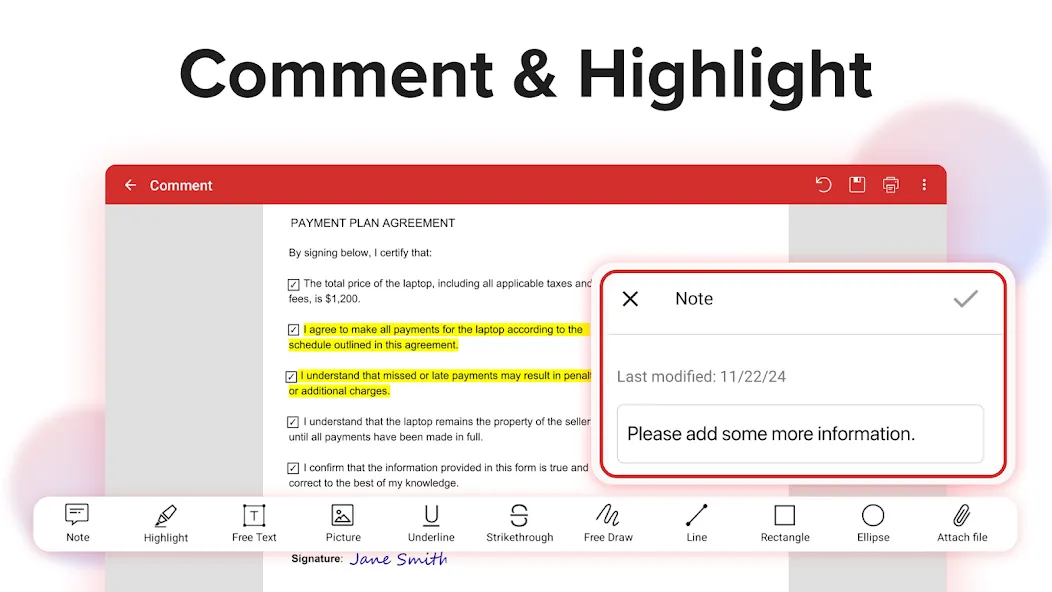
Enhance your reading experience with MobiPDF’s advanced PDF viewer and easily switch different page modes or enable Read More for distraction-free reading. Easily add comments, use drawing tools, highlight and markup text, insert stamps, or attach files to your PDF.
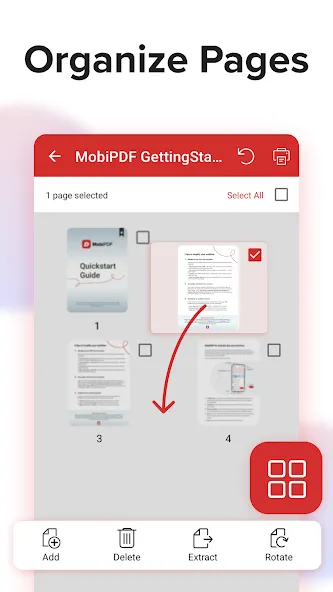
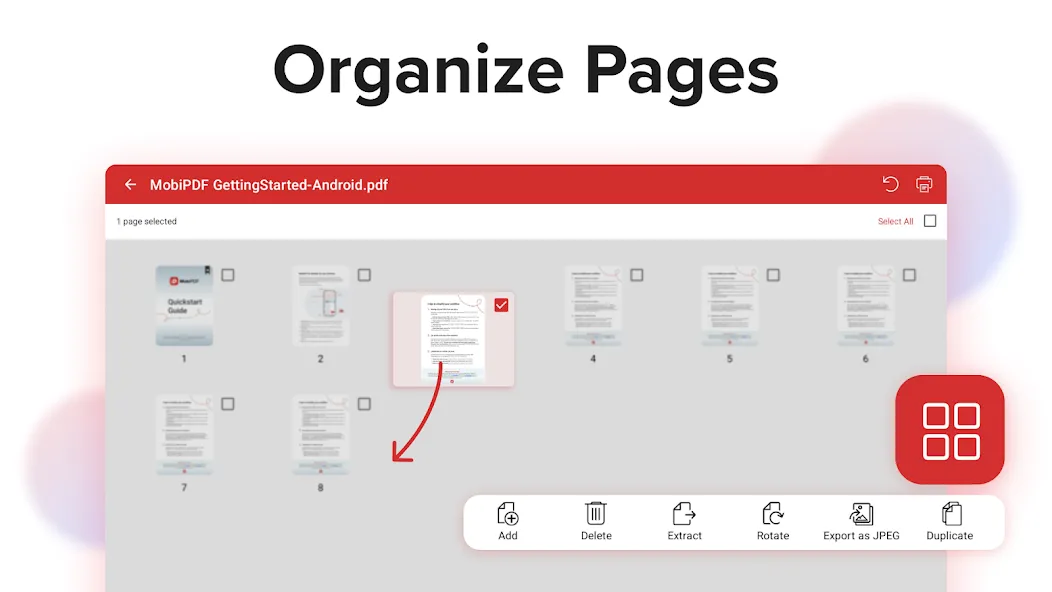
📚 Organize pages in PDFs
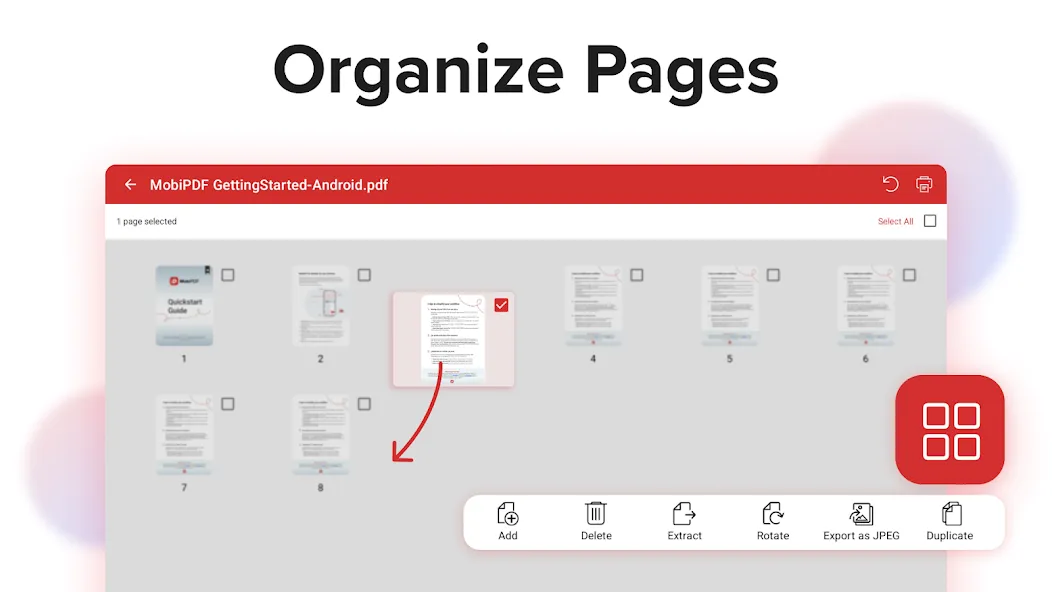
Enjoy full control over your PDF documents: view, rearrange, insert, delete, extract, duplicate, and rotate pages or merge PDFs into one to create your perfectly organized PDF layout.
Use In-App Purchases to unlock the best mobile scanner and editor experience. Please note:
• All payments are charged by Google Play Store after you confirm the purchase.
• Unless you cancel at least 24 hours before the end of the current period, your account will be automatically charged for renewal.
• You can manage your subscriptions by going to your Google Play Account Settings.
Need more? Check out our free MobiPDF version for Windows desktop - https://mobisystems.com/en-us/mobipdf
Help Center: https://support.mobisystems.com/hc/en-us/sections/20794400214045-Android
Privacy Policy: https://mobisystems.com/en-us/privacy-policy
Terms of Use: https://mobisystems.com/en-us/terms-of-use
Google Play
APP STORE
Advertisement
Taptostore.com is an independent app discovery and editorial review platform. We publish reviews, comparisons, and recommendations designed to help users explore apps and make informed choices.
Download links on Taptostore.com direct users to the relevant official app store or another distribution channel designated by the developer or publisher. App downloads and installations take place through those external platforms.
Our content is developed through product research, editorial analysis, publicly available information, and, where appropriate, an assessment of the app’s features and user experience. Reviews and recommendations represent our editorial judgment at the time of publication.
The security and privacy practices of each app are determined by its developer. Before installing an app, users should review its official store listing, developer information, requested permissions, privacy policy, update history, and recent user feedback.
Taptostore.com does not control or independently certify third-party apps and cannot guarantee their security, reliability, performance, or privacy practices.
Not necessarily. Apps may be free, paid, advertising-supported, or include in-app purchases and recurring subscriptions. Pricing and availability may vary by region, device, platform, and time. Please refer to the relevant official store listing for current terms.
Availability may be affected by geographic restrictions, device compatibility, operating-system requirements, age limitations, store policies, or decisions made by the developer or publisher. These factors are outside the control of Taptostore.com.
Taptostore.com does not operate the apps featured on the website and cannot access their accounts or internal systems. Questions about login credentials, account recovery, technical issues, data deletion, or app functionality should be directed to the relevant developer through its official support channels.
Please do not send passwords, verification codes, recovery credentials, or payment information to Taptostore.com.
App-related payments, subscriptions, cancellations, and refunds are administered by the app store, developer, or payment provider responsible for the transaction. Taptostore.com does not process these transactions and cannot manage subscriptions or issue refunds.
Uninstalling an app may not cancel an active subscription. Users should manage subscriptions through the platform on which the purchase was made.
We make reasonable efforts to publish accurate and useful information. However, app features, pricing, compatibility, availability, and policies may change without notice. For the most current details, users should consult the relevant official store listing or developer documentation.
Unless expressly stated, Taptostore.com is not affiliated with, sponsored by, endorsed by, or officially connected with the developers, publishers, brands, or platforms featured on the website.
Product names, logos, brands, and trademarks belong to their respective owners and are referenced solely for identification and informational purposes.
Advertisement