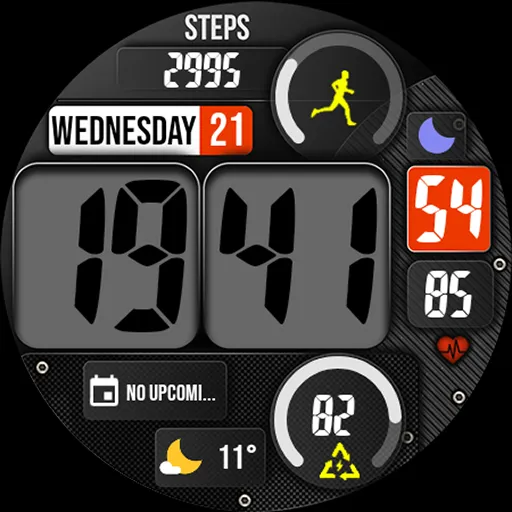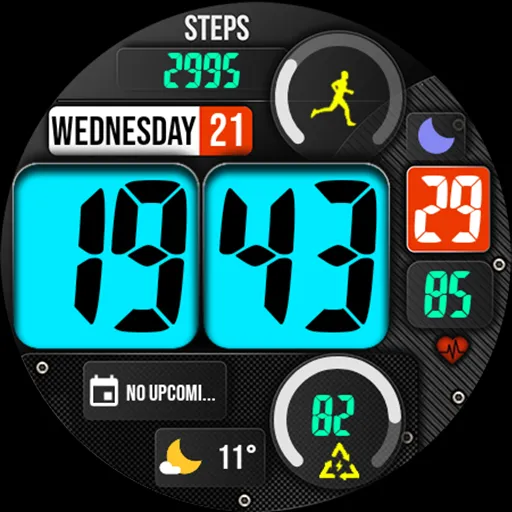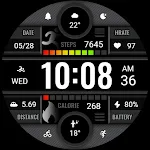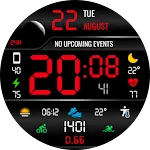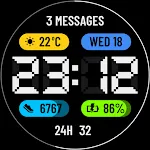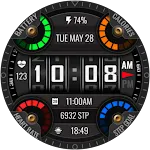
Digital watch face MB356 icon

Digital watch face MB356

Personalization

3.3

Ratings

1.7K

Downloads

3+

Age

DOWNLOAD

Advertisement

Screenshots

Digital watch face MB356 screenshot 1
Digital watch face MB356 screenshot 2
Digital watch face MB356 screenshot 3
Digital watch face MB356 screenshot 4
Digital watch face MB356 screenshot 5
Digital watch face MB356 screenshot 6
Digital watch face MB356 screenshot 7
Digital watch face MB356 screenshot 8
Digital watch face MB356 screenshot 9
Digital watch face MB356 screenshot 10
Digital watch face MB356 screenshot 11
Digital watch face MB356 screenshot 12
Digital watch face MB356 screenshot 13
Digital watch face MB356 screenshot 14
Digital watch face MB356 screenshot 15
Digital watch face MB356 screenshot 16
Digital watch face MB356 screenshot 17
Digital watch face MB356 screenshot 18
Digital watch face MB356 screenshot 19
Digital watch face MB356 screenshot 20
Digital watch face MB356 screenshot 21
Digital watch face MB356 screenshot 22
See all →
Altitude iconAltitude
0.0

Advertisement

About this app

Name

Digital watch face MB356

Category

Personalization

Price

Free

Safety

100% Safe

Developer

MikichBlaz

Version

Varies with device

Description

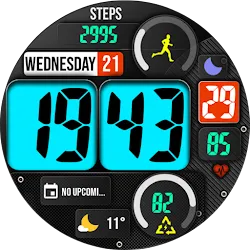
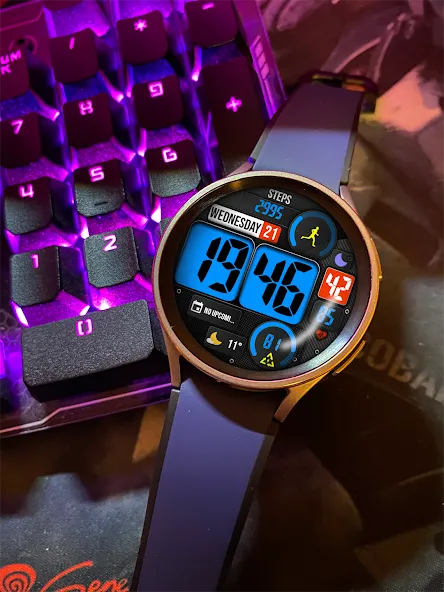
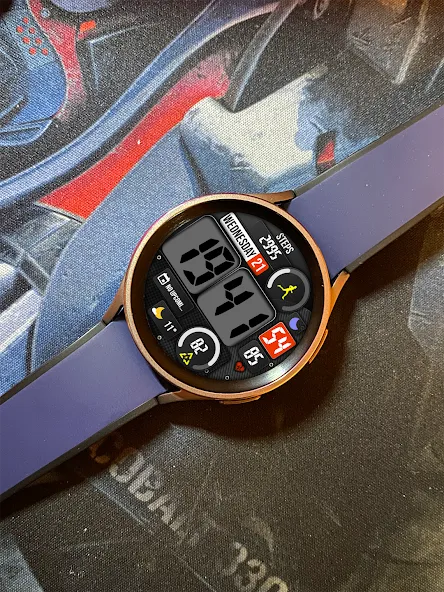
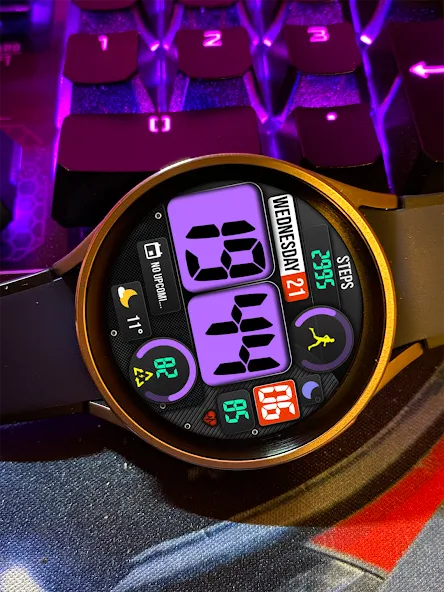
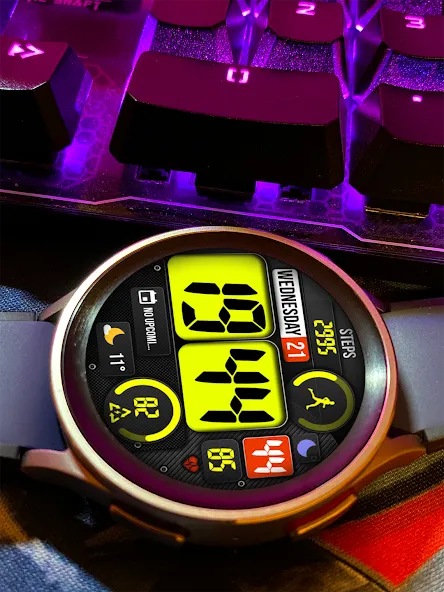
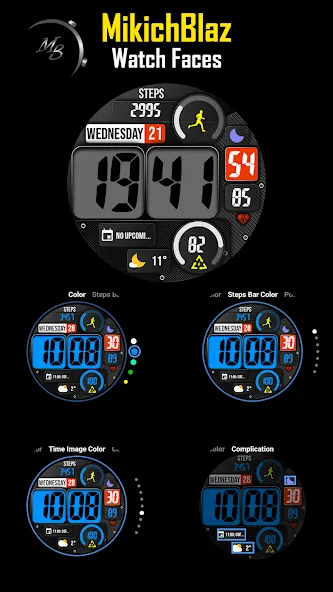
Digital watch face for Wear Os

Features:

Time
Date
HR
Power display with progress bar
Steps display with daily step goal progress bar
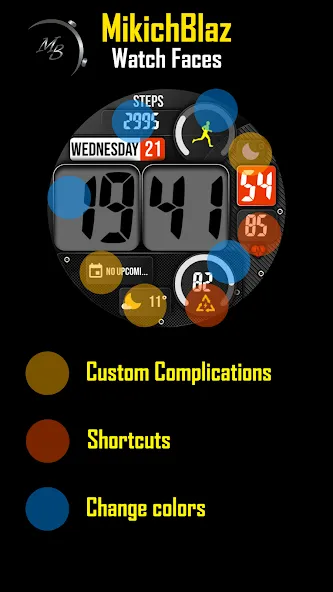
3 Custom complications
Shortcut on power and HR

Advanced features:

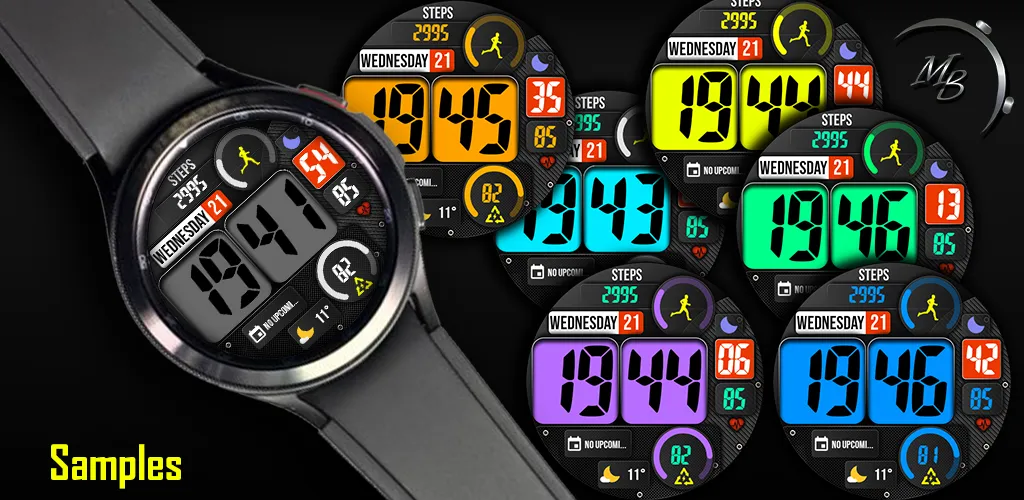
Change font color,
Change progress bar color
Change time background color

Install instructions:

Follow the onscreen instructions on the companion phone application,
click install button and wait for the app to show on the watch and then tap install from the watch.
If the watch face ask again for payment, do not worry, it is not synced and wont charge you twice.
Other install methods: Search the watch face from the browser and select to install on the desired watch from the drop down menu.

TOP FREE APPS

See all →
Facebook Lite iconFacebook LiteSocial
4.5

TOP FREE GAMES

See all →

Advertisement

Top Downloads

See all →
  1. Files by Google icon
    Files by GoogleTools
    4.5
    GET
  2. 4