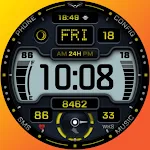
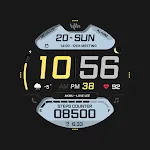
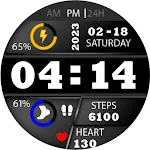
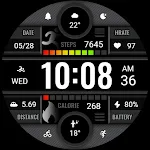
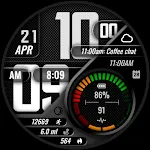
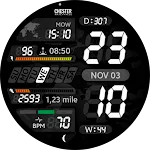
 Chester LCD2 watch face
5.0

Personalization
Ratings
Downloads
Age
Advertisement
Advertisement
Name
Category
Price
Safety
Developer
Version
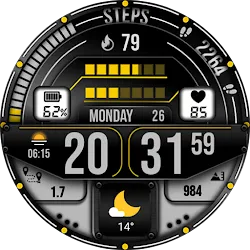
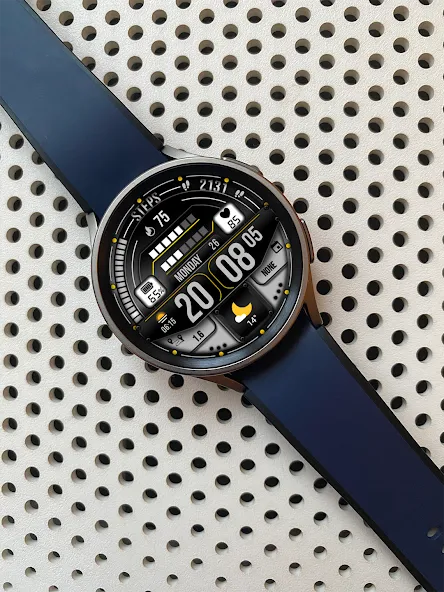
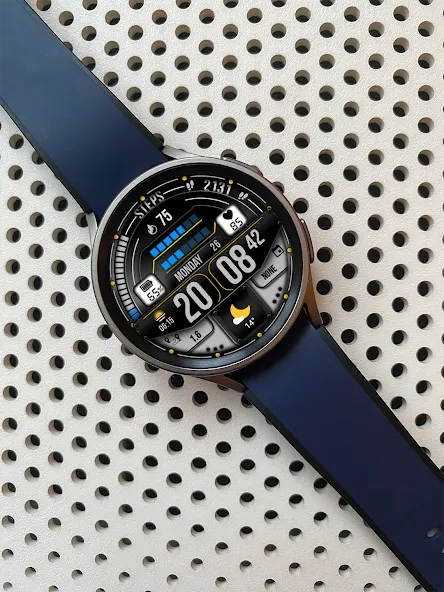
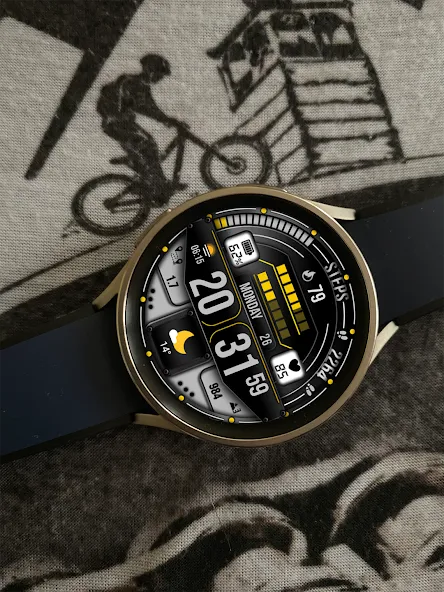
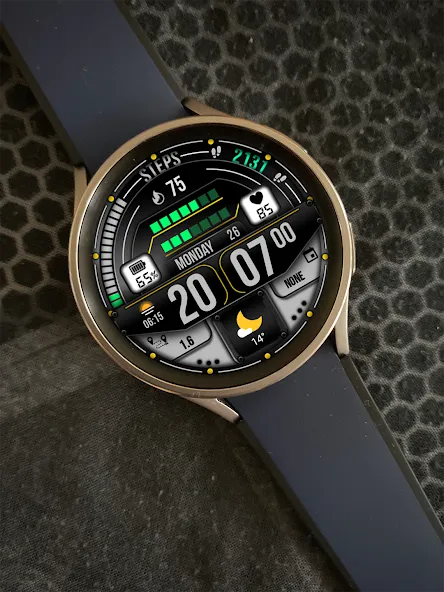
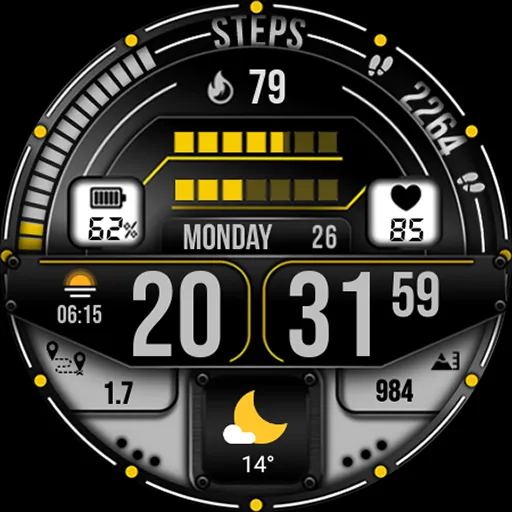
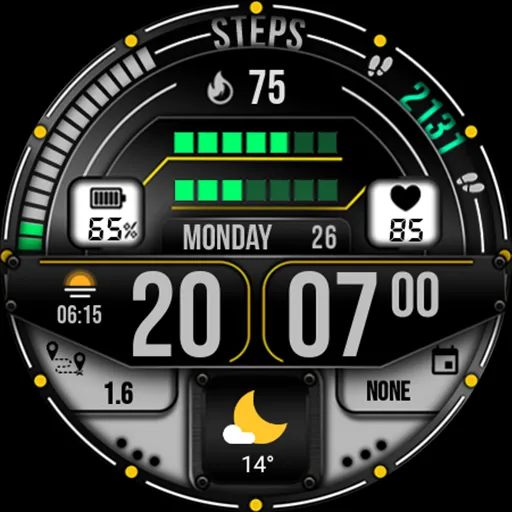
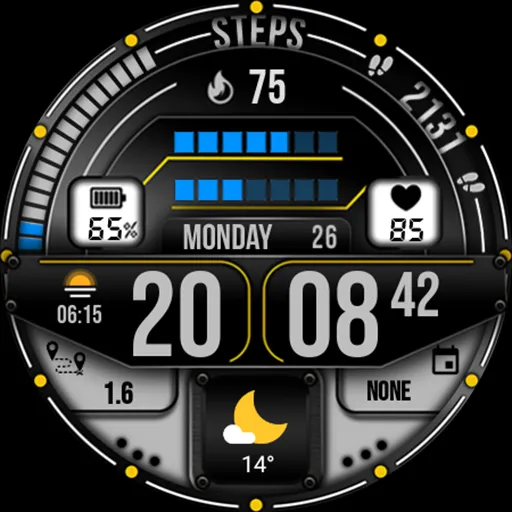
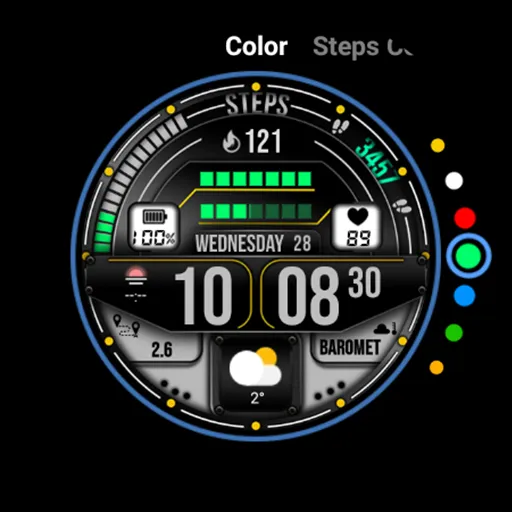
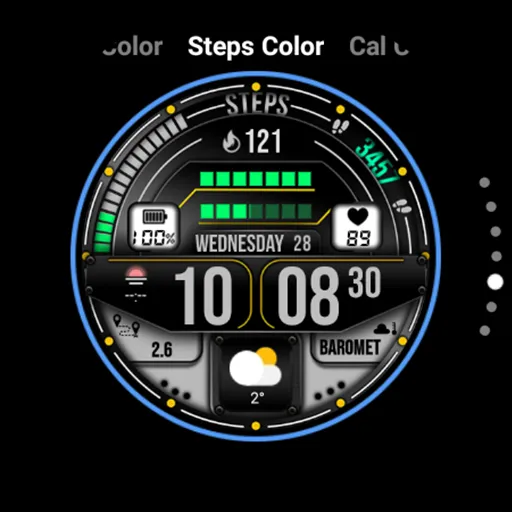
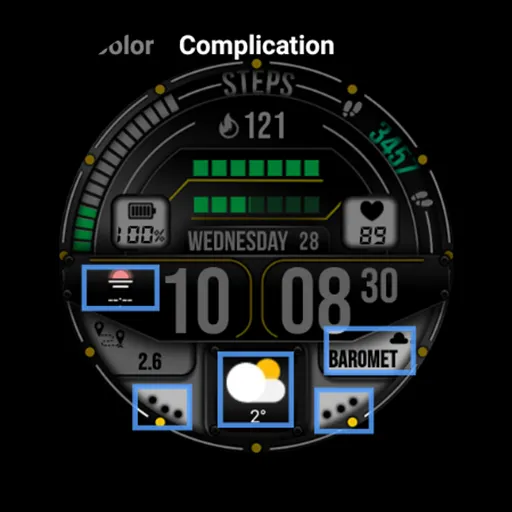
MB277 is business/sport style watch face for Wear OS
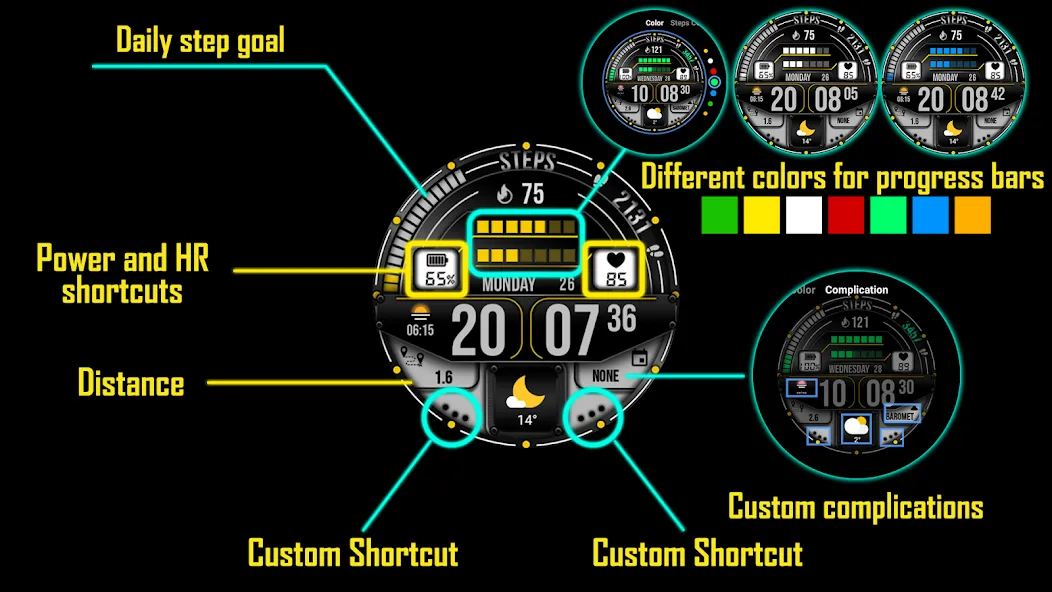
Features: Digital time and date, power, HR , steps, calories, distance ( auto switches Km/mi depending on your phones system language ). HR, power, and daily step goal progress bar. App shortcuts, color change and custom complications.
INSTALLATION NOTES:
1 - Make sure the watch is properly connected to the phone, open Companion App on phone and tap on “INSTALL APP ON WEAR DEVICE” and follow instructions on watch.
After a few minutes the watch face will transferred on watch : check the watch faces installed by the Wearable app on the phone.
Note: If you stuck at payment loop, DON’T WORRY, only one charge will be made even if you are asked to pay a second time. Wait 5 minutes or restart your watch and try again.
It could be a synchronization problem between your device and Google servers.
or
2 - If you are having synchronization problems between your phone and Play Store, install the app directly from watch: search “MB277” from Play Store on watch and hit on install button.
3 - Alternatively, try installing the watch face from web browser on your PC.
Privacy policy:
https://mikichblaz.blogspot.com/2024/07/privacy-policy.html
Advertisement