Hybrid Watch Face MB382 icon

Hybrid Watch Face MB382

Personalization

0.0

Ratings

500 - 1K

Downloads

3+

Age

DOWNLOAD

Advertisement

Screenshots

Hybrid Watch Face MB382 screenshot 1
Hybrid Watch Face MB382 screenshot 2
Hybrid Watch Face MB382 screenshot 3
Hybrid Watch Face MB382 screenshot 4
Hybrid Watch Face MB382 screenshot 5
Hybrid Watch Face MB382 screenshot 6
Hybrid Watch Face MB382 screenshot 7
Hybrid Watch Face MB382 screenshot 8
Hybrid Watch Face MB382 screenshot 9
Hybrid Watch Face MB382 screenshot 10
Hybrid Watch Face MB382 screenshot 11
Hybrid Watch Face MB382 screenshot 12
Hybrid Watch Face MB382 screenshot 13
Hybrid Watch Face MB382 screenshot 14
Hybrid Watch Face MB382 screenshot 15
Hybrid Watch Face MB382 screenshot 16
Hybrid Watch Face MB382 screenshot 17
Hybrid Watch Face MB382 screenshot 18
Hybrid Watch Face MB382 screenshot 19
Hybrid Watch Face MB382 screenshot 20
Hybrid Watch Face MB382 screenshot 21
Hybrid Watch Face MB382 screenshot 22
Hybrid Watch Face MB382 screenshot 23
See all →
WFP 239 Ultra watch face iconWFP 239 Ultra watch face
4.3

Advertisement

About this app

Name

Hybrid Watch Face MB382

Category

Personalization

Price

Free

Safety

100% Safe

Developer

MikichBlaz

Version

Varies with device

Description

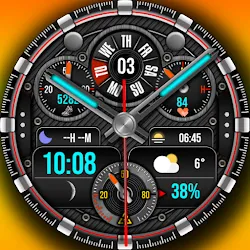
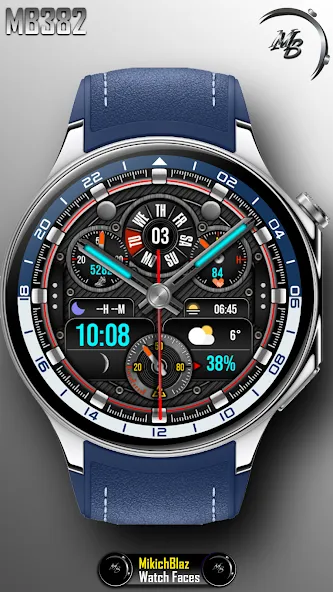
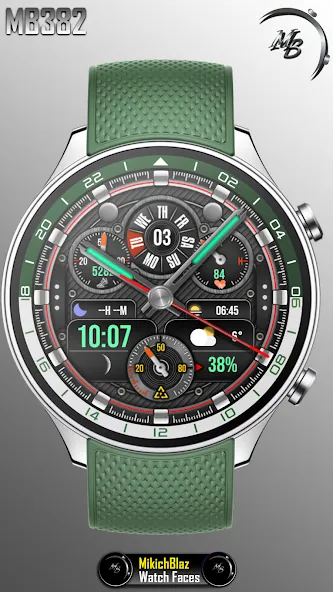
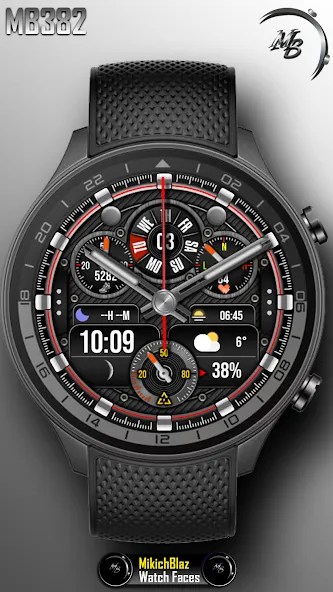
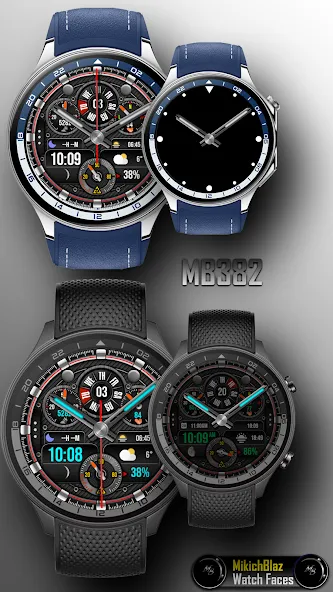
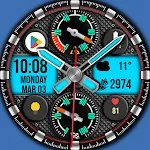
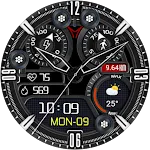
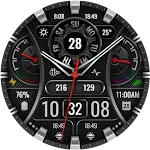
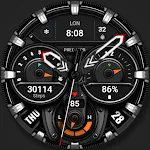
Hybrid Watch Face for Wear OS
Watch face features:
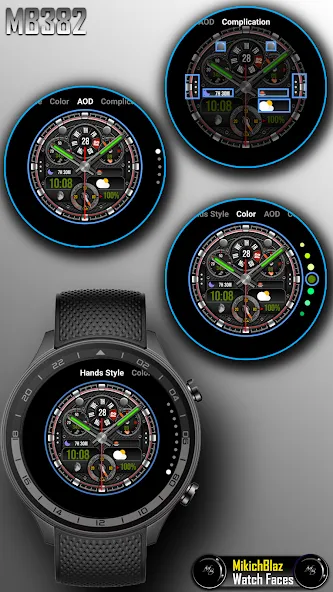
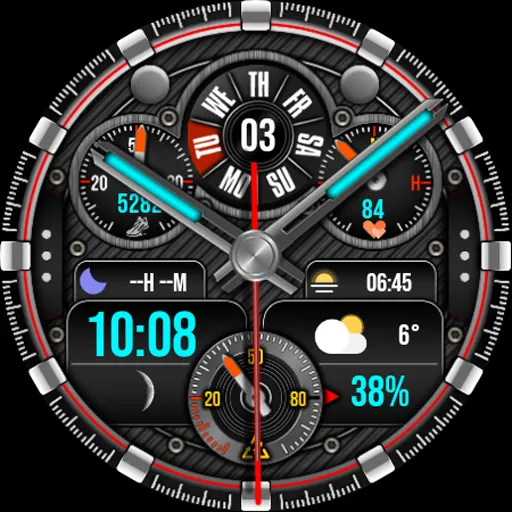
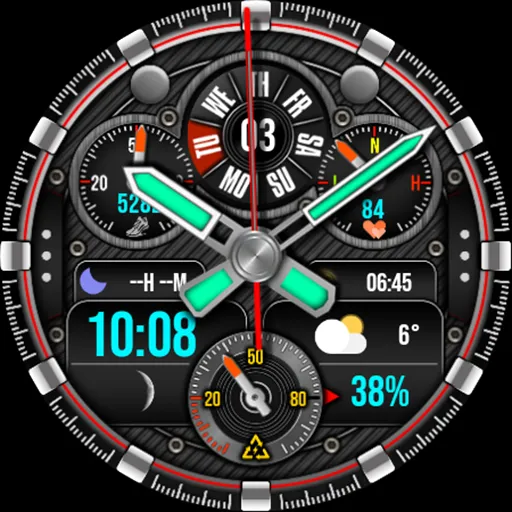
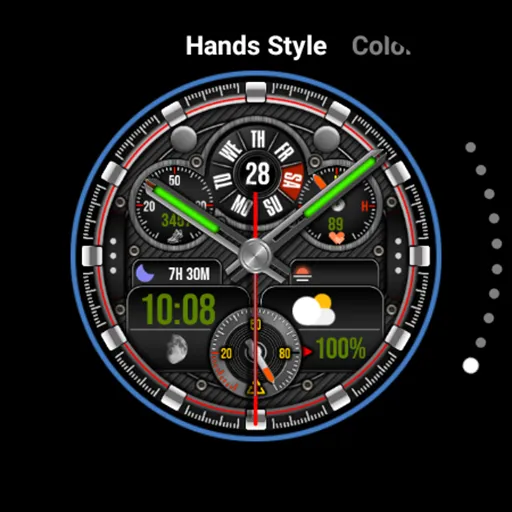
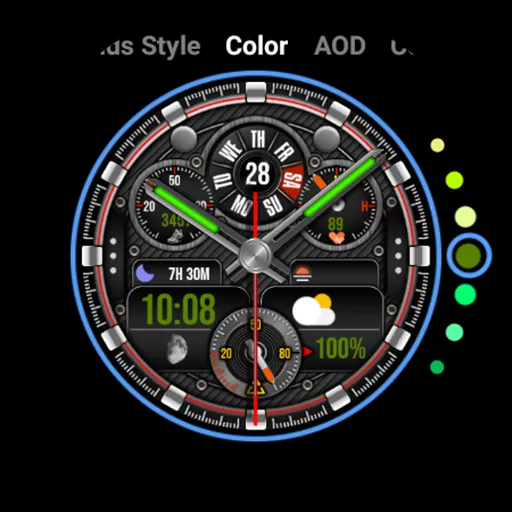
Time: Analog and digital time, the color and style of the hands can be customized, total 10 styles, digital time color can be changed. 12/24h format depending on the phone system settings, am/pm indicator for 12h format.
Date: Circular style date,
Steps: Percentage of daily step goal with analog gauge, and text for steps count, steps color can be changed.
Heart Rate: analog gauge, and text for Heart Rate, text color can be changed. Shortcut when tapped on text - opens hear rate monitor.
Battery: analog gauge, and text for power, text color can be changed, Shortcut when tapped on text - opens system battery status.
Moon phase,
Custom complications: 2 complications , 1 fixed complication ( next event ) and 4 shortcut custom complications - can be set to open app on tap.
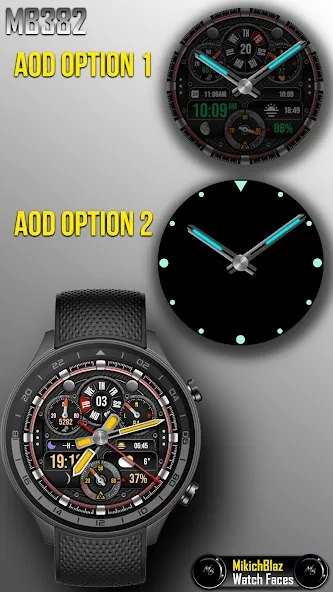
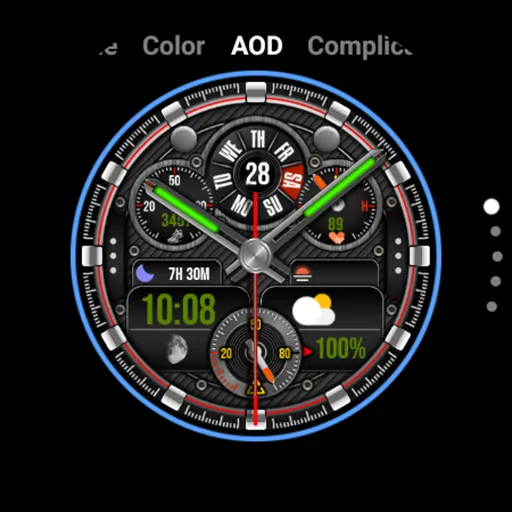
AOD mode has 2 options: Full watch face ( dimmed ), and minimal - just index and hands.

Privacy policy:
https://mikichblaz.blogspot.com/2024/07/privacy-policy.html

TOP FREE APPS

See all →
Microsoft OneDrive iconMicrosoft OneDriveProductivity
4.6

TOP FREE GAMES

See all →

Advertisement

Top Downloads

See all →
  1. Files by Google icon
    Files by GoogleTools
    4.5
    GET
  2. 4