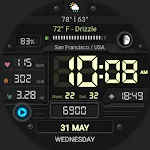
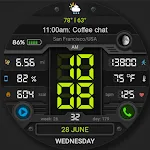
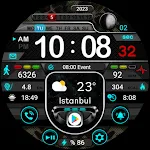
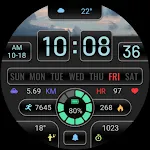
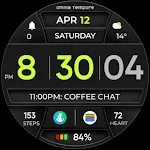
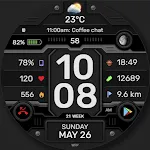
 WFP 337 Digital watch face
4.5

Personalization
Ratings
Downloads
Age
Advertisement
Advertisement
Name
Category
Price
Safety
Developer
Version
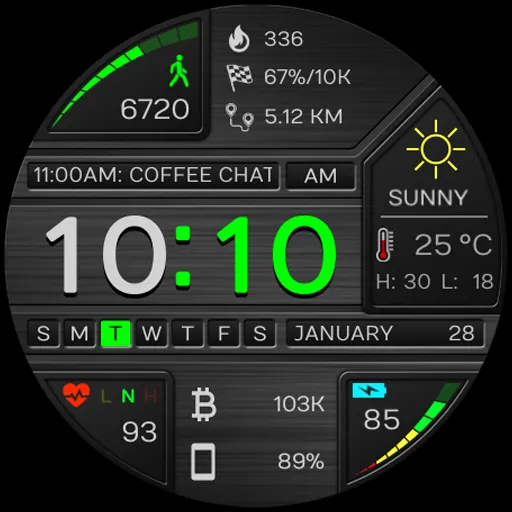
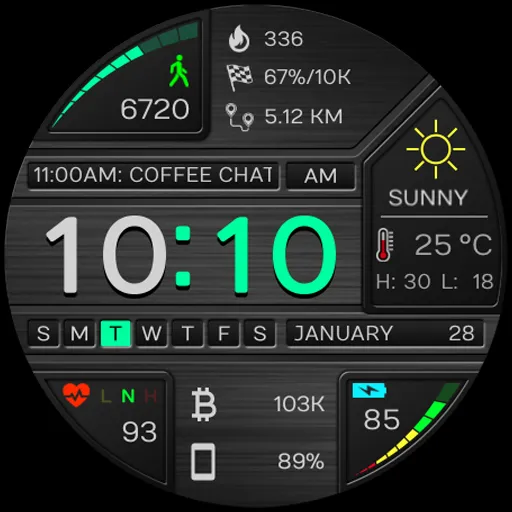
Modern sport digital watch face for Wear OS
This watch face is compatible with Wear OS 5 or higher, API Level 34+. Other devices running Wear OS 4 and earlier are not supported.
Features include:
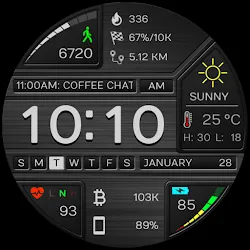
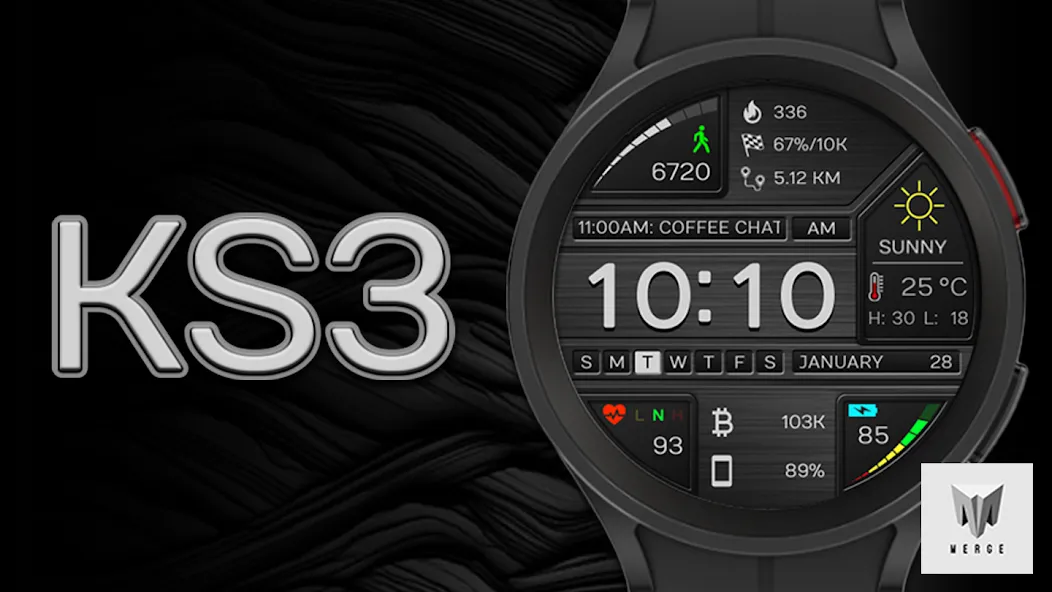
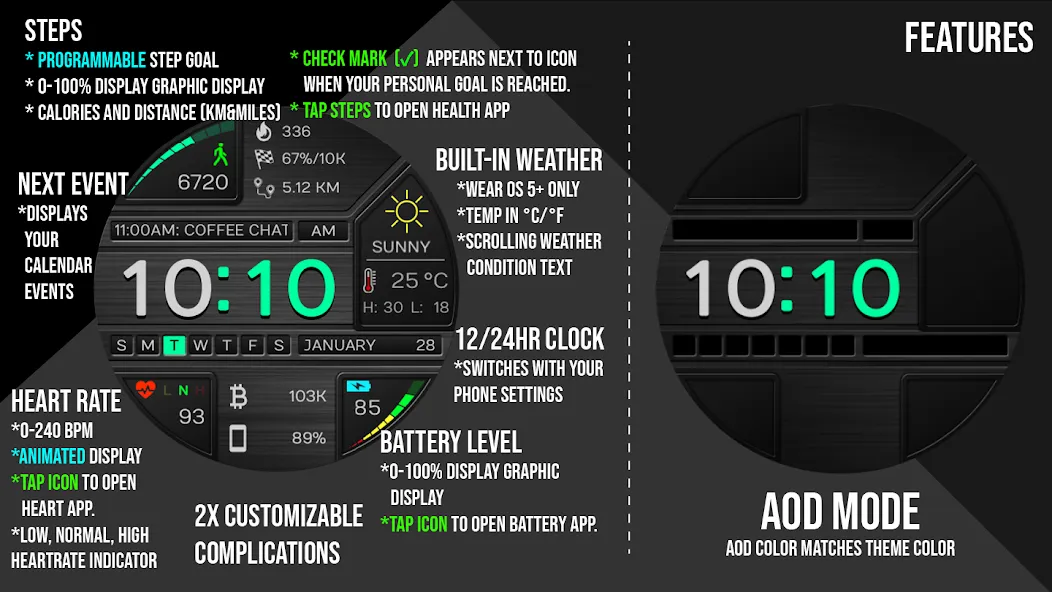
* Built in weather that displays weather data from your weather app installed on your watch/phone. Data displayed includes temperature, high and low temperature, custom weather icons, and scrolling weather conditions.
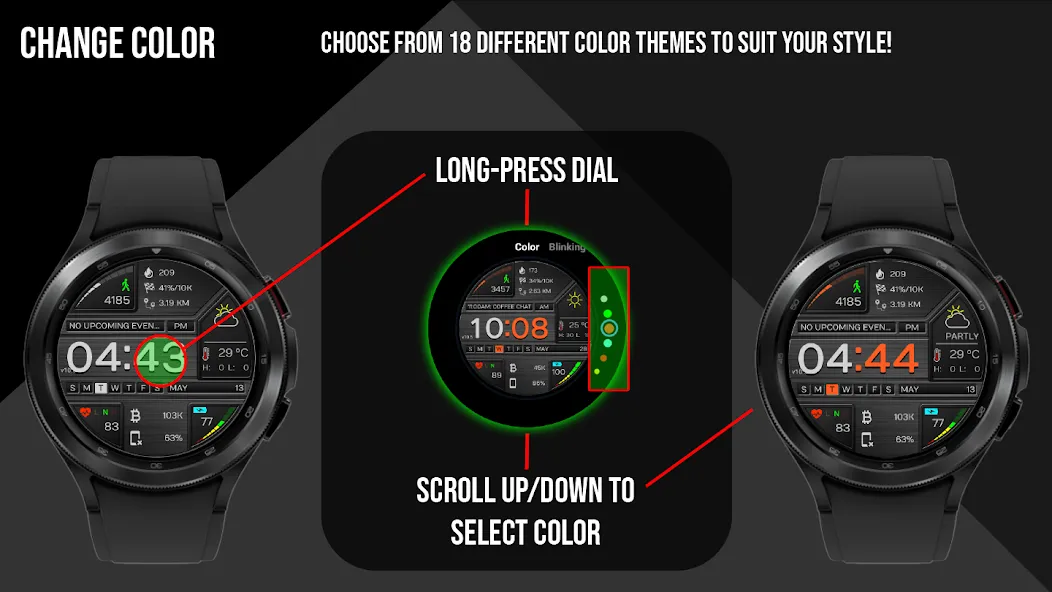
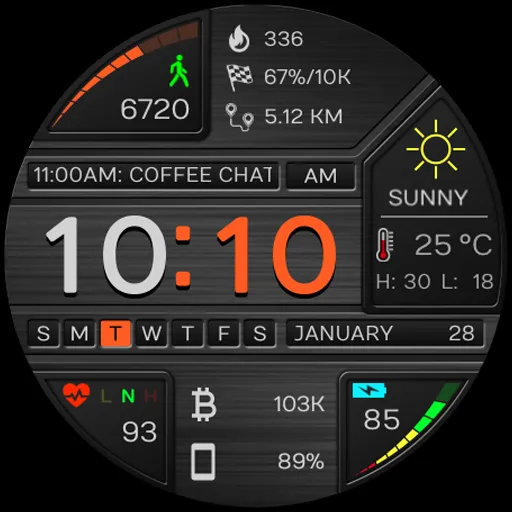
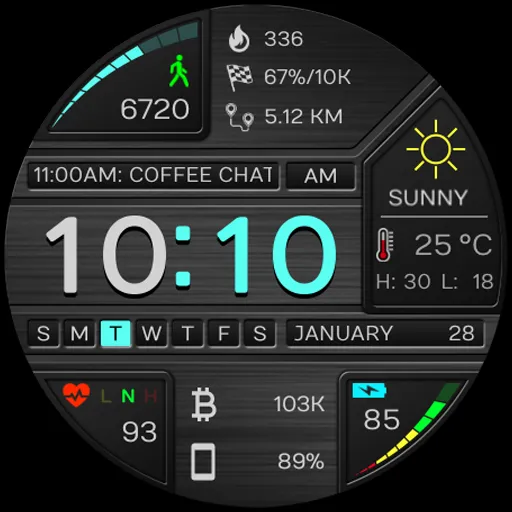
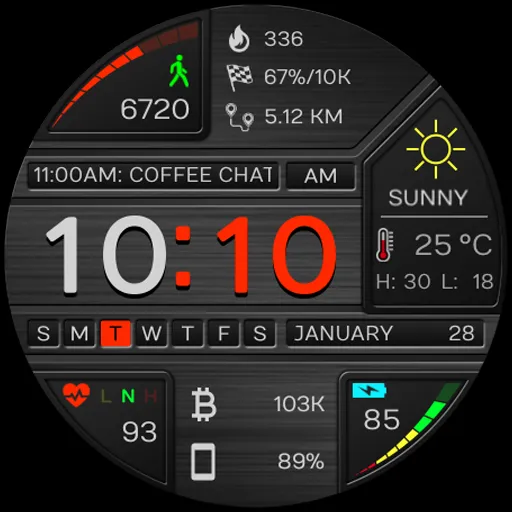
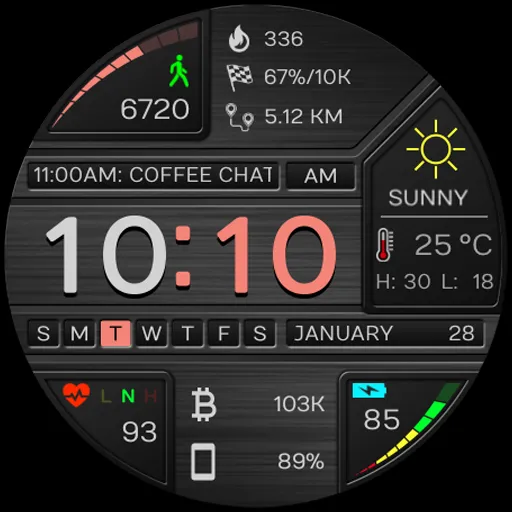
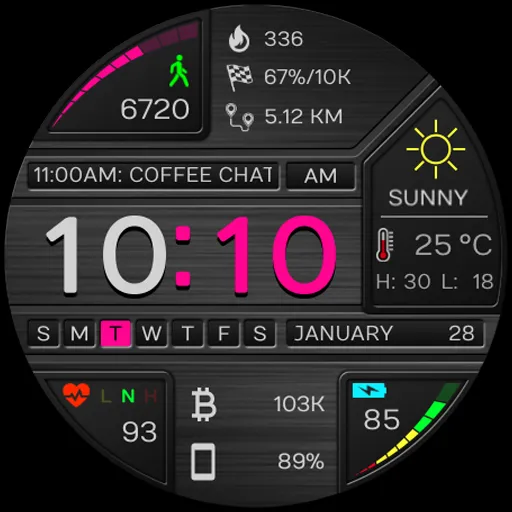
* 18 different color themes to choose from.
* 12/24 Hour time according to your phone’s settings
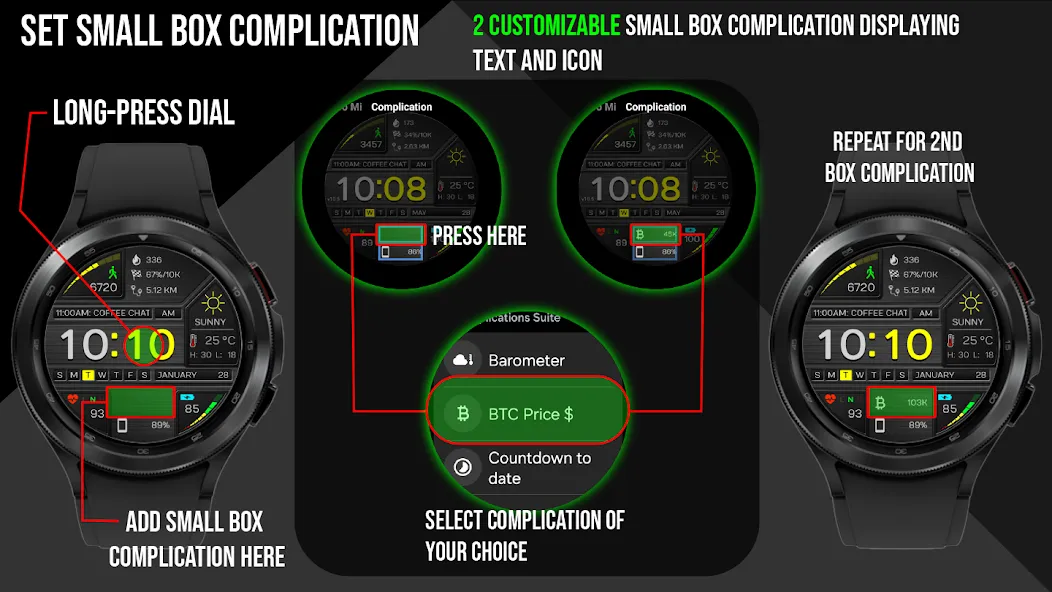
* 2 customizable Small Box Complications allowing for the addition of the information you want to be displayed. (Text+Icon).
* Displays date and “next event” information from your calendar app.
* Displays numerical watch battery level as well as graphical gauge indicator (0-100%). Tap the battery icon to open the watch battery app.
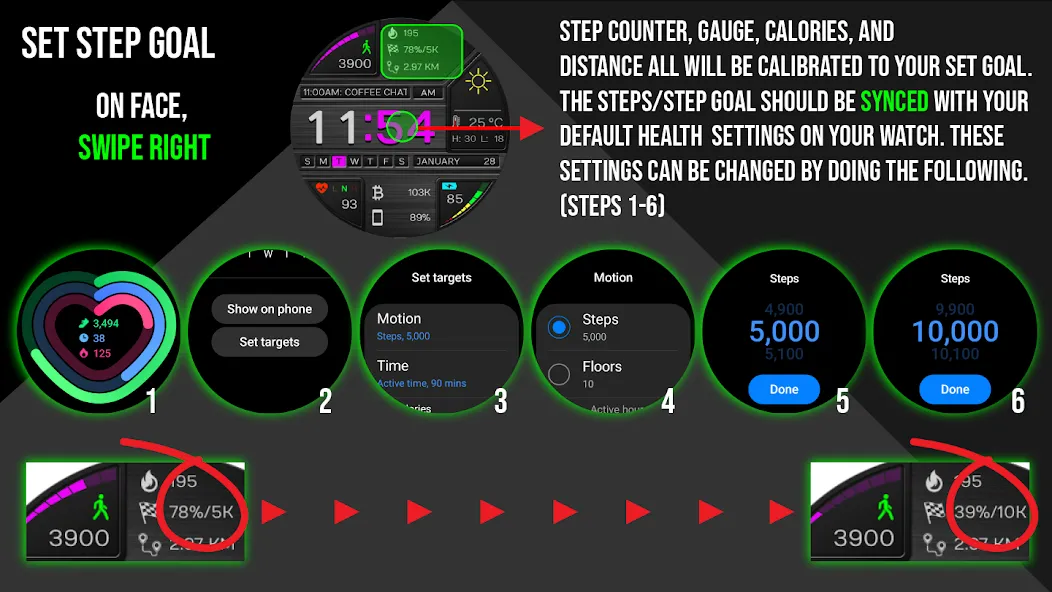
* Displays daily step counter with daily steps gauge indicator (0-set goal amount). Step goal is Synced with your device through Samsung Health app or default health app. The graphic indicator will stop at your synced step goal but the actual numeric step counter will continue to count steps all the way up to 50,000 steps. To set/change your step goal, please refer to the instructions (image) in the description. Also displayed along with step count is calories burned and distance travelled in KM or Miles. A check mark (✓ ) will be displayed beside the step icon to show that the step goal has been reached. (see instructions in main store listing for complete details). Tap steps area to open step goal/health app.
* Displays heart rate (BPM) and you can also tap the heart rate area to launch your default Heart Rate App. Yellow, red, green indicators showing low, normal, high heart rates. Tap the heart rate area to open the heart rate app.
* In customize menu: toggle to display distance in KM/Miles.
* In customize menu: toggle blinking colon On/Off.
Made for Wear OS
Advertisement