 EXD070: Digital Watch Face
3.9

Personalization
Ratings
Downloads
Age
Advertisement
Advertisement
Name
Category
Price
Safety
Developer
Version
⌚ Built using Watch Face Format
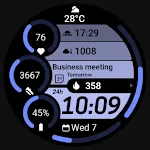
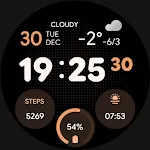
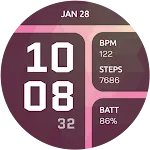
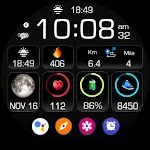
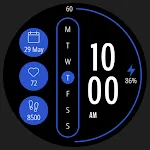
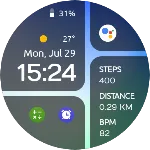
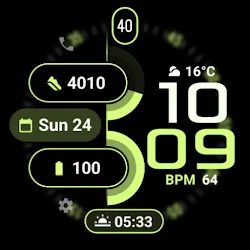
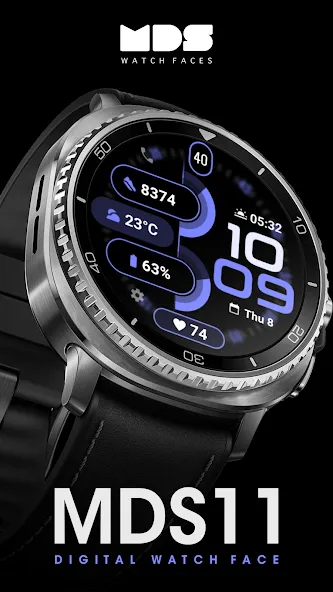
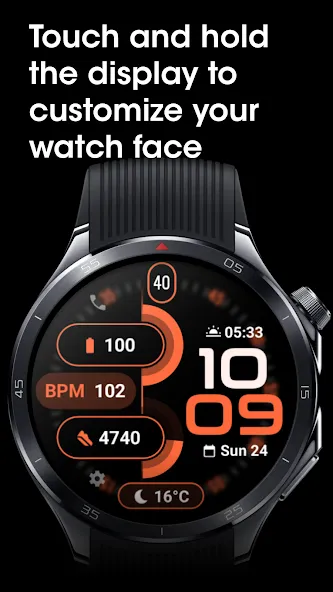
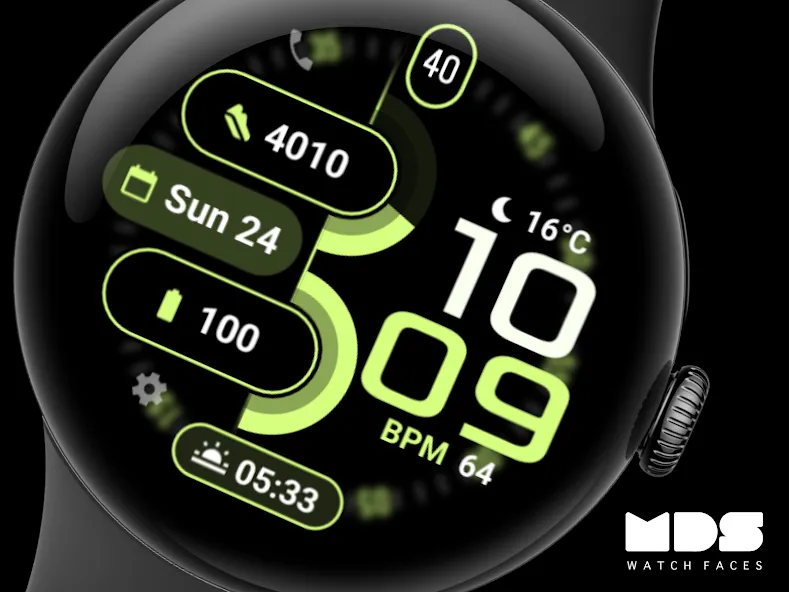
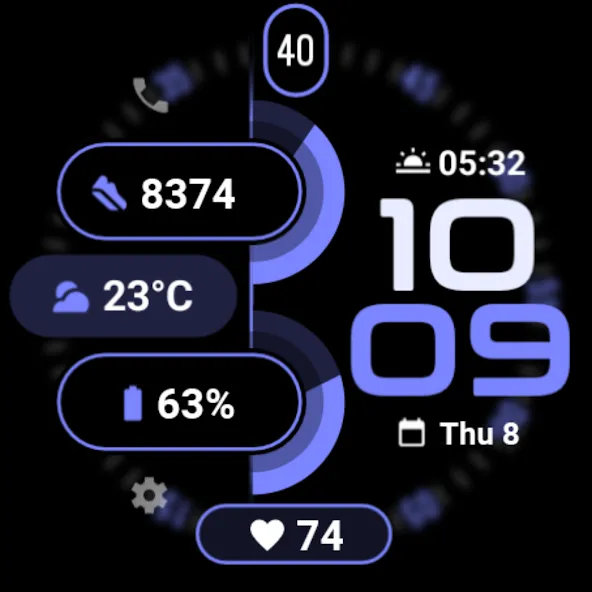
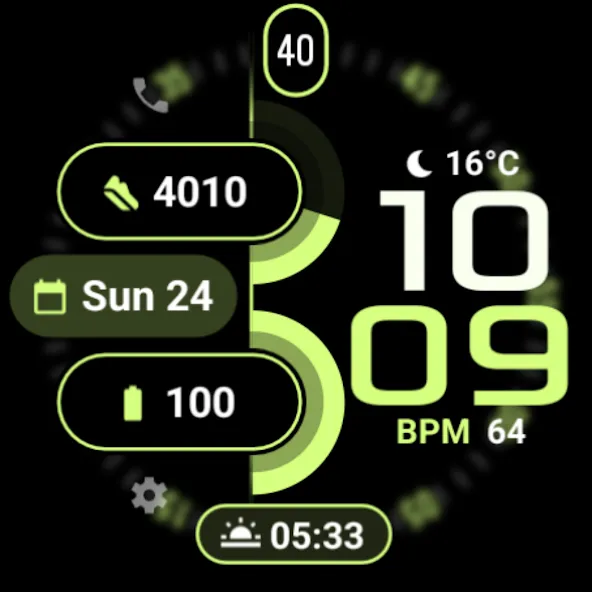
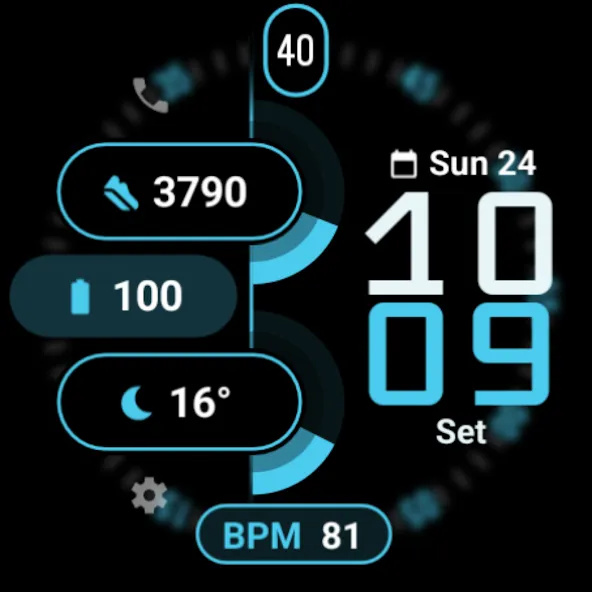
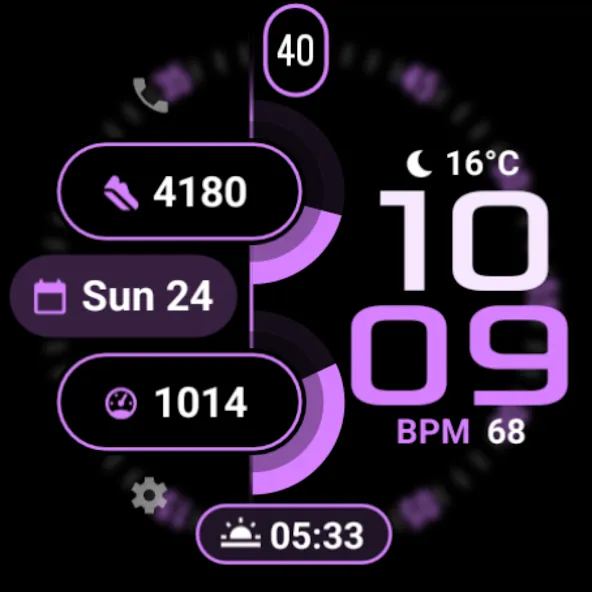
A modern and highly customizable digital watch face designed for Wear OS devices. Built to combine style, performance, and clarity, this watch face delivers essential information at a glance while allowing deep personalization to match your unique taste.
✨ Key Highlights
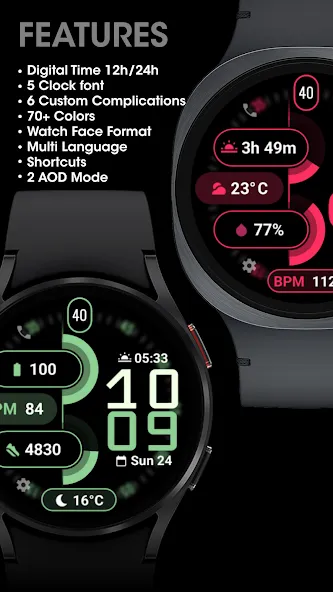
Digital Time with 12h / 24h format
5 clock font styles
6 custom complications
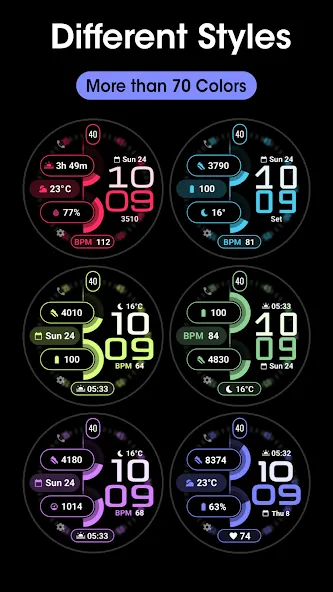
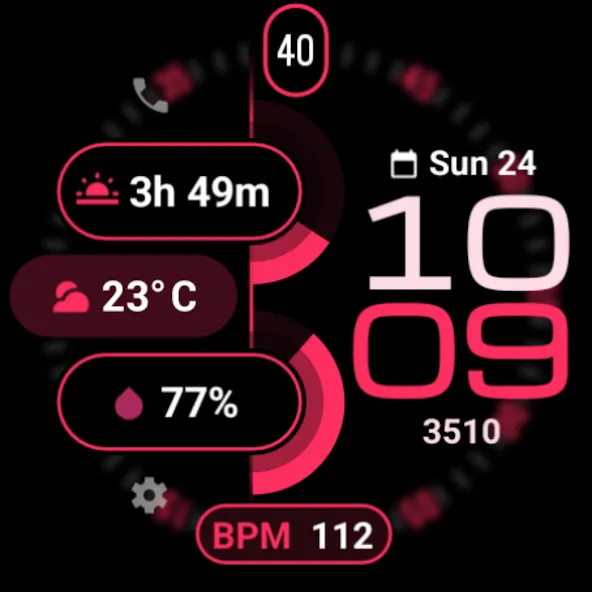
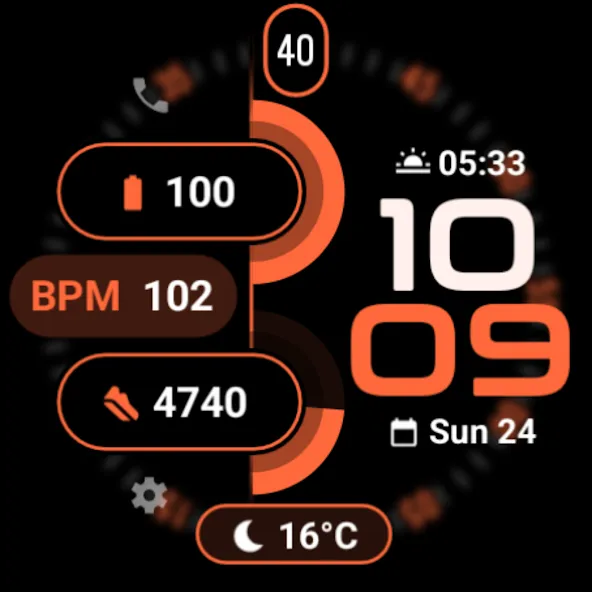
70+ Colors options
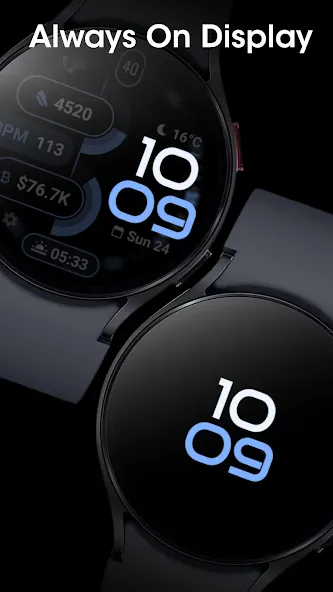
Optimized Always-On Display (AOD) modes
Multi-language support
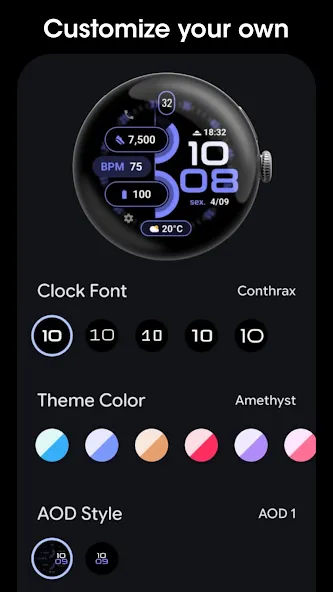
🎨 Customization Options
Make the watch face truly yours:
Choose your favorite clock font
Change the time color to stand out
Customize theme colors to match your style
Create a unique combination that reflects your personality and lifestyle.
🔋 Always-On Display
Designed with efficiency in mind, the Always-On Display keeps essential information visible while minimizing battery consumption. Enjoy a balance of elegance and power saving throughout the day.
⚙️ Performance & Technology
Developed using the official Watch Face Format, this watch face ensures:
⚡ Smooth performance
🔋 Improved battery efficiency
📱 Full compatibility with modern Wear OS versions
⌚ Compatibility
✔ Designed for round Wear OS
✔ Compatible with the latest Wear OS devices
Installation & Troubleshooting
Watch faces are not applied automatically after installation. You must manually select and apply the watch face on your watch.
Installation guide and help: https://mdswatchfaces.com
Upgrade your smartwatch with a watch face that combines bold design, deep customization, and modern technology.
Style. Personalization. Performance.
Advertisement