 spacedesk - USB Display for PC
4.6

Productivity
Ratings
Downloads
Age
Advertisement
Advertisement
Name
Category
Price
Safety
Developer
Version
Experience real multitasking on your Android!
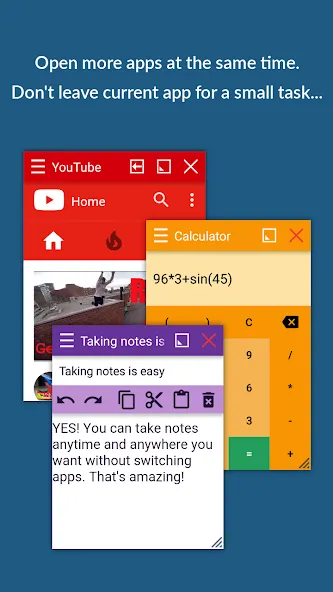
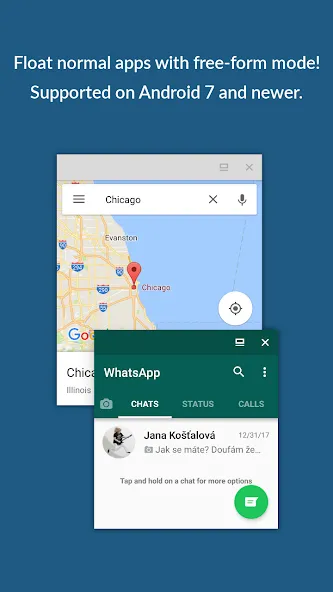
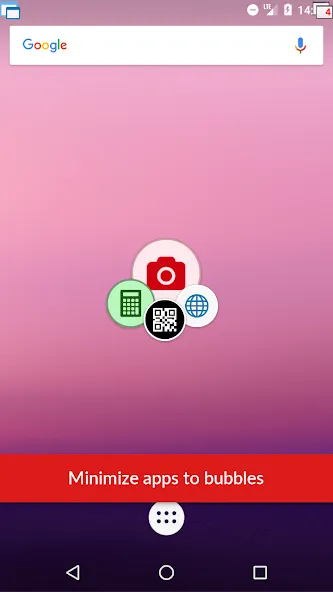
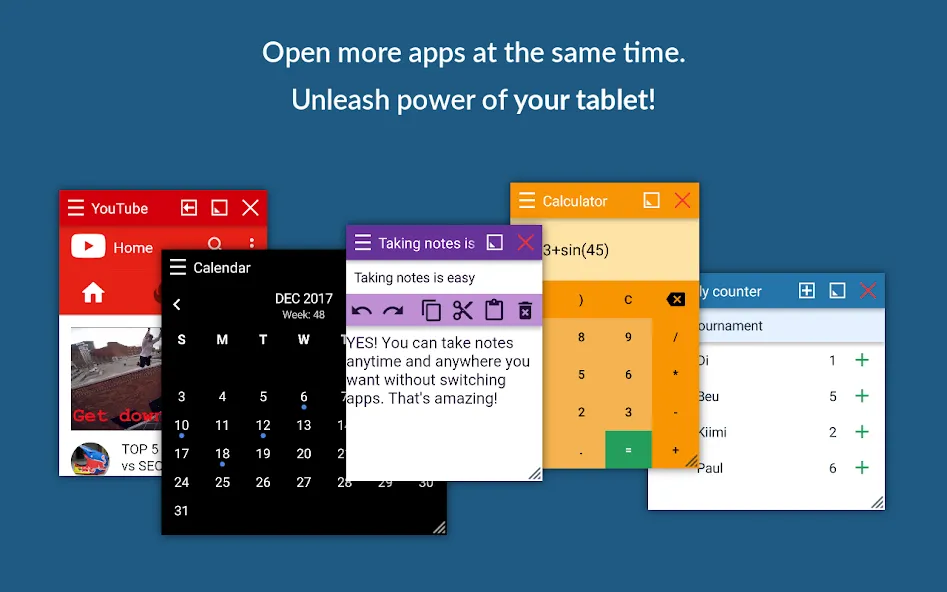
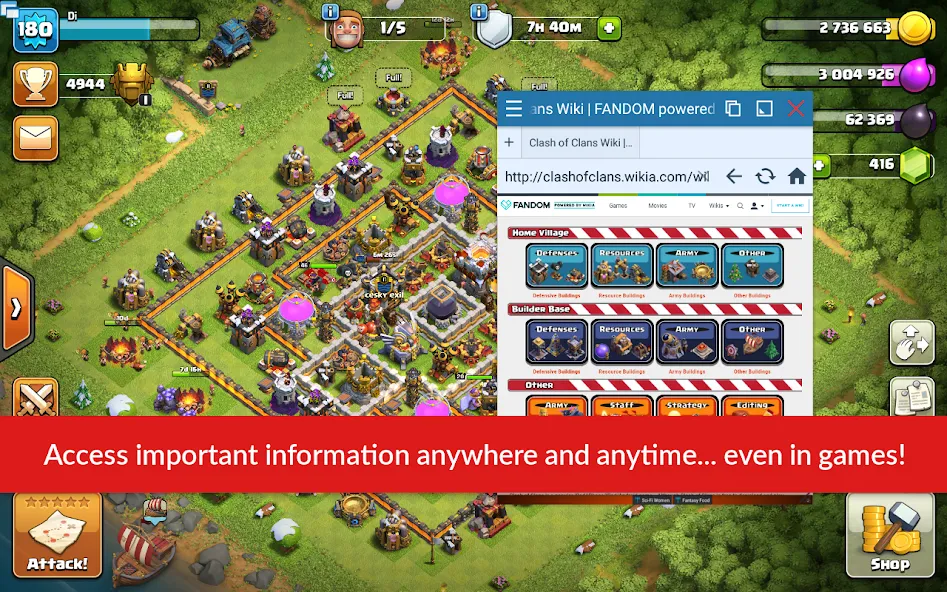
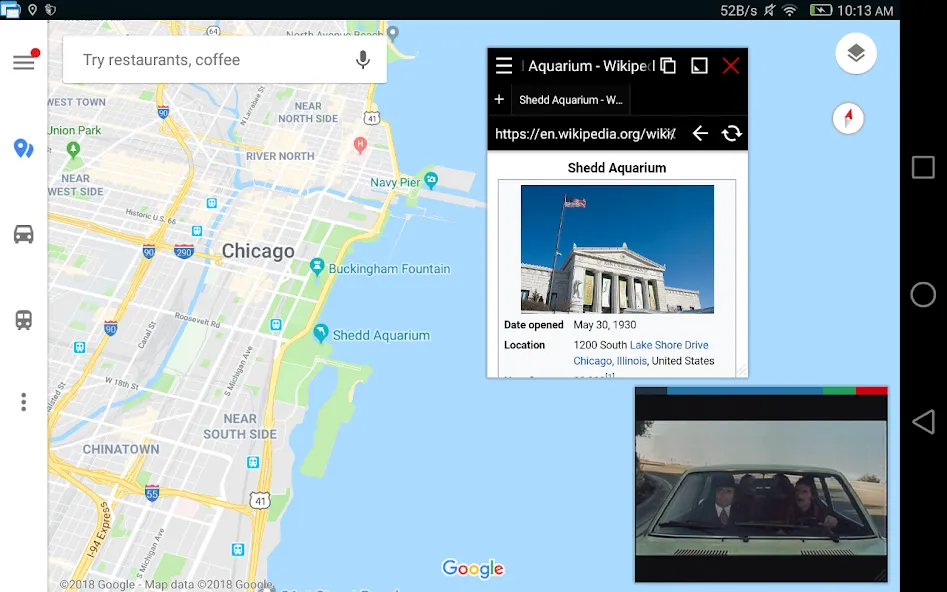
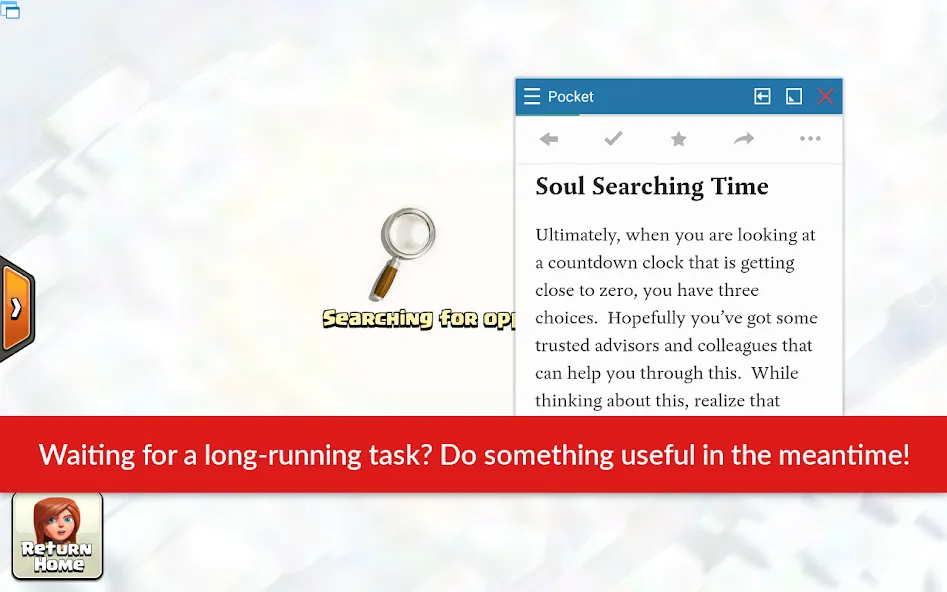
Open more apps at the same time in floating windows and enjoy real multitasking! Don’t leave current app for a small task… Floating Apps is the largest and the most advanced collection of floating mini apps available on Google Play!
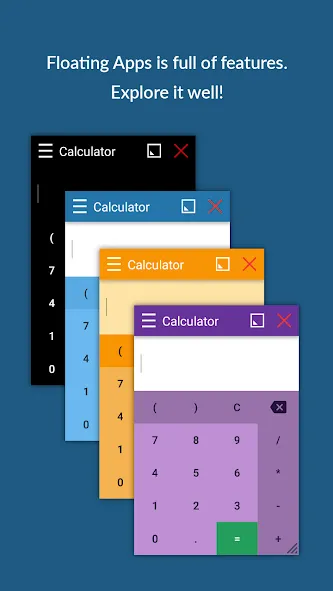
- take notes or use calculator anywhere & anytime
- view email attachments without leaving email app
- view multiple PDF files at the same time
- open links in floating browser and view them later
- translate vocabularies without leaving current app
- and do much much much more…
Supported languages: EN, IN, CS, DA, DE, ES, FR, IT, LT, PL, PT-BR, PT-PT, RO, SK, SV, VI, TR, RU, UK, KO, JA, HI, TH, ZH-TW, TH-CN, FA, AR, HU
If you have any problem with the app, contact us via [email protected] for help!
—
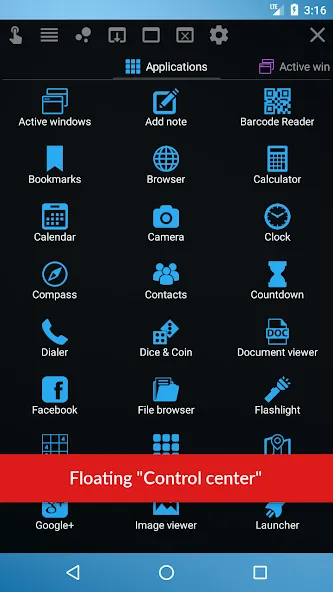
Floating Apps comes with more than 41 floating apps including:
- Browser
- Notes
- Document Viewer (PDF, DOC, DOCX, ODT and more)
- Calendar
- Facebook
- Twitter
- Calculator
- Contacts
- File Manager
- Music Player
- Video Player
- Image Viewer
- Audio Recorder
- Translator
- Paint
- Google Maps
- Wifi Manager
- Games
- and 21 more apps (see https://www.floatingapps.net for full list of 41 floating apps)…
- also, you can create your own floating apps from home screen widgets and URLs!
—
Our Commitment
Floating Apps is the best of its kind because of our commitment and never-ending work. We love to do it for you!
- We’re always doing our best to help our users, so you’re not left alone.
- We’re developing Floating Apps for more than 5 years and it keeps getting better and better.
- We’re listening to your requests and designing apps and features for you.
The Most Advanced Features
- Stop switching from one app to another and experience real multitasking with floating mini apps that make your life easier!
- Do not find the right floating app for you? Turn homescreen widgets and URLs into your very own floating apps.
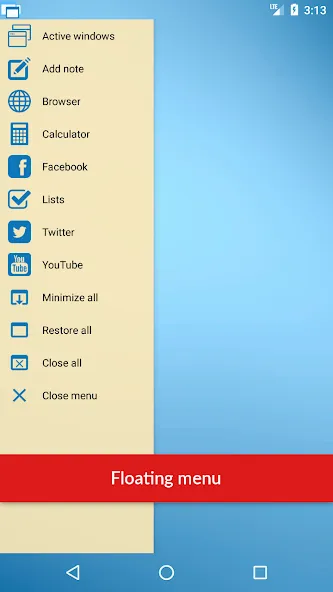
- Access floating apps anywhere and anytime without leaving what you are just doing with Floating Menu and Quick Launch.
- Extremely powerful floating menu allows you to access not only floating apps, but also normal and recent apps and shortcuts!
- Access floating apps with one tap via movable & resizable quick launch icon that stays always on top of other apps.
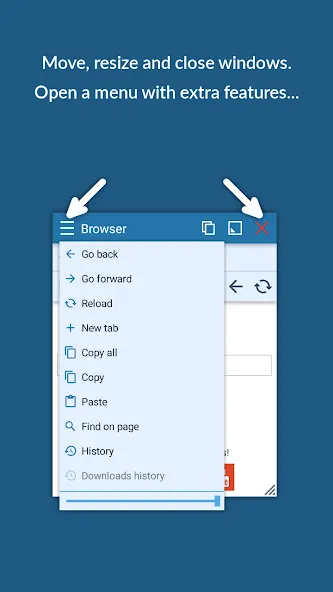
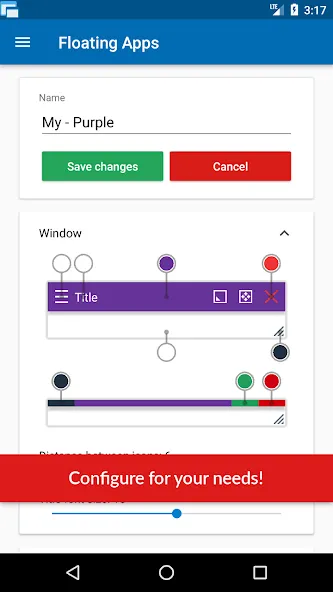
- Move windows by simply dragging their title, resize them by dragging their bottom bar. Arrange windows your way!
- Maximize the floating app to utilize the whole screen. Minimize it if you don’t need it now and restore it later.
- Easily access advanced features & functions, control the window, its borders and transparency with context menu!
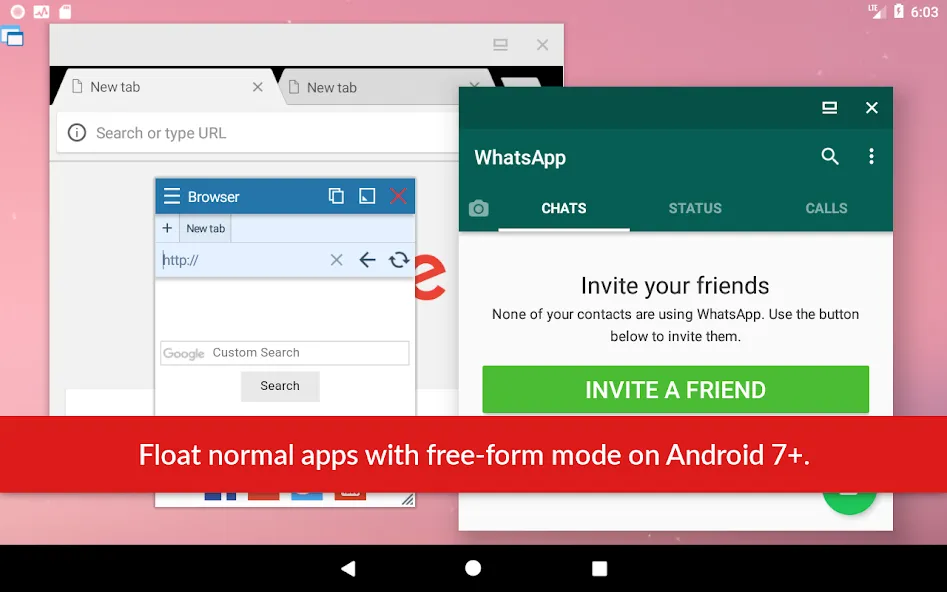
- Open links, videos or images using floating apps the same way as you do with normal apps. Use shortcuts, notifications and more.
- It’s just like multiviews / multi windows on Samsung or split screen mode but for all Androids!
Links
Web: https://www.floatingapps.net
Facebook: https://www.facebook.com/FloatingApps
Twitter: https://twitter.com/FloatingAppsNet
Google+: https://plus.google.com/+FloatingappsNet
Feedback: https://floatingapps.uservoice.com
Testers Community: https://plus.google.com/communities/111601071691478533219
Permissions
Please see complete list at http://www.floatingapps.net/permissions.
Google Play
APP STORE
Advertisement
Taptostore.com is an independent app discovery and editorial review platform. We publish reviews, comparisons, and recommendations designed to help users explore apps and make informed choices.
Download links on Taptostore.com direct users to the relevant official app store or another distribution channel designated by the developer or publisher. App downloads and installations take place through those external platforms.
Our content is developed through product research, editorial analysis, publicly available information, and, where appropriate, an assessment of the app’s features and user experience. Reviews and recommendations represent our editorial judgment at the time of publication.
The security and privacy practices of each app are determined by its developer. Before installing an app, users should review its official store listing, developer information, requested permissions, privacy policy, update history, and recent user feedback.
Taptostore.com does not control or independently certify third-party apps and cannot guarantee their security, reliability, performance, or privacy practices.
Not necessarily. Apps may be free, paid, advertising-supported, or include in-app purchases and recurring subscriptions. Pricing and availability may vary by region, device, platform, and time. Please refer to the relevant official store listing for current terms.
Availability may be affected by geographic restrictions, device compatibility, operating-system requirements, age limitations, store policies, or decisions made by the developer or publisher. These factors are outside the control of Taptostore.com.
Taptostore.com does not operate the apps featured on the website and cannot access their accounts or internal systems. Questions about login credentials, account recovery, technical issues, data deletion, or app functionality should be directed to the relevant developer through its official support channels.
Please do not send passwords, verification codes, recovery credentials, or payment information to Taptostore.com.
App-related payments, subscriptions, cancellations, and refunds are administered by the app store, developer, or payment provider responsible for the transaction. Taptostore.com does not process these transactions and cannot manage subscriptions or issue refunds.
Uninstalling an app may not cancel an active subscription. Users should manage subscriptions through the platform on which the purchase was made.
We make reasonable efforts to publish accurate and useful information. However, app features, pricing, compatibility, availability, and policies may change without notice. For the most current details, users should consult the relevant official store listing or developer documentation.
Unless expressly stated, Taptostore.com is not affiliated with, sponsored by, endorsed by, or officially connected with the developers, publishers, brands, or platforms featured on the website.
Product names, logos, brands, and trademarks belong to their respective owners and are referenced solely for identification and informational purposes.
Advertisement