 Link to Windows
3.8

Lifestyle
Ratings
Downloads
Age
Advertisement
Advertisement
Name
Category
Price
Safety
Developer
Version
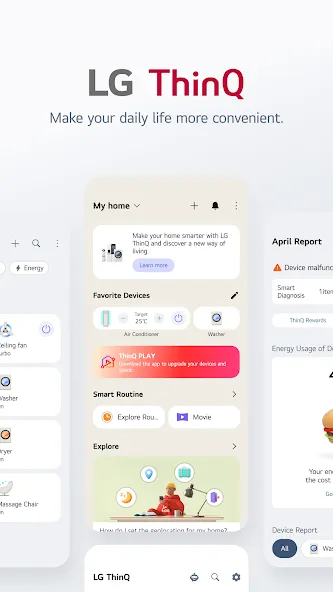
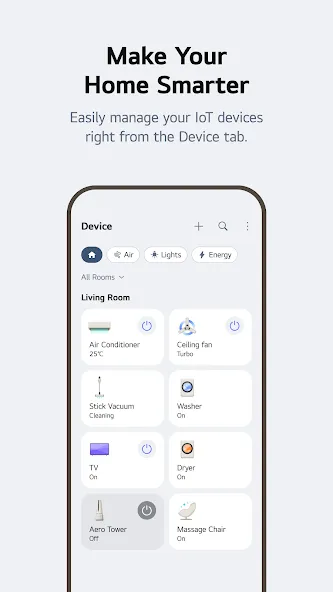
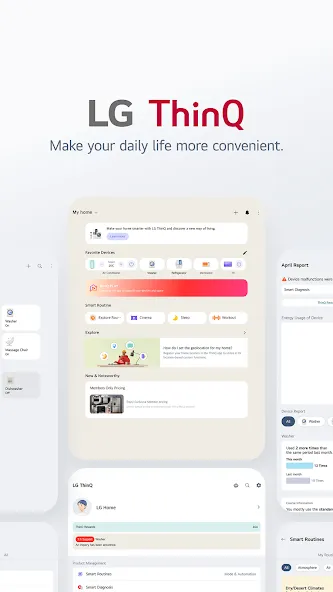
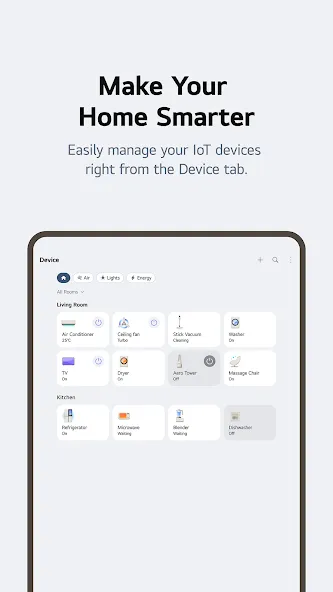
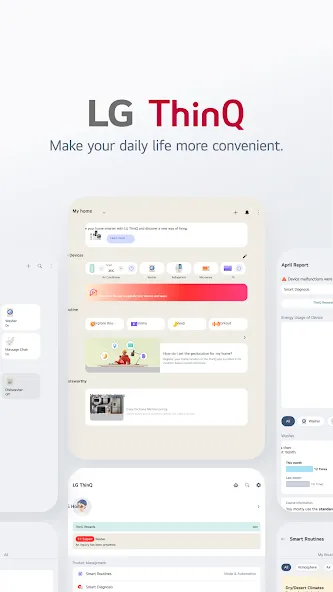
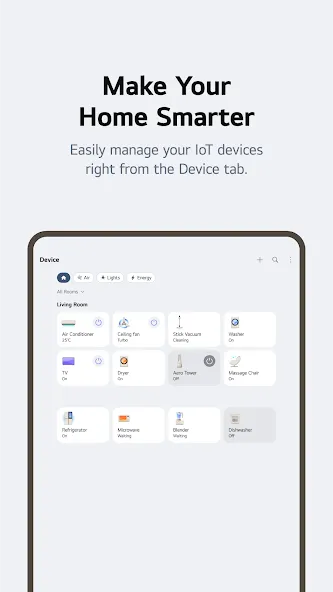
Connect your IoT home appliances to the LG ThinQ app.
Enjoy effortless product control, smart care, and convenient automation in one simple solution.
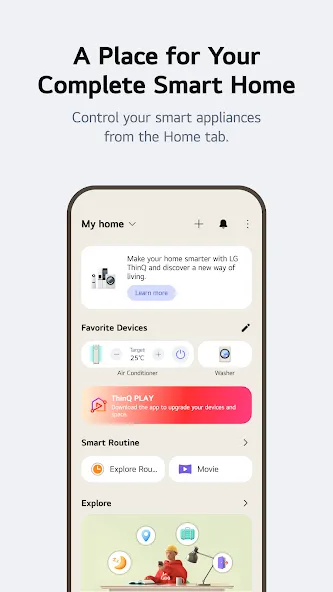
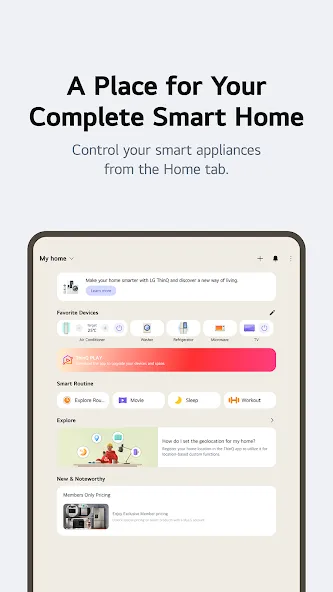
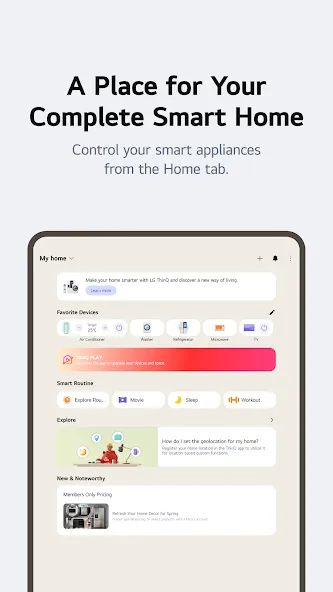
■ Discover the convenience of smart home appliances through the Home tab.
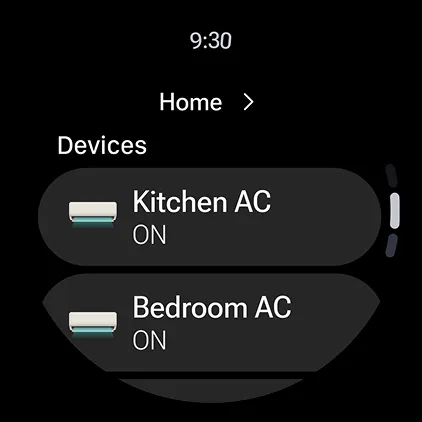
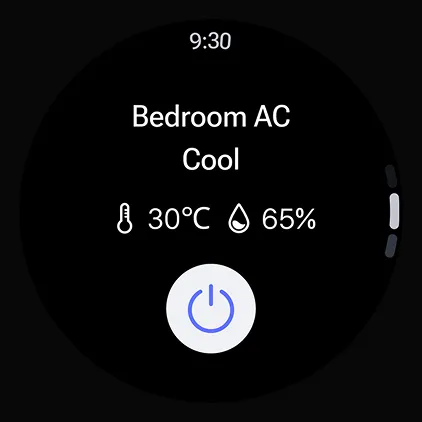
- Control your IoT home appliances from anywhere with our app.
- Get personalized recommendations for managing appliances based on usage history.
- Find out ways to better make use of the app’s features from ““Explore””
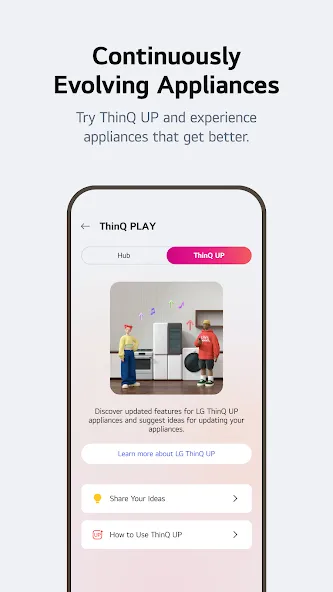
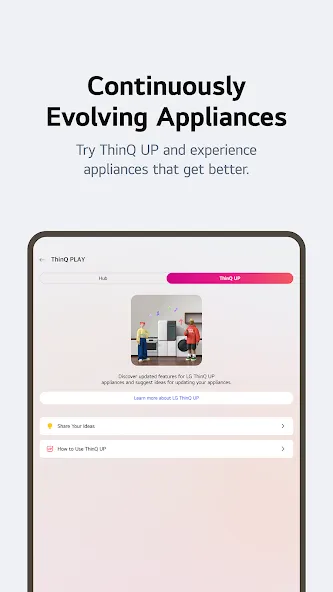
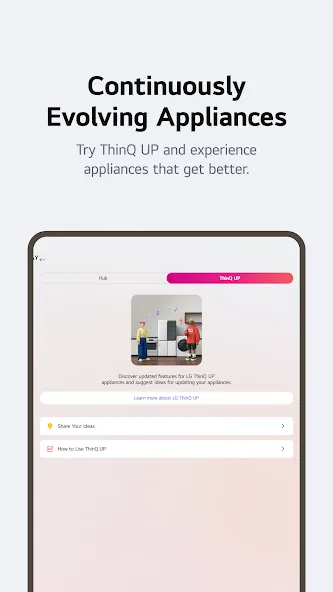
■ Upgrade your products and your living spaces from ThinQ Play.
- Download a variety of apps available for use from LG ThinQ On(AI Home Hub)
- Use your products more efficiently and with greater ease by introducing new features to products you are currently using.
- Upgrade your products based on your lifestyle and personal preferences.
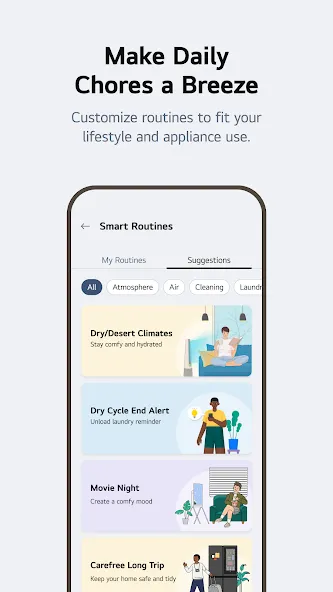
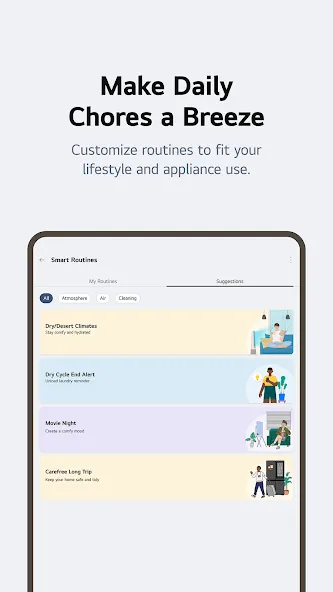
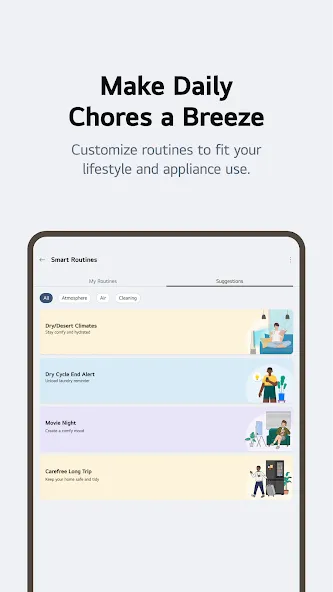
■ Create smart routines to match your needs.
- Automatically turn on the lights and air purifier when it’s time to wake up.
- When you’re on vacation, automatically turn off products to save energy.
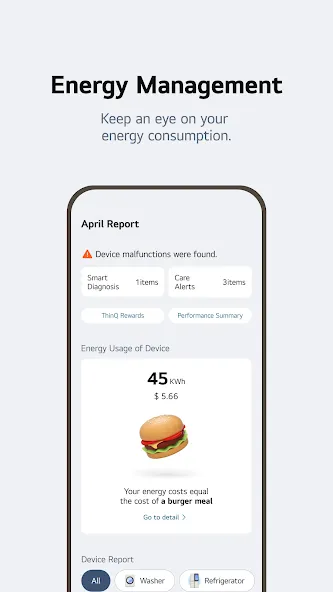
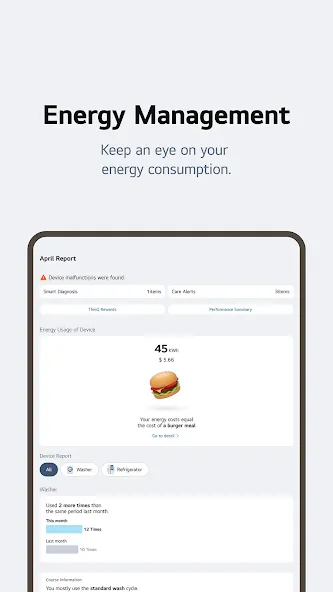
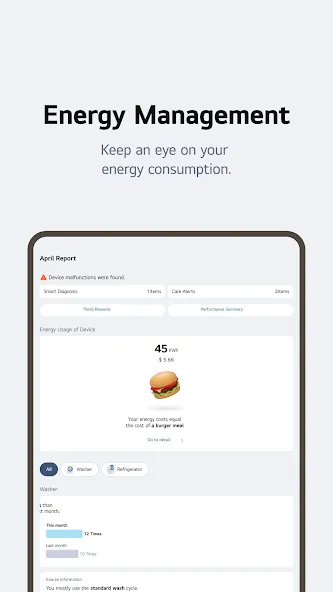
■ Monitor your energy consumption data quickly.
- Use Energy Monitoring to compare your power usage with your neighbors’.
- Set energy saving goals and get usage status notifications to help save energy more efficiently.
- Receive care services for your products all in one place.
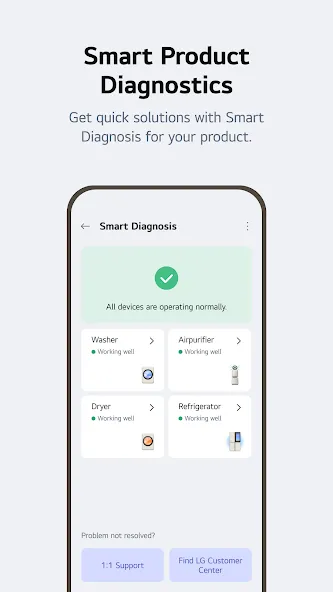
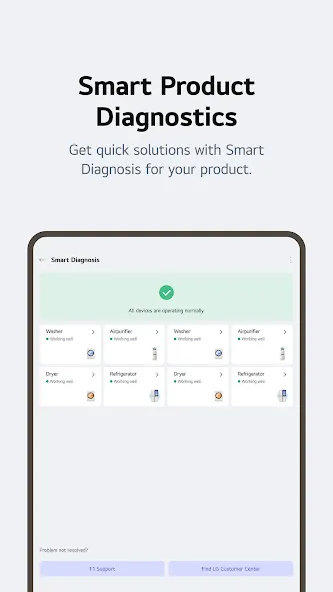
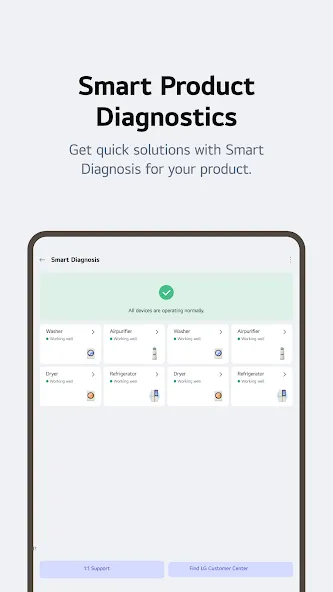
■ Handle everything from troubleshooting to service requests directly from the app.
- Use the Smart Diagnosis function to check your product’s status.
- Book a service visit from a professional engineer for an accurate diagnosis and inspection.
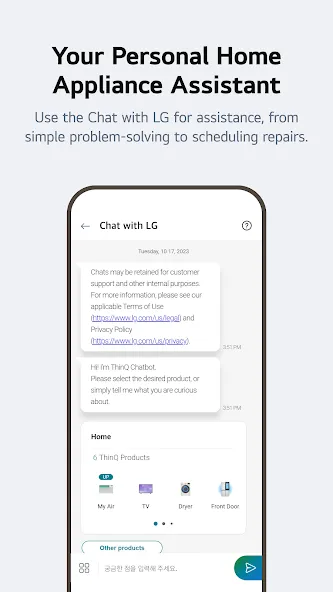
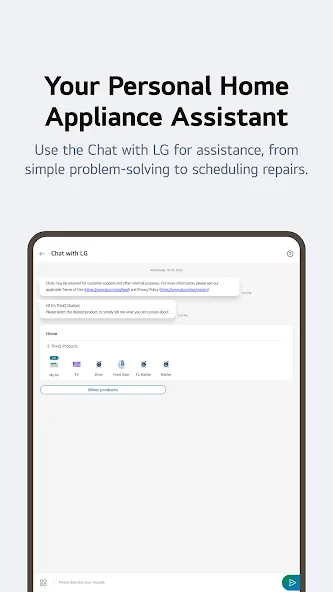
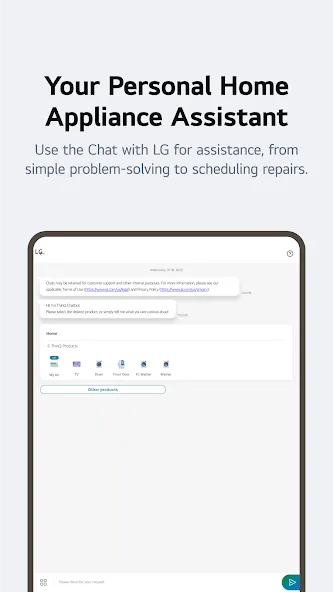
■ Ask our AI-powered ‘Chat with LG’ about ThinQ home appliances.
- Our ‘Chat with LG’ provides answers tailored to your product’s situation and condition.
※ Services and features may vary depending on your product model and your country or region of residence.
The accessibility API is used only to transmit the signal that users input to the TV remote control to the smartphone when using the ‘View Phone Screen on TV’s Larger Screen’ function in the LG ThinQ app.
We do not collect or use your information except for the minimum information necessary to operate your smartphone.
* Access Permissions
To provide service, optional access permissions are required as shown below. Even if you do not allow optional access permissions, you can still use the basic functions of the service.
[Optional Access Permissions]
• Calls
- To contact the LG Service Center
• Location
- To find and connect to nearby Wi-Fi when registering the product.
- To set and save the home location in Manage Home
- To search for and use information about current locations, such as weather.
- To check your current location in the “Smart Routines” function.
• Nearby devices
- To find and connect to nearby Bluetooth devices when adding a product to the app.
• Camera
- To take a profile picture
- To share a home or account scanned from a QR code.
- To add products recognized by QR codes.
- To take and attach photos in “1:1 Inquiry.”
- To record and store purchase receipts when registering additional information about the product.(미국 Only)
- To use the AI oven Cooking Record feature.
- To use in “Chat with LG” when entering the product and serial number information
• Photo and video
- To attach and set my profile picture in Photos.
- To take and attach photos in “1:1 Inquiry.”
- To record and store purchase receipts when registering additional information about the product.
- To view photo/video on your smartphone on the TV.
- To use in “Chat with LG” to save photos/videos of product symptoms or proof of purchase
- To use in “Chat with LG” when entering the product and serial number information
• Microphone
- To check product status via Smart Diagnosis
- To use in “Chat with LG” when inputting through the microphone in the input window and using STT.
• Notifications
- Notifications are essential for receiving updates on product status, important notices, benefits, and information.
• Music and audio
- To play music files on your smartphone on the TV.
Google Play
APP STORE
Advertisement
Taptostore.com is an independent app discovery and editorial review platform. We publish reviews, comparisons, and recommendations designed to help users explore apps and make informed choices.
Download links on Taptostore.com direct users to the relevant official app store or another distribution channel designated by the developer or publisher. App downloads and installations take place through those external platforms.
Our content is developed through product research, editorial analysis, publicly available information, and, where appropriate, an assessment of the app’s features and user experience. Reviews and recommendations represent our editorial judgment at the time of publication.
The security and privacy practices of each app are determined by its developer. Before installing an app, users should review its official store listing, developer information, requested permissions, privacy policy, update history, and recent user feedback.
Taptostore.com does not control or independently certify third-party apps and cannot guarantee their security, reliability, performance, or privacy practices.
Not necessarily. Apps may be free, paid, advertising-supported, or include in-app purchases and recurring subscriptions. Pricing and availability may vary by region, device, platform, and time. Please refer to the relevant official store listing for current terms.
Availability may be affected by geographic restrictions, device compatibility, operating-system requirements, age limitations, store policies, or decisions made by the developer or publisher. These factors are outside the control of Taptostore.com.
Taptostore.com does not operate the apps featured on the website and cannot access their accounts or internal systems. Questions about login credentials, account recovery, technical issues, data deletion, or app functionality should be directed to the relevant developer through its official support channels.
Please do not send passwords, verification codes, recovery credentials, or payment information to Taptostore.com.
App-related payments, subscriptions, cancellations, and refunds are administered by the app store, developer, or payment provider responsible for the transaction. Taptostore.com does not process these transactions and cannot manage subscriptions or issue refunds.
Uninstalling an app may not cancel an active subscription. Users should manage subscriptions through the platform on which the purchase was made.
We make reasonable efforts to publish accurate and useful information. However, app features, pricing, compatibility, availability, and policies may change without notice. For the most current details, users should consult the relevant official store listing or developer documentation.
Unless expressly stated, Taptostore.com is not affiliated with, sponsored by, endorsed by, or officially connected with the developers, publishers, brands, or platforms featured on the website.
Product names, logos, brands, and trademarks belong to their respective owners and are referenced solely for identification and informational purposes.
Advertisement