 Text Reader: Text to Speech
4.5

Productivity
Ratings
Downloads
Age
Advertisement
Advertisement
Name
Category
Price
Safety
Developer
Version
Notta: Your AI-Powered Notetaker for Smarter Workflows
Notta is an intelligent AI notetaking assistant that seamlessly transforms speech into text with outstanding precision and speed. Say goodbye to manual transcription—Notta simplifies the process, helping you effortlessly capture meeting minutes, interview insights, and important AI notes in real time.
Focus on the Conversation, Not the Notes—Let Notta Handle the Rest!
Key Features
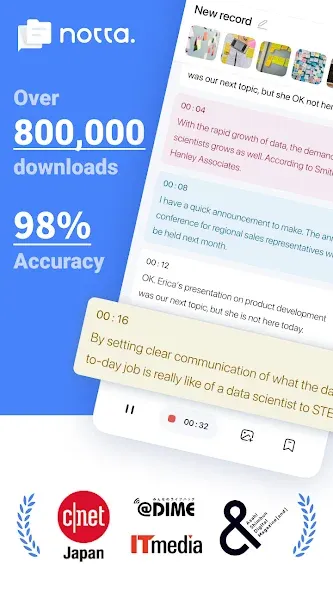
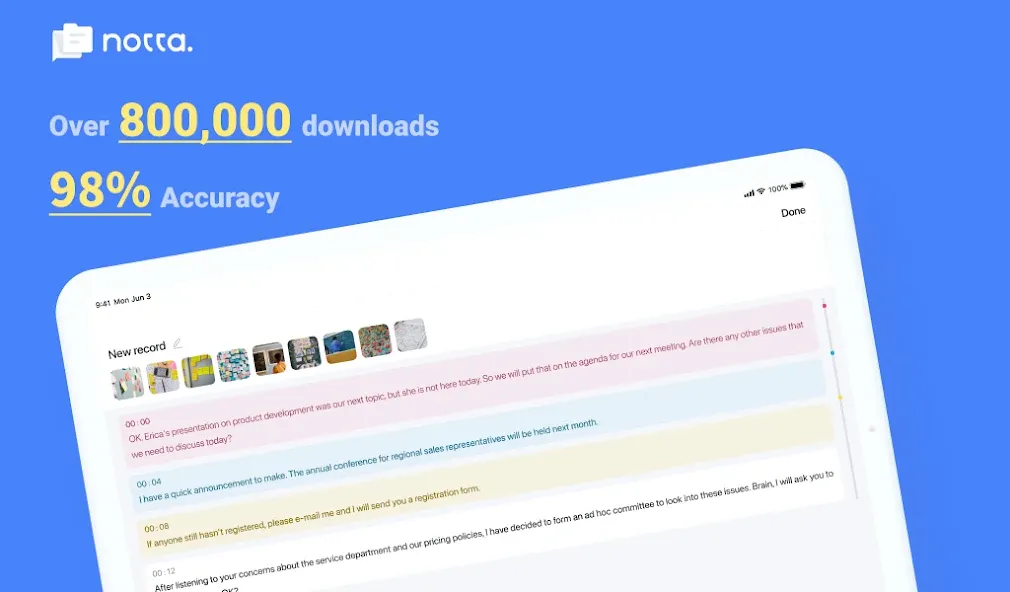
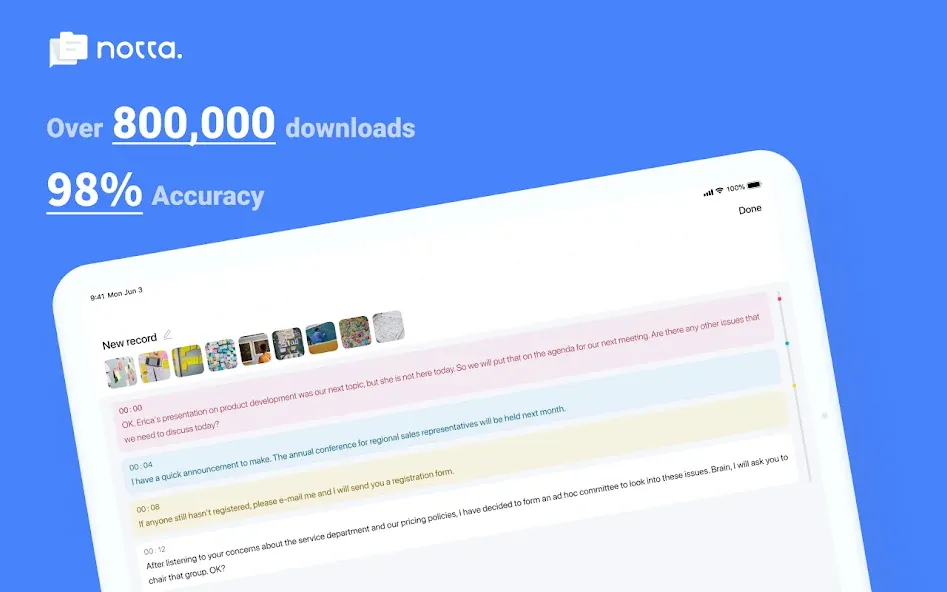
- 98.86% transcription accuracy
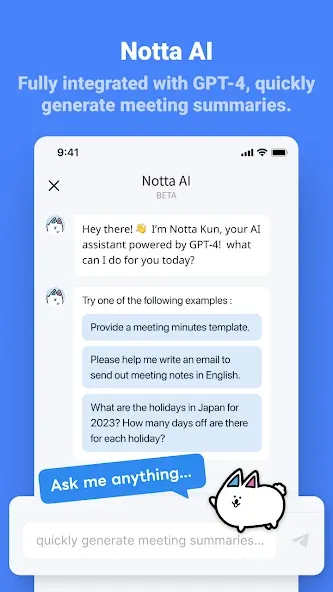
- AI-powered summarization feature for instant insight
- Supports transcription in 58 languages
- Translate text into 42 languages
- Compatible with various file formats
- AI removes noise and delivers clear, high-quality audio
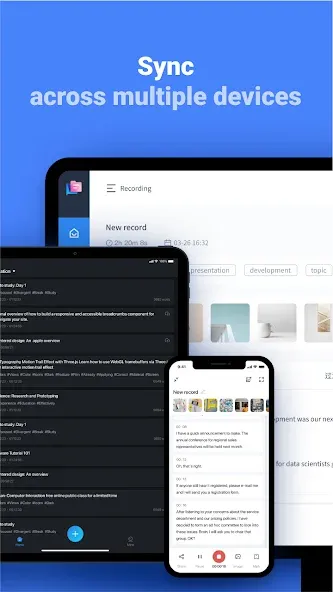
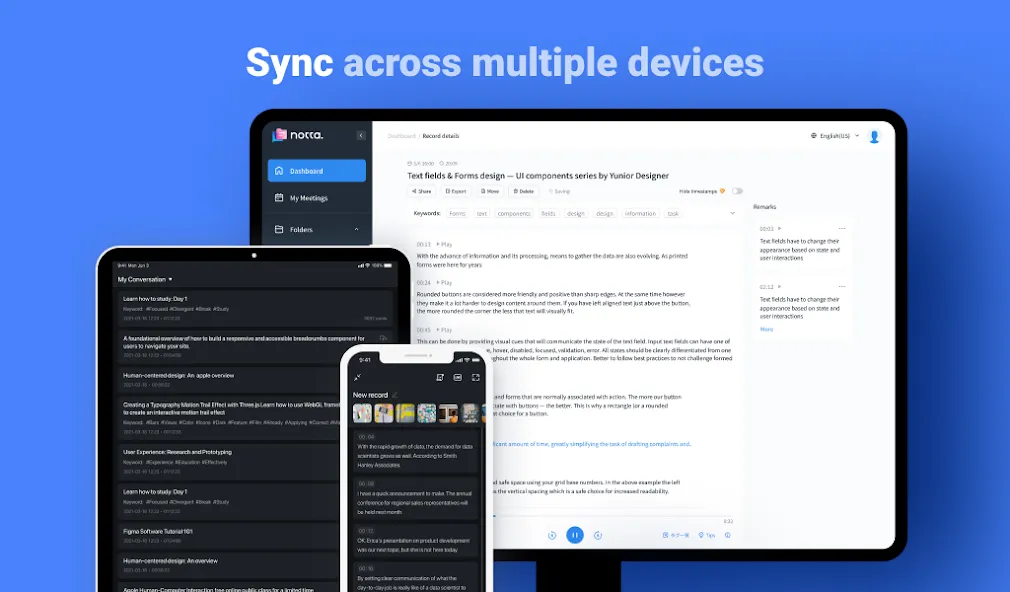
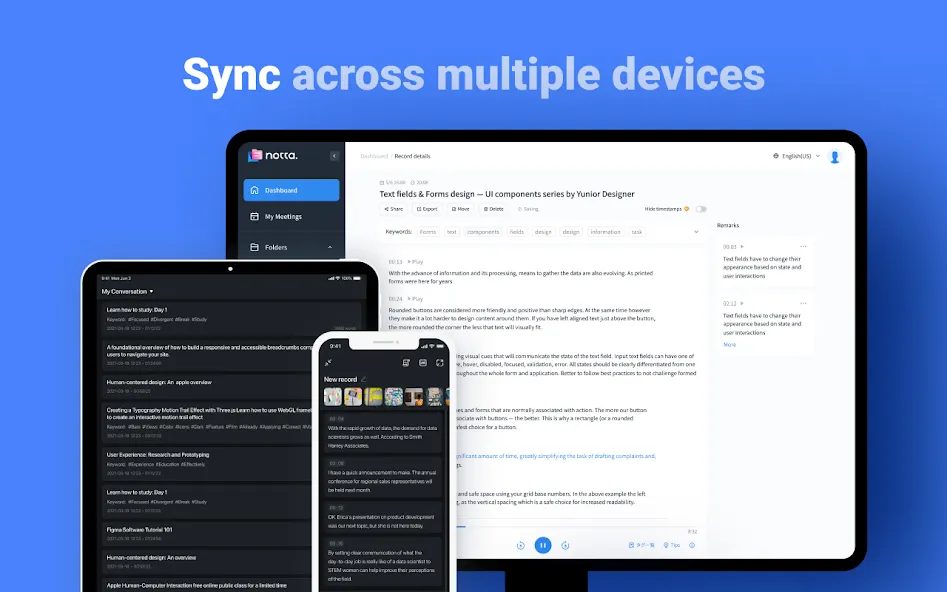
- Auto-sync across multiple devices
Who is Notta for?
- Salespeople and consultants managing frequent meetings or negotiations
- Remote workers, telecommuters, and those working from home
- Media professionals like journalists, writers, interviewers, and bloggers
- Multilingual speakers or students learning new languages
-Security Certifications
Notta obtained the SOC 2 Type II certification, and received ISO/IEC 27001:2013 certification for its information security management system, reinforcing the reliability and security of our services.
-Real-Time Transcription and Summarization
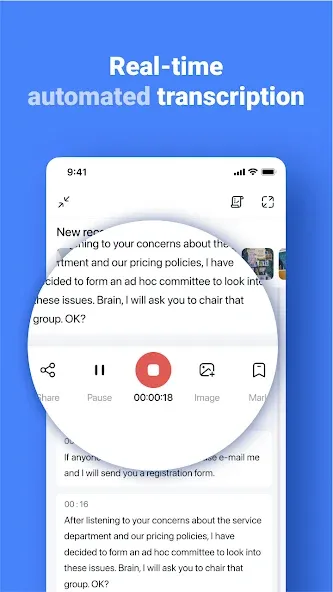
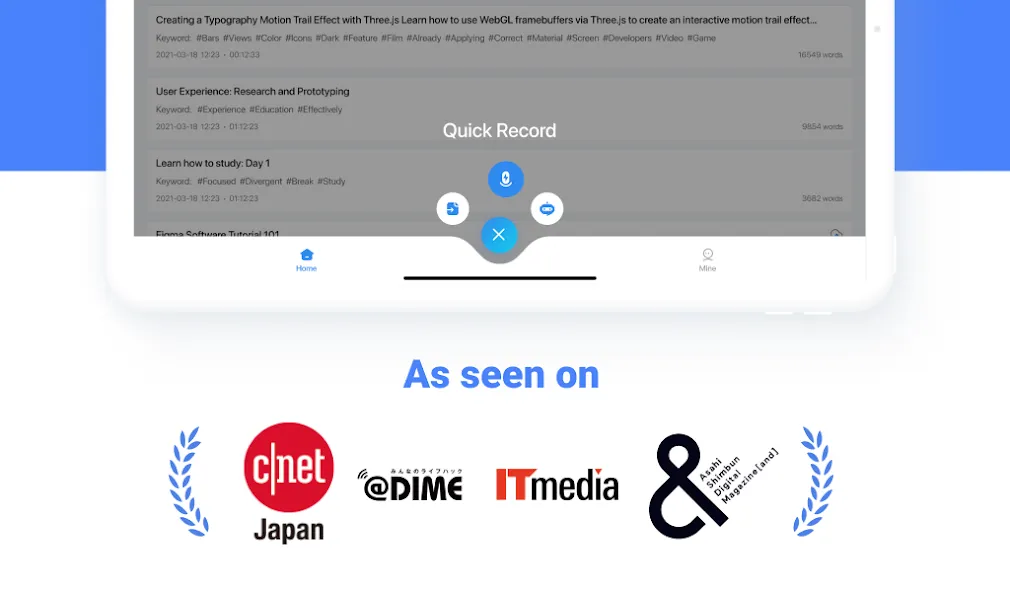
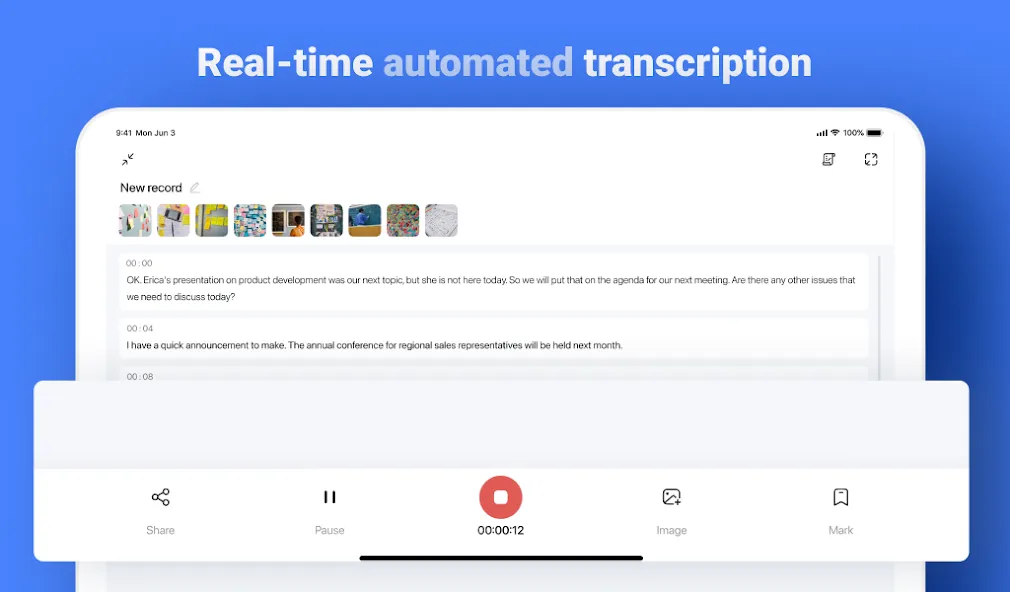
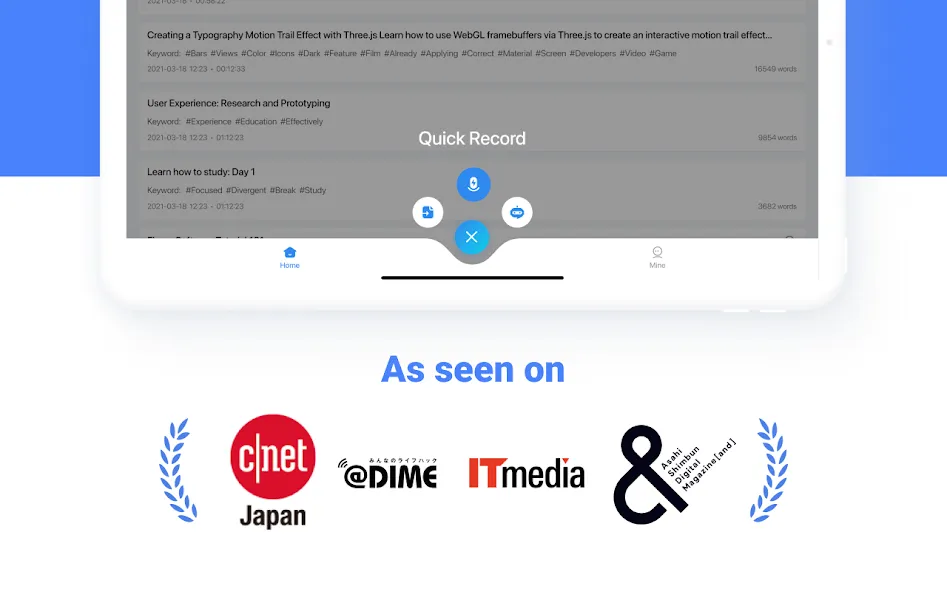
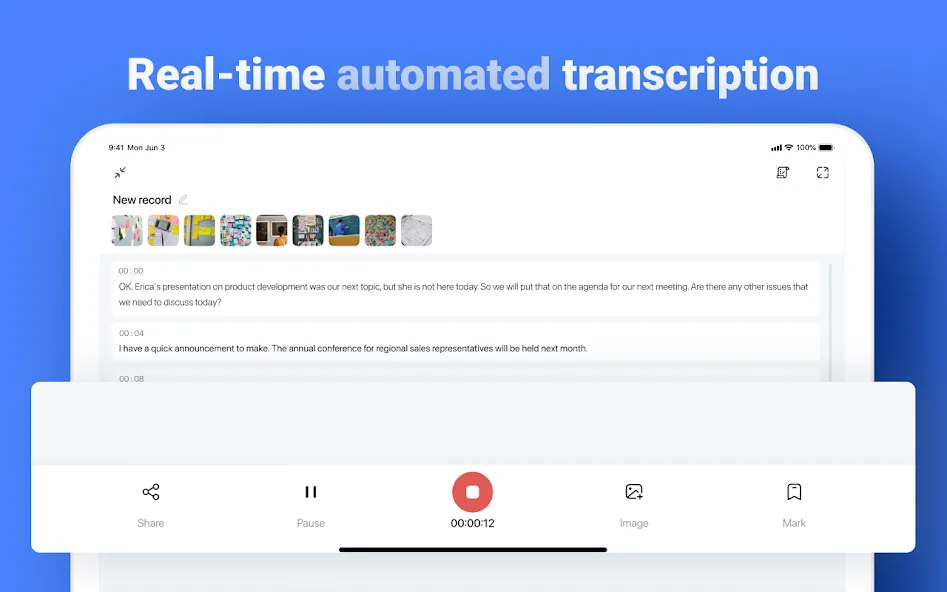
Start transcription with a single click on your PC, smartphone, or tablet. Notta converts spoken words into text in real-time, letting you focus on the conversation instead of taking notes. The AI summarization feature quickly extracts key points from meetings, lectures, and interviews.
- Integration with Hardware
By pairing with devices like Notta Memo or Zenchord, you can save and summarize audio recordings from various scenarios such as business meetings, interviews, and lectures directly to Notta. Notta Memo can also record audio independently, and once connected to the Notta app later, the recordings are automatically transferred.
-Multiple Transcription Options
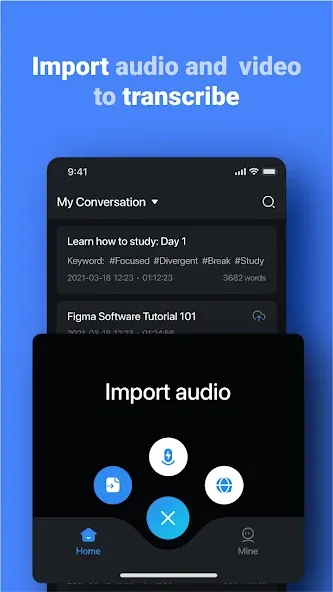
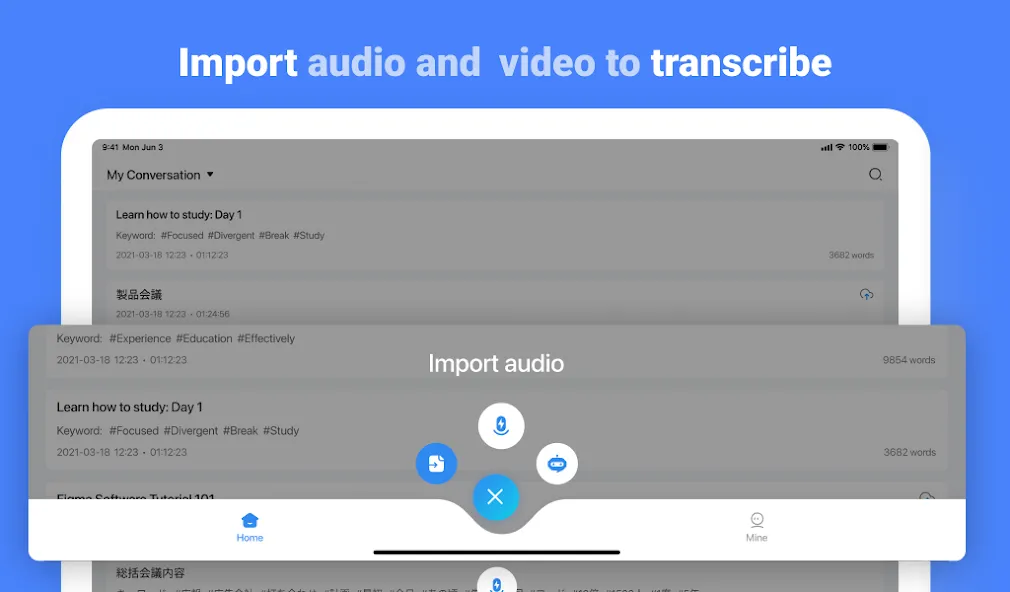
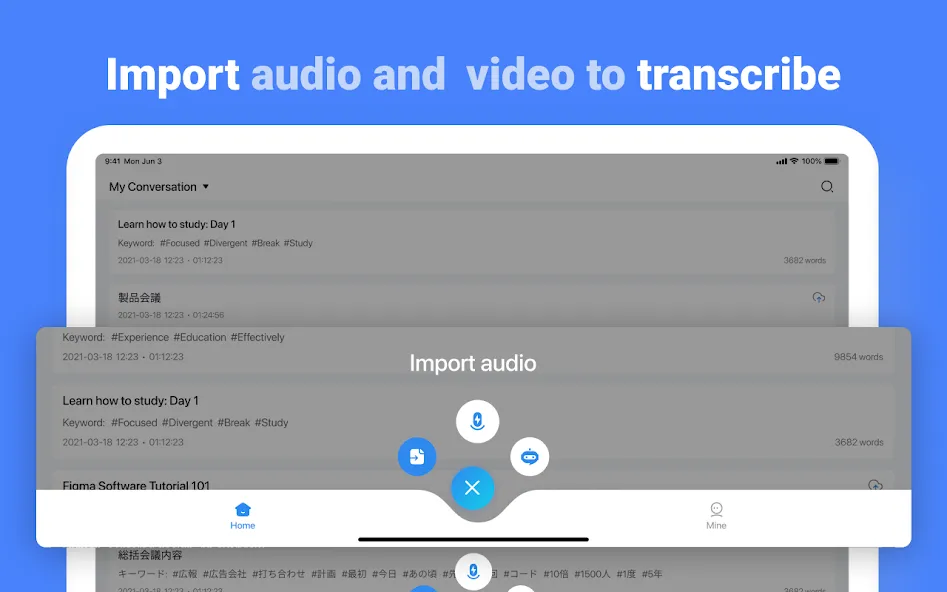
Notta supports both live transcription and automatic transcription of pre-recorded files. Import audio or video files, and get a one-hour recording transcribed in about five minutes.
-Streamlined Editing Experience
Add bookmarks during transcription to mark important statements, making post-meeting edits faster and more efficient. Searching through recordings is effortless—simply enter keywords to locate specific segments.
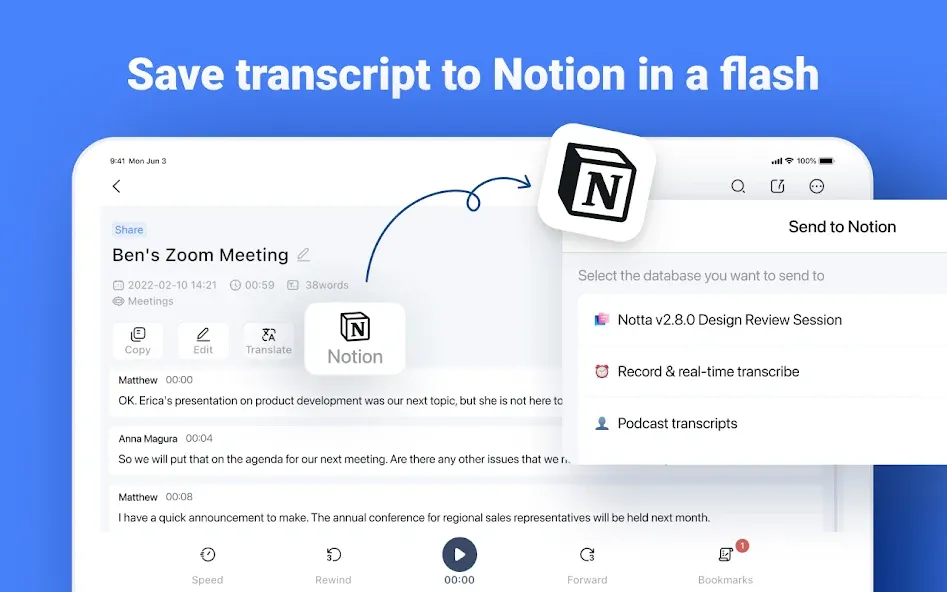
-Easily Share Transcription Data
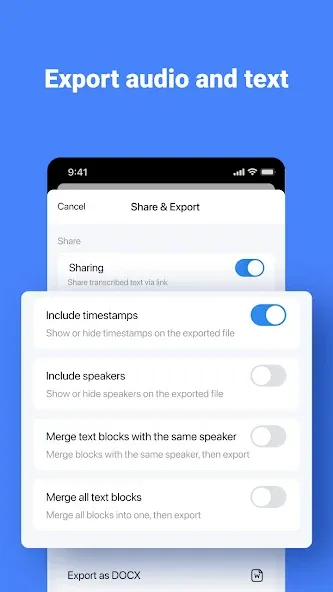
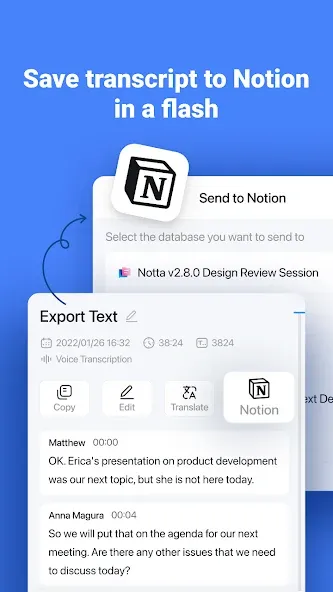
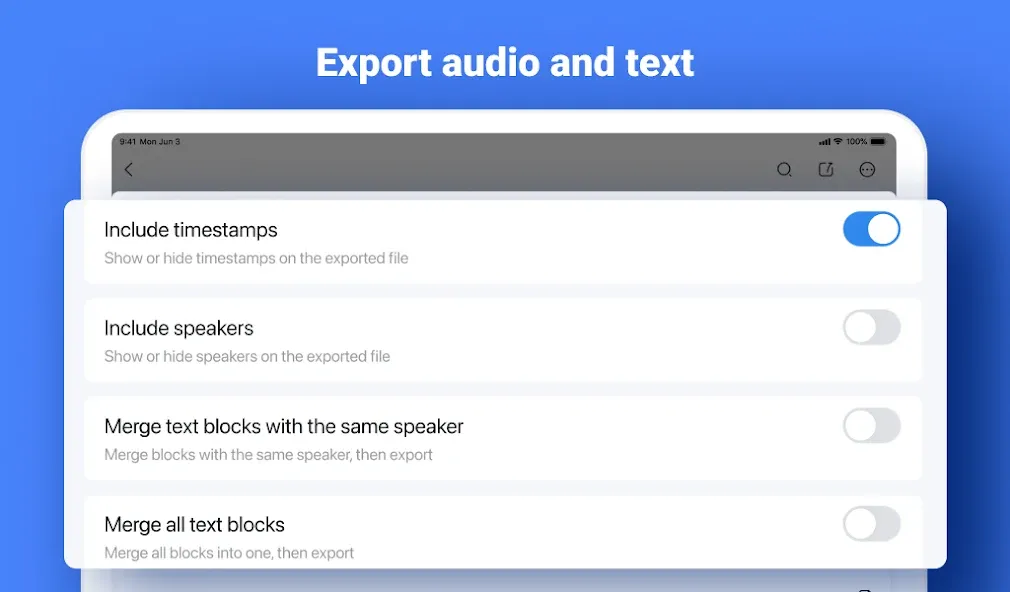
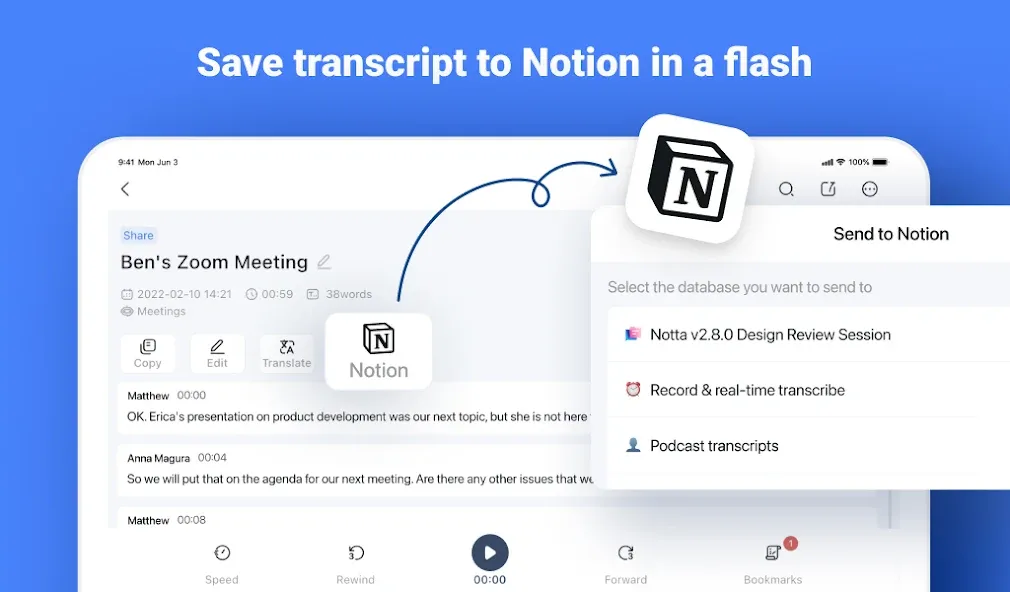
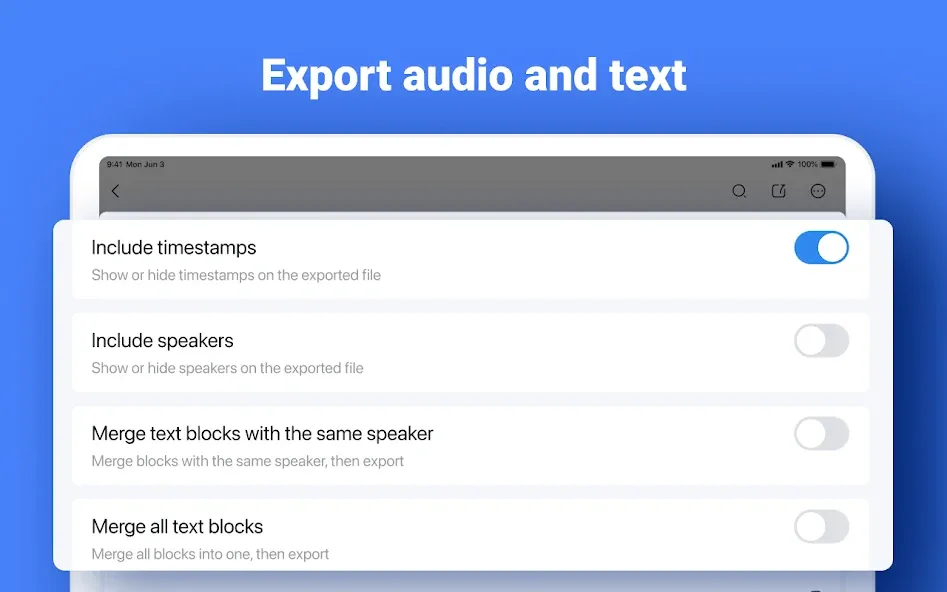
Save transcribed text in formats such as txt, docx, excel, pdf, or srt (subtitles). Export transcriptions with recorded timestamps and timelines, or share them via a link with colleagues and friends.
-Automatic Translation for Global Meetings
Notta supports 58 languages for transcription and can translate text into 42 languages instantly. This feature is ideal for international meetings, helping users understand unfamiliar terms and even improve language skills.
Plans and Pricing
Free Plan
- Real-time transcription: 3 minutes per recording
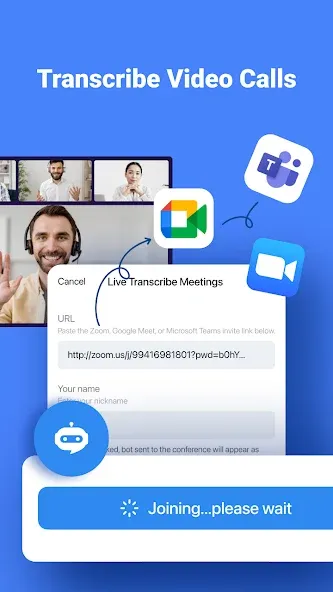
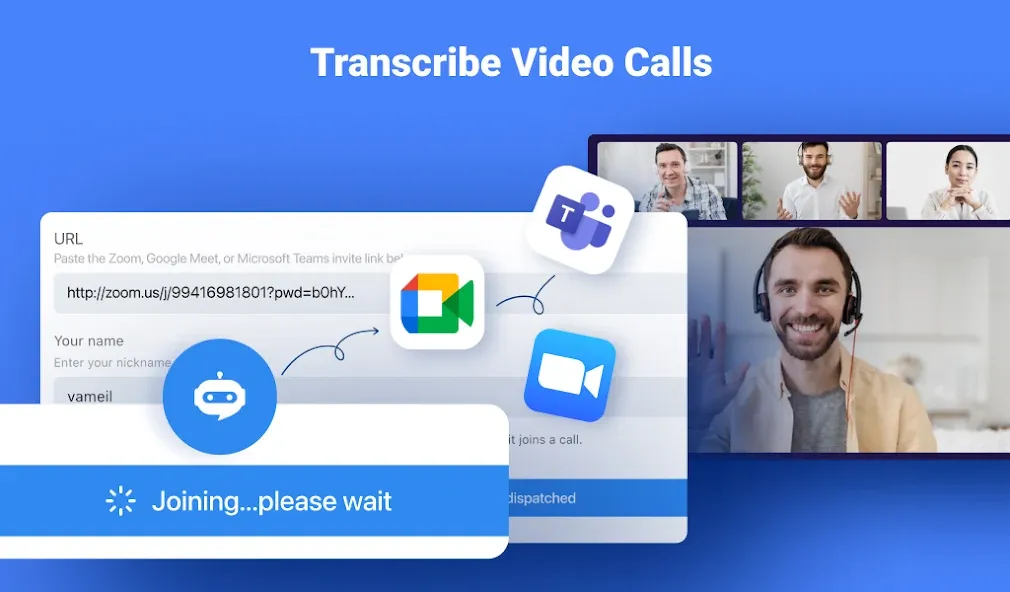
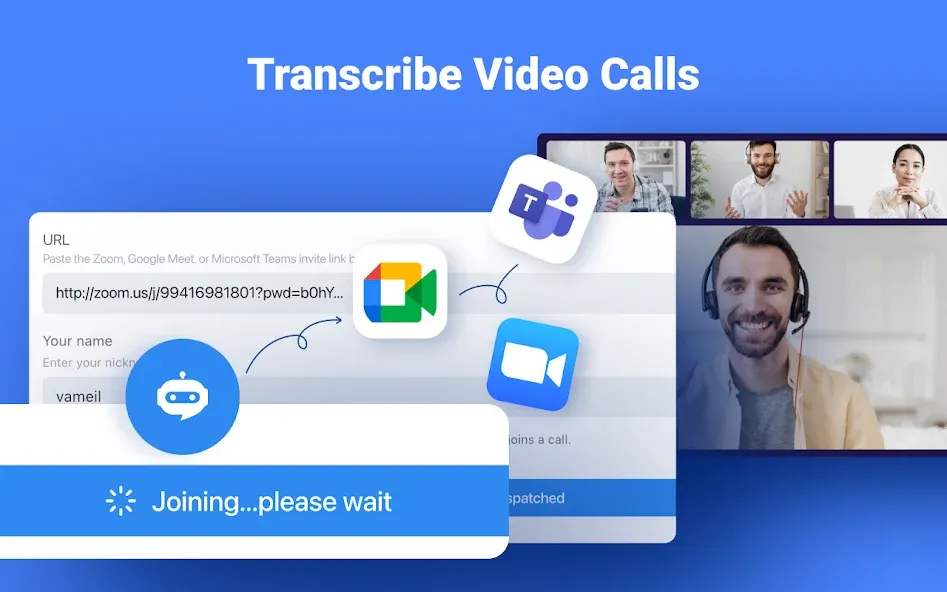
- Auto-transcription of web meetings (Zoom, Microsoft Teams, Google Meet, Webex): 3 minutes per session
- Import audio files and view the first 3 minutes of transcription for free
- Dictionary: Add up to 3 custom terms
Premium Plan
- 1,800 minutes of transcription per month
- Real-time transcription
- Import audio and video files
- Auto-transcription for web meetings (Zoom, Microsoft Teams, Google Meet, Webex)
- Export transcription data
- Dictionary: Add up to 200 custom terms
- Translate transcription into 42 languages
- Auto-proofreading
- Hide time markers
- Speed up audio playback
- Edit speaker names
- Unlock advanced features and enjoy extensive transcription capabilities.
With Notta, streamline your workflow and elevate your productivity!
Notta Terms of Service:https://www.notta.ai/en/terms
Privacy Policy: https://www.notta.ai/en/privacy
If you have any questions, please feel free to contact us at [email protected].
Google Play
APP STORE
Advertisement
Taptostore.com is an independent app discovery and editorial review platform. We publish reviews, comparisons, and recommendations designed to help users explore apps and make informed choices.
Download links on Taptostore.com direct users to the relevant official app store or another distribution channel designated by the developer or publisher. App downloads and installations take place through those external platforms.
Our content is developed through product research, editorial analysis, publicly available information, and, where appropriate, an assessment of the app’s features and user experience. Reviews and recommendations represent our editorial judgment at the time of publication.
The security and privacy practices of each app are determined by its developer. Before installing an app, users should review its official store listing, developer information, requested permissions, privacy policy, update history, and recent user feedback.
Taptostore.com does not control or independently certify third-party apps and cannot guarantee their security, reliability, performance, or privacy practices.
Not necessarily. Apps may be free, paid, advertising-supported, or include in-app purchases and recurring subscriptions. Pricing and availability may vary by region, device, platform, and time. Please refer to the relevant official store listing for current terms.
Availability may be affected by geographic restrictions, device compatibility, operating-system requirements, age limitations, store policies, or decisions made by the developer or publisher. These factors are outside the control of Taptostore.com.
Taptostore.com does not operate the apps featured on the website and cannot access their accounts or internal systems. Questions about login credentials, account recovery, technical issues, data deletion, or app functionality should be directed to the relevant developer through its official support channels.
Please do not send passwords, verification codes, recovery credentials, or payment information to Taptostore.com.
App-related payments, subscriptions, cancellations, and refunds are administered by the app store, developer, or payment provider responsible for the transaction. Taptostore.com does not process these transactions and cannot manage subscriptions or issue refunds.
Uninstalling an app may not cancel an active subscription. Users should manage subscriptions through the platform on which the purchase was made.
We make reasonable efforts to publish accurate and useful information. However, app features, pricing, compatibility, availability, and policies may change without notice. For the most current details, users should consult the relevant official store listing or developer documentation.
Unless expressly stated, Taptostore.com is not affiliated with, sponsored by, endorsed by, or officially connected with the developers, publishers, brands, or platforms featured on the website.
Product names, logos, brands, and trademarks belong to their respective owners and are referenced solely for identification and informational purposes.
Advertisement