 Image to PDF - PDF Maker
4.9

Business
Ratings
Downloads
Age
Advertisement
Advertisement
Name
Category
Price
Safety
Developer
Version
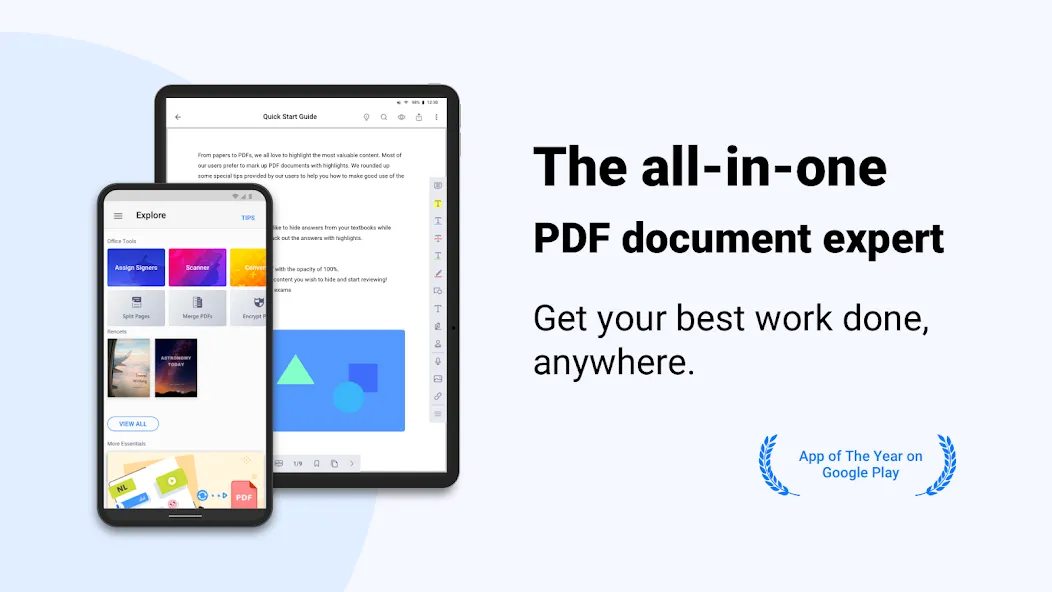
Covering all the essentials and more, PDF Reader(KDAN PDF) is the world’s leading PDF editor. Its expert features allow you to view, annotate, scan, sign, and convert PDFs on smartphones, tablets, and PCs. Quickly back up and send files to friends, classmates, and colleagues via email or any popular Cloud storage service (share via Android).
AWARDS AND RECOGNITION
- Best PDF Reader Apps 2019 on TechRadar
- Best PDF Reader Apps 2017 on tom’s guide
- Best Apps of 2016 on Google Play Store
WITH KDAN PDF, YOU CAN
CREATE & ACCESS FILES
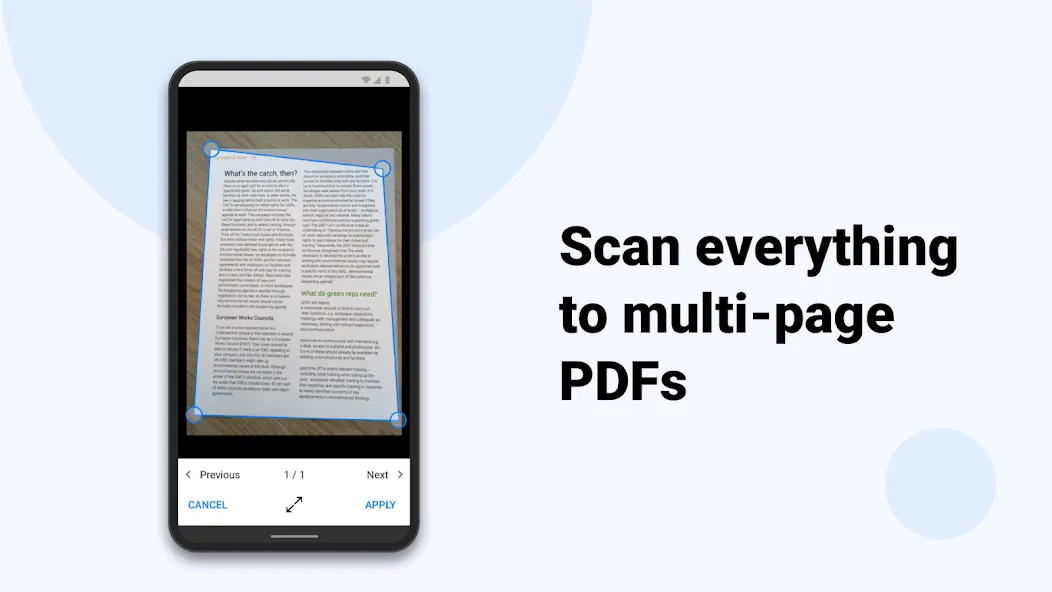
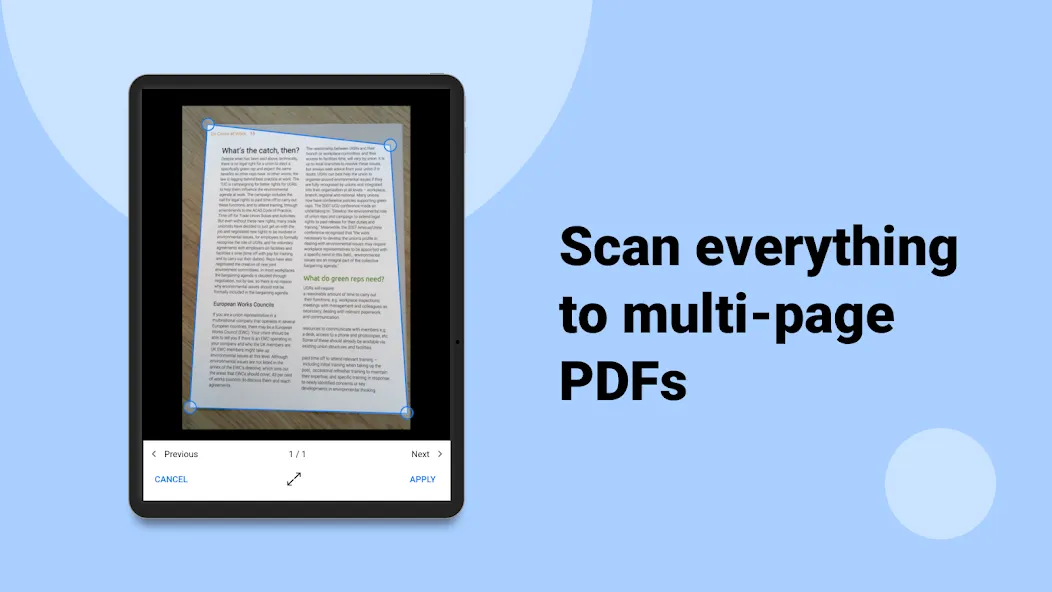
• Create and combine scans to multi-page PDFs
• Import files from your computer, cloud, or other apps
• Store files from the web or email attachments
• Access all files from the local folder.“
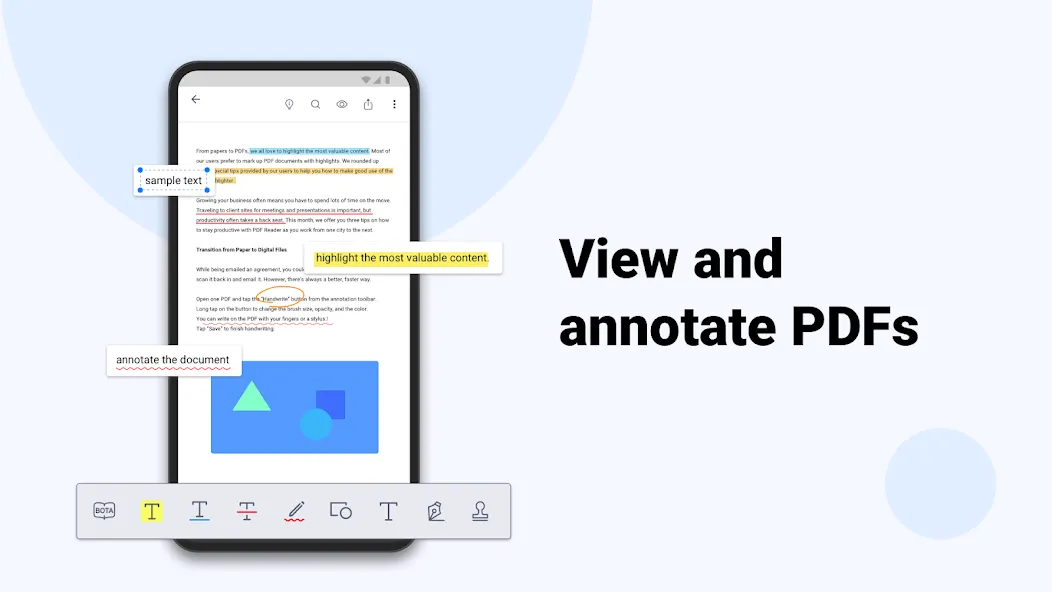
ANNOTATE & REVIEW PDF
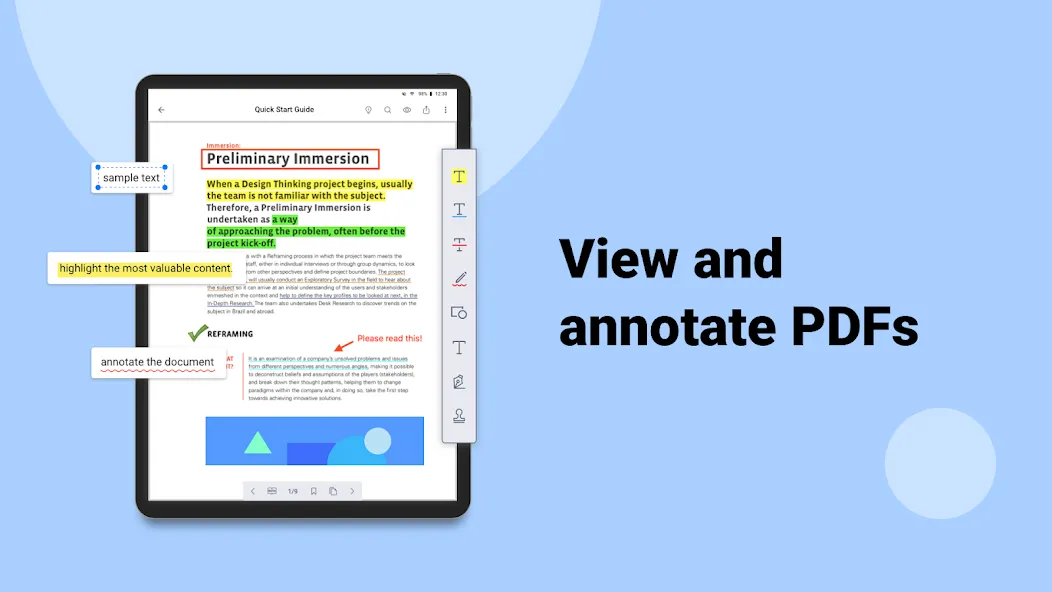
• Highlight, underline, and strikeout text
• Add predesigned stamps, including Approved, Sign Here, Confidential, and more
• Insert shapes and text boxes to PDFs
• Convert text into speech (available when in Text Reflow mode)”
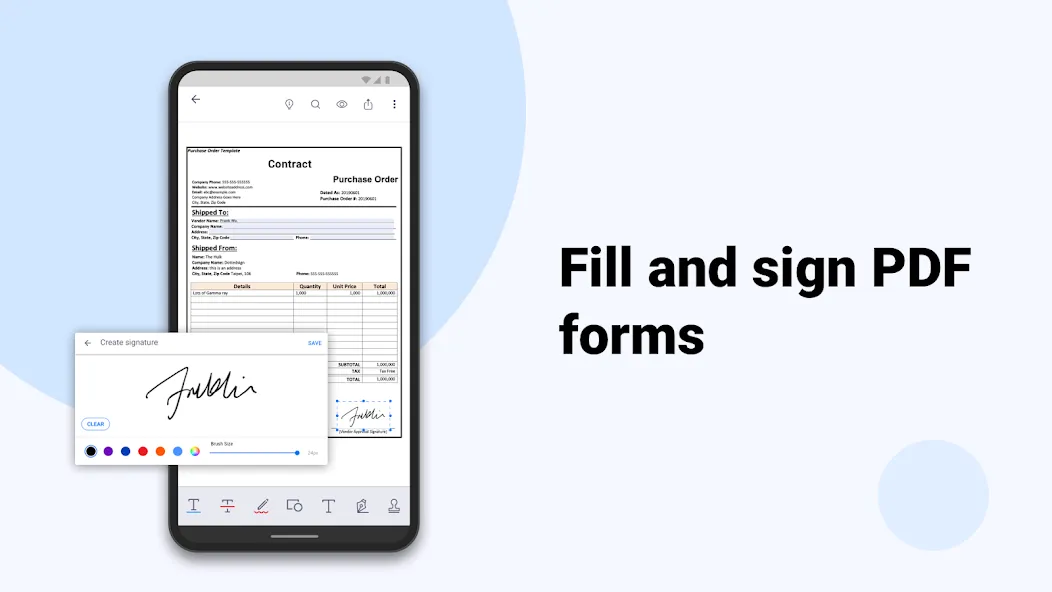
SIGN ON THE SCREEN DIRECTLY
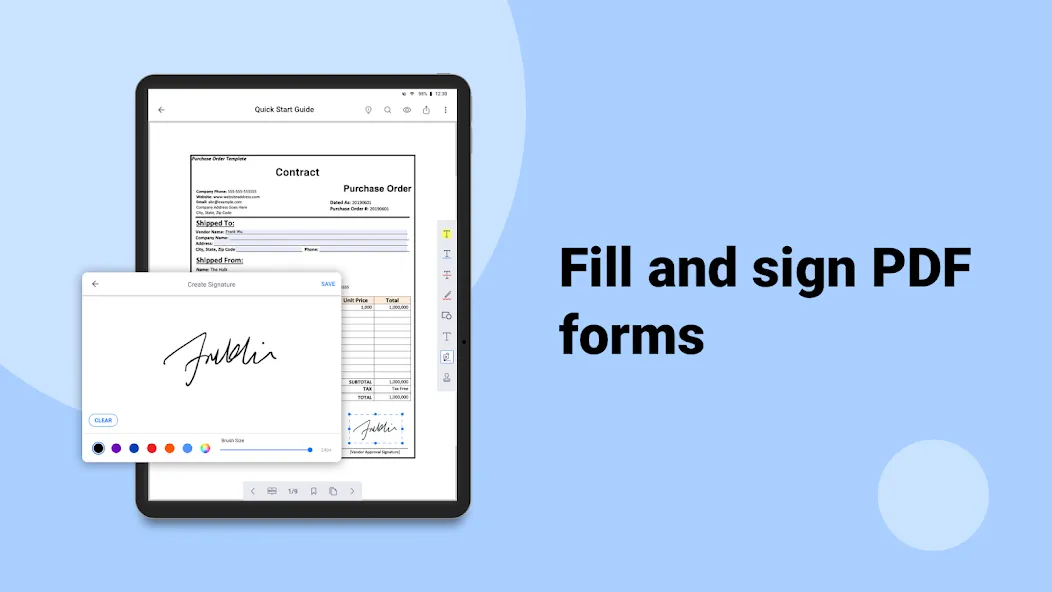
• Sign contracts and agreements with signatures
• Store and manage signatures from within the library.“
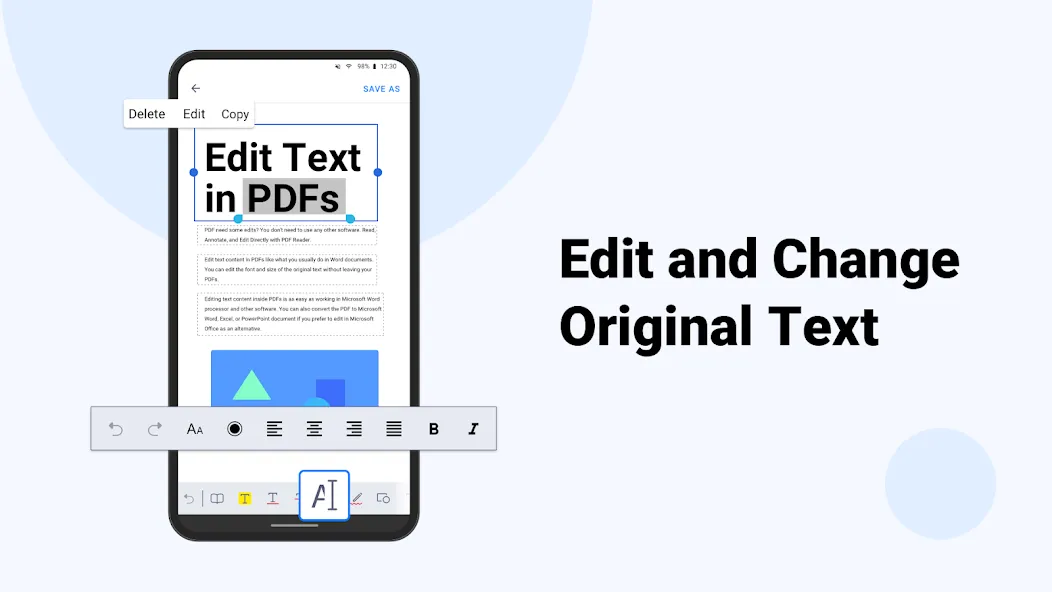
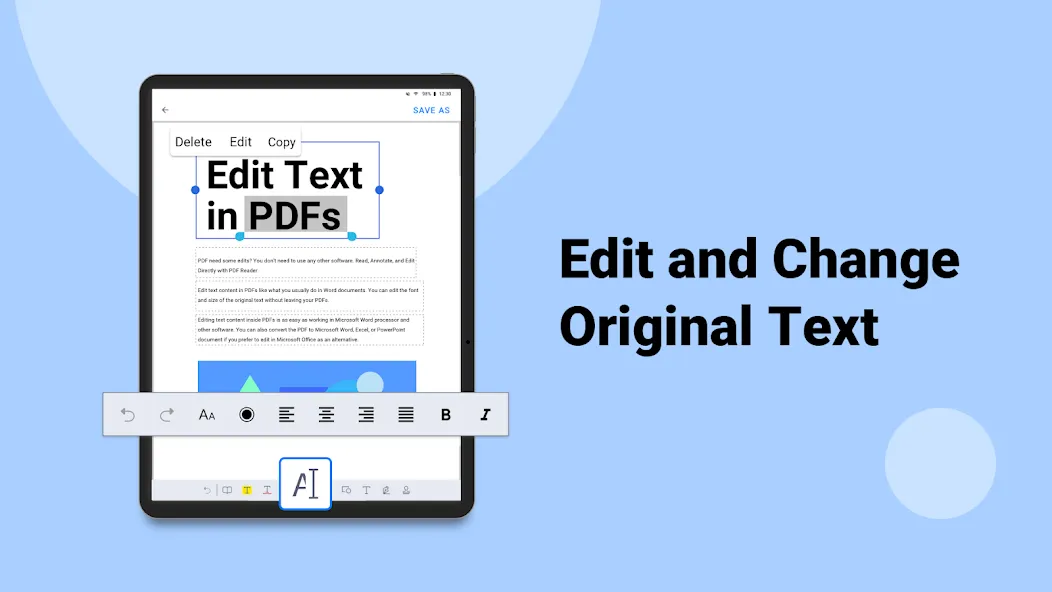
EDIT TEXT
• Easily correct and edit text and typos on PDF
• Instantly modify and update the latest texts on existing PDF document
VIEW FILES
• Support PDF, text, ePub, and image file formats
• Text Reflow
• Horizontal/Vertical scrolling mode
• Jump to Page/Text Search
• Bookmark/Outline/Thumbnail list”
MANAGE FILES
• Zip and unzip files
• Rename files and folders
WRITE ON PDFS
• Use your finger or a stylus to make handwritten notes
VIEW FILES
• Support PDF, text, ePub, and image file formats
• Text Reflow
• Horizontal/Vertical scrolling mode
• Jump to Page/Text Search
• Bookmark/Outline/Thumbnail list
MANAGE FILES
• Zip and unzip files
• Rename files and folders
WITH DOCUMENT 365, YOU CAN
• Unlock all features in KDAN PDF in all versions, including Android, iOS, Windows, and Mac.
• Work across smartphones, tablets, and desktops
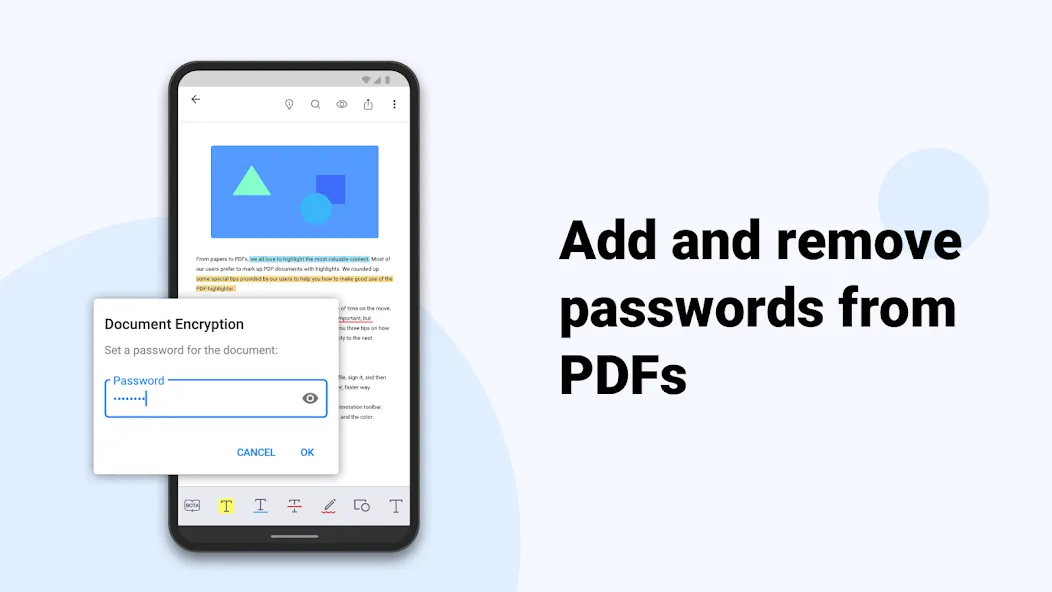
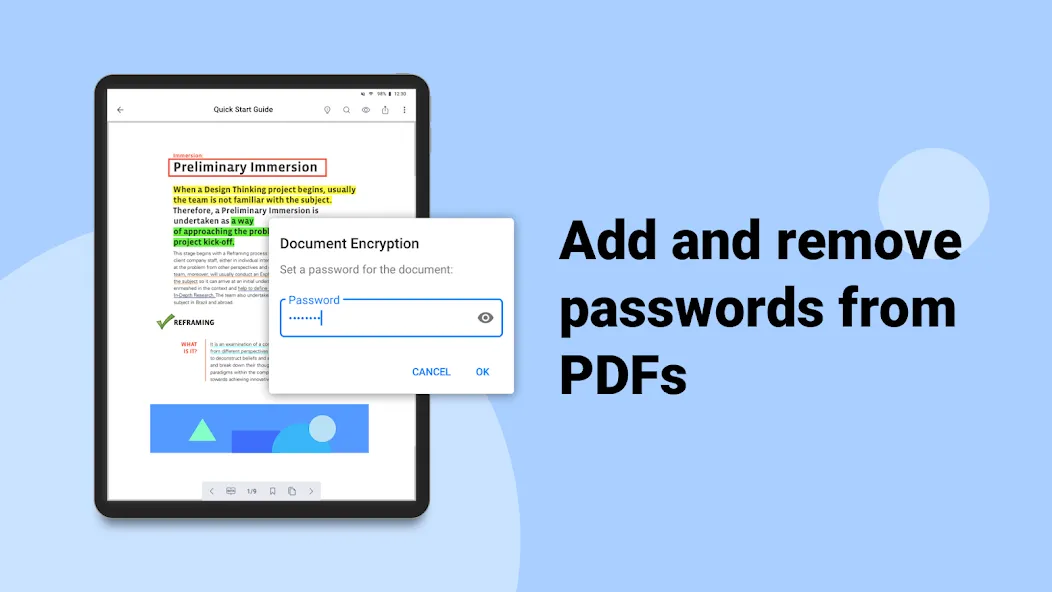
• Control the access to the app with a password
• Hide the margins of PDF pages
• Night viewing mode
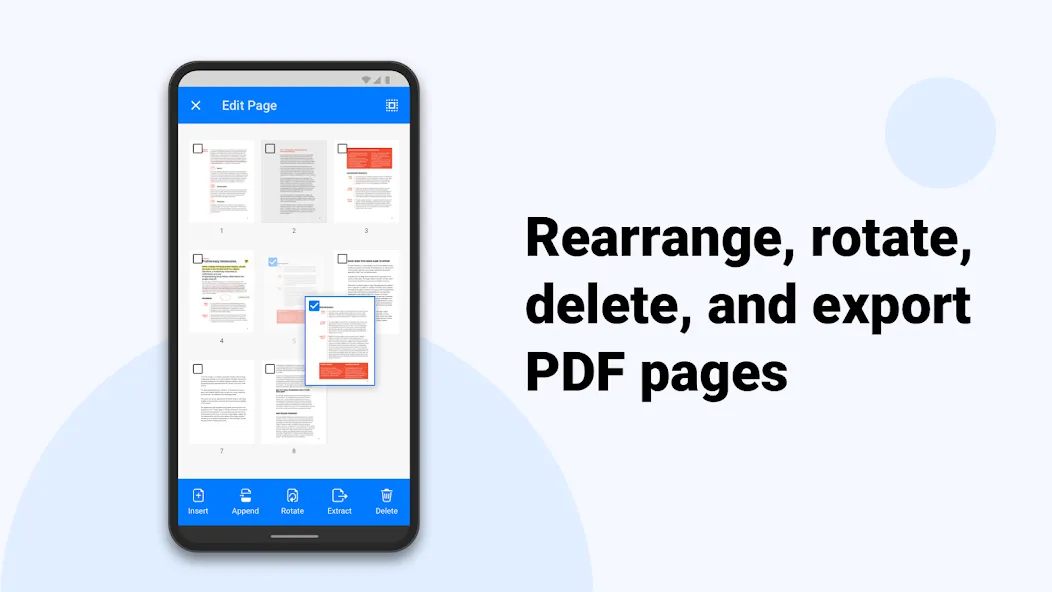
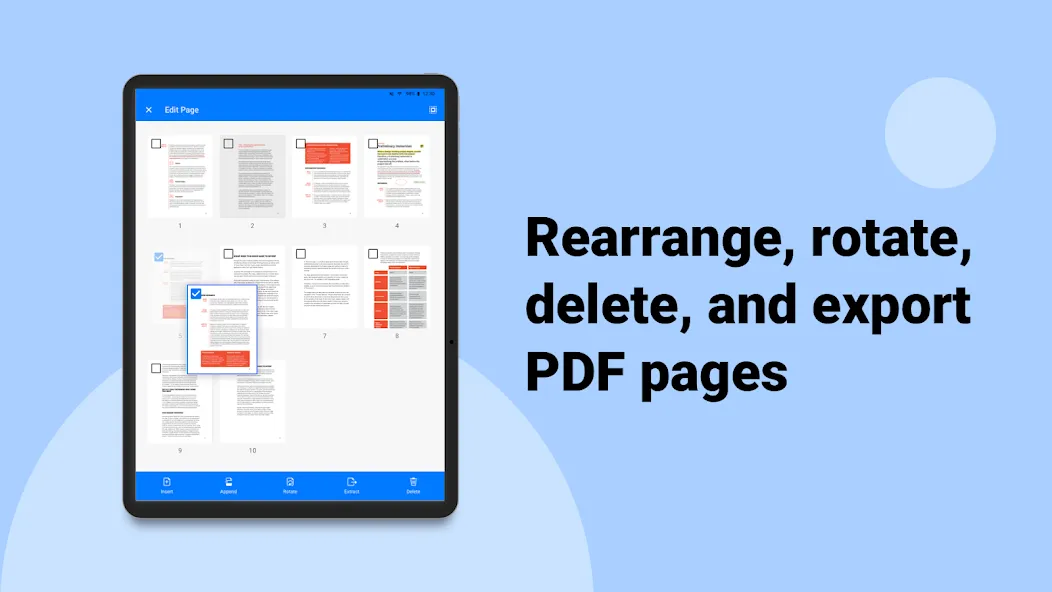
• Rotate, rearrange, add, and delete pages
• Extract pages from PDFs
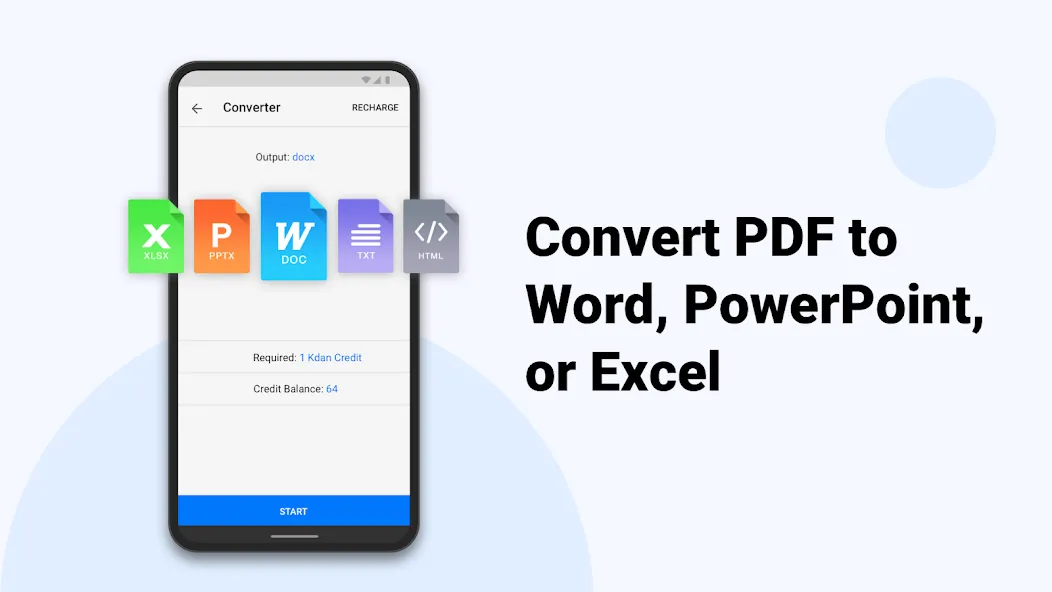
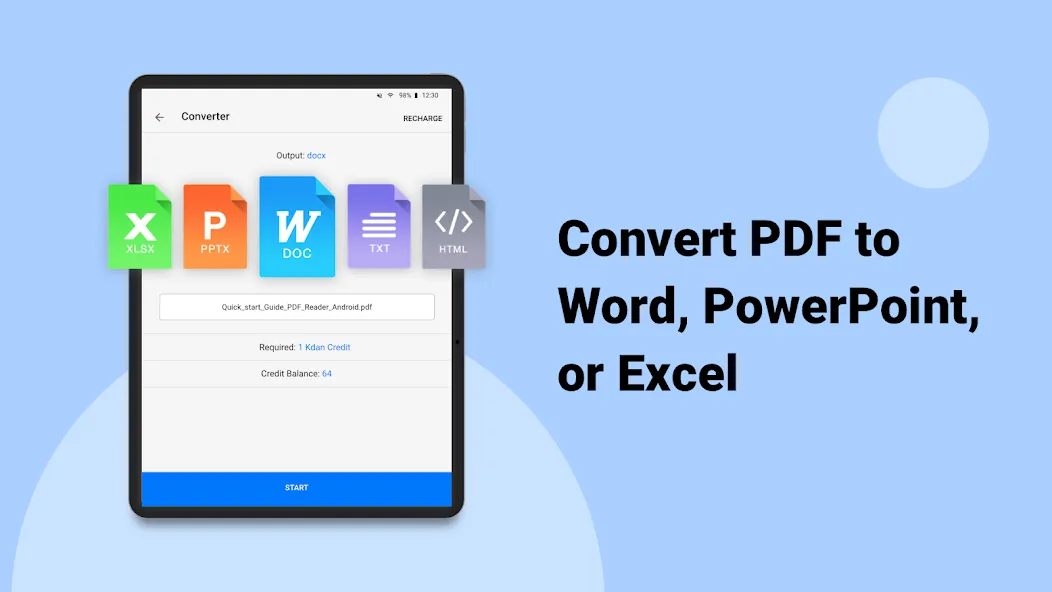
• Convert files to and from PDFs
• Send faxes from your devices
• 1 TB storage space on KDAN Cloud
• Get a link to share files with others
KDAN PDF supports 11 languages, including English, Traditional Chinese, Simplified Chinese, Japanese, Italian, German, Spanish, French, Portuguese, Russian and Korean
Terms of Service: https://pdf-reader.kdandoc.com/terms-of-service
Privacy Policies: https://pdf-reader.kdandoc.com/privacy-policy
CAN WE GIVE A HAND?
Check out the tutorial and FAQ at https//support.kdanmobile.com
You can always find us at [email protected] and https://www.facebook.com/pdfreader
Advertisement