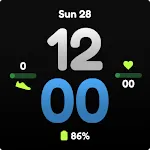
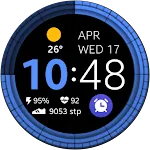
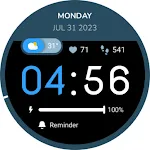
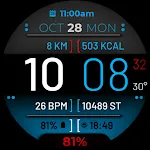
 Digital 1
0.0

Lifestyle
Ratings
Downloads
Age
Advertisement
Advertisement
Name
Category
Price
Safety
Developer
Version
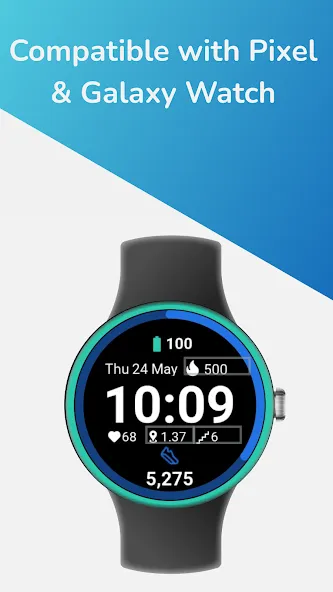
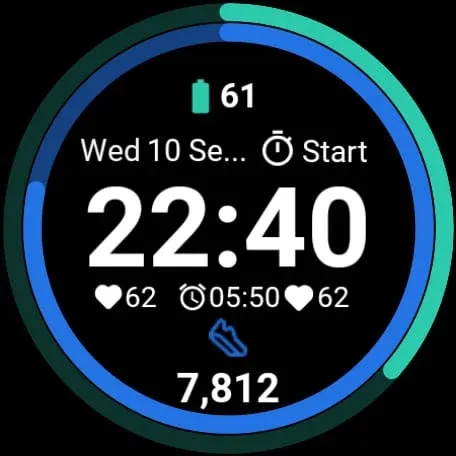
Elevate your fitness journey with G Fit, a premium, minimalist watch face designed exclusively for Wear OS.
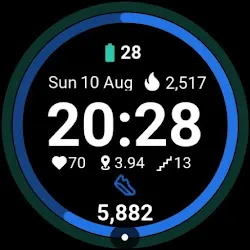
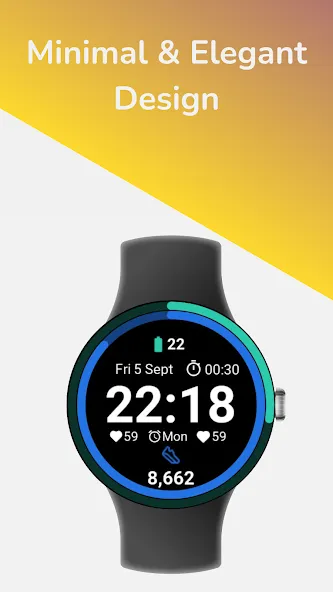
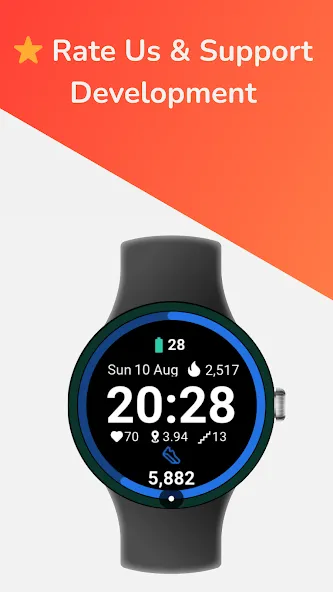
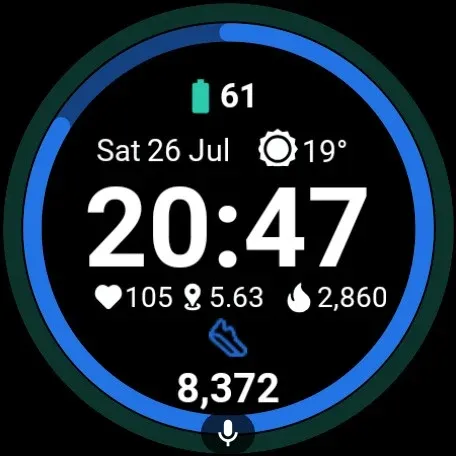
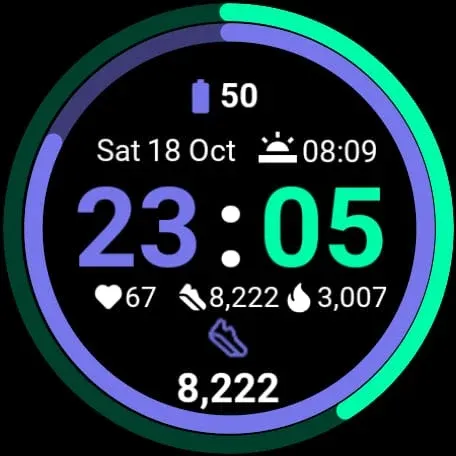
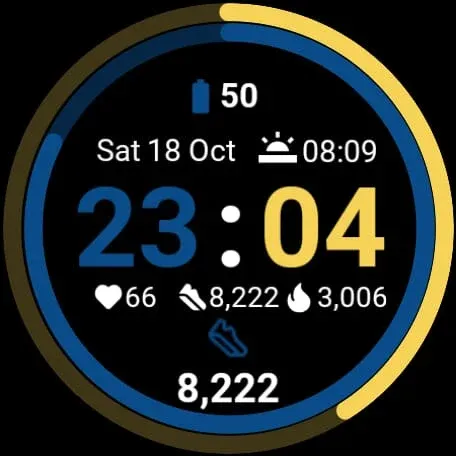
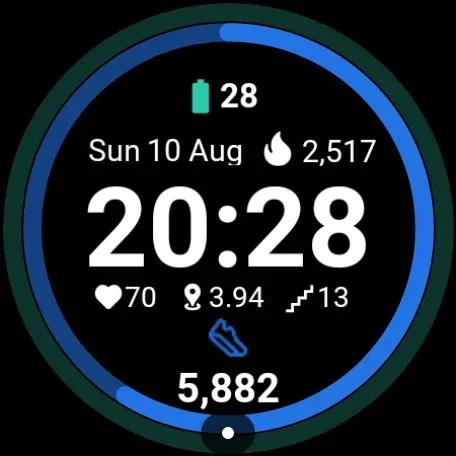
G Fit combines a sleek, modern aesthetic with powerful health tracking. Built using Google’s official Watch Face Format (WFF), it ensures your battery lasts longer while keeping your most important stats—steps, heart rate, and activity—just a glance away.
Whether you use a Google Pixel Watch, Samsung Galaxy Watch, or any other Wear OS device, G Fit adapts perfectly to your lifestyle.
### ⚡ WHY CHOOSE G FIT?
Unlike standard watch faces that drain your battery, G Fit is engineered for efficiency. We use the latest Weas OS standards to provide a smooth, lag-free experience that respects your device’s energy.
### 🌟 KEY FEATURES:
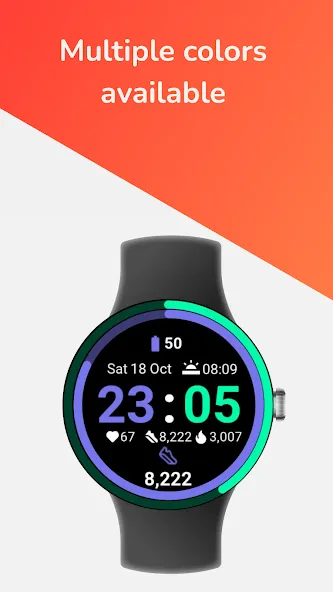
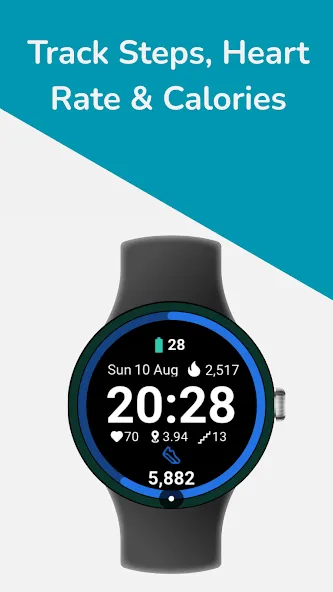
* Health at a Glance: Seamlessly visualizes your Steps, Heart Rate, and Calories Burned. compatible with Google Fit & Fitbit data.
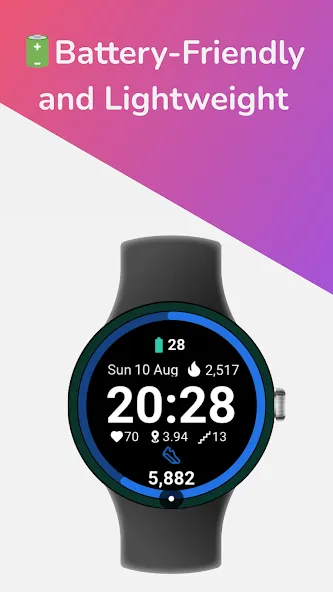
* Battery Saver Design: Optimized with “Watch Face Format” (WFF) technology to consume minimal energy.
* True Black Background: Perfect for OLED screens, looking sharp while saving power.
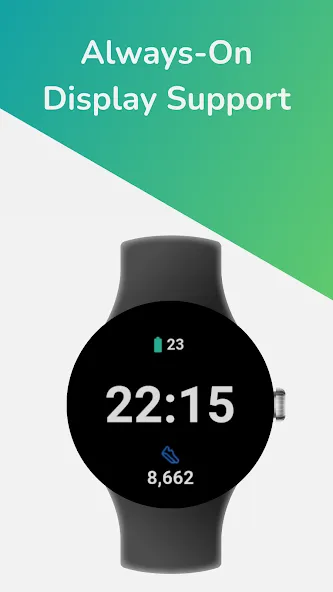
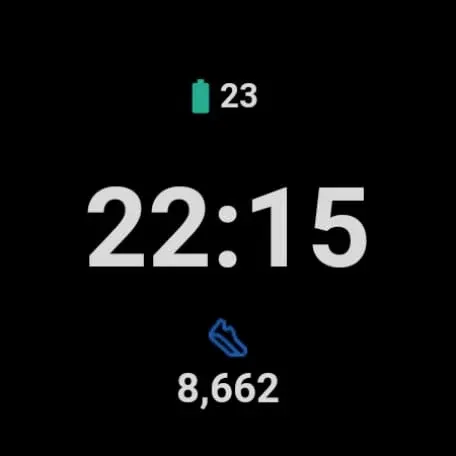
* Always-On Display (AOD): A dimmed, elegant mode that keeps time visible without waking the watch.
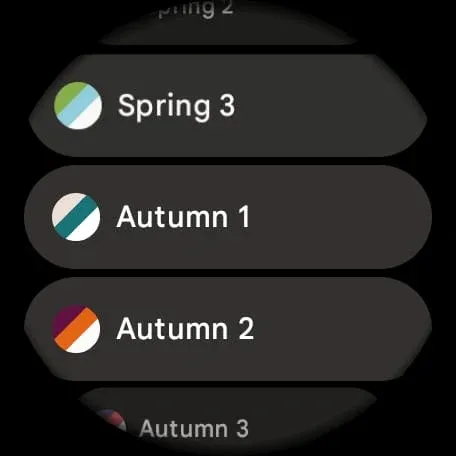
* Customizable Complications: Choose what data you want to see.
* Large, Legible Typography: Read your stats easily during workouts or on the go.
### ⌚ DEVICE COMPATIBILITY:
Fully compatible with all Wear OS 3, 4, and 5+ devices, including:
* Google Pixel Watch (All Generations)
* Samsung Galaxy Watch 4, 5, 6, 7 & Ultra
* OnePlus Watch 2
* TicWatch Pro 5
* Xiaomi Watch 2 Pro
### 🎨 DESIGNED FOR MOVEMENT
G Fit cuts out the clutter. There are no distracting animations or useless graphics—just a clean interface that helps you focus on your goals. Ideal for running, gym sessions, or office wear.
### 🛠️ INSTALLATION & SETUP
1. Install the app on your phone and watch.
2. Long press your watch center > select “G Fit”.
3. Important: Tap “Allow” when asked for sensor permissions (Heart Rate & Activity) to enable health tracking features.
—
Feedback & Support:
We are dedicated to building the best Wear OS watch faces. If you enjoy G Fit, please leave a 5-star review!
Advertisement