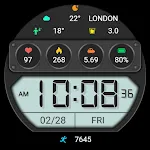
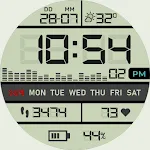
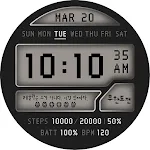
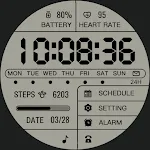
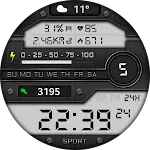
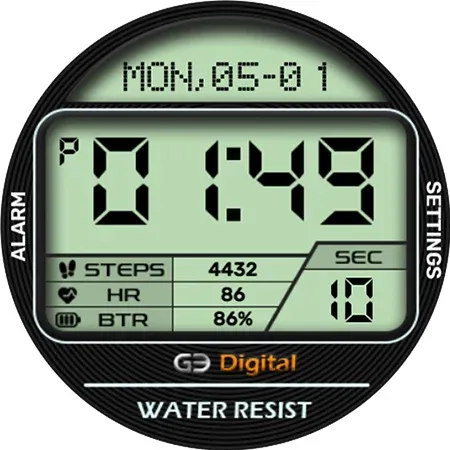
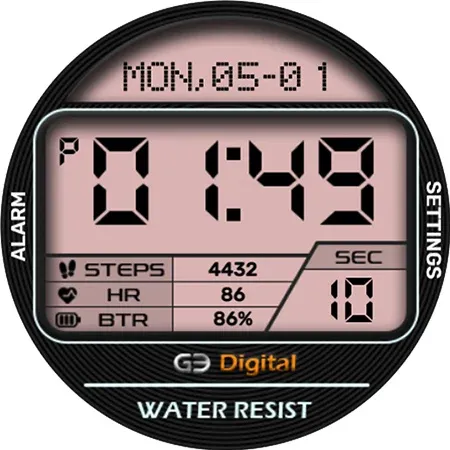
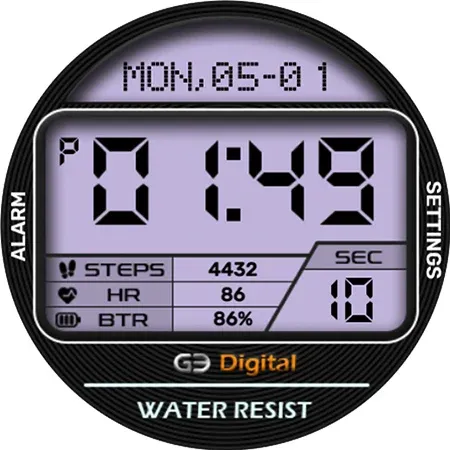
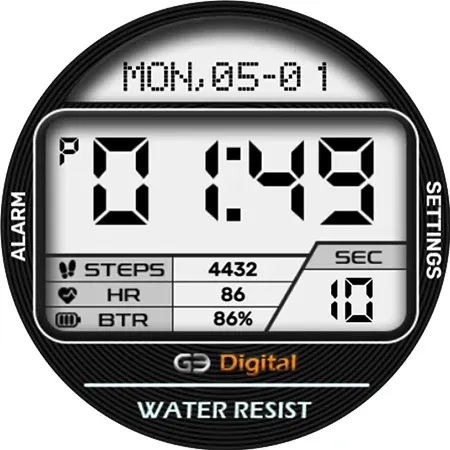
 Digital Dadan Watch Face
2.1

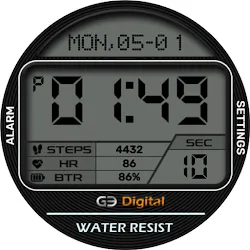
Personalization
Ratings
Downloads
Age
Advertisement
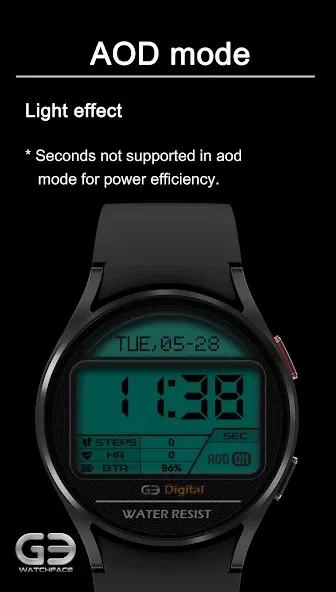
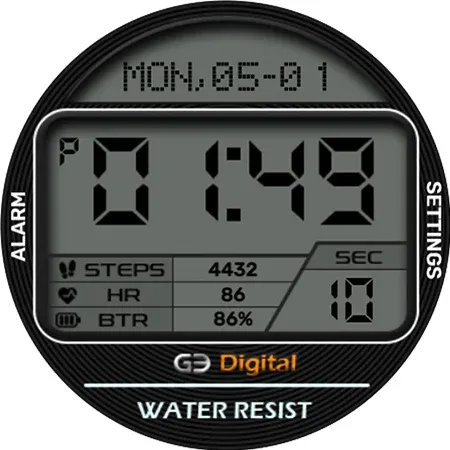
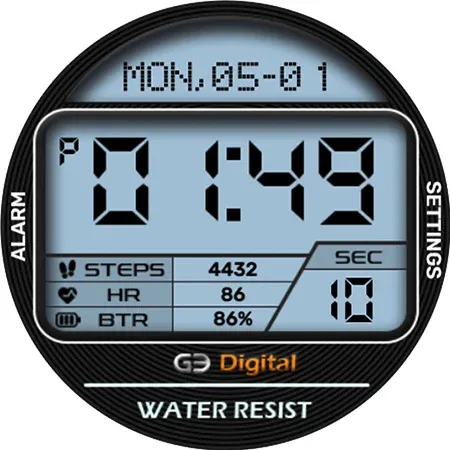
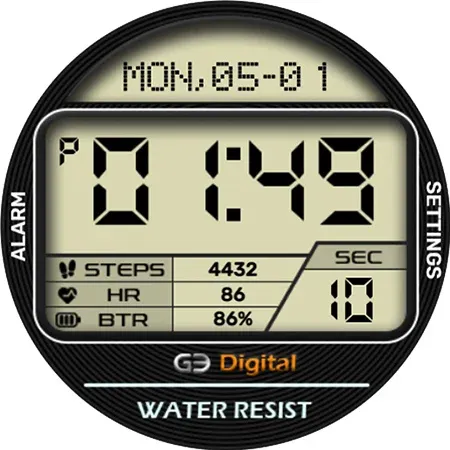
Advertisement
Name
Category
Price
Safety
Developer
Version
!! Be sure to read it. !!
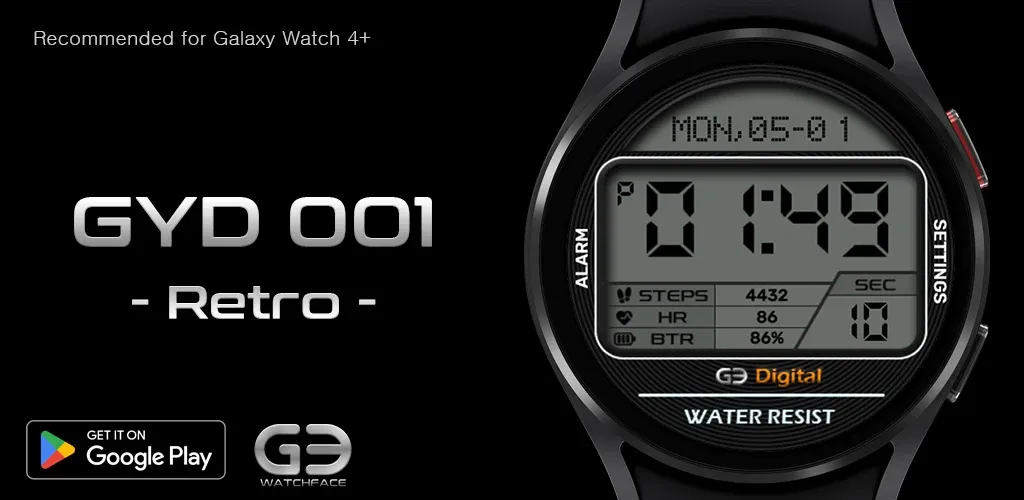
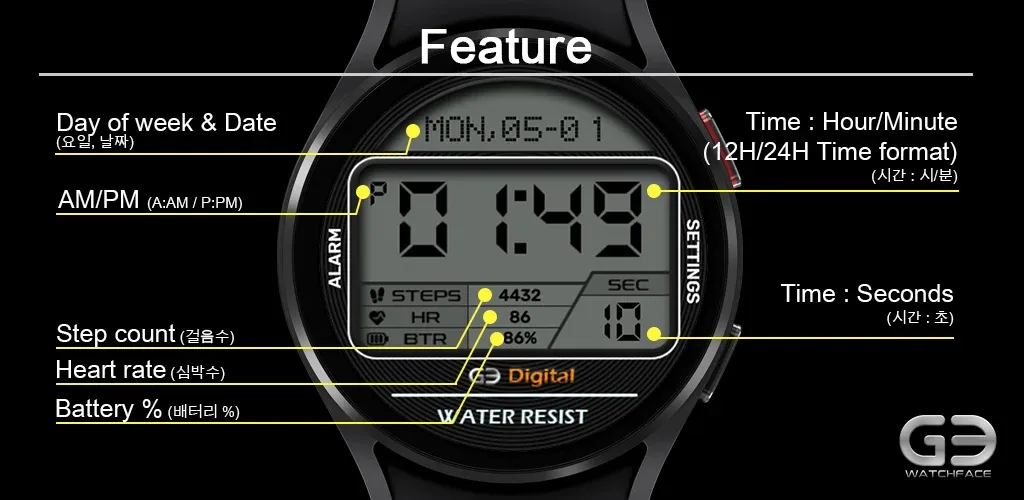
* This watch face is optimized for Samsung Galaxy Watch 4 or later, and can work on Wear OS (API 28+) based devices, but there may be restrictions on displaying some information (step count, heart rate, etc.).
* If a user who does not have a smart watch purchases this app, please note that the watch face cannot be installed and used.
-------------------------------------------------- -------------------------------------------------- --------------
[How to install the watch face]
This app is available in two versions: phone app and watch face. It is recommended to install through Method 1.
Method 1) Install the watch face through the mobile phone app
* If you have installed a mobile phone app (app name: GY watchface) on your phone, you can install the watch face on your smartwatch by following the instructions in the app.
Method 2) Direct installation of the watch face through the Play Store
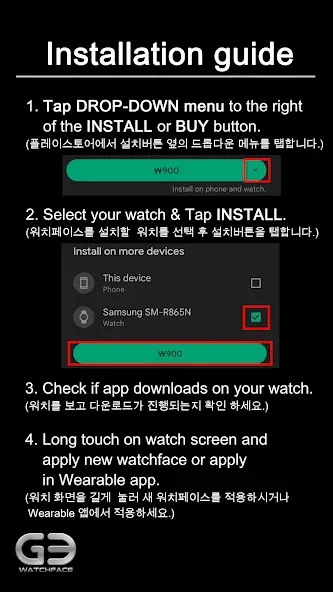
* If your smartwatch is connected to your phone, you can install this watchface right away by pressing the triangular menu next to the Install or Buy button in the Play Store and selecting the watch connected to your phone from the list of devices displayed. Please refer to the installation guide provided with pictures.
* Please note that the smartwatch must be connected to the mobile phone. In addition, the Google account (email address) connected to the smartwatch on the phone must match the login account (email address) of the Play Store.
-------------------------------------------------- -------------------------------------------------- --------------
* If the developer updates the watch face, the watch face screen shot of the smartphone app and the watch face installed on the actual watch may differ.
* GY.watchface SNS
- Instagram: https://www.instagram.com/gywatchface/
- Facebook: https://www.facebook.com/gy.watchface
Advertisement