 Todo Math
4.0


Tools
Ratings
Downloads
Age
Advertisement
Advertisement
Name
Category
Price
Safety
Developer
Version
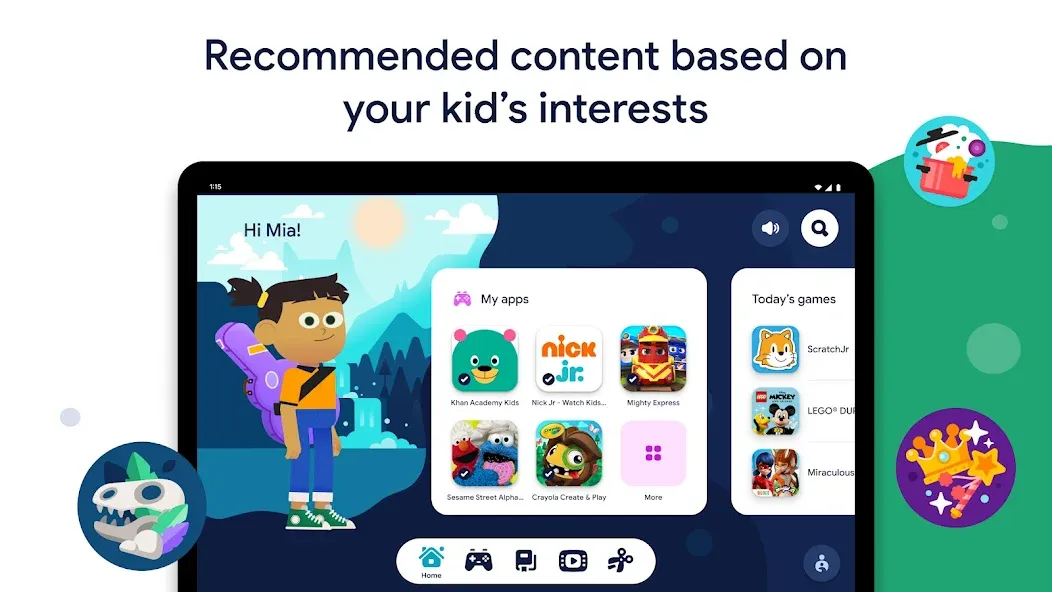
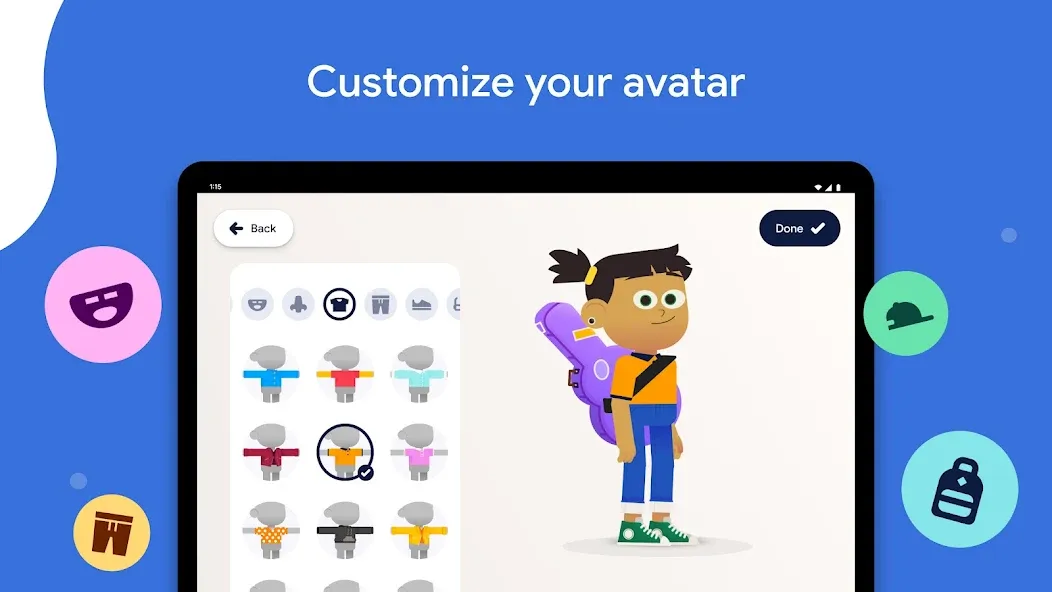
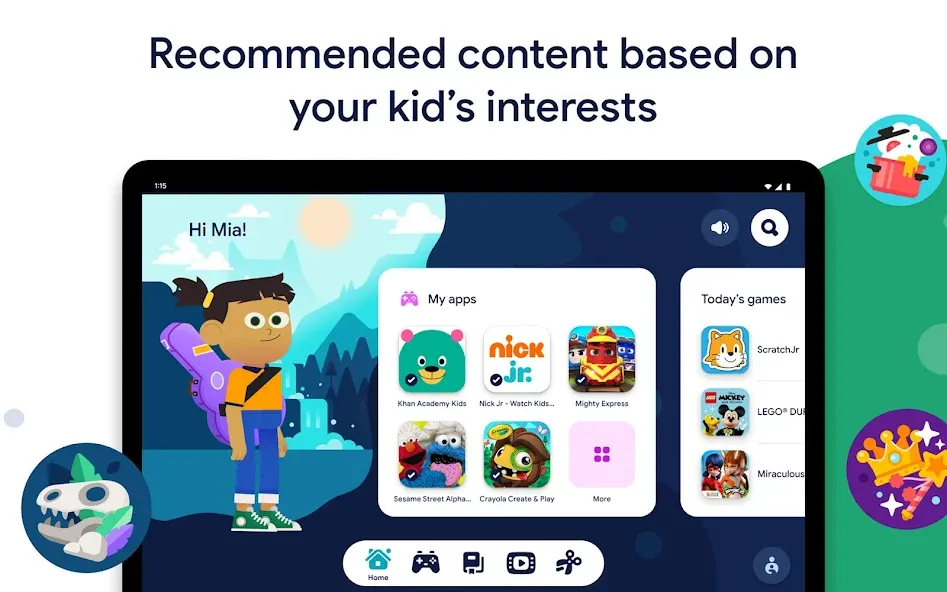
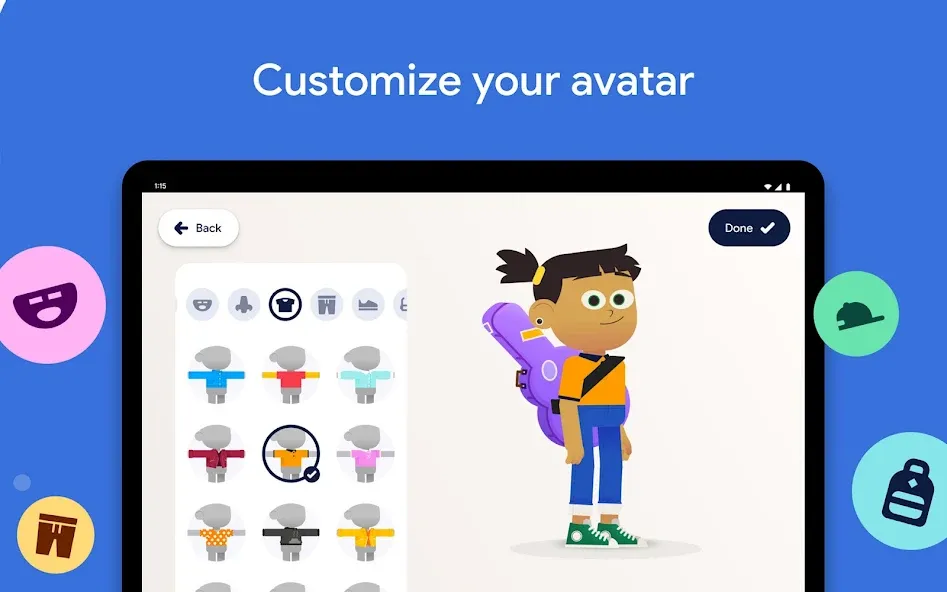
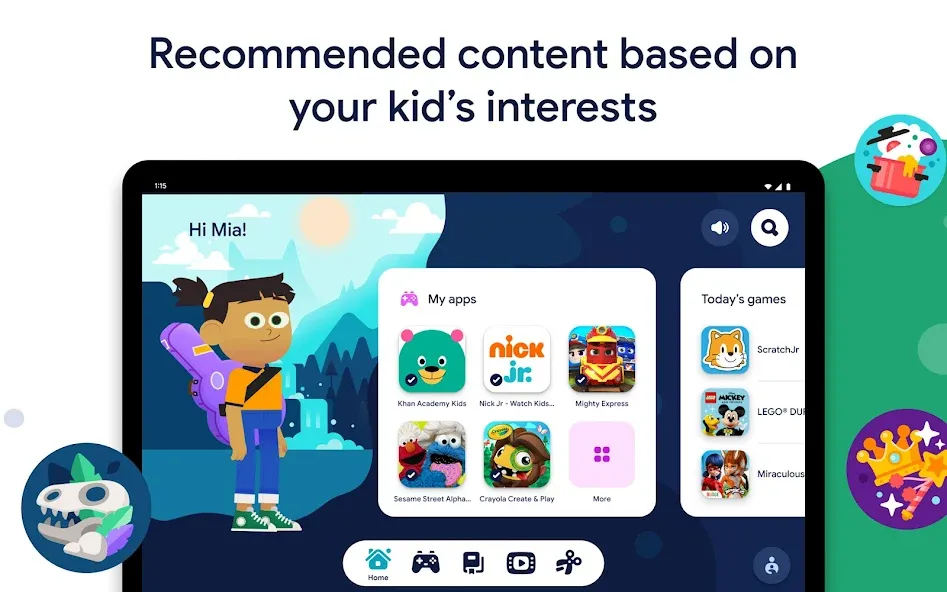
Google Kids Space is a tablet experience with a custom home screen and library of quality content for children under 9. Kids have the ability to customize their experience with unique avatars and receive content recommendations based on their interests, while parents can set boundaries with parental controls.
Google Kids Space requires a Google Account for your child and a compatible Android device.
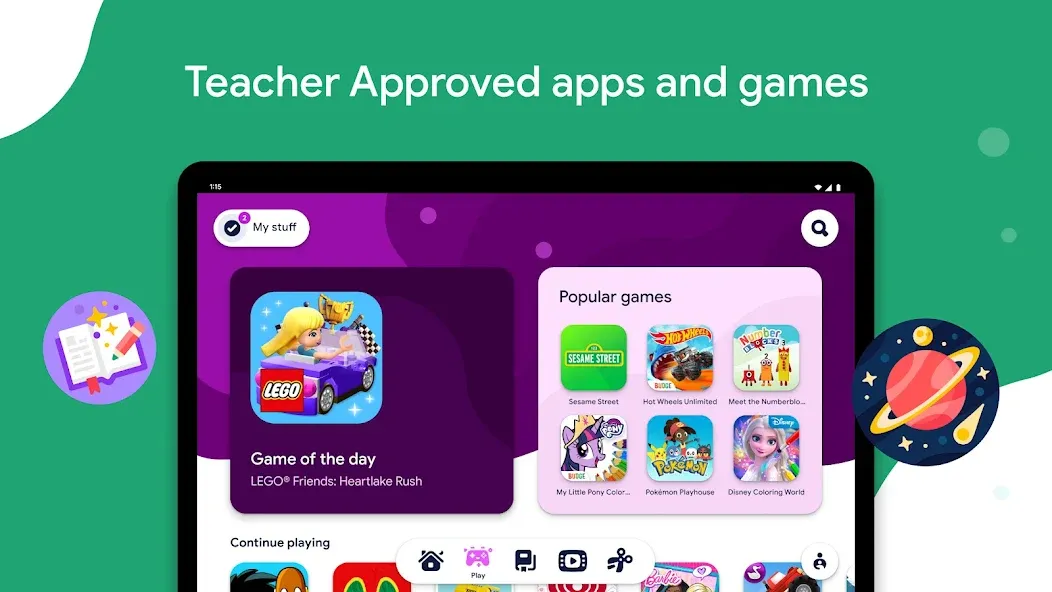
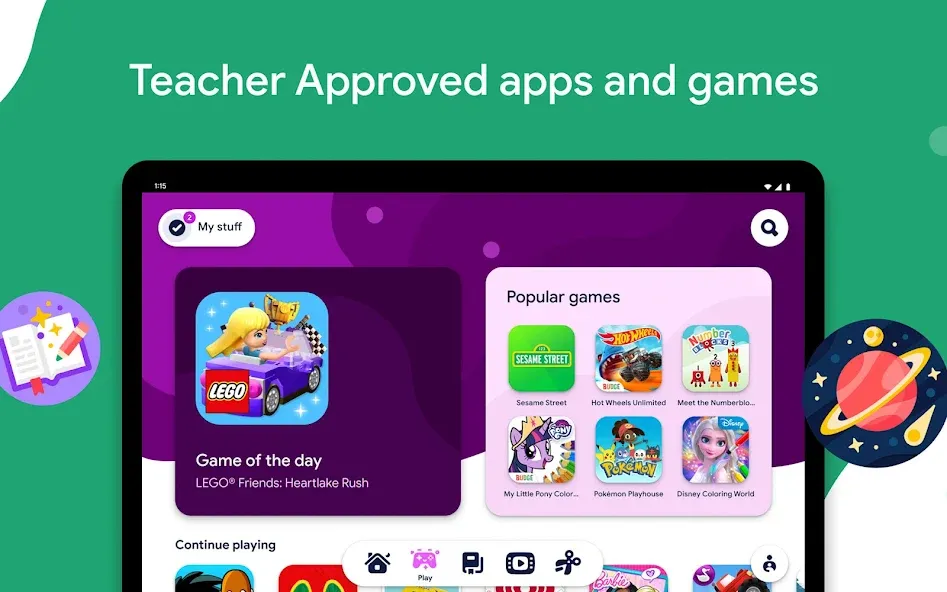
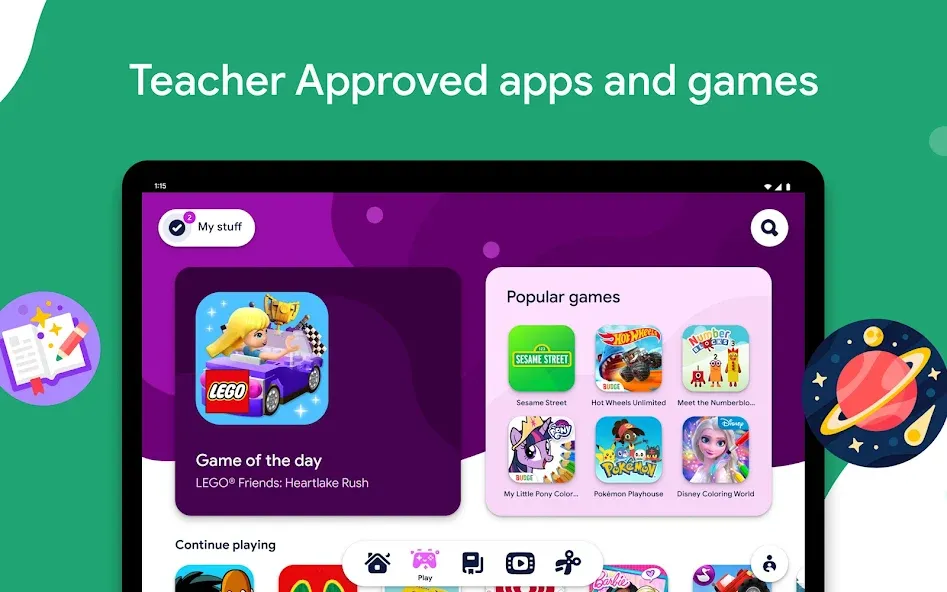
Teacher-approved apps and games
Google Kids Space comes with apps and games from Google Play that have been approved by teachers and children’s education and media specialists. Teacher Approved apps are age-appropriate, thoughtfully designed, and fun or inspiring.
For parents who want flexibility beyond Google Kids Space recommendations, you can add even more content from the Google Play store through the parents’ menu.
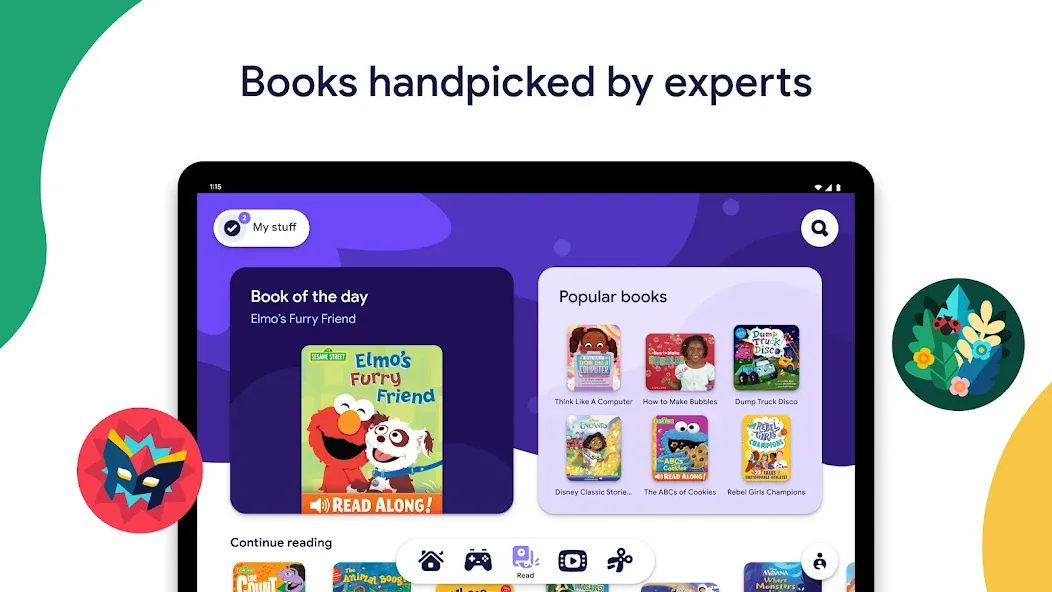
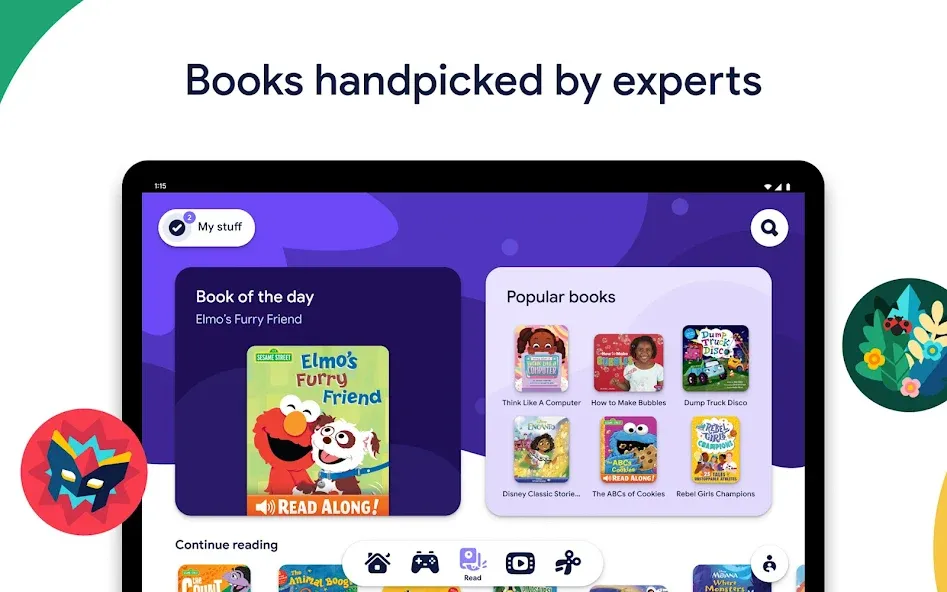
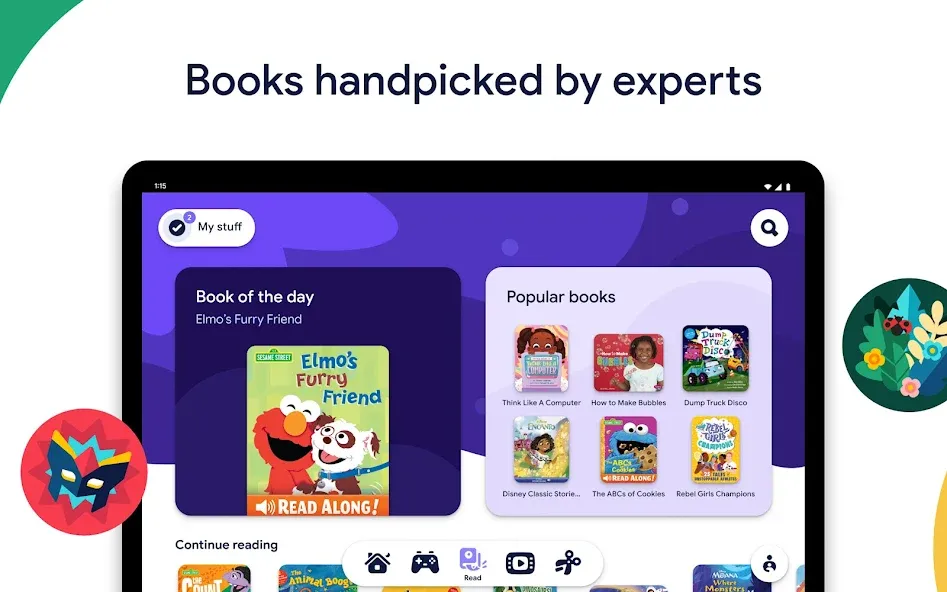
Books handpicked by children’s book experts
A catalog from Play Books has been expertly curated to inspire a love of reading. With delightful titles and characters you’ll recognize, there are classic books and brand new stories covering topics from trucks to ballet. Children can find new interests or revisit some of their favorite stories again and again.
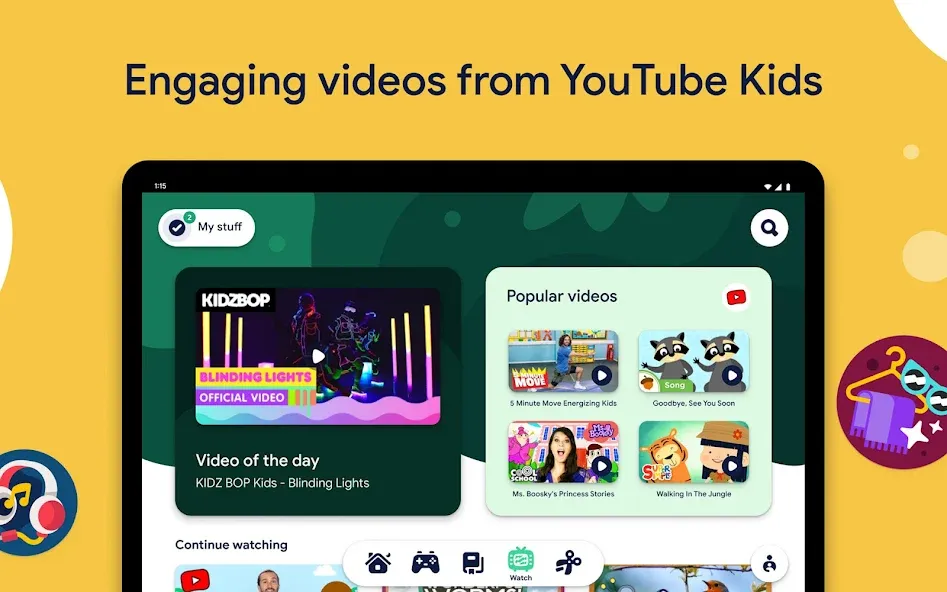
Recommended videos with enriching content
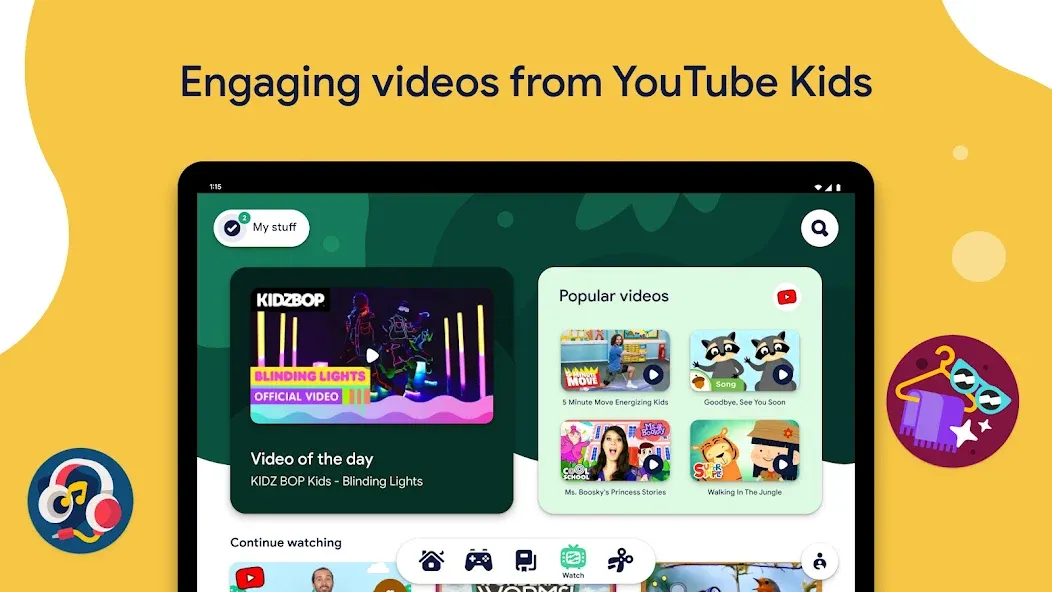
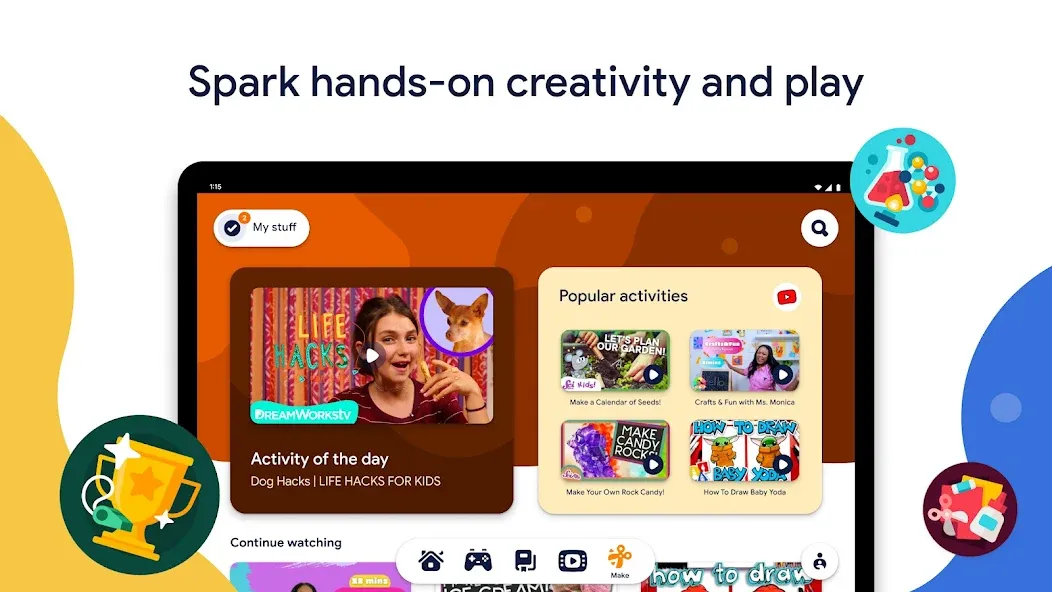
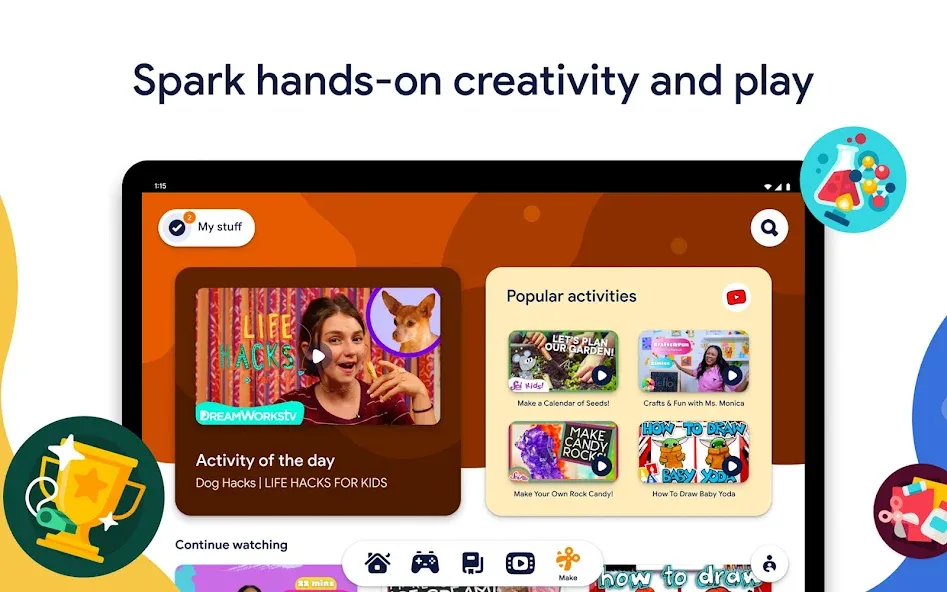
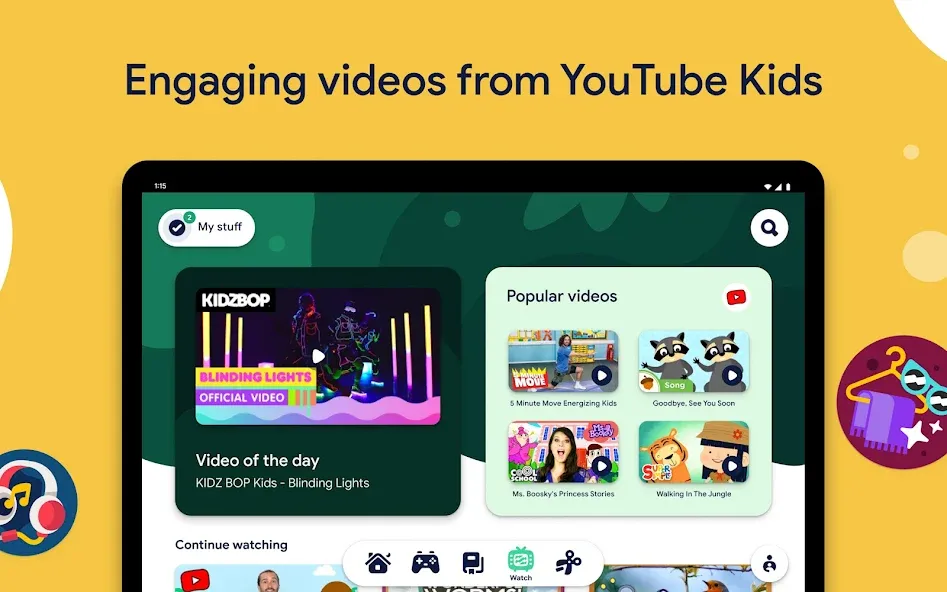
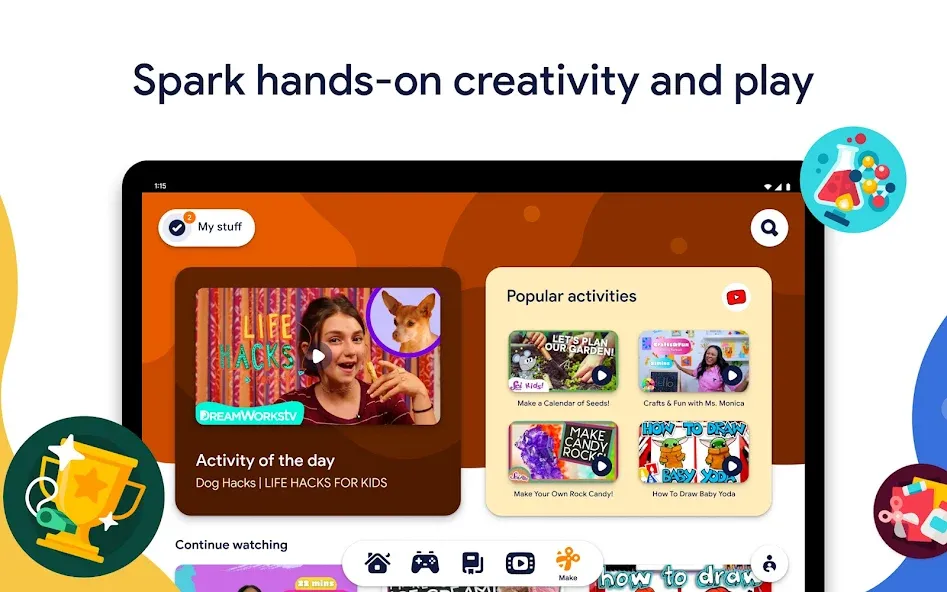
Kids can get inspired to create, discover, and practice their skills with videos from YouTube Kids that spark hands-on creativity and play. They’ll find videos about everything from simple drawing activities to silly science projects. Whether they want to learn, sing, or laugh, kids can explore videos about the topics and characters they love.
Designed with kids’ curiosity in mind
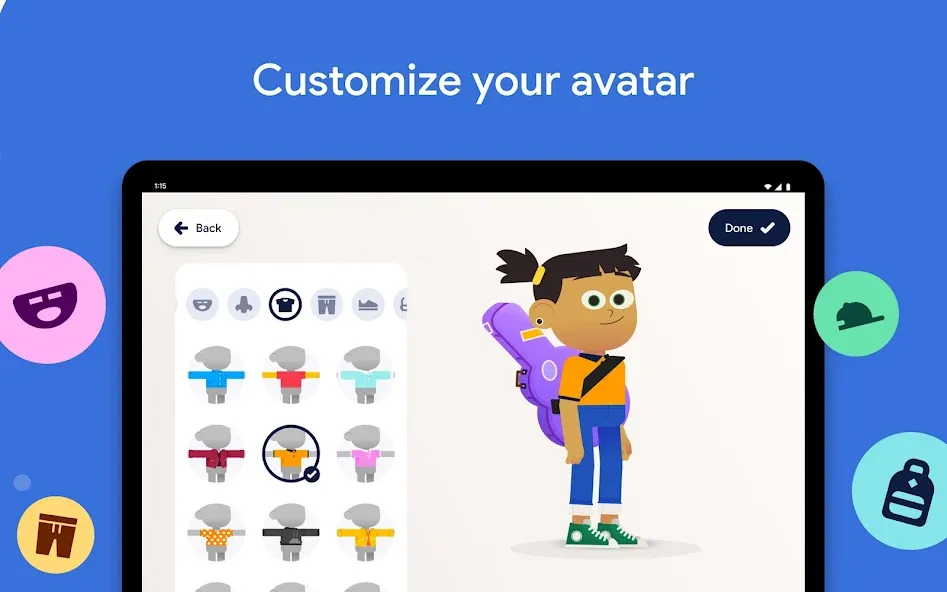
Whether it’s animals or art projects, kids become little experts on the things they love. Google Kids Space is designed to help them explore their latest fascinations and learn even more, in new and engaging ways. Kids can even customize their experience by creating their own character, who they’ll see on screen when they log in.
Set boundaries with parental controls
With parental controls in the Family Link app from Google, you can guide your child’s experience by managing content from Google Play, setting screen time limits, and more, all from your own device.
Important information
Google Kids Space replaces your kid’s tablet home screen with an experience that helps kids organize the content they know and love into tabs for apps and games, videos, and books. Google Kids Space can be turned off at any point from within the parent menu.
Google Kids Space requires a Google account for your child. Parental controls require the Family Link app on a supported Android, Chromebook, or iOS device. Availability of features may differ by region. Google Kids Space is available for select Android tablets. Google Assistant is not available in Google Kids Space.
Books and video content may not be available in all regions. Video content subject to availability of YouTube Kids app. Books content requires the Play Books app. Availability of apps, books, and video content may change without notice.
Google Play
APP STORE
Advertisement
Taptostore.com is an independent app discovery and editorial review platform. We publish reviews, comparisons, and recommendations designed to help users explore apps and make informed choices.
Download links on Taptostore.com direct users to the relevant official app store or another distribution channel designated by the developer or publisher. App downloads and installations take place through those external platforms.
Our content is developed through product research, editorial analysis, publicly available information, and, where appropriate, an assessment of the app’s features and user experience. Reviews and recommendations represent our editorial judgment at the time of publication.
The security and privacy practices of each app are determined by its developer. Before installing an app, users should review its official store listing, developer information, requested permissions, privacy policy, update history, and recent user feedback.
Taptostore.com does not control or independently certify third-party apps and cannot guarantee their security, reliability, performance, or privacy practices.
Not necessarily. Apps may be free, paid, advertising-supported, or include in-app purchases and recurring subscriptions. Pricing and availability may vary by region, device, platform, and time. Please refer to the relevant official store listing for current terms.
Availability may be affected by geographic restrictions, device compatibility, operating-system requirements, age limitations, store policies, or decisions made by the developer or publisher. These factors are outside the control of Taptostore.com.
Taptostore.com does not operate the apps featured on the website and cannot access their accounts or internal systems. Questions about login credentials, account recovery, technical issues, data deletion, or app functionality should be directed to the relevant developer through its official support channels.
Please do not send passwords, verification codes, recovery credentials, or payment information to Taptostore.com.
App-related payments, subscriptions, cancellations, and refunds are administered by the app store, developer, or payment provider responsible for the transaction. Taptostore.com does not process these transactions and cannot manage subscriptions or issue refunds.
Uninstalling an app may not cancel an active subscription. Users should manage subscriptions through the platform on which the purchase was made.
We make reasonable efforts to publish accurate and useful information. However, app features, pricing, compatibility, availability, and policies may change without notice. For the most current details, users should consult the relevant official store listing or developer documentation.
Unless expressly stated, Taptostore.com is not affiliated with, sponsored by, endorsed by, or officially connected with the developers, publishers, brands, or platforms featured on the website.
Product names, logos, brands, and trademarks belong to their respective owners and are referenced solely for identification and informational purposes.
Advertisement