 Typewise Custom Keyboard
3.2


Productivity
Ratings
Downloads
Age
Advertisement
Advertisement
Name
Category
Price
Safety
Developer
Version
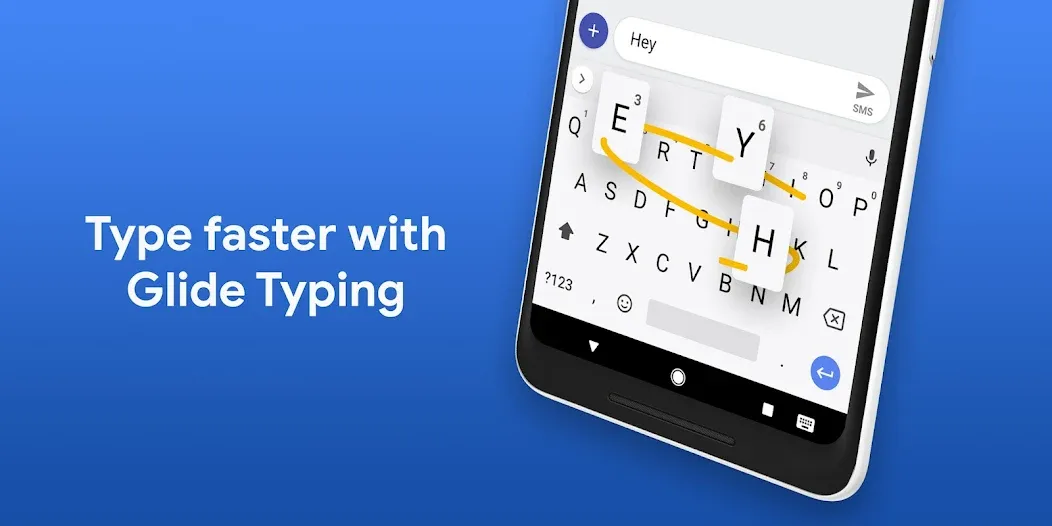
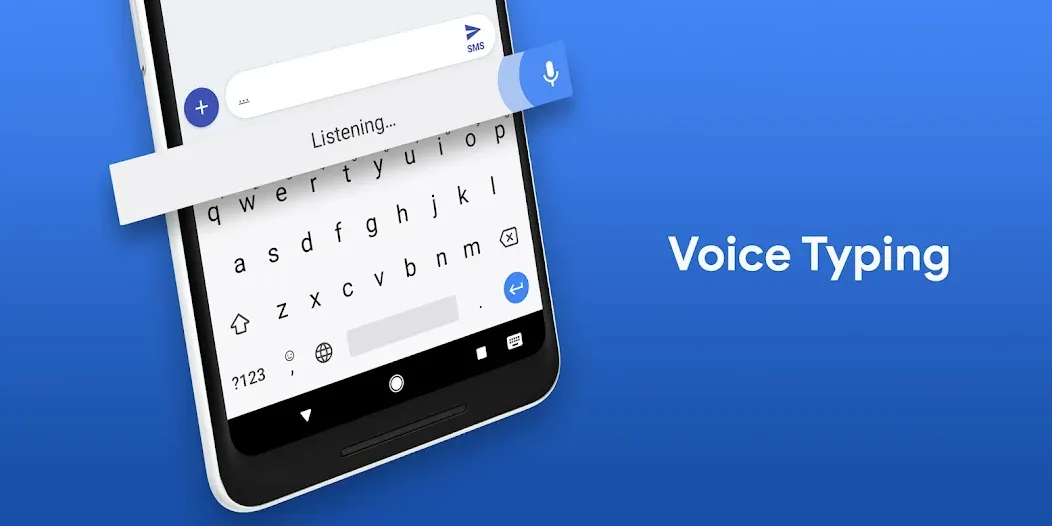
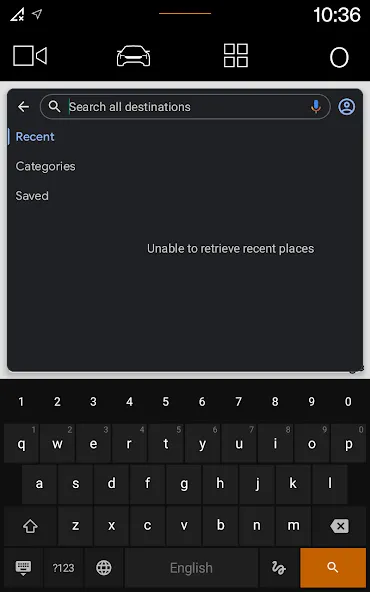
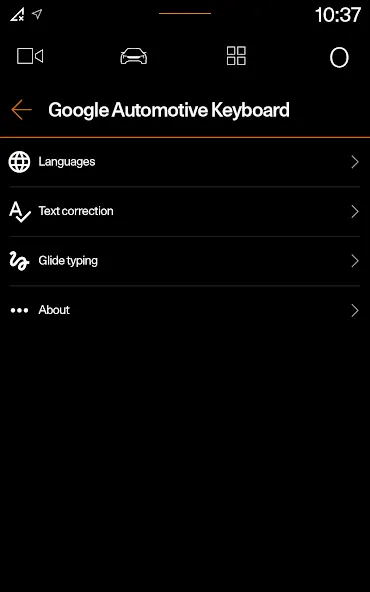
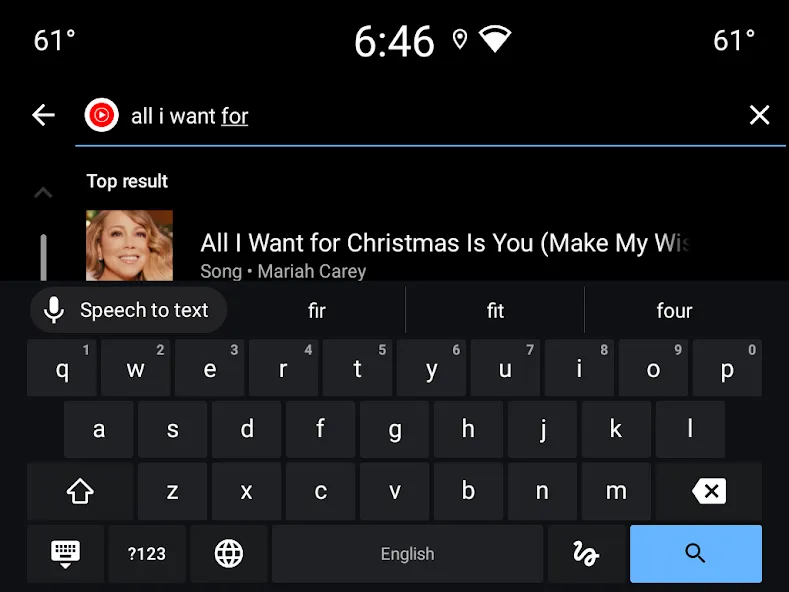
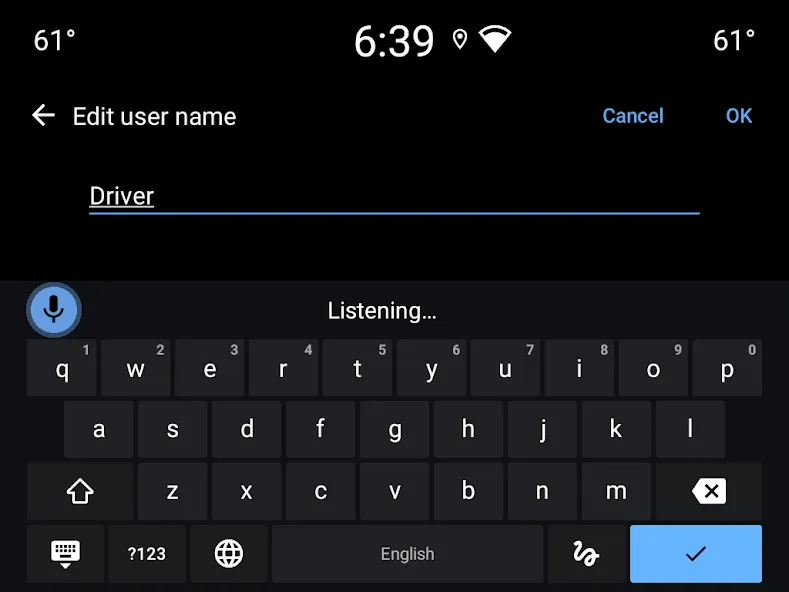
Google Automotive Keyboard has everything you love about Google Keyboard: Speed, Reliability, Glide Typing, Voice Typing, Handwriting, and more
Voice typing — Easily dictate text on the go
Glide Typing — Type faster by sliding your finger from letter to letter
Handwriting — Write in cursive and printed letters
Language support including:
Arabic, Chinese, Czech, Dutch, English, French, German, Greek, Indonesian, Italian, Japanese, Norwegian, Polish, Portuguese, Romanian, Russian, Spanish, Swedish, Thai, Turkish, Ukrainian, and many more!
Pro tips:
• Cursor movement: Slide your finger across the space bar to move the cursor
• Adding a language:
1. Go to Settings → System → Languages & input → Keyboard → Google Automotive Keyboard
2. Select a language to add. A globe icon will appear on the keyboard
• Switching languages: Tap the globe icon to switch between enabled languages
• Viewing all languages Long-press the globe icon to view a list of all languages enabled on the keyboard
Advertisement