 PhotoScan by Google Photos
4.1


Tools
Ratings
Downloads
Age
Advertisement
Advertisement
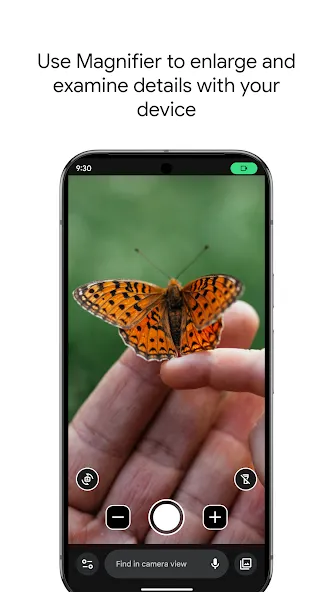
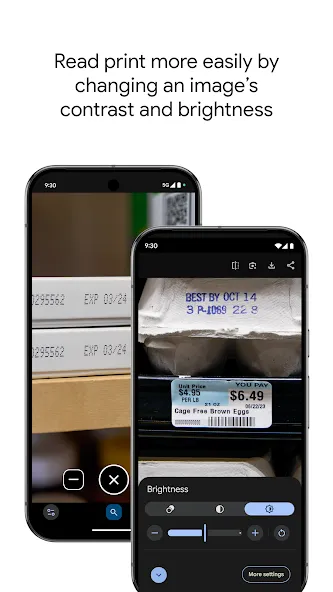
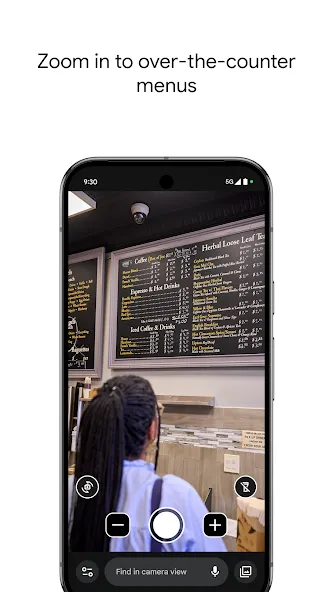
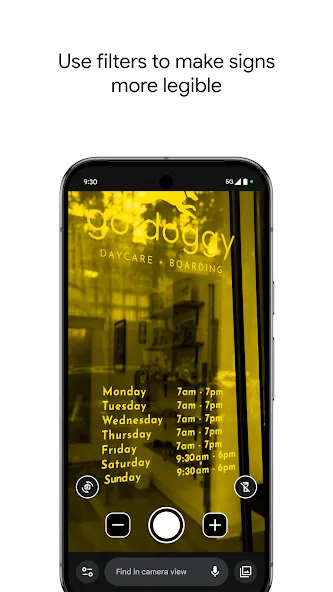
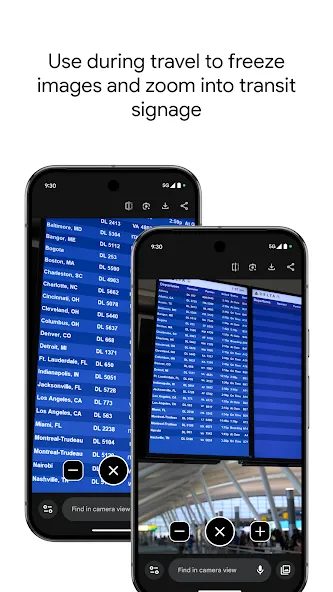
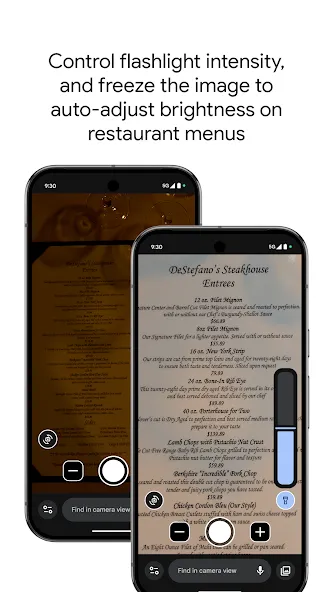
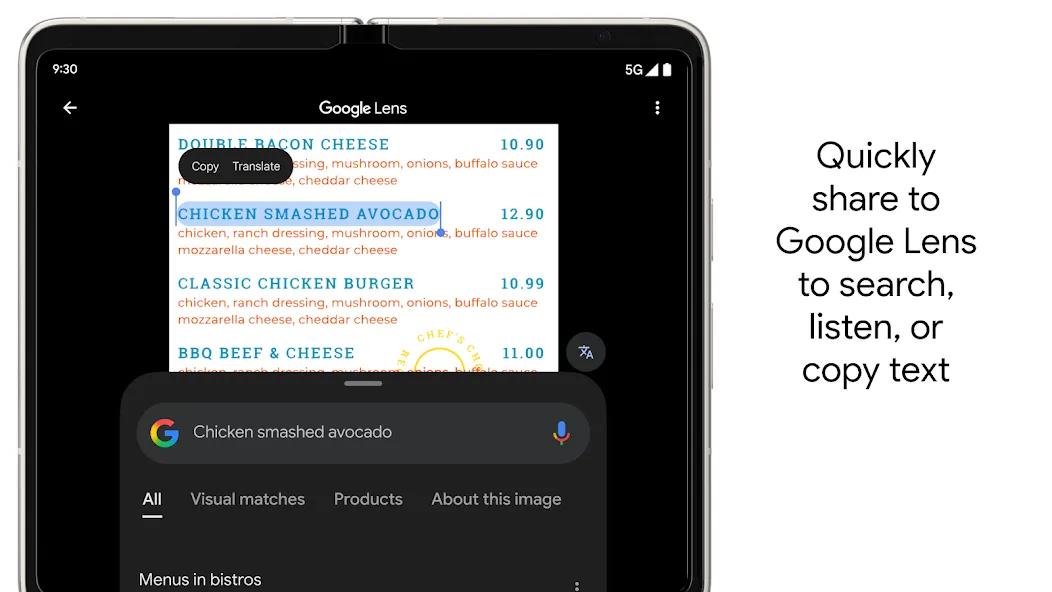
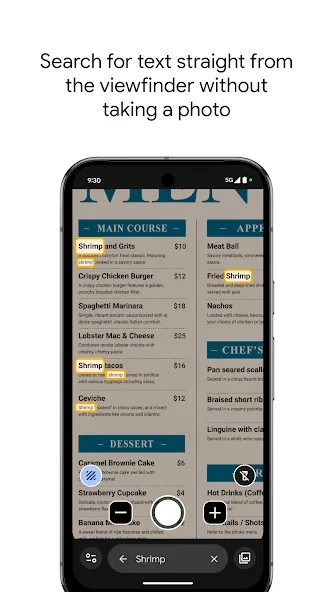
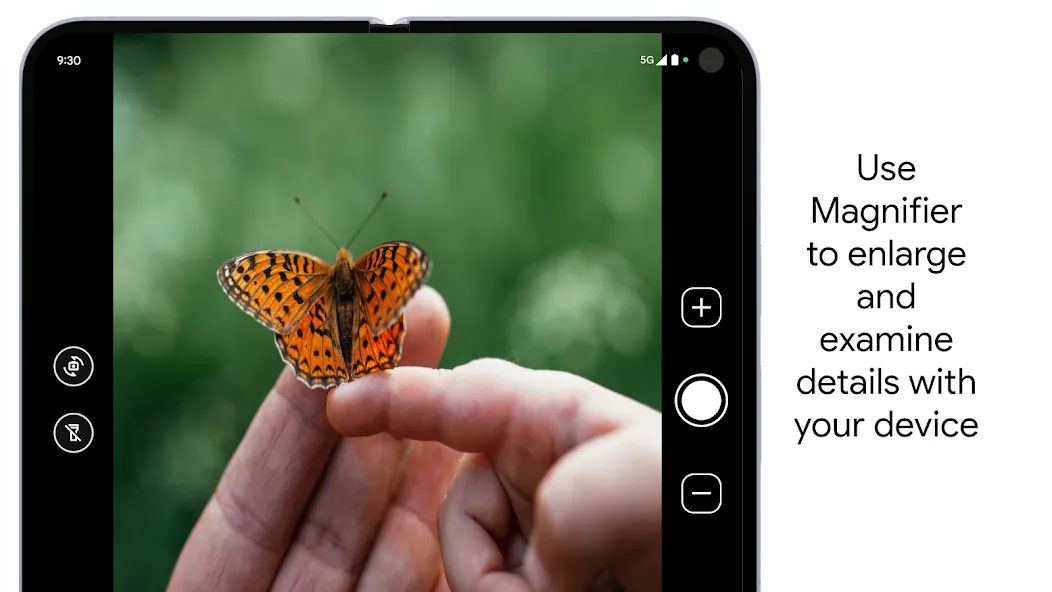
Use your camera to magnify small text, see object details, or zoom in on faraway text like street signs or restaurant menus behind a service counter. Search for words before or after you take a picture to find what you need on a menu, a departure board, or anything containing text. Apply visual effects to make low contrast text more visible. In low light environments brightness is automatically adjusted. You can also take photos and zoom in as much as you need.
Get started:
1. Download Magnifier from the Play Store.
2. (Optional) Set up Magnifier to easily open via Quick tap:
a. Open your phone’s Settings app.
b. Go to System > Gestures > Quick tap.
c. Turn on Use Quick tap.
d. Choose open app. Next to “Open app,” tap Settings. Then select Magnifier.
e. To open Magnifier, tap twice on the back of your phone.
Magnifier requires Pixel 5 or later model.
Advertisement