 UsA Weather Animated - USA171
4.7

Personalization
Ratings
Downloads
Age
Advertisement
Advertisement
Name
Category
Price
Safety
Developer
Version
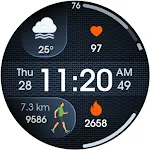
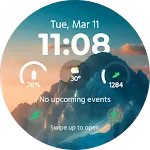
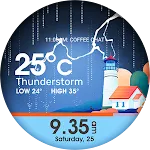
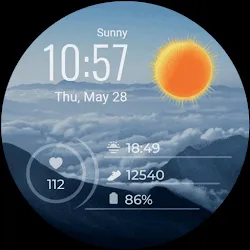
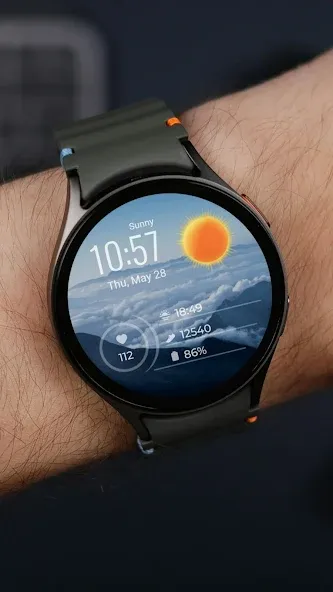
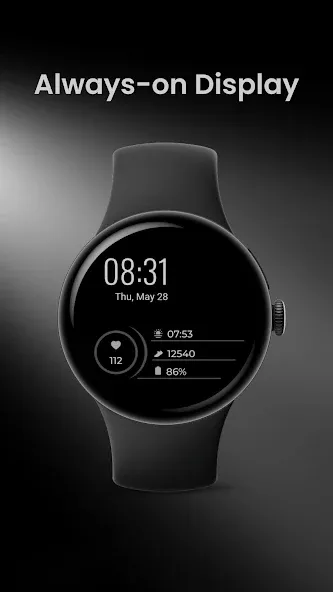
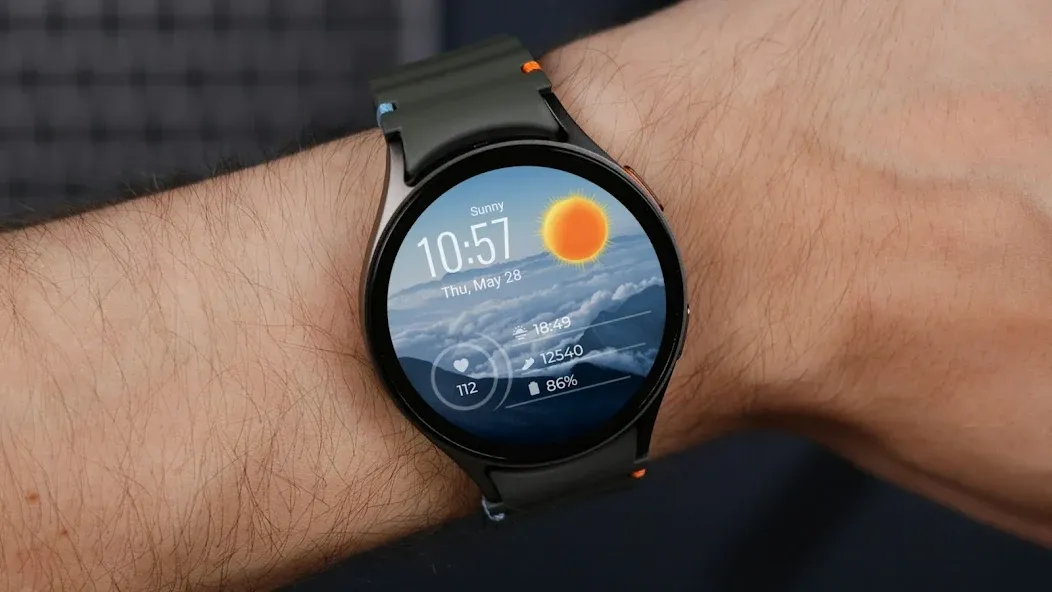
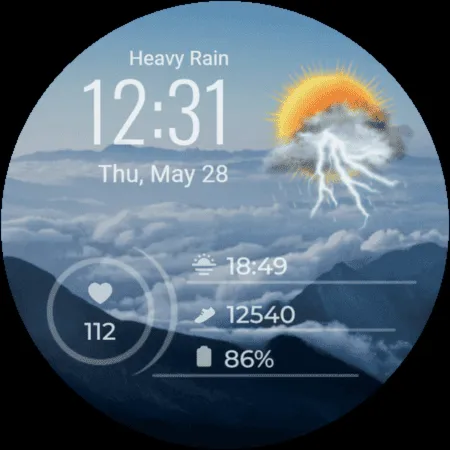
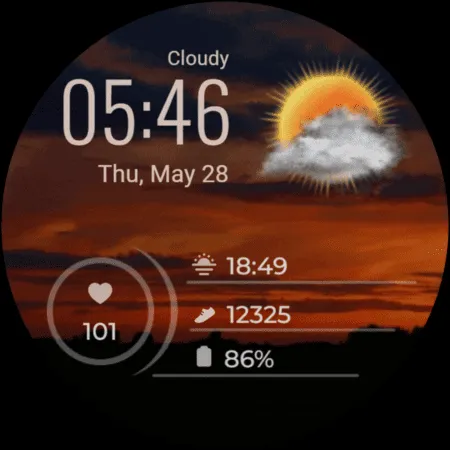
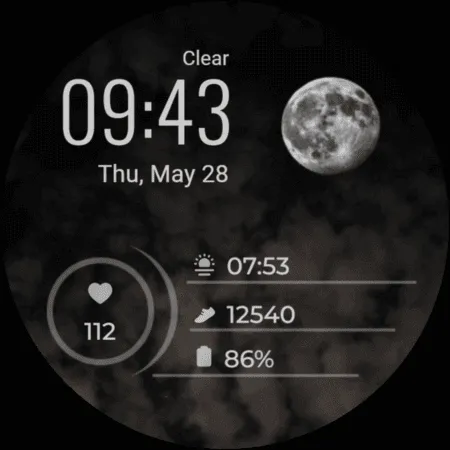
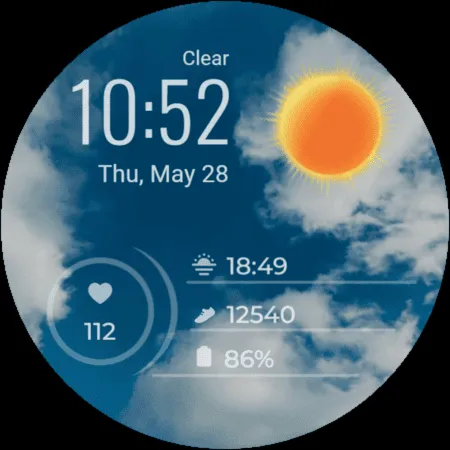
The Weather digital watch face is a simple and clean watch face focused on time and weather.
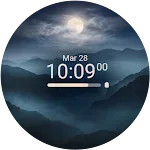
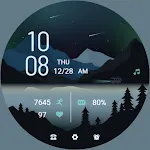
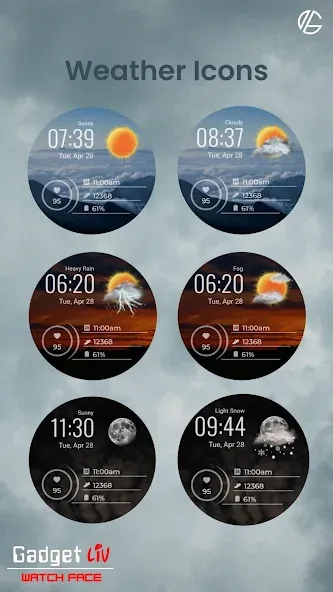
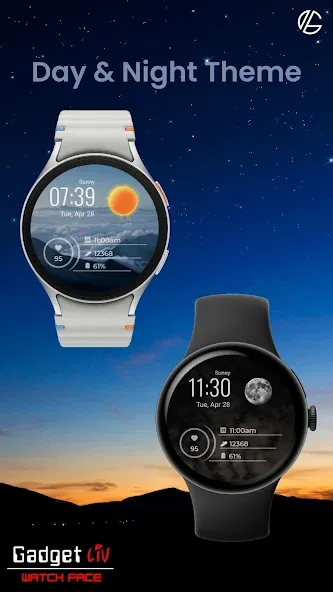
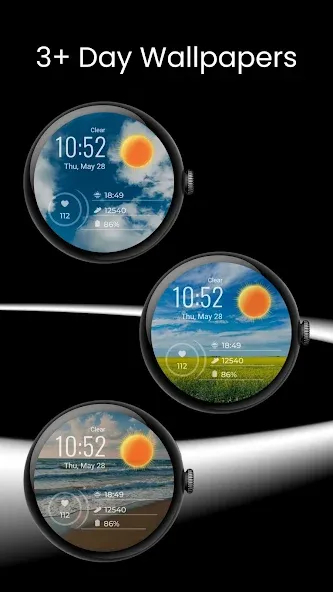
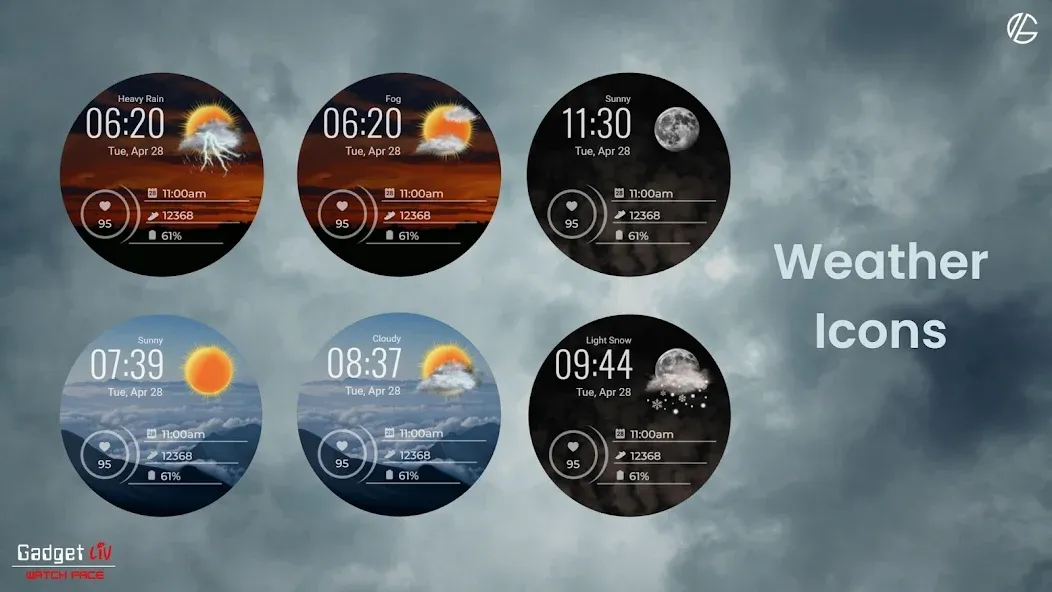
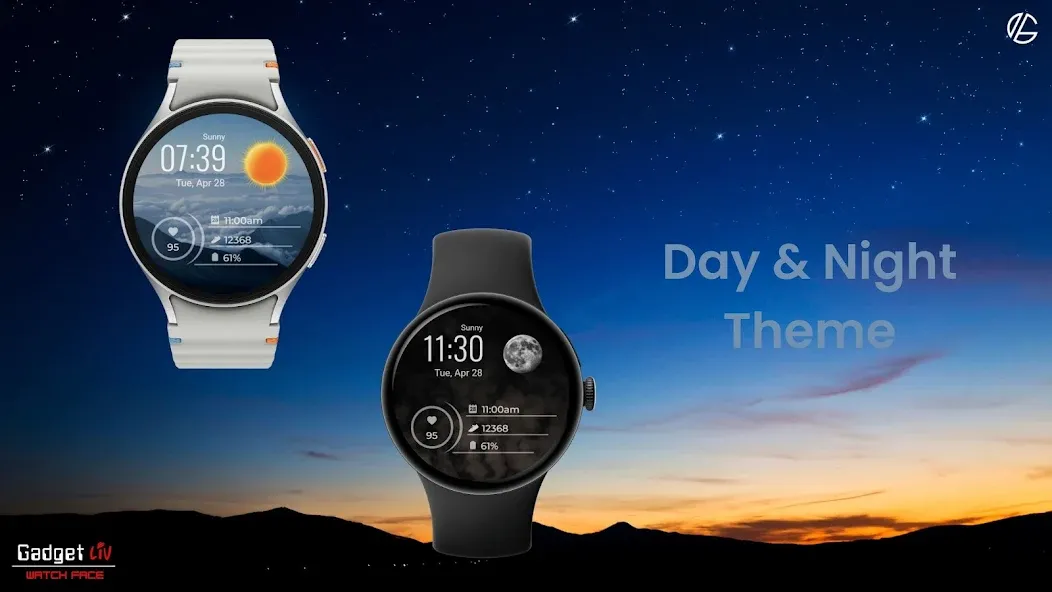
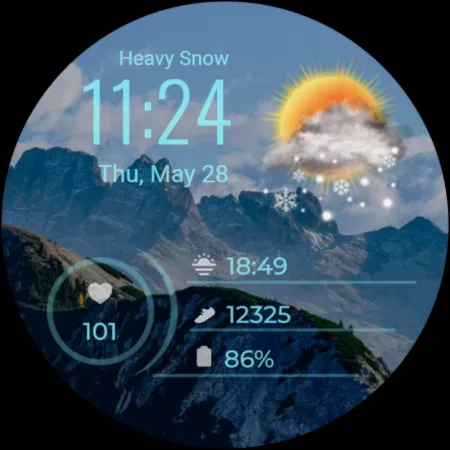
It automatically changes between day and night, so it always matches the time of day. The weather icons also change based on the temperature, giving a more accurate feel instead of using static icons.
This watch face is made for anyone who prefers a clean look with useful information, without too many extra details.
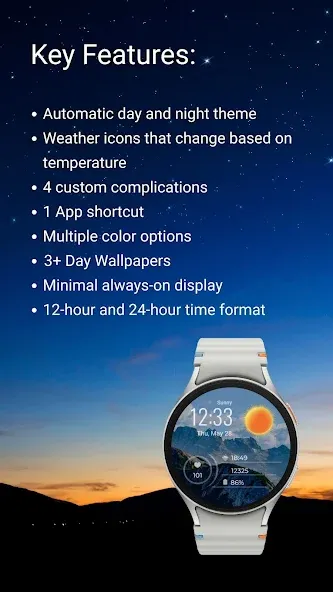
✨ Key Features
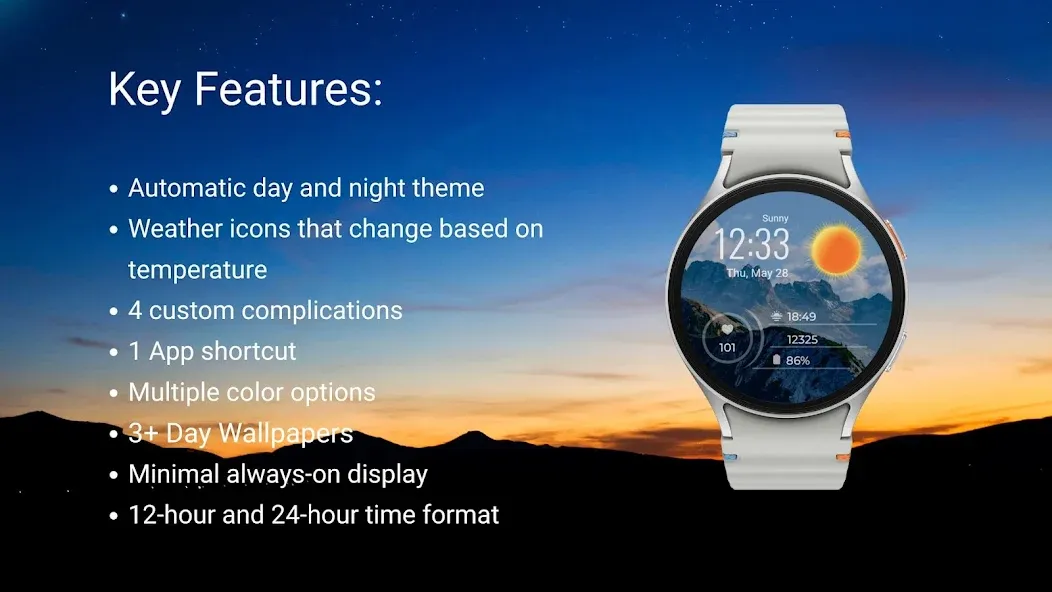
- Automatic day and night theme
- Weather icons that change based on temperature
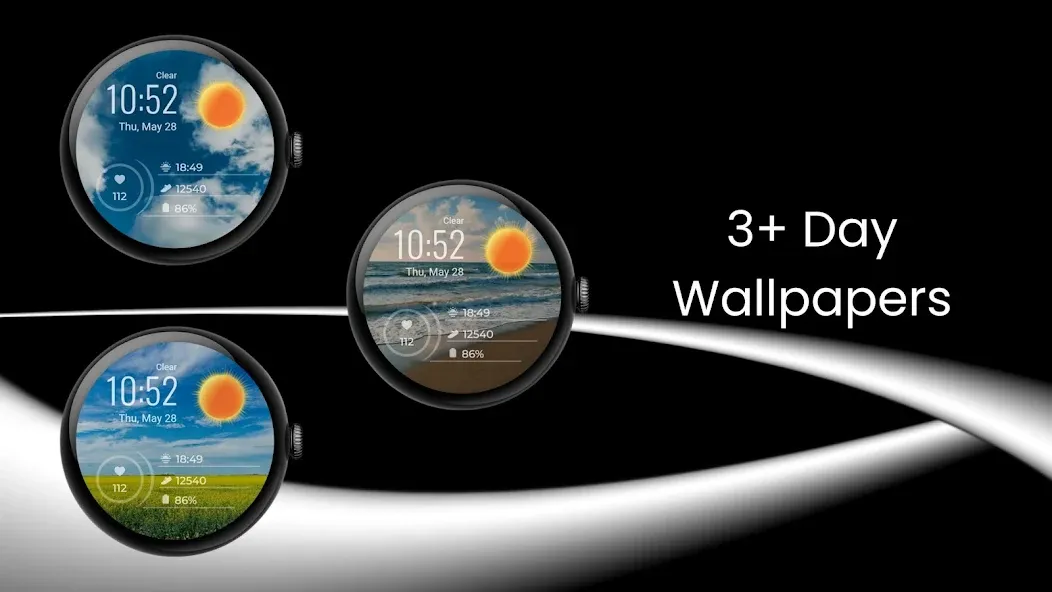
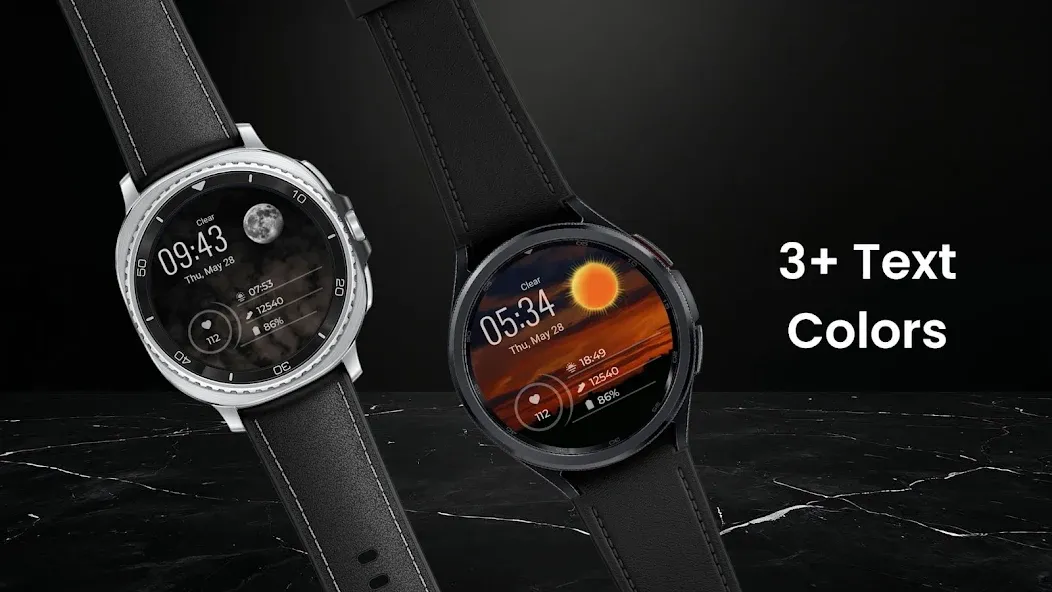
- 3+ Day Wallpapers
- 4 custom complications
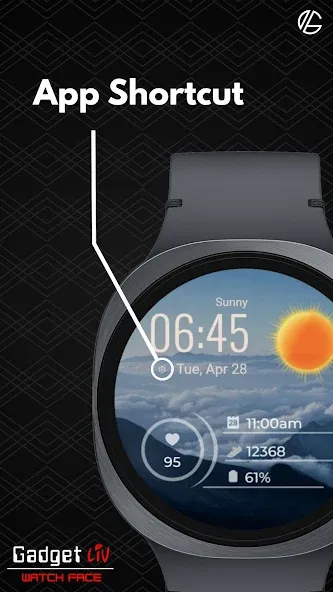
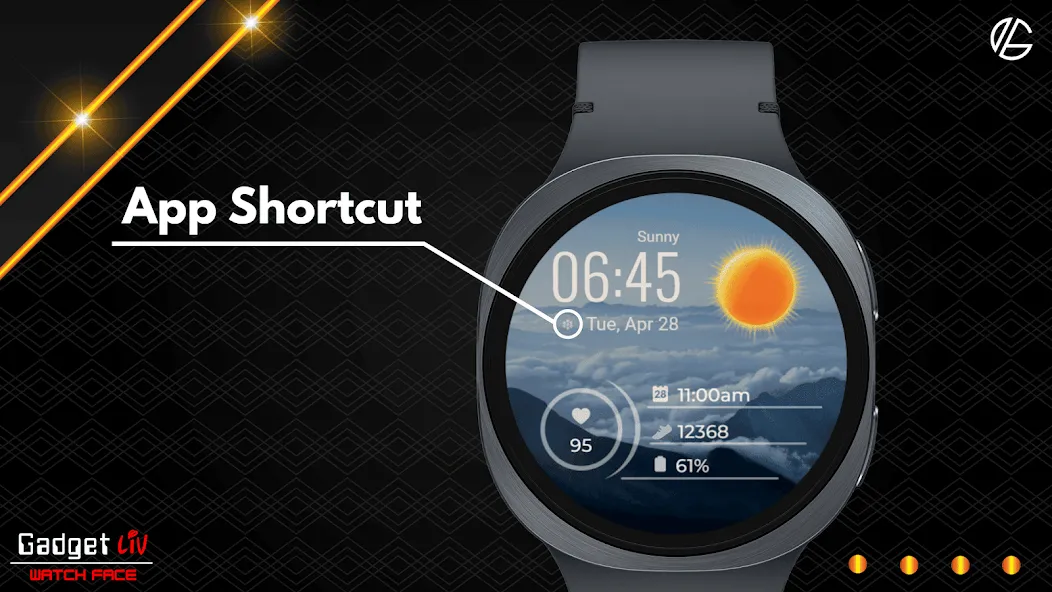
- 1 App shortcut
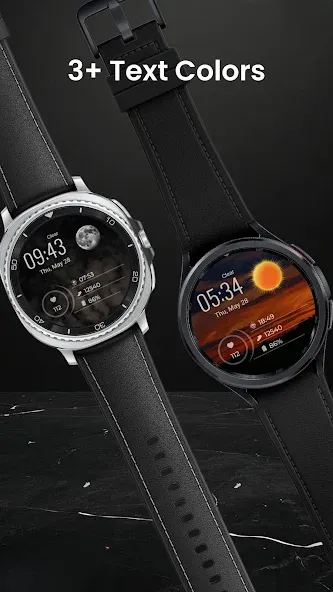
- Multiple color options
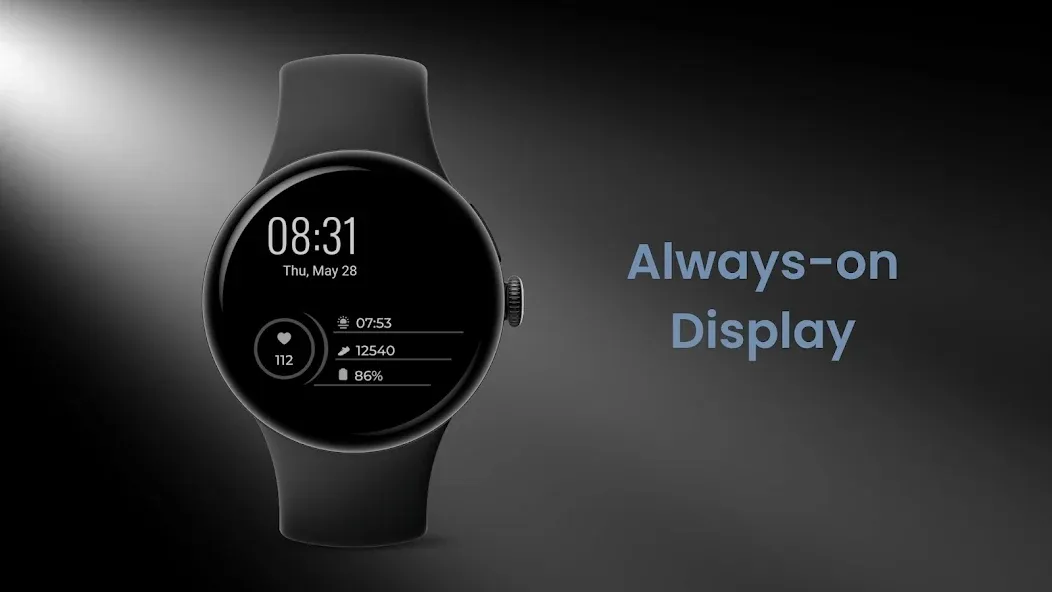
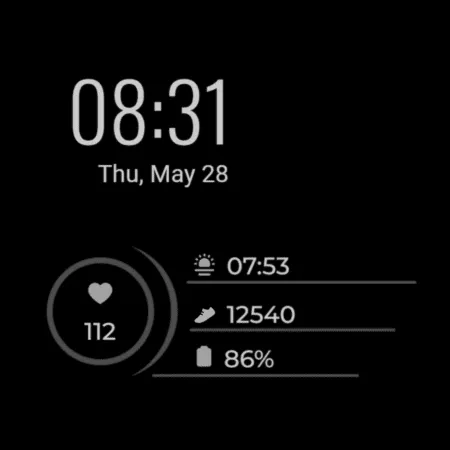
- Minimal always-on display
- 12-hour and 24-hour time format
☀️ IMPORTANT: If the weather doesn’t update:
1. Try switching between different watch faces.
2. Open the default “Weather” app on your watch and make sure location permission is enabled.
3. Set location access to “Always Allow” for both the watch face and the weather provider.
4. Ensure Location (GPS) is turned ON on both your watch and the paired smartphone.
5. Disable Power Saving mode so background data can sync properly.
⚠️ Compatibility
This is a Wear OS watch face app for smartwatches running Wear OS 5 or higher, built with the new Watch Face Format required on modern devices.
Compatible devices include:
➡️ Samsung Galaxy Watch 8, 7, 6, 5, 4 (including Classic and Ultra models)
➡️ Google Pixel Watch 4, 3, 2, and 1
➡️ Other watches running Wear OS 5+
Contact Us
If you have questions or feedback, feel free to contact me at [email protected] for support.
Advertisement