 John GBA
3.3

Arcade
Ratings
Downloads
Age
Advertisement
Advertisement
Name
Category
Price
Safety
Developer
Version
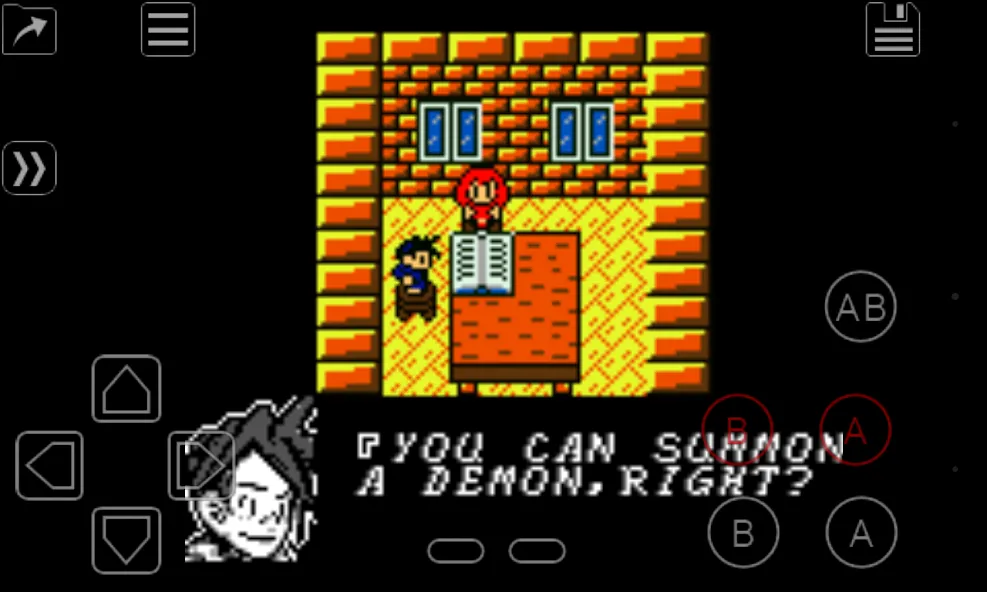
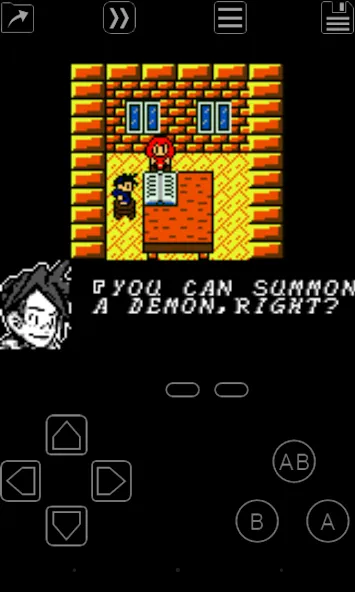
My OldBoy! is a full-featured and super-fast emulator to run Game Boy and Game Boy Color games on the broadest range of Android devices, from very low-end phones to modern tablets. It emulates accurately almost every aspect of the real hardware. Special features including link cable, rumble, and tilt sensor are also supported. You can also make your GB games colorful by selecting a custom palette.
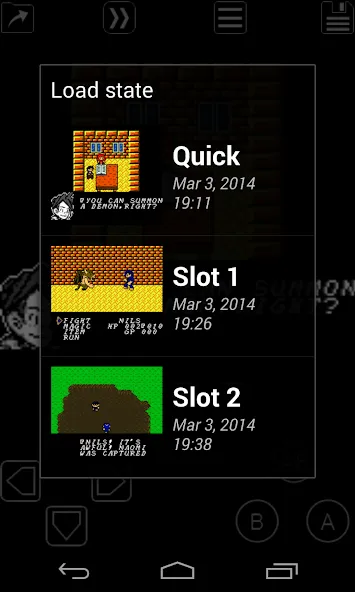
Of course it does not just emulate the hardware. Thanks to the save state system, you can save progress at any time and return back to it instantly. And while enabling fast-forward in game, you can quickly skip to the part of the game you are mostly interested in.
• Fast emulation with ARM assembly code. Easily get to 60 FPS without frame skips even on very low-end devices.
• Very good game compatibility.
• Saves your battery as much as possible.
• Link cable emulation either on the same device, or across devices over Bluetooth or Wi-Fi, running at decent speed.
• Tilt sensor and rumble emulation through your Android’s hardware sensors and vibrator!
• Game Boy Camera and Game Boy Printer emulation.
• Super Game Boy palettes emulation. Enhance monochrome games by bringing more colors!
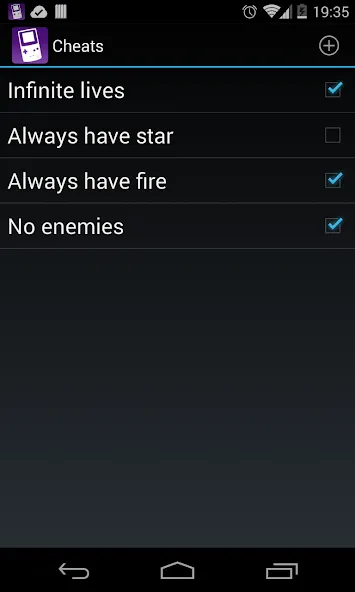
• Enter multilined GameShark/GameGenie cheat codes and enable/disable them on the fly while the game is running.
• IPS/UPS ROM patching
• Fast-forward to skip long stories, as well as slow down games to get past a level you cannot in normal speed. Depending on your hardware, it can run as fast as 50x normal speed.
• OpenGL rendering backend, as well as normal rendering on devices without a GPU.
• Cool video filters through the support of GLSL shaders.
• Save games at any time with screenshot.
• Sync saves with Google Drive.
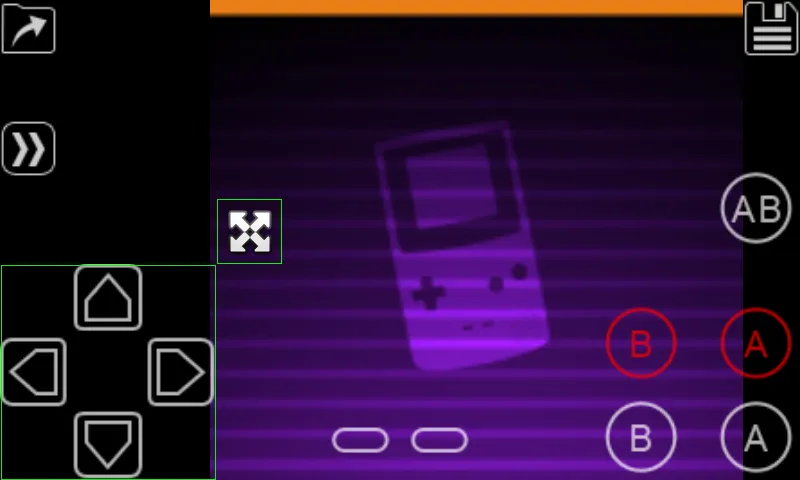
• On-screen keypad, as well as shortcut buttons such as load/save.
• A powerful screen layout editor, with which you can define the position and size for each of the on-screen controls, as well as for the game video.
• External controllers support, through either the Android native way or input method.
• Well-designed user interface. Seamlessly integrated with the latest Android.
• Create and switch to different screen-layout and key-mapping profiles.
• Create shortcuts to easily launch your favorite games from your desktop.
No games are included in this app and you need to obtain yours in a legal way. Place them onto your SD card, and browse to them from within the app.
LEGAL: This product is not affiliated with, nor authorized, endorsed or licensed in any way by Nintendo Corporation, its affiliates or subsidiaries.
Google Play
APP STORE
Advertisement
Taptostore.com is an independent app discovery and editorial review platform. We publish reviews, comparisons, and recommendations designed to help users explore apps and make informed choices.
Download links on Taptostore.com direct users to the relevant official app store or another distribution channel designated by the developer or publisher. App downloads and installations take place through those external platforms.
Our content is developed through product research, editorial analysis, publicly available information, and, where appropriate, an assessment of the app’s features and user experience. Reviews and recommendations represent our editorial judgment at the time of publication.
The security and privacy practices of each app are determined by its developer. Before installing an app, users should review its official store listing, developer information, requested permissions, privacy policy, update history, and recent user feedback.
Taptostore.com does not control or independently certify third-party apps and cannot guarantee their security, reliability, performance, or privacy practices.
Not necessarily. Apps may be free, paid, advertising-supported, or include in-app purchases and recurring subscriptions. Pricing and availability may vary by region, device, platform, and time. Please refer to the relevant official store listing for current terms.
Availability may be affected by geographic restrictions, device compatibility, operating-system requirements, age limitations, store policies, or decisions made by the developer or publisher. These factors are outside the control of Taptostore.com.
Taptostore.com does not operate the apps featured on the website and cannot access their accounts or internal systems. Questions about login credentials, account recovery, technical issues, data deletion, or app functionality should be directed to the relevant developer through its official support channels.
Please do not send passwords, verification codes, recovery credentials, or payment information to Taptostore.com.
App-related payments, subscriptions, cancellations, and refunds are administered by the app store, developer, or payment provider responsible for the transaction. Taptostore.com does not process these transactions and cannot manage subscriptions or issue refunds.
Uninstalling an app may not cancel an active subscription. Users should manage subscriptions through the platform on which the purchase was made.
We make reasonable efforts to publish accurate and useful information. However, app features, pricing, compatibility, availability, and policies may change without notice. For the most current details, users should consult the relevant official store listing or developer documentation.
Unless expressly stated, Taptostore.com is not affiliated with, sponsored by, endorsed by, or officially connected with the developers, publishers, brands, or platforms featured on the website.
Product names, logos, brands, and trademarks belong to their respective owners and are referenced solely for identification and informational purposes.
Advertisement