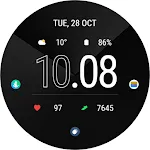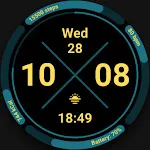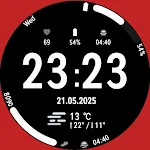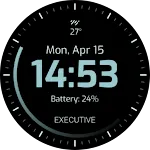
Commander: Digital Watch Face icon

Commander: Digital Watch Face

Personalization

0.0

Ratings

100 - 500

Downloads

3+

Age

DOWNLOAD

Advertisement

Screenshots

Commander: Digital Watch Face screenshot 1
Commander: Digital Watch Face screenshot 2
Commander: Digital Watch Face screenshot 3
Commander: Digital Watch Face screenshot 4
Commander: Digital Watch Face screenshot 5
Commander: Digital Watch Face screenshot 6
Commander: Digital Watch Face screenshot 7
Commander: Digital Watch Face screenshot 8
Commander: Digital Watch Face screenshot 9
Commander: Digital Watch Face screenshot 10
Commander: Digital Watch Face screenshot 11
Commander: Digital Watch Face screenshot 12
Commander: Digital Watch Face screenshot 13
Commander: Digital Watch Face screenshot 14
Commander: Digital Watch Face screenshot 15
Commander: Digital Watch Face screenshot 16
Commander: Digital Watch Face screenshot 17
Commander: Digital Watch Face screenshot 18
Commander: Digital Watch Face screenshot 19
Commander: Digital Watch Face screenshot 20
Commander: Digital Watch Face screenshot 21
Commander: Digital Watch Face screenshot 22
Commander: Digital Watch Face screenshot 23
Commander: Digital Watch Face screenshot 24
Commander: Digital Watch Face screenshot 25
Commander: Digital Watch Face screenshot 26
See all →
EXD036: Digital Watch Face iconEXD036: Digital Watch Face
0.0

Advertisement

About this app

Name

Commander: Digital Watch Face

Category

Personalization

Price

Free

Safety

100% Safe

Developer

Executive Design Watch Face

Version

Varies with device

Description

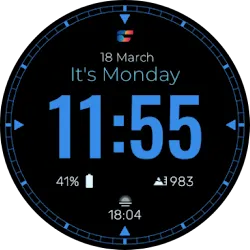
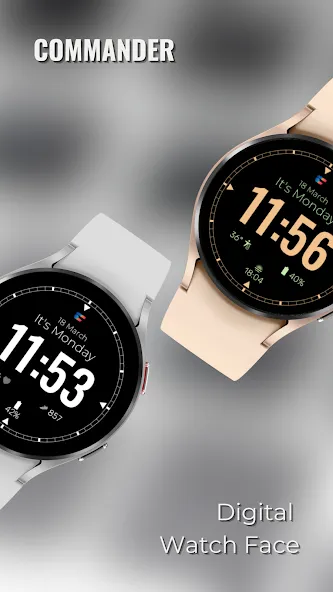
Commander: Digital Watch Face for Wear OS

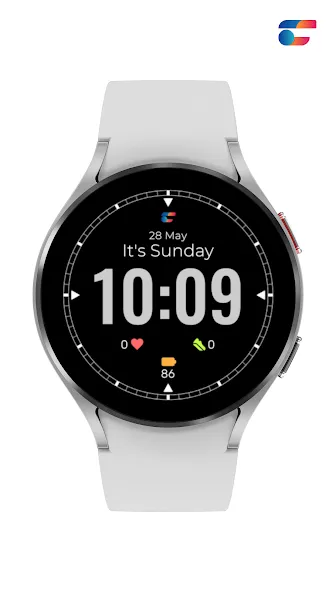
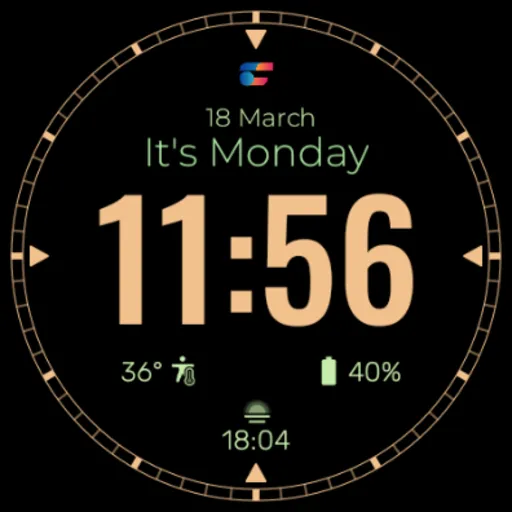
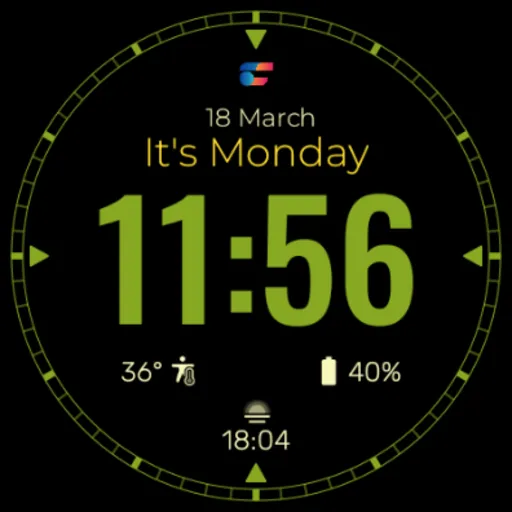
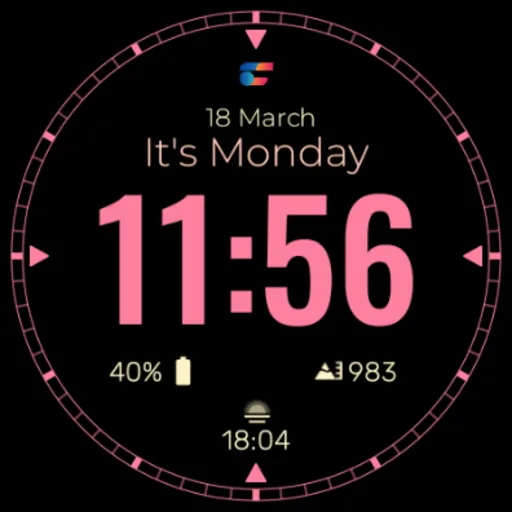
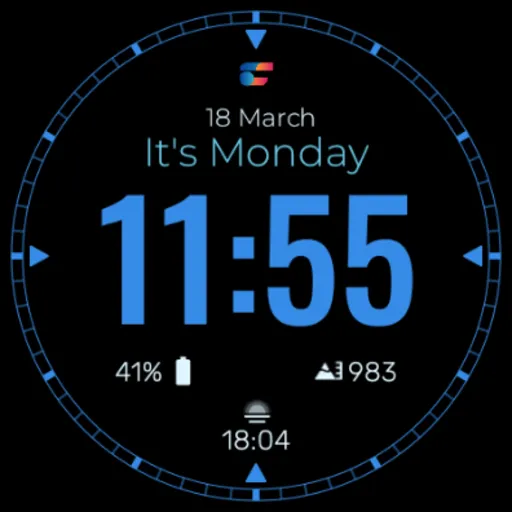
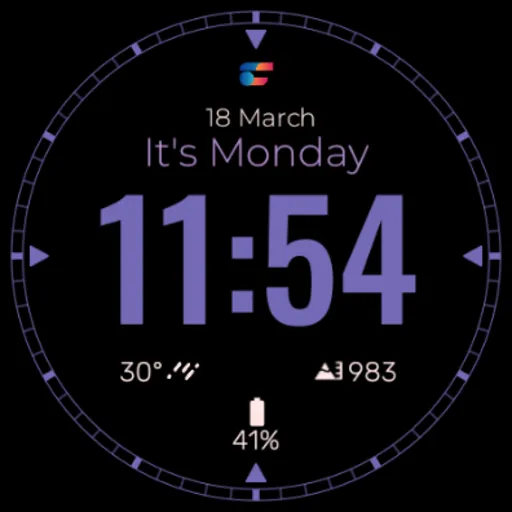
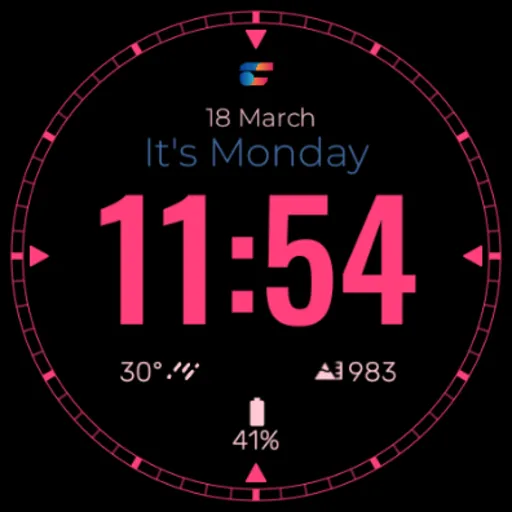
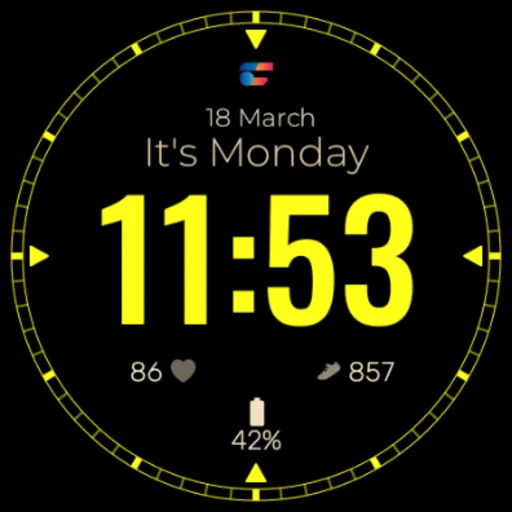
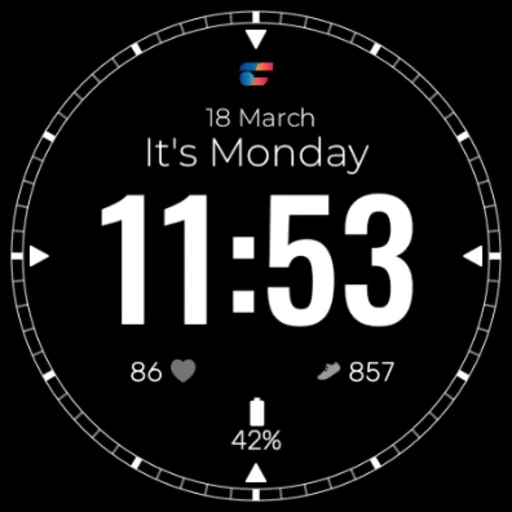
This watch face design is ideal for the strong, optimistic man who wants to stand out. With a color scheme that communicates strength and authority, the Commander Watch Face Design has a modern, refined appearance. This watch is essential and ideal for daily wear thanks to its easy-to-read, crystal-clear display.

Features:
- 24H and 12H format
- Date
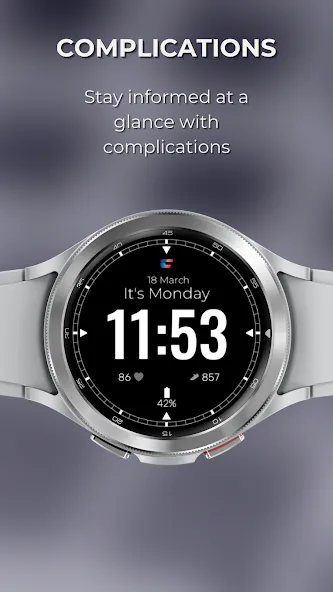
- 3 Customizable Complication
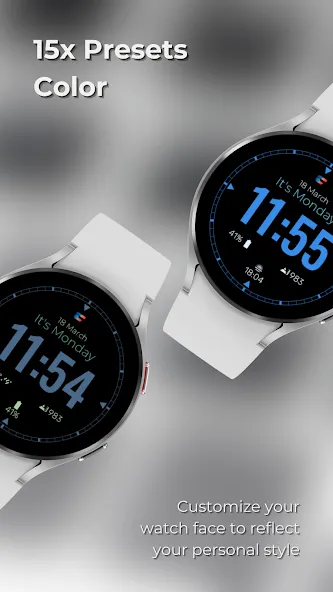
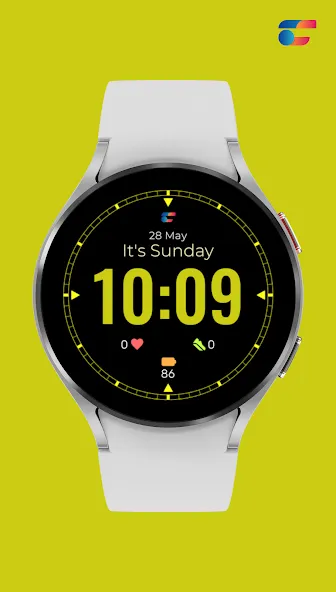
- 15 Color Options
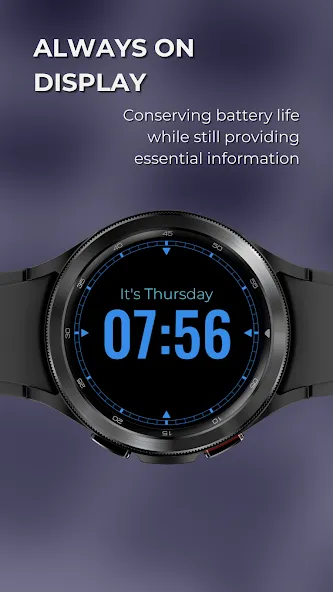
- AOD Mode

To modify the styles, tap and hold the watch face and select the “customize” menu (or settings icon under the watch face).

Enable the “Always on Display” mode in your watch’s settings to show a low-power display while idle. This feature will require more batteries, so please be aware of it.

Installing the Watch Face:
1. Download an app to your phone.
2. Launch the Play Store app on your watch
3. Click on Apps on Your Phone
4. Download Watch Face from There.

Support all Wear OS 3 and above such as:
- Google Pixel Watch
- Samsung Galaxy Watch 4
- Samsung Galaxy Watch 4 Classic
- Samsung Galaxy Watch 5
- Samsung Galaxy Watch 5 Pro
- Samsung Galaxy Watch 6
- Samsung Galaxy Watch 6 Classic
- Fossil Gen 6
- Mobvoi TicWatch Pro 3 Cellular/LTE /
- Montblanc Summit 3
- Tag Heuer Connected Calibre E4

TOP FREE APPS

See all →
Google Meet iconGoogle MeetCommunication
4.4

TOP FREE GAMES

See all →

Advertisement

Top Downloads

See all →
  1. Files by Google icon
    Files by GoogleTools
    4.5
    GET
  2. 4