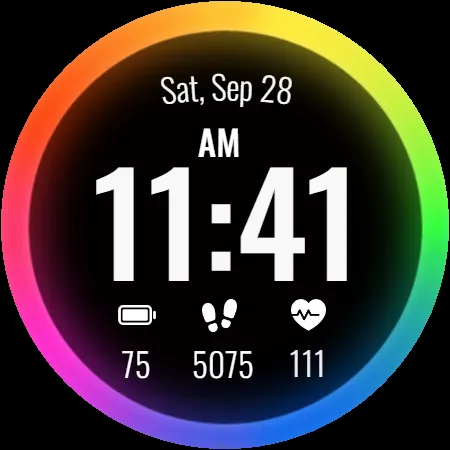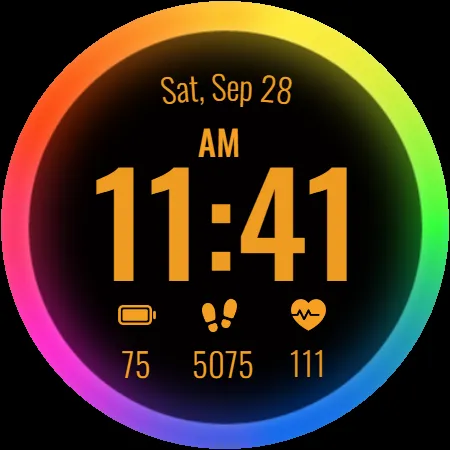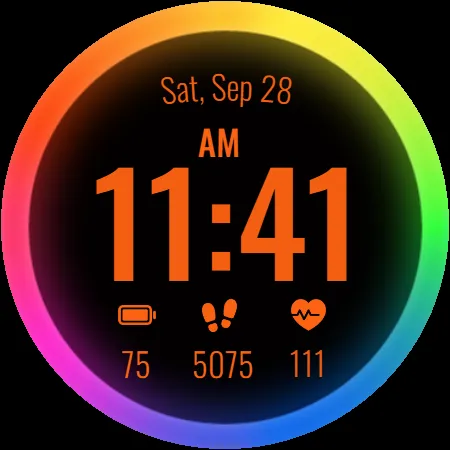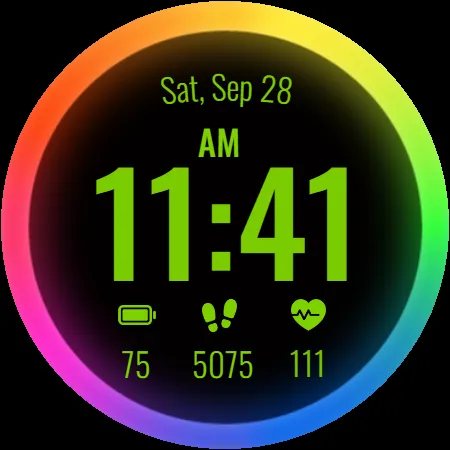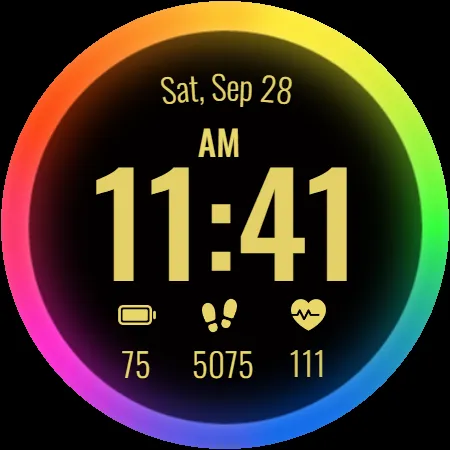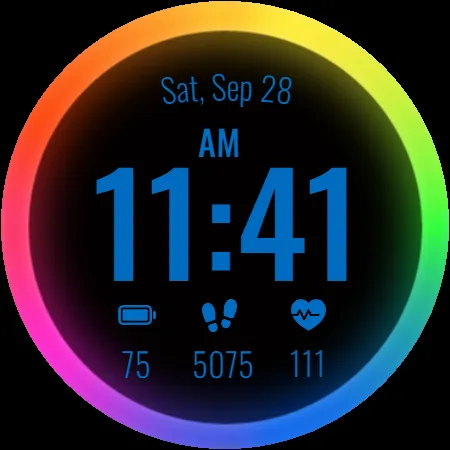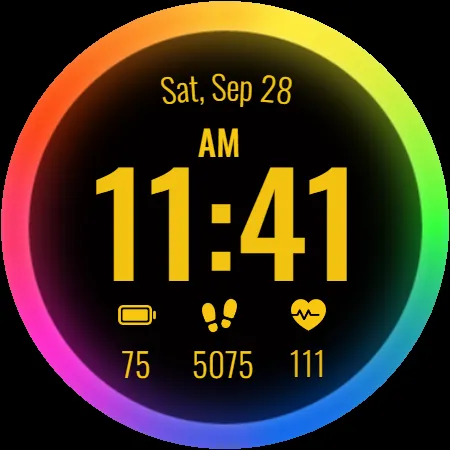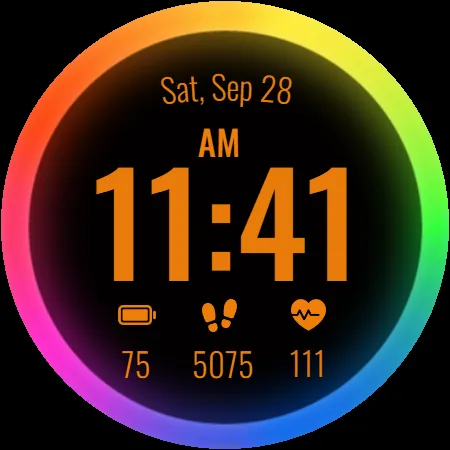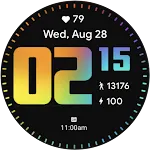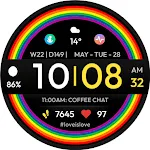
PRIDE Rainbow Watch Face icon

PRIDE Rainbow Watch Face

Personalization

3.8

Ratings

35.4K

Downloads

3+

Age

DOWNLOAD

Advertisement

Screenshots

PRIDE Rainbow Watch Face screenshot 1
PRIDE Rainbow Watch Face screenshot 2
PRIDE Rainbow Watch Face screenshot 3
PRIDE Rainbow Watch Face screenshot 4
PRIDE Rainbow Watch Face screenshot 5
PRIDE Rainbow Watch Face screenshot 6
PRIDE Rainbow Watch Face screenshot 7
PRIDE Rainbow Watch Face screenshot 8
PRIDE Rainbow Watch Face screenshot 9
PRIDE Rainbow Watch Face screenshot 10
PRIDE Rainbow Watch Face screenshot 11
PRIDE Rainbow Watch Face screenshot 12
PRIDE Rainbow Watch Face screenshot 13
PRIDE Rainbow Watch Face screenshot 14
PRIDE Rainbow Watch Face screenshot 15
PRIDE Rainbow Watch Face screenshot 16
PRIDE Rainbow Watch Face screenshot 17
PRIDE Rainbow Watch Face screenshot 18
PRIDE Rainbow Watch Face screenshot 19
PRIDE Rainbow Watch Face screenshot 20
PRIDE Rainbow Watch Face screenshot 21
PRIDE Rainbow Watch Face screenshot 22
PRIDE Rainbow Watch Face screenshot 23
PRIDE Rainbow Watch Face screenshot 24
PRIDE Rainbow Watch Face screenshot 25
PRIDE Rainbow Watch Face screenshot 26
PRIDE Rainbow Watch Face screenshot 27
PRIDE Rainbow Watch Face screenshot 28
PRIDE Rainbow Watch Face screenshot 29
PRIDE Rainbow Watch Face screenshot 30
PRIDE Rainbow Watch Face screenshot 31
PRIDE Rainbow Watch Face screenshot 32
PRIDE Rainbow Watch Face screenshot 33
PRIDE Rainbow Watch Face screenshot 34
PRIDE Rainbow Watch Face screenshot 35
PRIDE Rainbow Watch Face screenshot 36
See all →
TVV Pride Digital Watch Face iconTVV Pride Digital Watch Face
0.0

Advertisement

About this app

Name

PRIDE Rainbow Watch Face

Category

Personalization

Price

Free

Safety

100% Safe

Developer

Filmmotion Studio

Version

Varies with device

Description

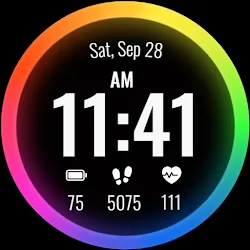
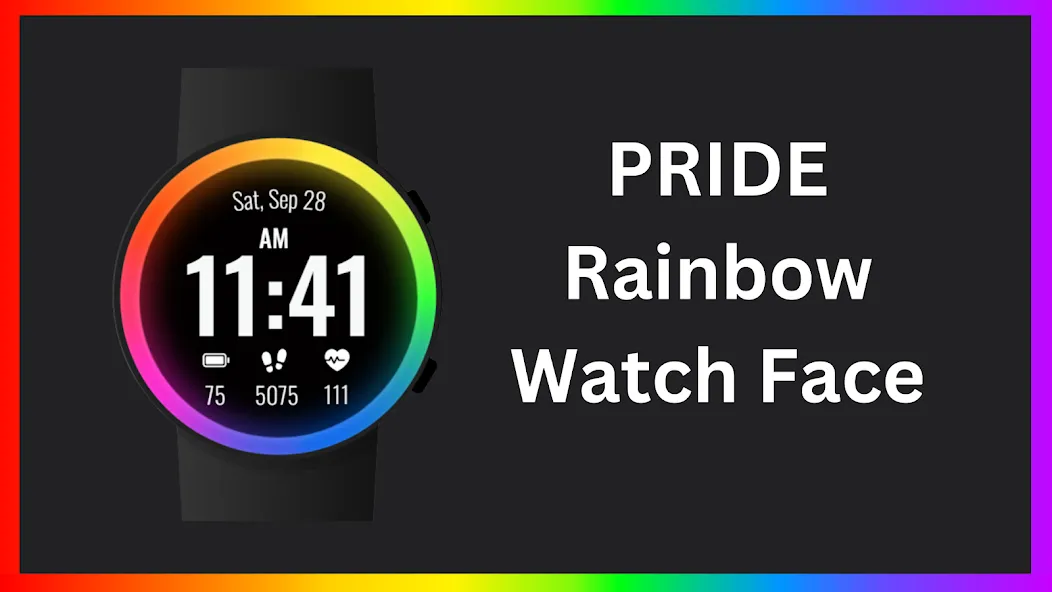
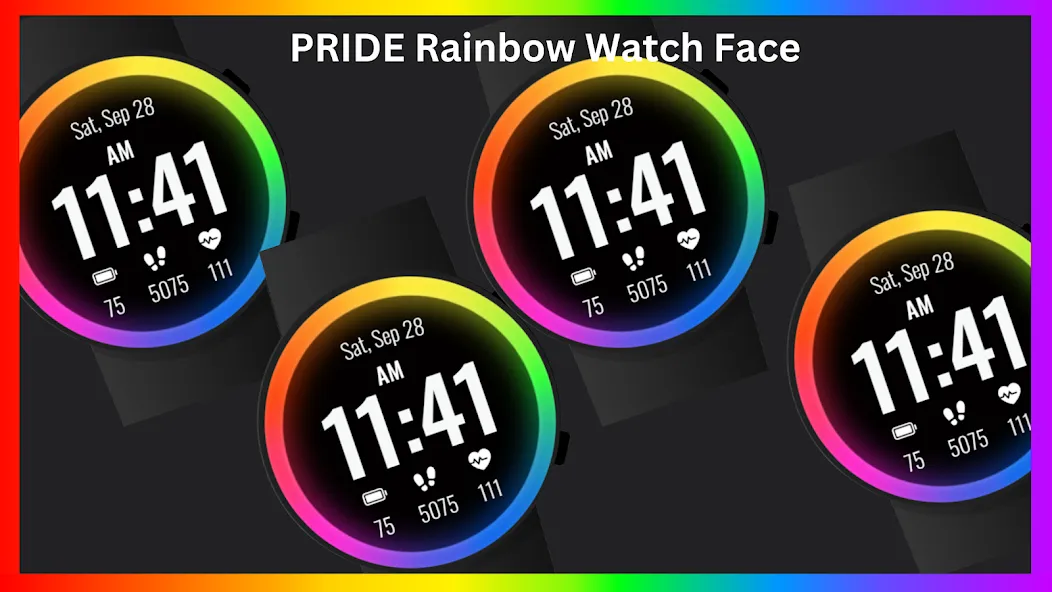
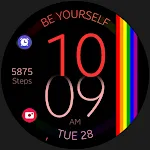
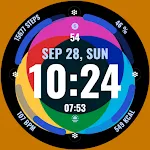
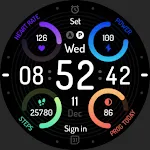
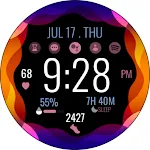
Pride Rainbow Watch Face – A bold, vibrant watch face and heart rate monitoring for Wear OS.

⚙️ Watch Face Features
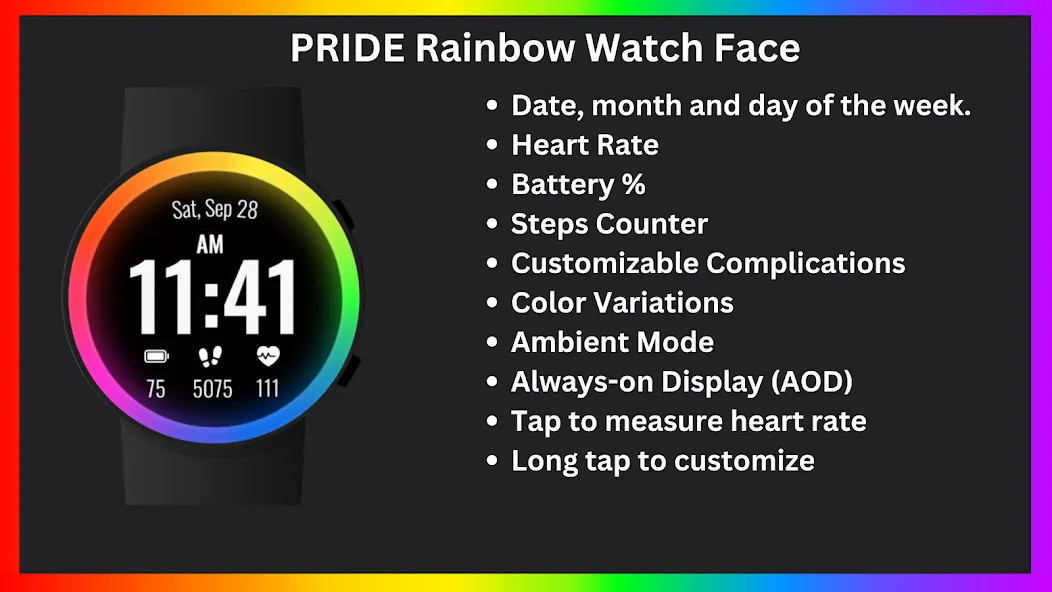
• Date, month and day of the week.
• Heart Rate
• Battery %
• Steps Counter
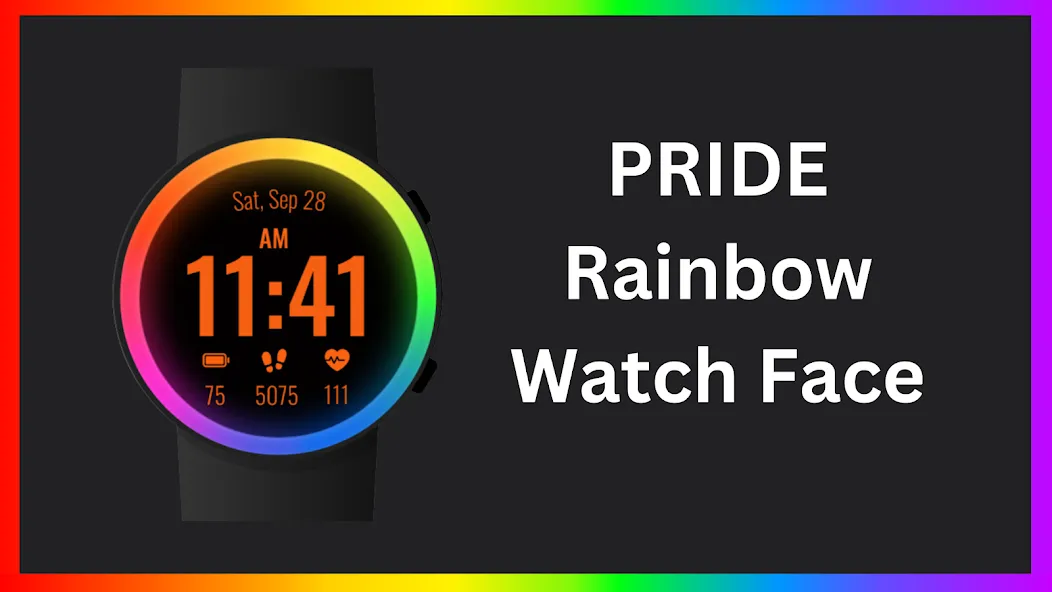
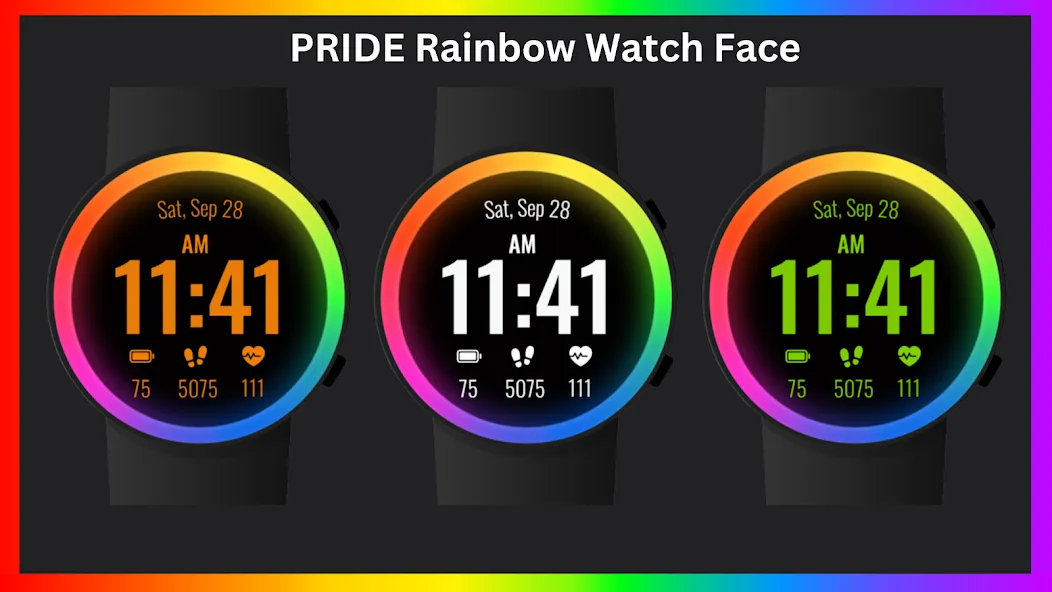
• Color Variations
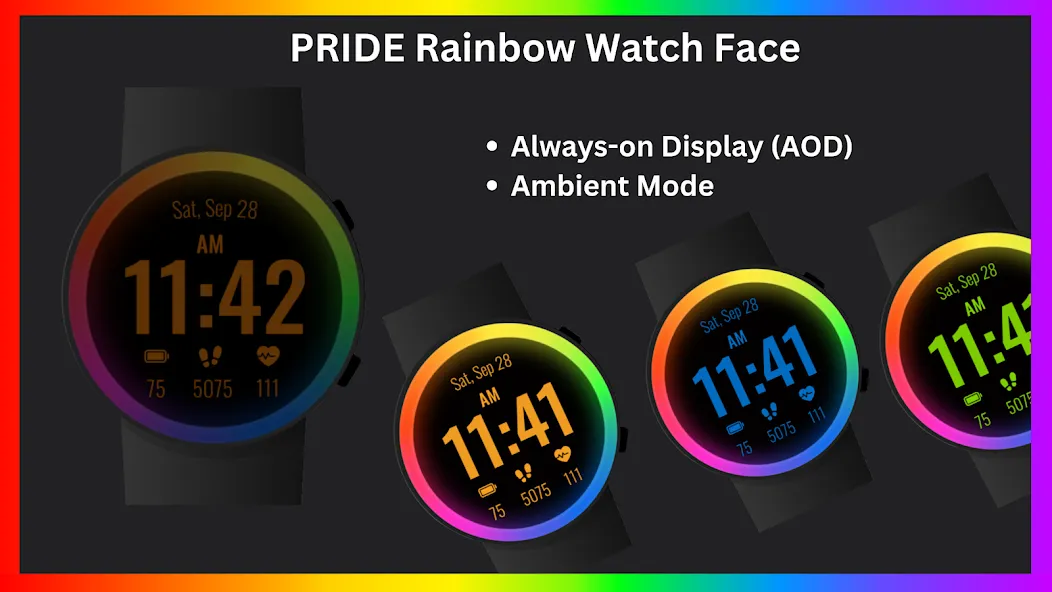
• Ambient Mode
• Always-on Display (AOD)
• Tap to measure heart rate

🔋 Battery

For better battery performance of the watch, we recommend disabling the “Always On Display” mode.

After installing the Pride Rainbow Watch Face , follow these steps:

1.Open the Companion App on your phone.
2.Tap “Install on Watch”.
3.On your watch, select the Pride Rainbow Watch Face from your settings or watch face gallery.

Your watch face is now ready to use !


✅ Compatible with all Wear OS devices API 33+ including such as Google Pixel Watch, Samsung Galaxy Watch etc.
Not suitable for rectangular watches.

Thank you !

TOP FREE APPS

See all →
Facebook Lite iconFacebook LiteSocial
4.5

TOP FREE GAMES

See all →

Advertisement

Top Downloads

See all →
  1. Files by Google icon
    Files by GoogleTools
    4.5
    GET
  2. 4