 MyScript Notes: AI Note Taking
4.5

Productivity
Ratings
Downloads
Age
Advertisement
Advertisement
Name
Category
Price
Safety
Developer
Version
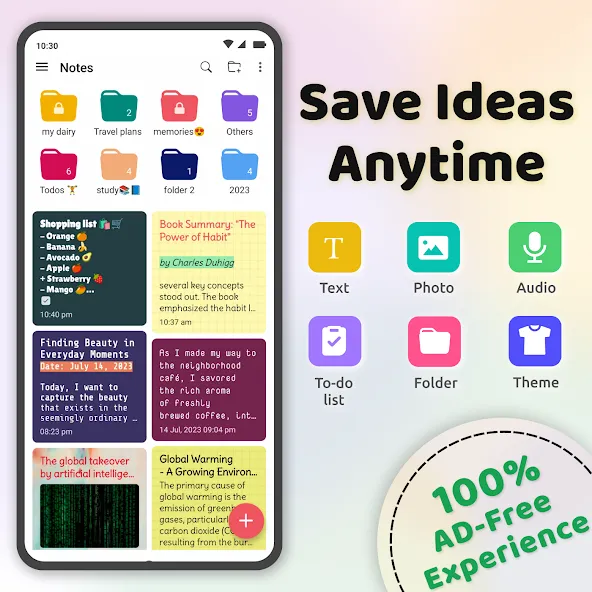
Notes is your go-to notes app for capturing your thoughts, ideas, and to-do lists effortlessly. With Notes, you can stay organised and productive without interruptions. Unlike other note-taking apps, Notes does not display any ads, ensuring a distraction-free experience for users.
With Notes, you can plan a big event, seize a moment of inspiration to create something new, and track your list of tasks that are too important to forget.
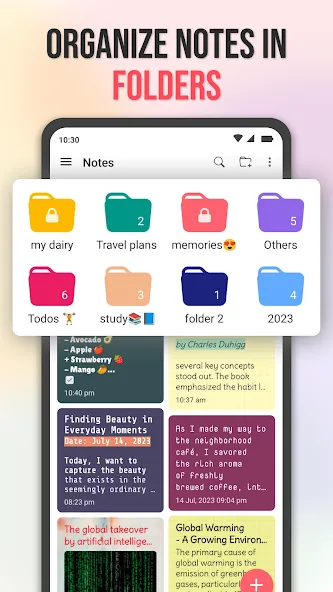
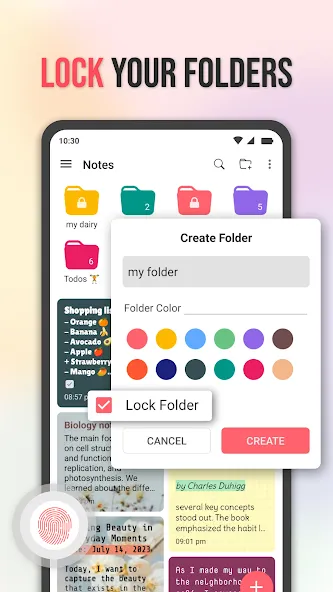
📁Notes in Color Folders:
• Create folders to quickly organise your notes.
• Change different folder color for quick access.
• Create unlimited notes inside folders.
• Lock your folder for private notes with fingerprint or custom password.
📔Stay organized:
• Use notes to organise your thoughts together.
• Easily find your notes by using the search functionality.
• Easily find your to-do-list within the task page.
• Add notes to favourite list for quick access.
• Trash or Archive a note and find them easily.
• Create folders to organise your notes more easily.
• Change the colour of folders.
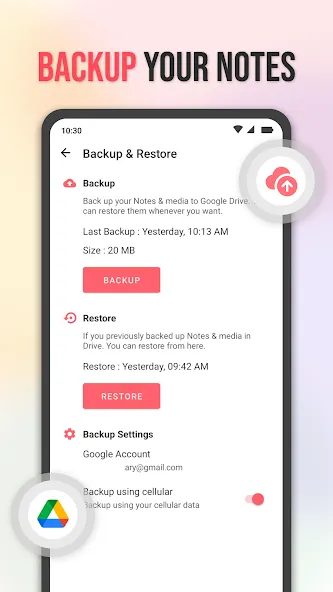
• Backup your notes to Google Drive so that your notes are always safe.
• Accidentally deleted notes can be recovered with the restore functionality.
🎨Customize your notes:
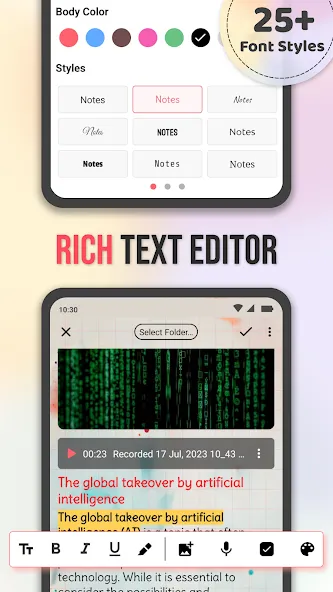
• Make text bold, italic, or underlined using the advance Note editor.
• Add a title for quick search.
• Add pictures to your note.
• Add audio files to your note.
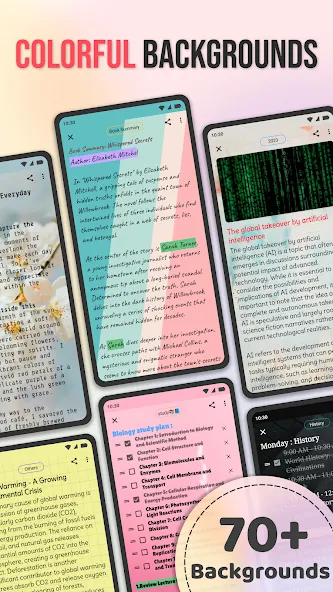
• Set color, gradient, grid, and images to a note to make it more beautiful.
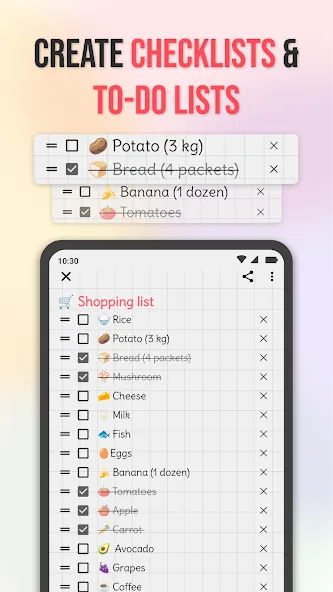
• Create checklists to create to-do lists.
• Drag your checklists to organise them.
• Change your note’s title and body color.
• Choose different font style for your note directly from the editor.
🔒Fingerprint/Password protection:
• Keep your notes secure in locked folders.
• Enable fingerprint unlock for easy access.
• Devices without fingerprint can lock folders with a custom password.
✨Minimal user interface:
• A clean design helps you stay focused and organise your notes.
• One tap on a note is all it takes to start editing it.
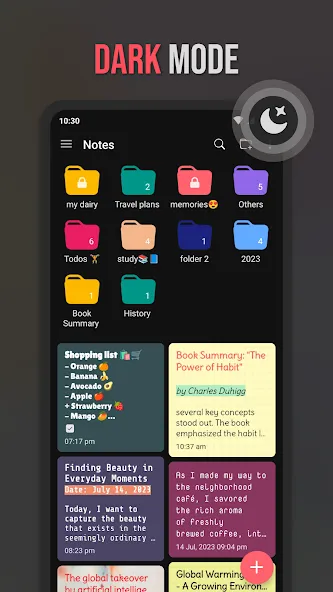
• Supports dark/night mode.
Any issue mail via “[email protected]”.
Thank you for using Notes - Notepad, Notebook free note taking simple notepad app.
Advertisement