 KZY018
4.0

Personalization
Ratings
Downloads
Age
Advertisement
Advertisement
Name
Category
Price
Safety
Developer
Version
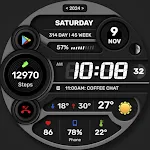
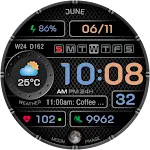
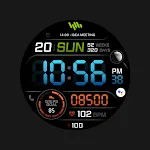
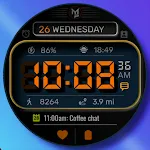
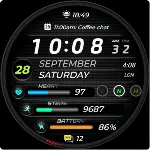
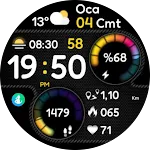
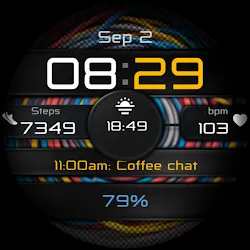
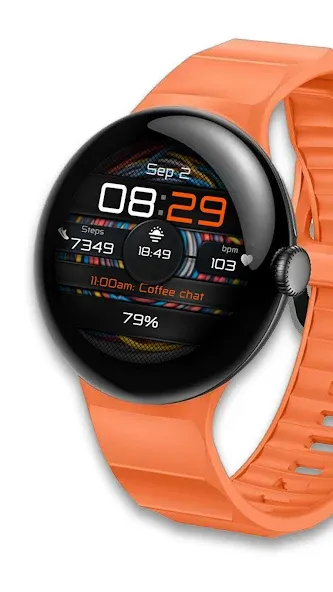
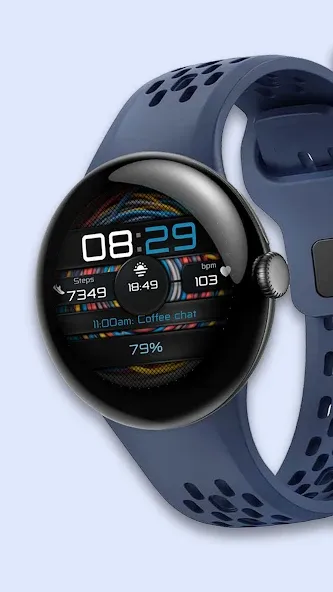
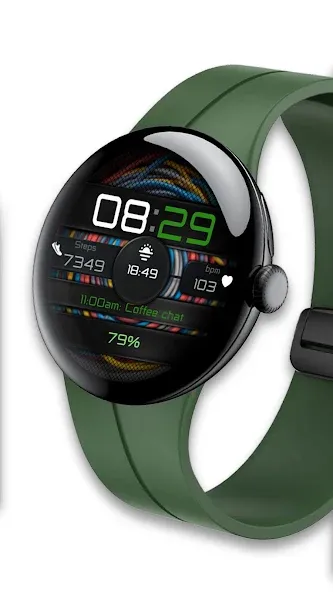
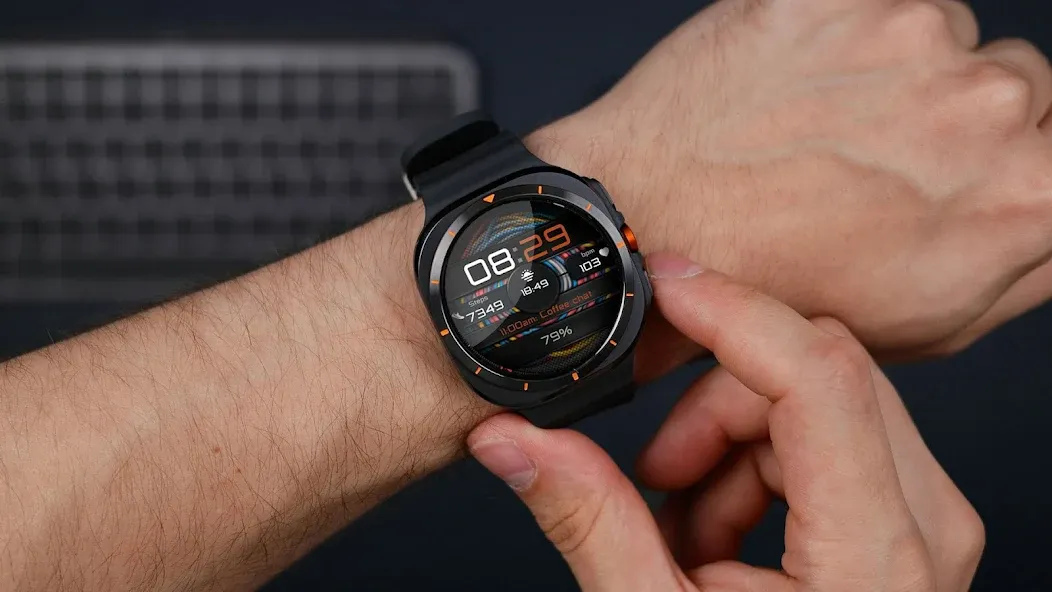
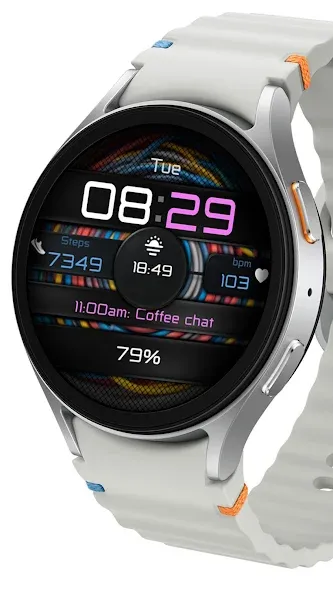
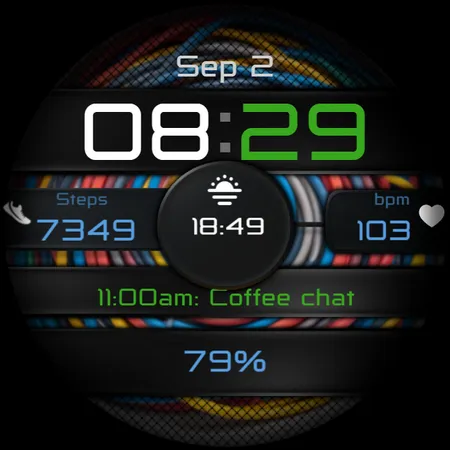
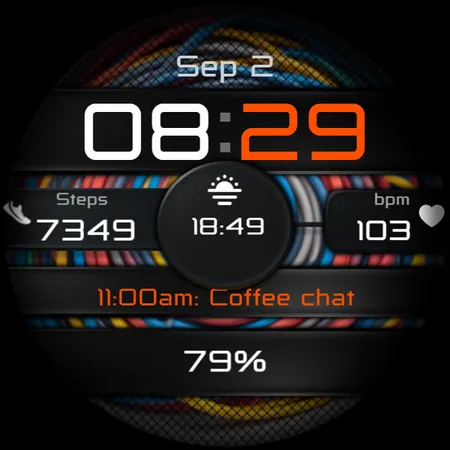
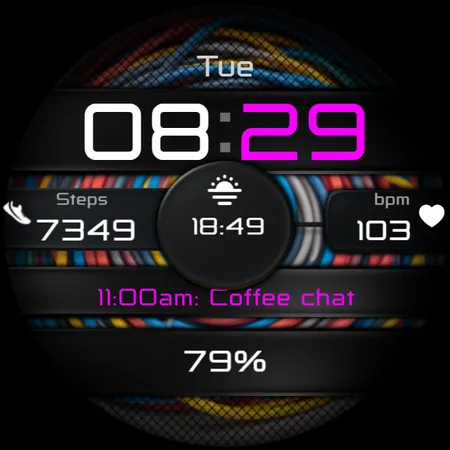
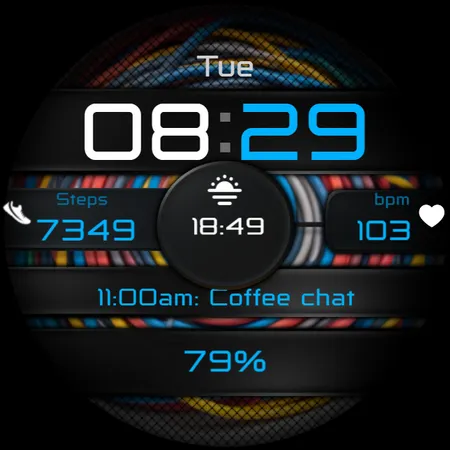
BIG Colored Numbers Watch Face.
Digital watch face for Wear OS.
Note before purchasing:
You don’t have to worry , Google can charge you only one time for the content purchased from the same Google (Play Store) Account.
Sometimes the Play Store takes a little longer to confirm that you already bought the face watch app. Any additional order will be automatically refunded by Google, you will receive the money back.
There is no way to pay twice for the same watch face.
This watch face is designed for Wear OS
★ Features:
• Time
• Steps
• Battery status
• Heart rate
• 6x Editable place, free to edit
• 20+ Color style options
• AOD
+ Outer shadow On/Off (Icons)
Customization:
1. Touch and hold watch display
2. Tap on customize option
★ INSTALLATION NOTES:
Make sure that Watch is connected to the phone via Bluetooth.
You have to select your phone device from the install drop-down menu.
This will install app on your phone, app downloaded to your phone serves only as a placeholder to make it easier to install & find the watch face on your Wear OS watch.
Phone app is connected with watch, click “Install to wearable” on the phone, "Install button will be shown on your watch, tap on install and enjoy :)
When you confirm that Watch face is installed on watch, it is safe to uninstall app from the phone.
or
2. Alternatively, try installing the watch face from a web browser on your PC.
- Open watch face link in a web browser (Chrome, Firefox, Safari…)
on PC or Mac.
This Link:
https://play.google.com/store/apps/details?id=com.caveclub.naked
You can search for the watch face in
play.google.com or share a link from the Play Store app.
- Click ‘Install on more devices’ and select your watch. You must be logged with the same Google Account.
// LOOP Note //
If you’re stuck at the payment loop (Play Store asks you to pay again), this could be a sync problem between your watch and Google Play server. You can try disconnecting / reconnecting the watch from your phone and try again. To do this quickly, set the “Airplane mode” on watch for 10 seconds. Please see “Note before purchasing” and “Installation Notes”.
Feel free to contact: [email protected]
Advertisement