 Khan Academy
4.2


Education
Ratings
Downloads
Age
Advertisement
Advertisement
Ranked #1 Education app in multiple countries world-wide. Featured in the New York Times.
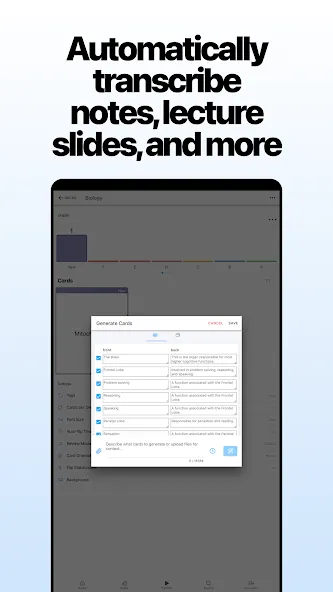
Learning Chinese characters? Kanji? Medicine? Another subject with lots to memorize? With that much to learn, you need the right flashcard app, to get the most from your study time.
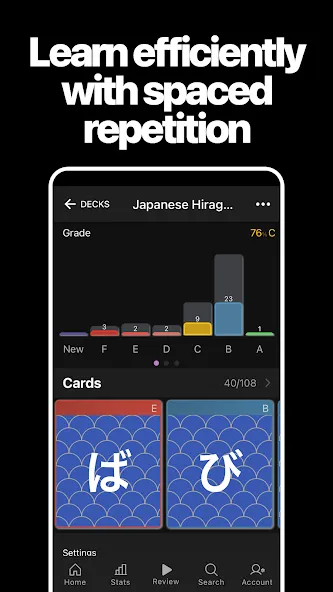
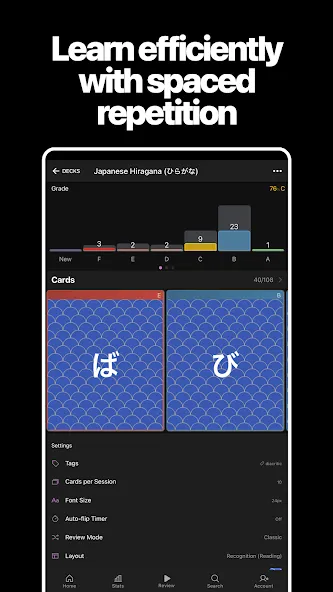
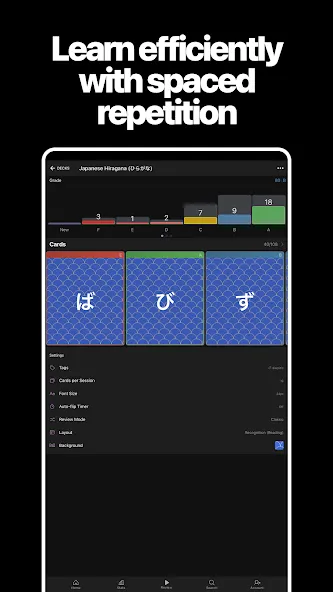
That’s why AlgoApp uses an improved form of Spaced Repetition (SRS), built with Artificial Intelligence (AI), to maximize the amount of learning you get done in each study session. When you go to study, the AI chooses which flashcards you need to work on, based on a detailed analysis of your progress. It’s like a coach, for your brain.
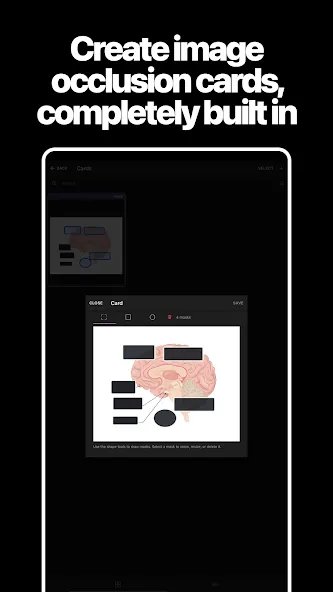
Make your own flashcards, styled how you like. AlgoApp lets you use colors, bulleted lists, and more. Or search through millions of flashcards that are ready for you to download. Your choice.
You get all this power, wrapped in a simple, polished app.
SIMPLE
• Easy to add cards directly from the mobile app
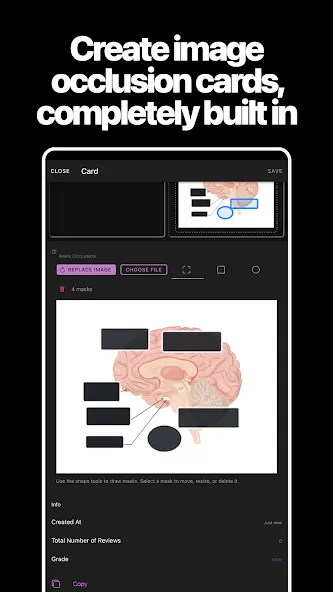
• Format your cards using colored text, bulleted lists, underlines, and more, all without knowing CSS
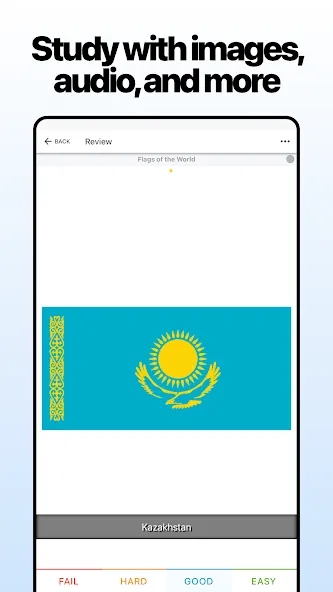
• Flip your decks to study back-to-front, with a couple taps
• Syncs automatically with desktop, web app, and your other phones and tablets
• Create decks on the go
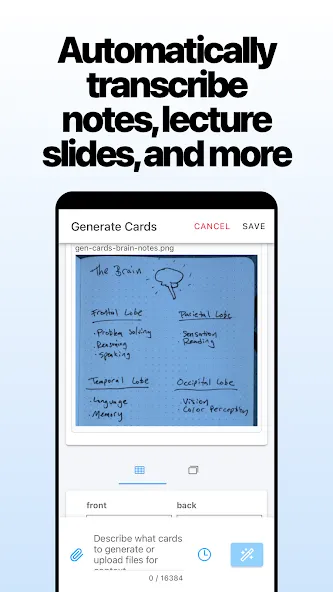
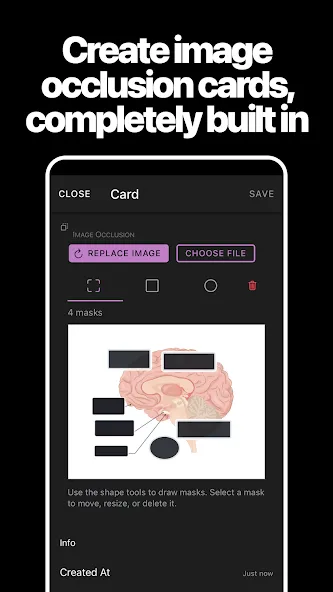
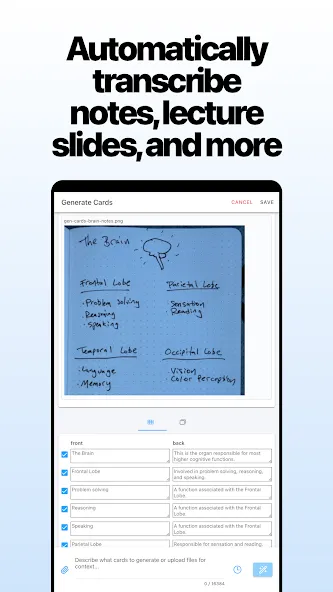
• Make cards using photos from your camera
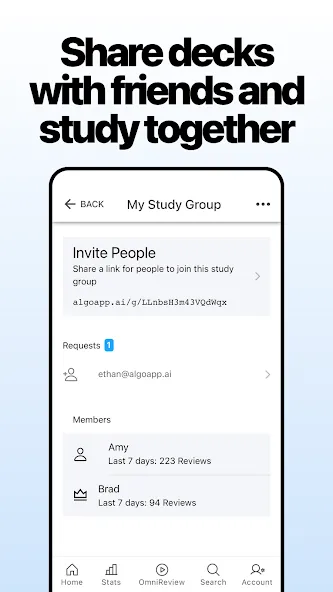
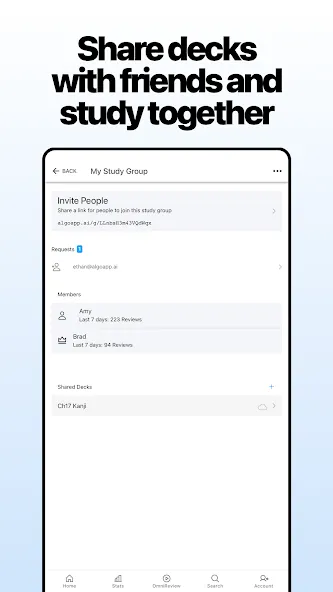
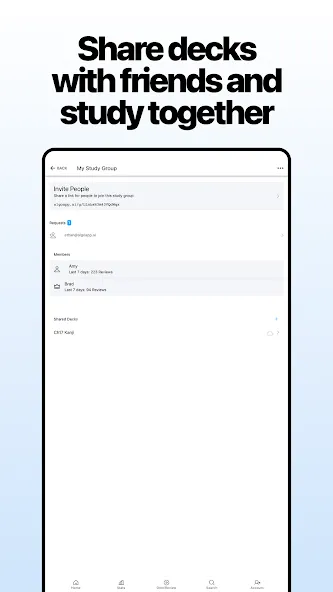
• Share any deck with a friend by putting in their email
POWERFUL
• Fully-featured—-NOT a “companion” app that requires a computer
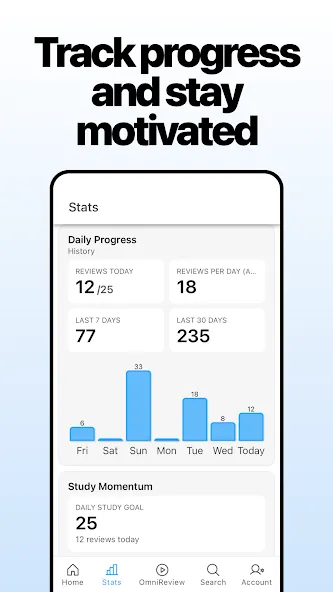
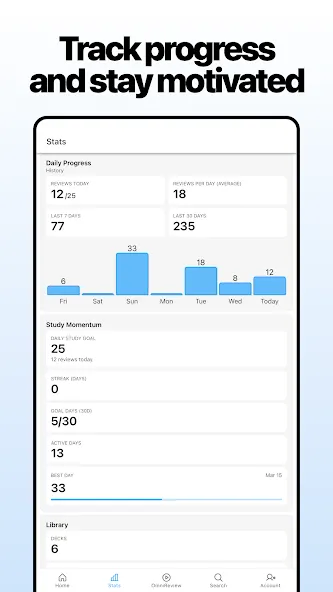
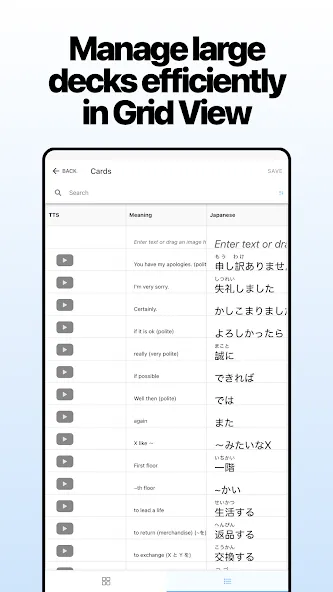
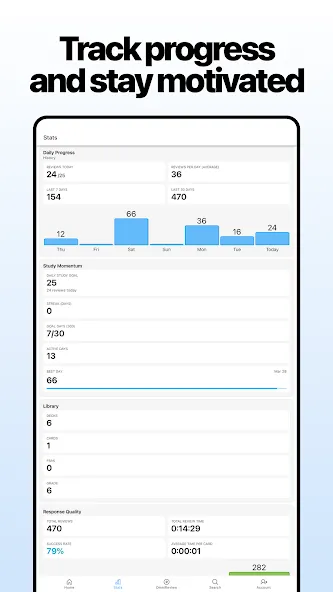
• Detailed stats on each of your decks, and individual cards too
• For advanced formatting, supports HTML and CSS
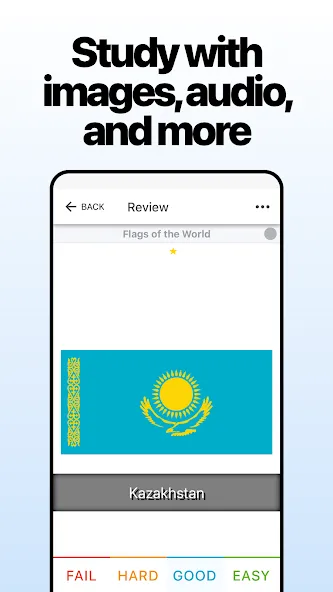
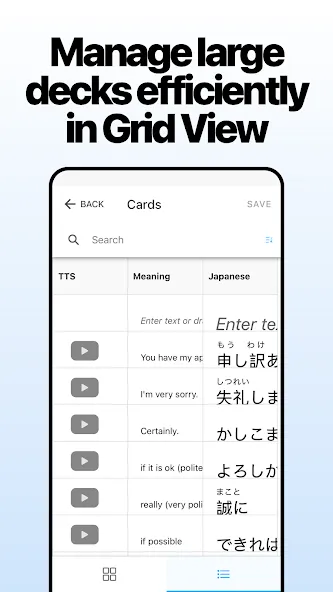
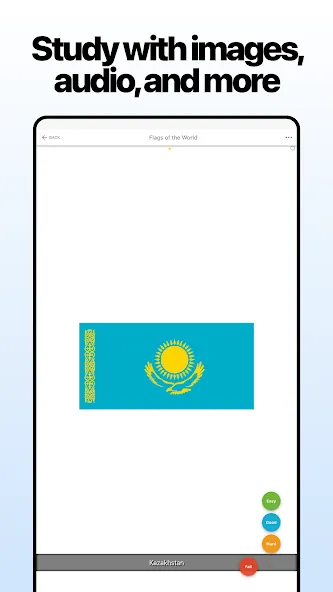
• Text-to-speech (TTS) that reads parts of your cards in English or other languages
• Automatic translation
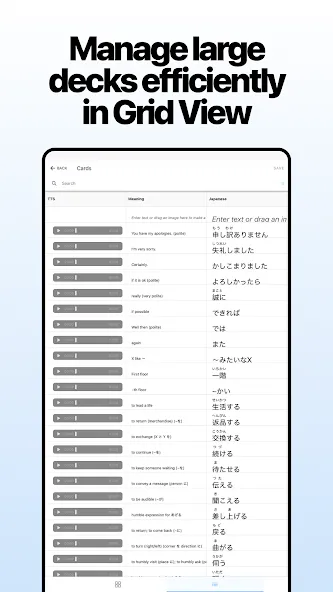
• Automatic furigana generation annotation for Japanese kanji
• Study offline, and your new cards and progress sync when you’re back online
USER-FRIENDLY
• Dashboard that shows your overall progress
• Study at any time; doesn’t force you to study cards on a rigid schedule
• Study your recent decks from the Dashboard in just 2 taps
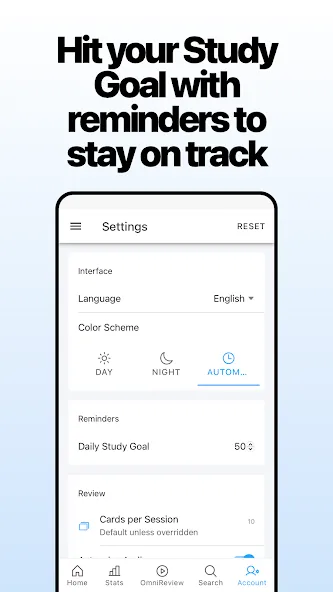
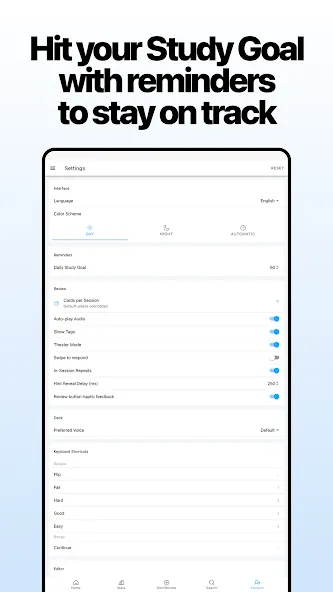
• “Night Mode” that’s easy on your eyeballs when studying in the dark
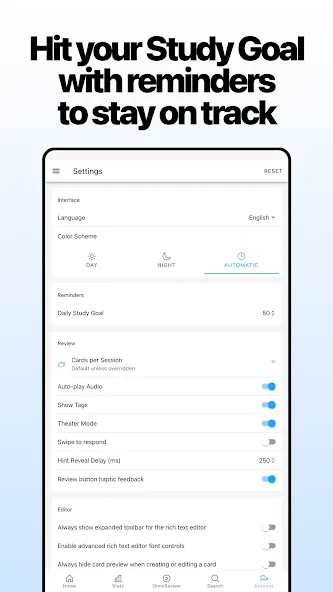
• Settings sync across all your devices
Advertisement