 IA20 Hybrid Watchface
4.6

Personalization
Ratings
Downloads
Age
Advertisement
Advertisement
Name
Category
Price
Safety
Developer
Version
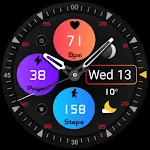
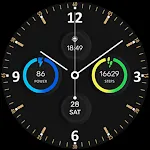
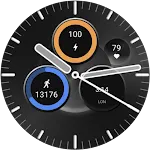
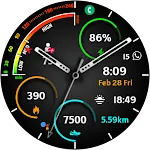
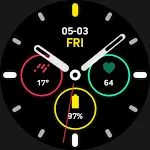
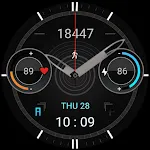
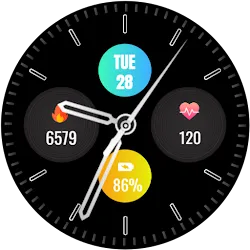
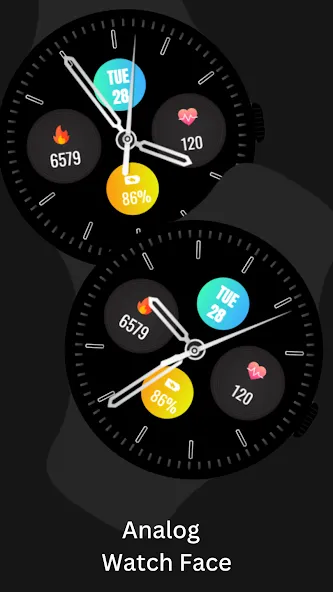
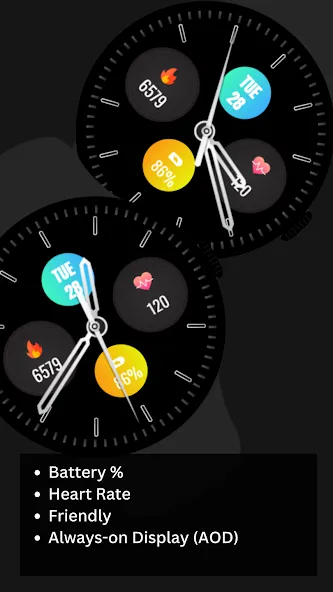
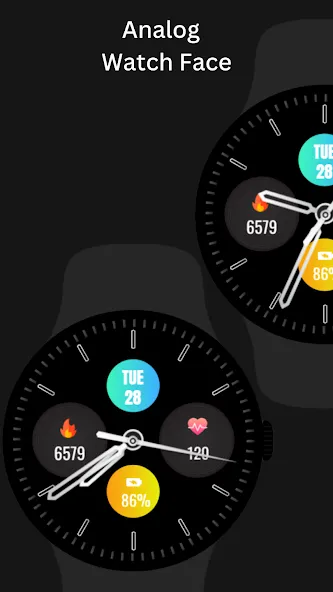
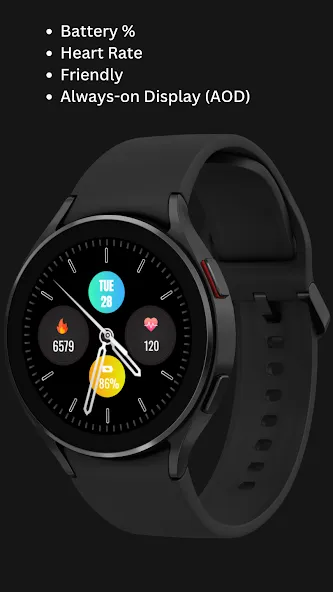
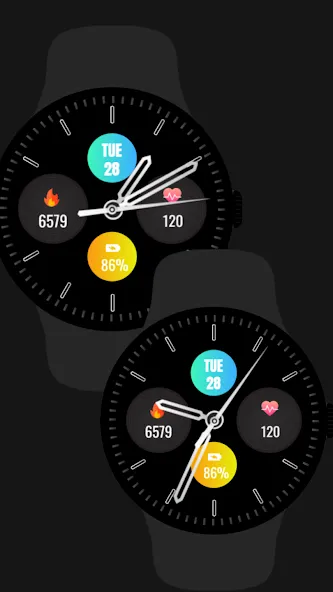
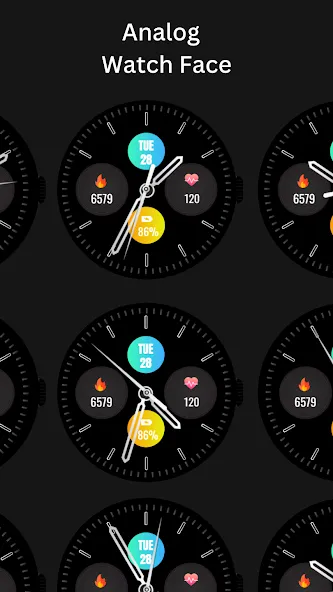
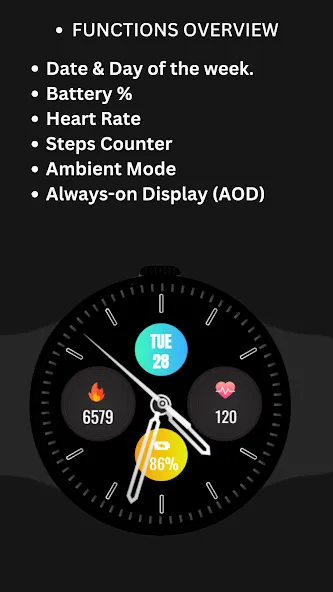
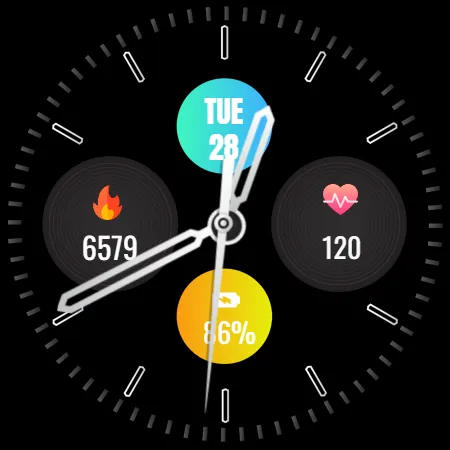
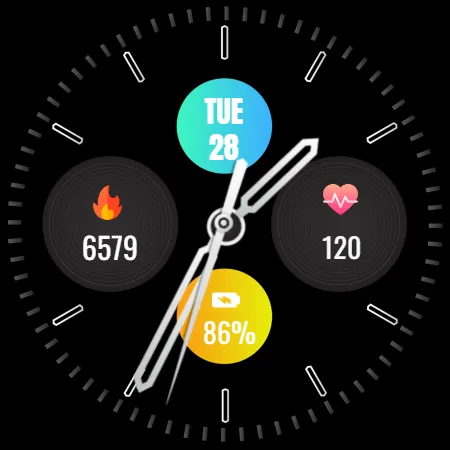
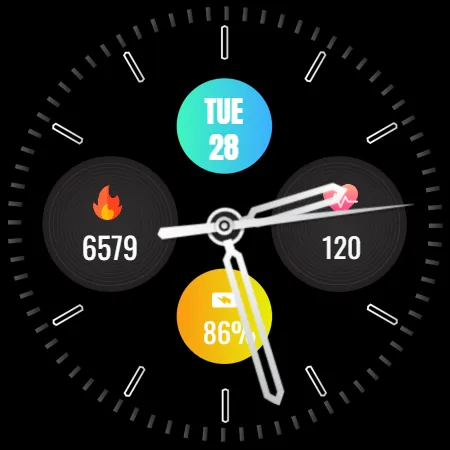
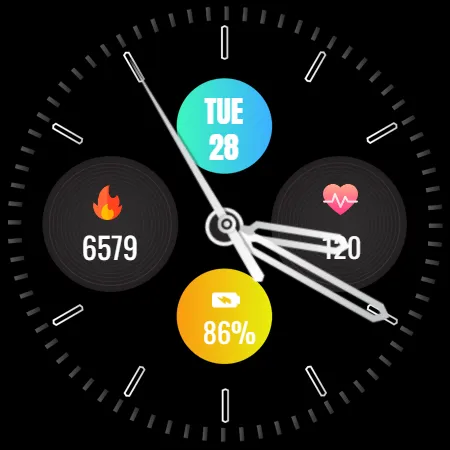
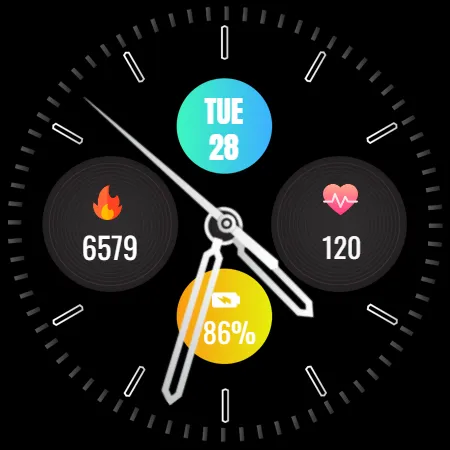
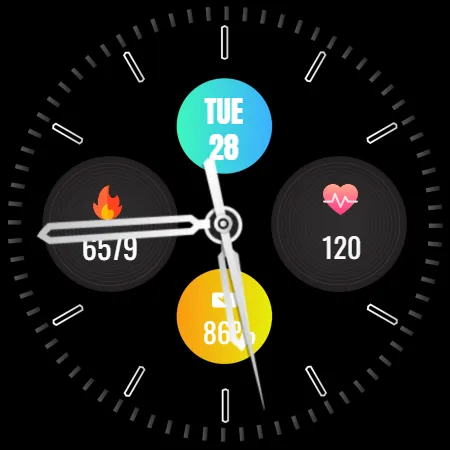
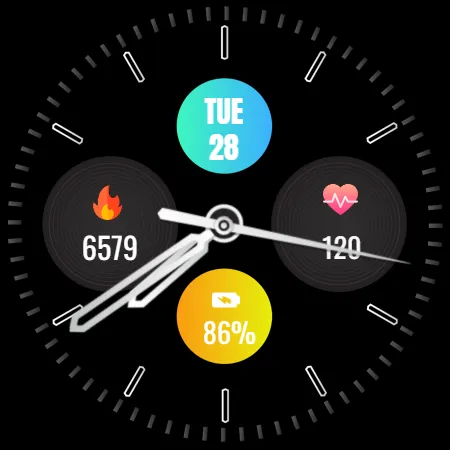
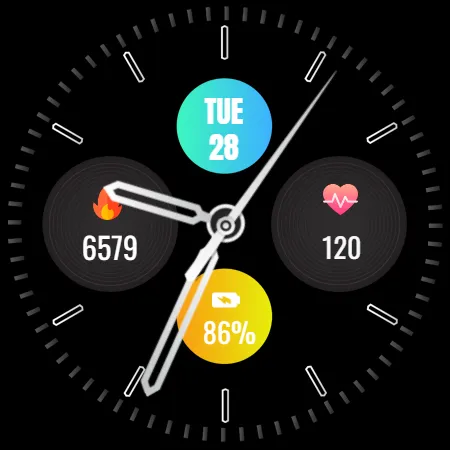
Enhance your Wear OS device with the Analog Watch Face - WF2. This sleek and modern watch face displays essential health and fitness data at a glance, including heart rate, step count, battery percentage, and the current date. With a minimalist design and easy-to-read dial, it’s perfect for those who appreciate both style and functionality.
⚙️ Watch Face Features
• Date and day of the week.
• Heart Rate
• Battery %
• Steps Counter
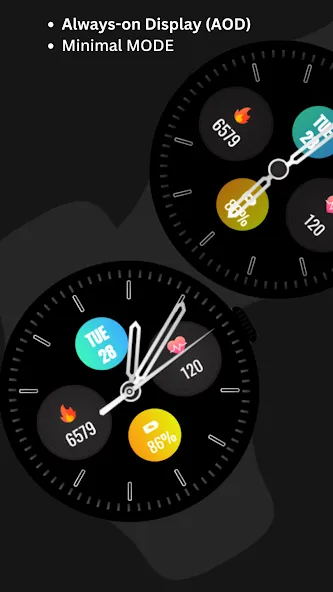
• Ambient Mode
• Always-on Display (AOD)
• Tap to measure heart rate
🔋 Battery
For better battery performance of the watch, we recommend disabling the “Always On Display” mode.
After installing the Analog Watch Face-WF2 , follow these steps:
1.Open the Companion App on your phone.
2.Tap “Install on Watch”.
3.On your watch, select the Analog Watch Face-WF2 from your settings or watch face gallery.
Your watch face is now ready to use !
✅ Compatible with all Wear OS devices API 33+ including such as Google Pixel Watch, Samsung Galaxy Watch etc.
Not suitable for rectangular watches.
Thank you !
Advertisement