 Casual Watch AKM Wear OS
4.4

Personalization
Ratings
Downloads
Age
Advertisement
Advertisement
Name
Category
Price
Safety
Developer
Version
📱 COMPATIBLE: Samsung Galaxy Watch 8, Ultra, 7, 6, 5 | Google Pixel Watch 4, 3, 2 | All Wear OS 6+ smartwatches
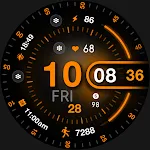
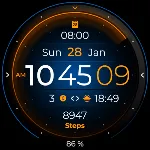
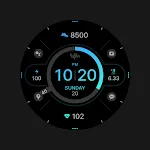
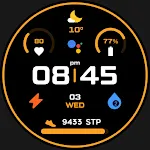
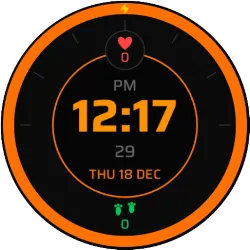
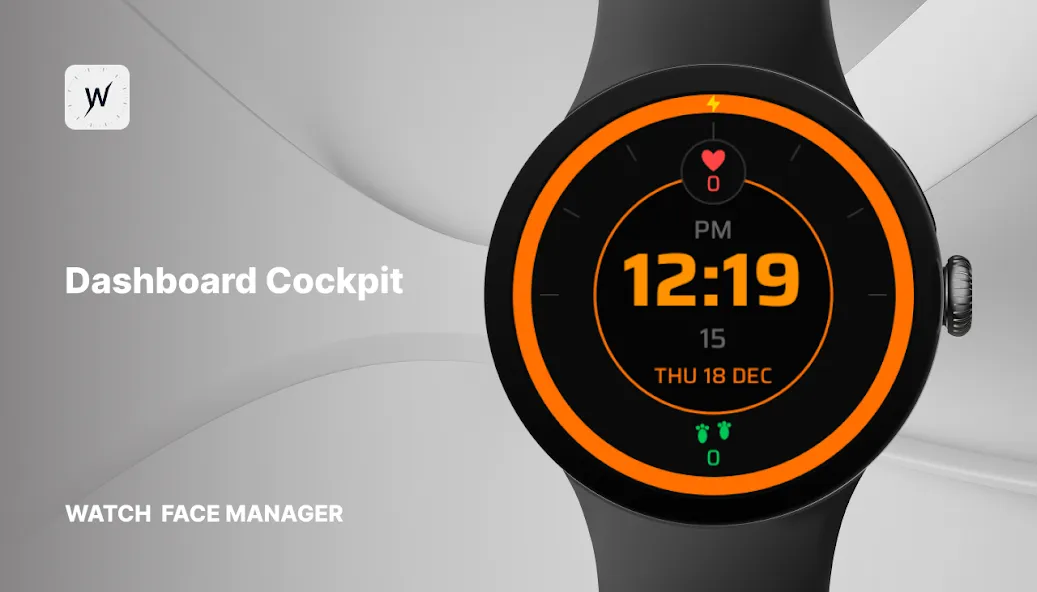
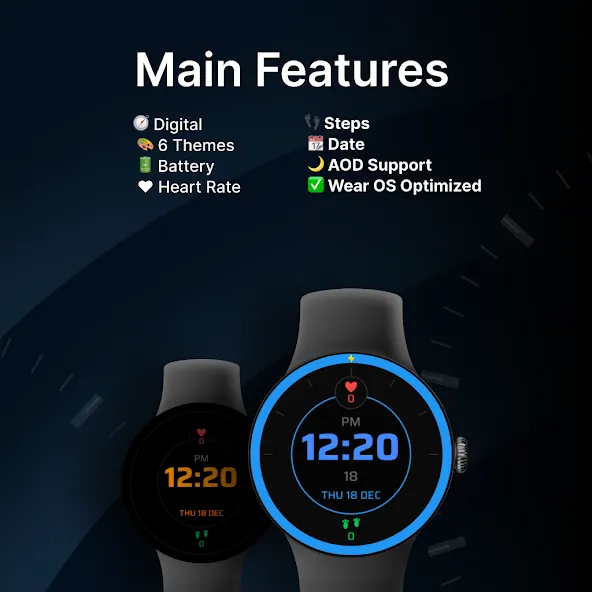
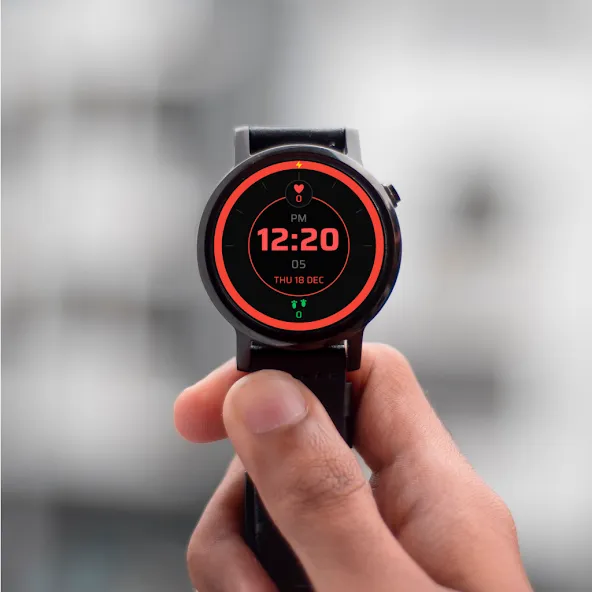
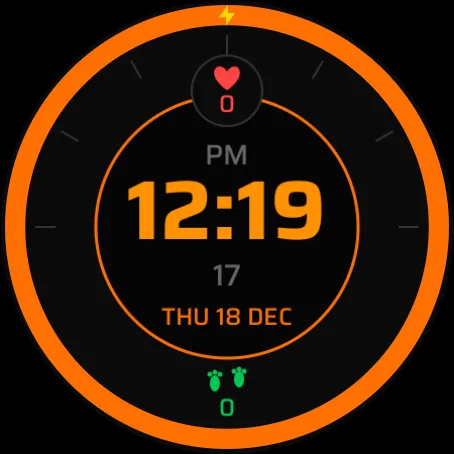
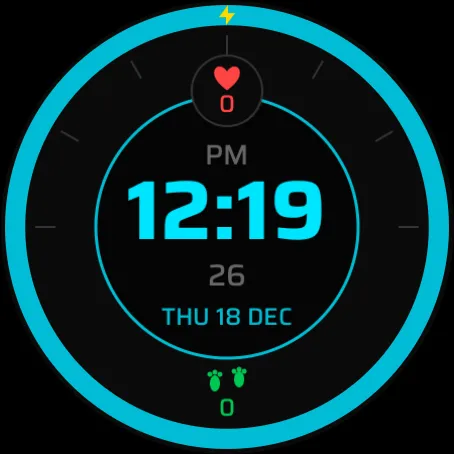
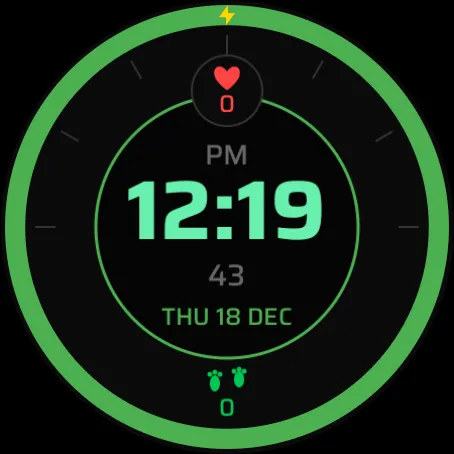
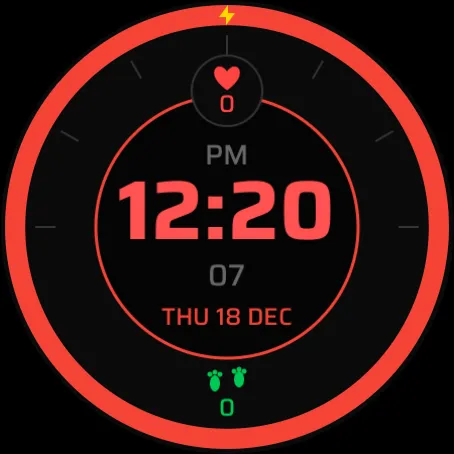
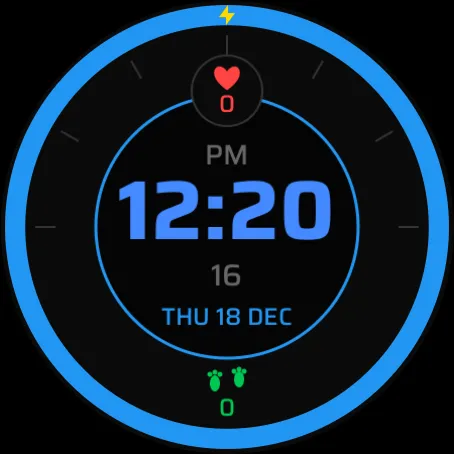
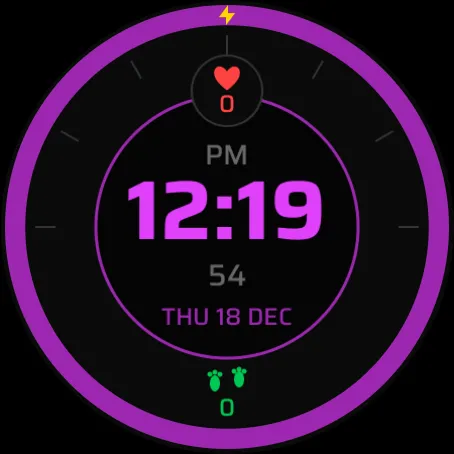
Dashboard Cockpit is a bold digital watch face inspired by automotive dashboards and cockpit-style interfaces. The circular layout, strong contrast, and large digits make time and stats easy to read at a glance.
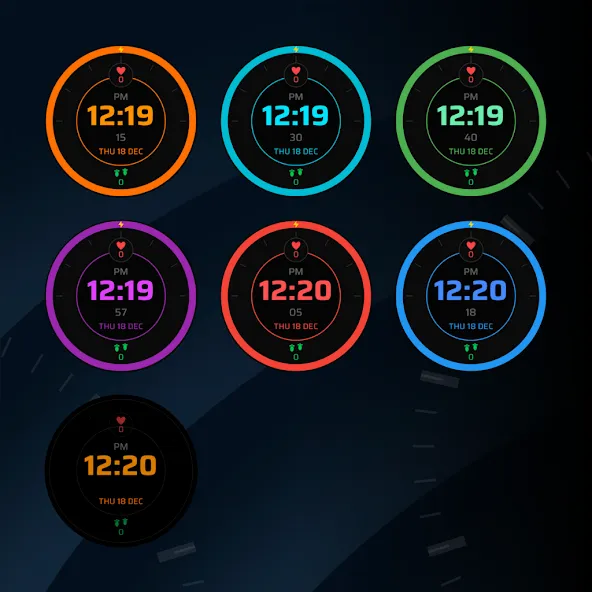
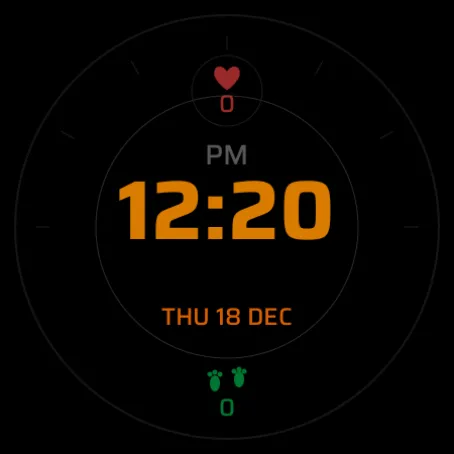
Choose from six color themes and monitor battery level, heart rate, steps, and date directly on the screen. Dashboard Cockpit supports Always-On Display and is optimized for Wear OS.
⚠️ Note: The watch face may take up to 15 minutes to appear. Search in Play Store on your watch if needed.
Key Features:
🧭 Digital Dashboard Design – Cockpit-inspired layout
🎨 6 Color Themes – Six bold visual styles
🔋 Battery Level – Battery status shown
❤️ Heart Rate – BPM display
👣 Steps – Step count tracking
📆 Date – Clear date information
🌙 Always-On Display Support – AOD-ready
✅ Wear OS Optimized – Smooth performance
Advertisement