


 Google LensTools
4.7

Personalization
Ratings
Downloads
Age
Advertisement
Advertisement
Name
Category
Price
Safety
Developer
Version
⚠️ CRITICAL: THIS IS A COMPANION WATCH FACE ⚠️
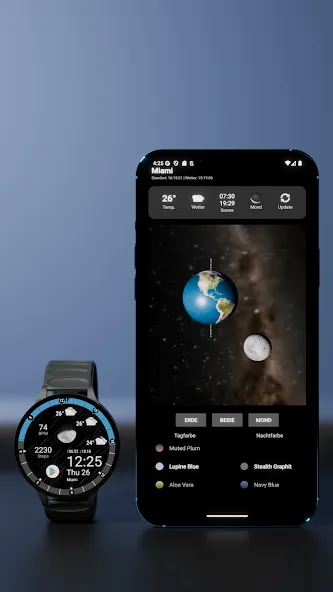
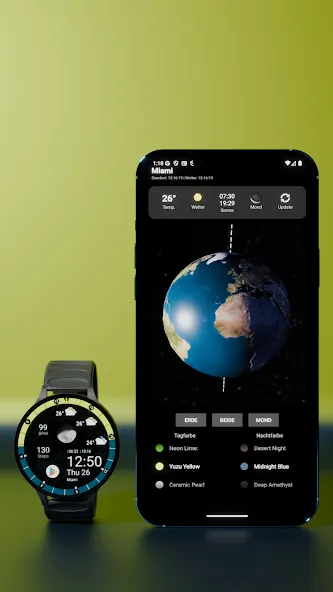
This watch face is specifically designed to work ONLY in combination with the “DayEvents Premium” Smartphone App.
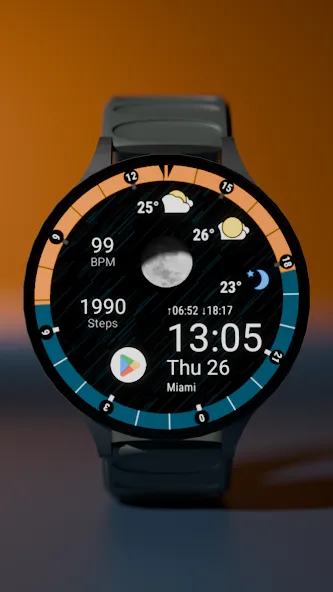
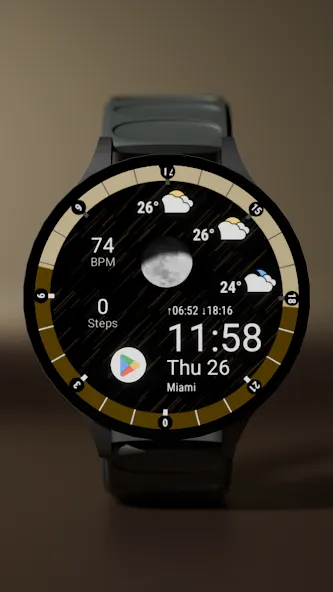
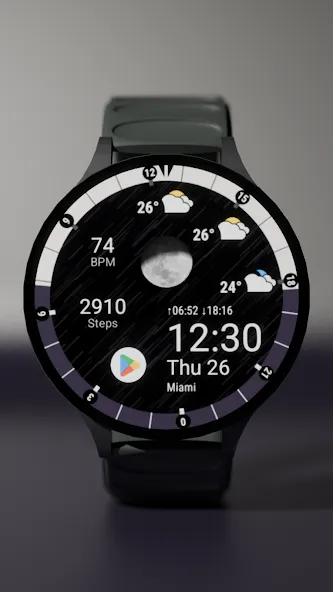
Out of the box, the central display will be empty. To unlock the 3D Earth, live weather, moon phases, and the 24h arc, you MUST install the phone app and assign the DayEvents complication to the watch face. Follow these 3 critical steps to bring it to life:
Install the Smartphone App: Download the “DayEvents” app on your phone, open it, and grant the required location permissions.
Activate the Watch Face: Install the DayEvents Watch Face on your Wear OS smartwatch and set it as your active watch face.
Assign the Full-Screen Complication (CRITICAL): Long-press the watch face on your watch and tap “Customize”. Select the large, central complication slot and assign the “DayEvents” data source to it. Et voilà – the true power of your watch face is unlocked!
Advertisement














