 Cardboard
3.3


Photography
Ratings
Downloads
Age
Advertisement
Advertisement
Name
Category
Price
Safety
Developer
Version
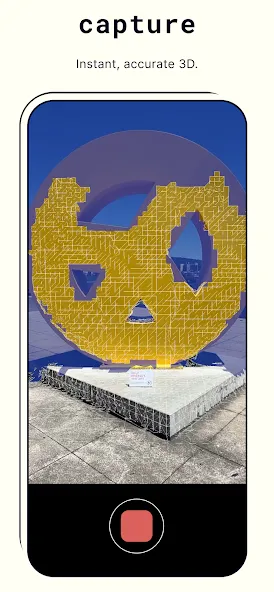
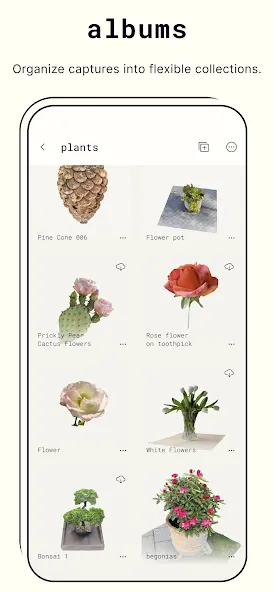
Discover a new dimension in photography with Polycam, the top-rated 3D capture app for Android. Ideal for architects, artists, designers, contractors, photographers, and anyone who wants to capture the world in a new way, Polycam offers innovative technology and advanced editing tools to bring your creativity to life.
Key Features:
Revolutionary 3D capture:
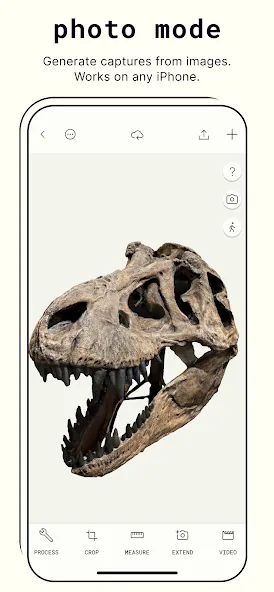
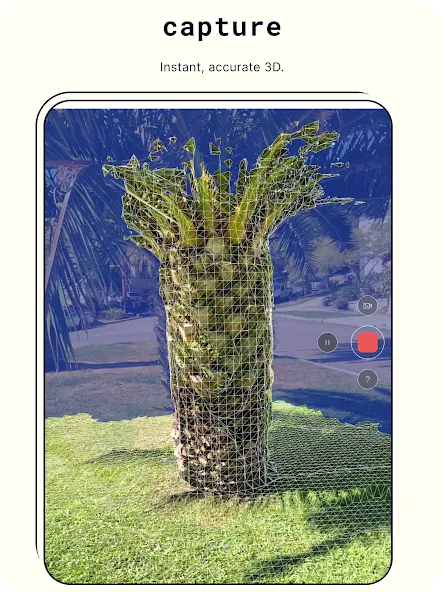
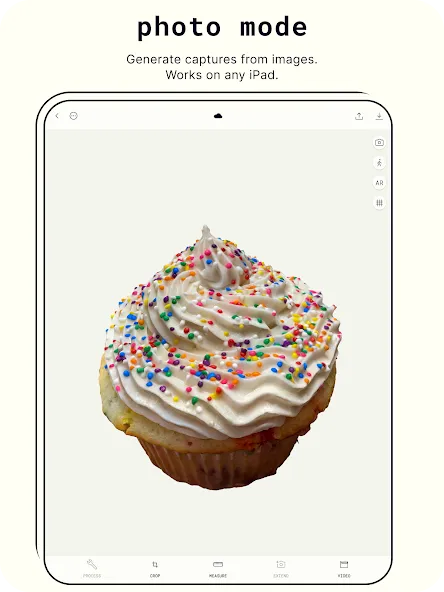
● Transform photos into 3D models with advanced photogrammetry
● Scan complex objects & scenes with intricate details
● Generate ready-to-use 3D assets for any computer graphics application
● Runs smoothly on any Android device with 2GB+ RAM
Advanced editing tools:
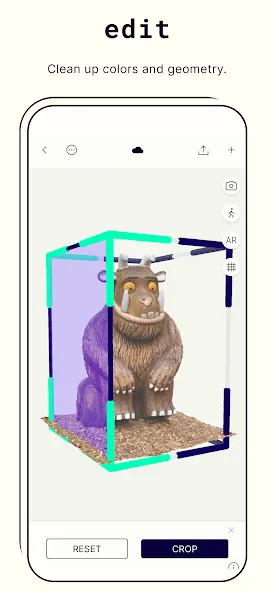
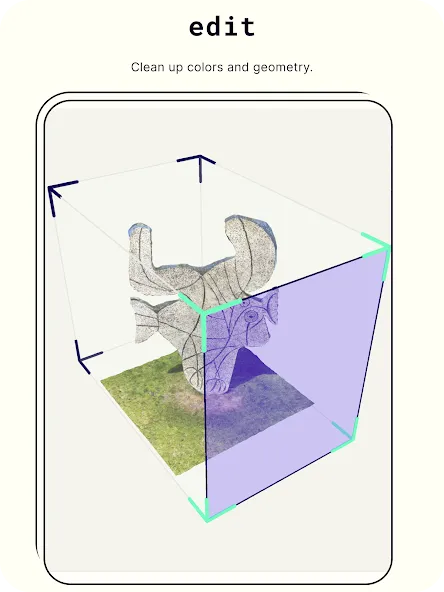
● Crop your 3D captures for the perfect composition
● Rotate to view from any angle
● Rescale to adjust the size of your 3D models
Export 3D models with Polycam Pro:
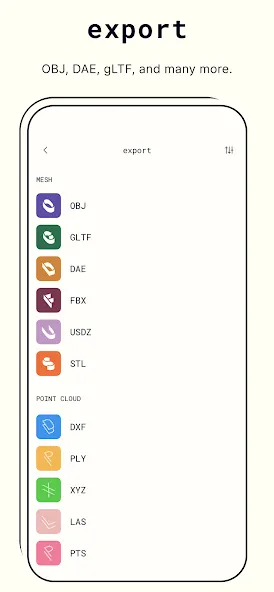
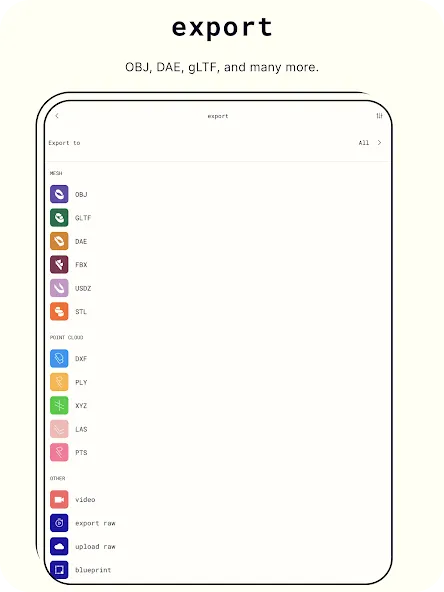
● Export mesh data in .obj, .dae, .fbx, .stl, & .gltf
● Export color point cloud data in .dxf, .ply, .las, .xyz, & .pts
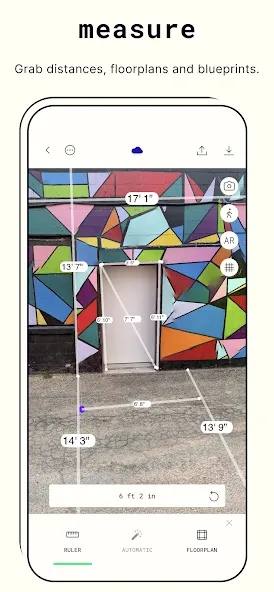
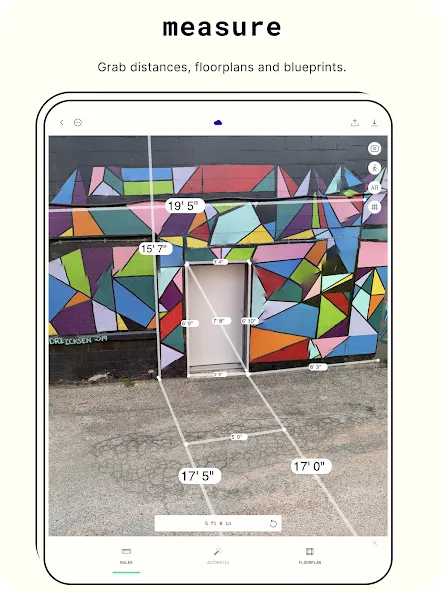
● Export blueprints as .png images or .dae files
Connect & Share:
● Share 3D models with friends & colleagues with ease
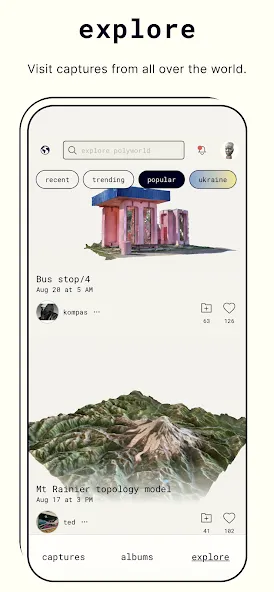
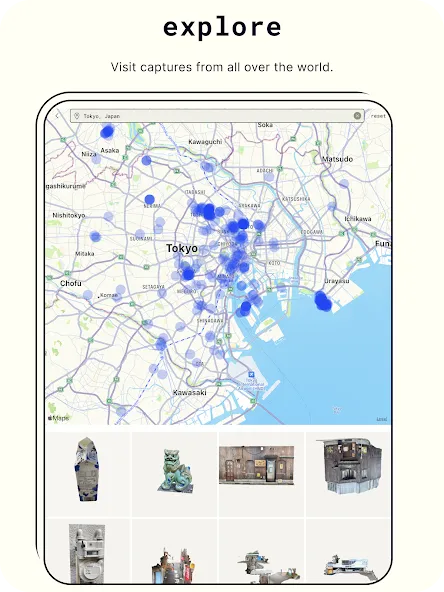
● Join the Polycam community & discover captures from around the world
● Showcase your 3D scanning skills & creativity by sharing with the community
Unleash your creativity and take your photography to the next level with Polycam, the best 3D capture app on the market. Download now!
Privacy Policy: https://polycam.ai/privacy_policy.pdf
Terms of Use: https://polycam.ai/terms_and_conditions.pdf
Advertisement